Extensions
Chrome extensions that connect AI services to the platform. Install in one click; they run in the background.
BotBridge
v3.2.23 · Chrome Extension
Connects MyKreaTool to ChatGPT. Automatically sends prompts, pulls back scripts, and generates images — all through your own ChatGPT account, no API keys needed.
Safe: the extension only works with ChatGPT and MyKreaTool. It can't access your passwords, banking info, or any other sites. Completely free, no subscriptions. Remove it in one click anytime.
Script generation
Scene breakdown
Image generation
Runs on your ChatGPT account
1
Click “Download extension” above. A file called
botbridge.zip will download (usually to your Downloads folder).2
Find
botbridge.zip and double-click it to unzip. A folder called chrome_extension will appear next to it — note where it is, because you'll need it in step 5.3
Open your browser Chrome. In the address bar (where you usually type a website address), paste:
chrome://extensions and press Enter.4
In the top-right corner of the page that opens, turn on the “Developer mode” toggle.
5
A “Load unpacked” button will appear in the top-left corner — click it. In the window that opens, select the
chrome_extension folder from step 2 and click “Open.”6
Open mykreatool.com and sign in to your account. The extension will connect automatically — no token needed.
7
Open chatgpt.com in a separate tab and sign in to your ChatGPT account (email and password, or Google).
8
You're all set! Any MyKreaTool tool can now work through your ChatGPT. The extension runs in the background automatically.
Automatic connection
Just sign in to mykreatool.com — the extension connects on its own. No token needed.
Video tutorial
A step-by-step video walkthrough of installing the extension. Still have questions after reading the guide? Watch it here.
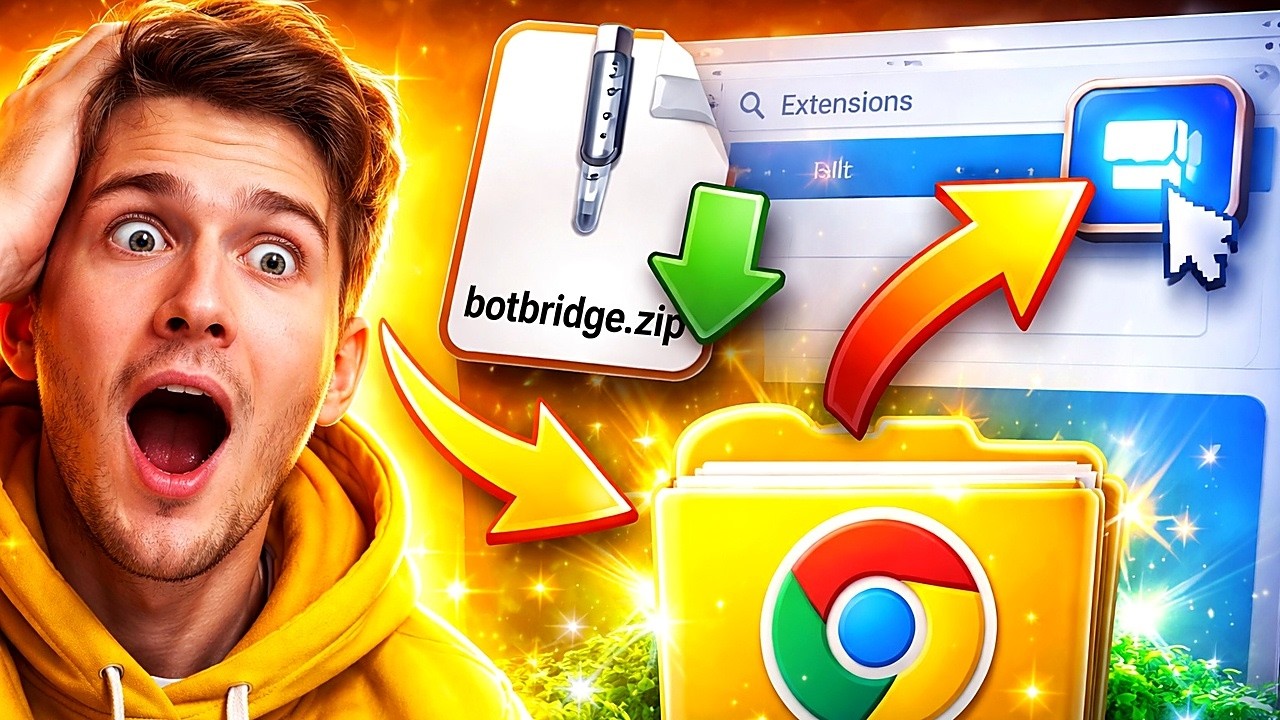
If the player doesn't load, watch the video on YouTube.
YouTube Quick Download coming soon
Chrome Extension
Adds a download button right on YouTube pages. One click and the video is saved to your computer.
AI SEO Assistant coming soon
Chrome Extension
One-click SEO analysis for any page: headings, meta tags, keywords, and suggestions for improvement.