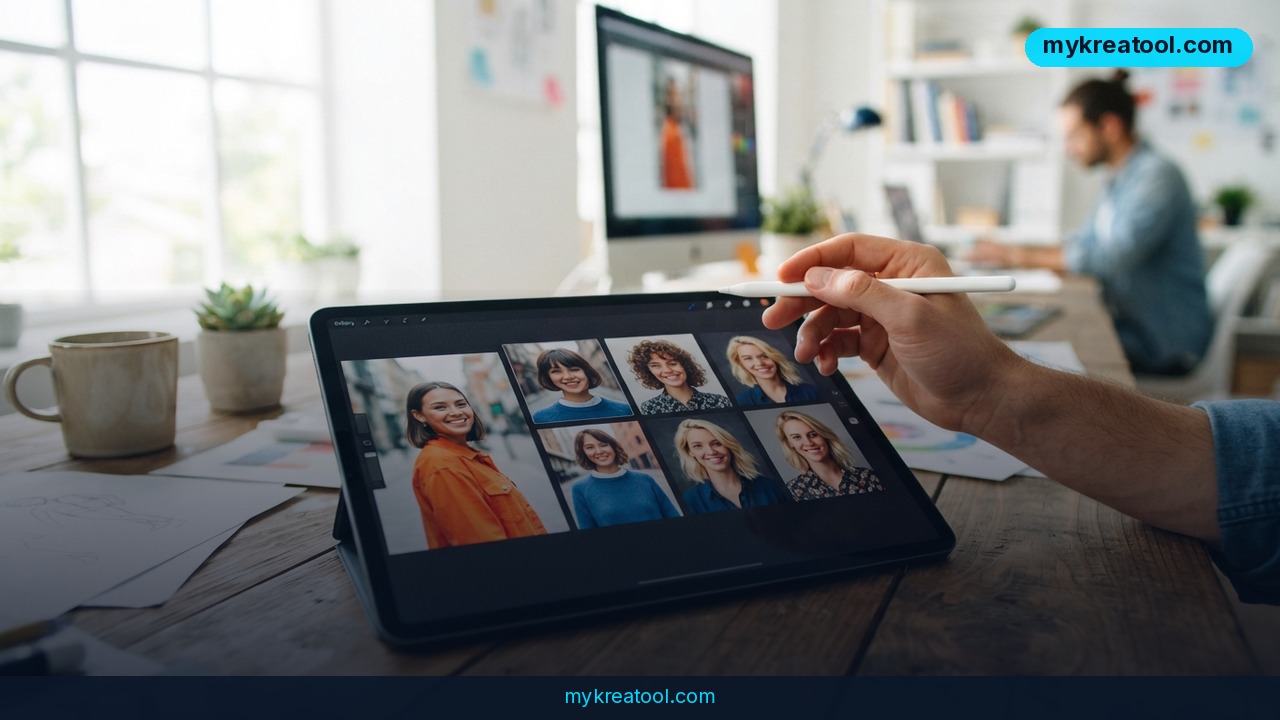
What happened
OpenAI just pushed out ChatGPT Images 2.5, an update to the AI tool inside ChatGPT that turns a text description into a picture — or edits a photo you upload based on what you type. If you've ever typed something like "turn my dog into a cartoon" into ChatGPT and gotten a picture back, that's the feature getting the upgrade. OpenAI says its image tools — both the version inside ChatGPT and the version other apps plug into through its API — have now generated more than 3 billion images combined. That's not a typo. Three billion.
The update, announced on September 8, 2026, focuses on three things: the AI follows multi-step instructions better (so if you ask it to change one thing, then ask it to change another thing on top of that, it doesn't forget what you already told it), it responds faster, and — this is the big one — it's noticeably better at keeping the actual person, pet, or object in your photo looking like themselves after an edit. Anyone who's used AI image editors before knows the classic problem: you upload a photo of your face, ask for a small change, and get back someone who looks 70% like you. OpenAI says 2.5 narrows that gap.
For developers, OpenAI shipped two new model versions through its API: one called "Sunburst" and one called "Flare." Sunburst is built for precision editing — the kind of work where getting details exactly right matters more than speed. Flare is tuned to be quick, for everyday image generation where good-enough-fast beats perfect-but-slow. Think of Sunburst as the careful tailor and Flare as the quick sketch artist.
What it means for you
At home: upload an old family photo and ask the AI to fix the lighting, add a birthday hat, or turn it into a cartoon-style print for a card — without opening Photoshop or learning any software.
At work: a marketing coordinator can take one product photo and generate a dozen consistent variations — different backgrounds, different angles — without losing the exact look of the product itself. That's a real time-saver when a client is picky about brand colors matching exactly.
Running a business: a small shop owner without a design budget can create ad images, social posts, and seasonal banners featuring their actual product or mascot, keeping it recognizable across every image instead of it morphing into something different each time. If you want to test free AI tools like this before committing to anything paid, sites like mykreatool.com collect free AI generators worth trying first.
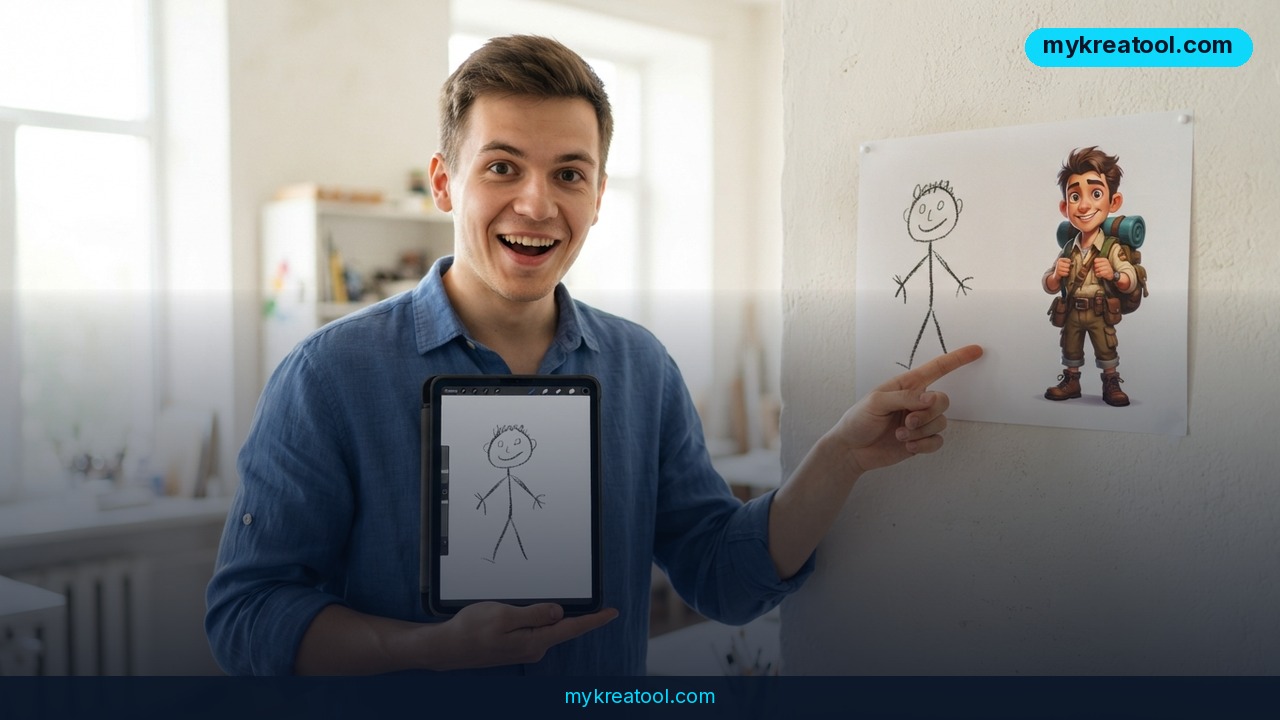
Studying: a student building a class presentation can turn a rough sketch or a textbook diagram into a clean, labeled illustration, or generate visual aids for a project without design skills.
Creative projects: illustrators and hobbyists use it to storyboard ideas — sketch a rough version, describe changes over several rounds, and watch the AI hold onto the character's look through each round instead of drifting.
Earning income: freelancers on platforms like Fiverr or Etsy are already selling AI-edited photo services — restoring old photos, creating custom avatars, generating product mockups. Better subject consistency means fewer redo requests and happier clients.
How to try it right now
Free option, no coding required: open ChatGPT in your browser, even on a free account, and type a request like "generate an image of..." or upload a photo and ask it to change something specific. Free accounts get a limited number of image generations per day, but it's enough to test whether the new version handles your photo well.
If you want more control (still free to start): be specific in your prompt. Instead of "make it better," say exactly what to keep and what to change — "keep the person's face and clothing the same, add a hat, change the background to a beach." The more precise the instruction, the better 2.5 holds onto the original details.
For developers: OpenAI's API now offers two model IDs — `gpt-image-2.5-sunburst` for precision editing tasks and `gpt-image-2.5-flare` for fast, everyday generation. Developer and blogger Simon Willison updated his open-source command-line tool, openai_image.py, so it now accepts one or more reference images alongside a text prompt — useful if you're scripting batch edits rather than clicking through a chat window.
Upsides and what changes
The practical upside is fewer wasted attempts. Before this update, getting an AI-edited photo to actually look like the original subject often took several tries, with the AI subtly changing a face, a logo, or a color each round. Faster response times mean less waiting between edits, and better multi-turn memory means you can have an actual back-and-forth — "now make the sky darker," "now add rain" — without the AI losing track of your first request. For businesses using this at scale through the API, having a faster model (Flare) and a more precise one (Sunburst) means picking the right tool for the job instead of one model trying to do both.
Limitations
This isn't a perfect photo editor. The AI can still misread instructions, especially vague or layered ones, and "better at preserving subjects" doesn't mean flawless — fine details like exact facial features, small text, or intricate patterns can still shift slightly after an edit. Free ChatGPT accounts have daily generation limits, and heavy use through the API costs money per image. There are also open questions around using real people's likenesses in AI-edited images — treat photos of other people with the same care and consent you'd want for your own.
Conclusion and one action for today
ChatGPT Images 2.5 doesn't reinvent AI image generation — it fixes the part that frustrated people most: photos changing in ways you didn't ask for. Today's action: open ChatGPT, upload one photo you actually care about, and ask for a single specific change. Compare what you get back to the original and judge for yourself whether the details held up.
Comments 0