What happened
OpenAI just rolled out ChatGPT Images 2.5, and the headline number is simple: image generation is up to 50% faster than the previous Images 2.0 model. But speed isn't really the story here. The bigger deal is that the model finally holds onto your original photo when you ask it to change something — instead of quietly redrawing the whole picture and hoping you don't notice.
The update shipped on September 8, 2026, and it's already rolling out across every ChatGPT tier — Free, Plus, Pro, Team — plus ChatGPT Work, Codex, and the API. If you've used ChatGPT to edit an image before and watched it accidentally change your subject's face, outfit, or background lighting, this release is aimed squarely at fixing that.
Why "keeping the source" matters more than speed
Anyone who's tried AI photo editing knows the frustration: you ask the model to swap a jacket color, and it gives you back a person who looks 80% like the original but with a subtly different face. That's the "identity drift" problem, and it's the main thing standing between AI image tools and actual professional use. OpenAI says 2.5 is built to fix exactly this — locking in faces, characters, composition, and other reference details while only changing the one thing you asked for.
What it means for you
Here's how this plays out in ordinary situations, not lab demos:
• At home: You want to turn a blurry old family photo into a sharper, cleaner version without your grandmother suddenly looking like a different person. More consistent detail retention means edits are less of a gamble.
• At work: You're prepping a slide deck and need the same mascot or product shot in five different settings — a park, an office, a beach. Better composition retention means those five versions actually look like the same character, not five cousins.
• Running a small business: You sell one product but need ten photos for different marketing angles (mockups, seasonal banners, social posts). Faster generation plus steadier consistency means fewer regenerations and less time paying a designer to "fix the face."
• Studying or teaching: Need a diagram redrawn with one label changed, or a hand-drawn sketch turned into a clean illustration for a presentation? The new Sketch feature (more below) is built for exactly this.
• Creative projects: Comic panels, storyboards, or a character you're designing across multiple scenes now have a better shot at staying recognizable from image to image — a problem that's dogged AI art tools since they launched.
• Freelance income: If you sell AI-edited photos, posters, or merch mockups on the side, faster turnaround (up to 50% quicker per OpenAI's own numbers) directly means more jobs per hour.
How to try it right now
You don't need the paid API to test any of this. Here's the fastest path:
1. Open ChatGPT (free or paid tier both work — it's rolling out to everyone) and start a new chat.
2. Upload a photo you want to edit, or describe an image you want generated from scratch.
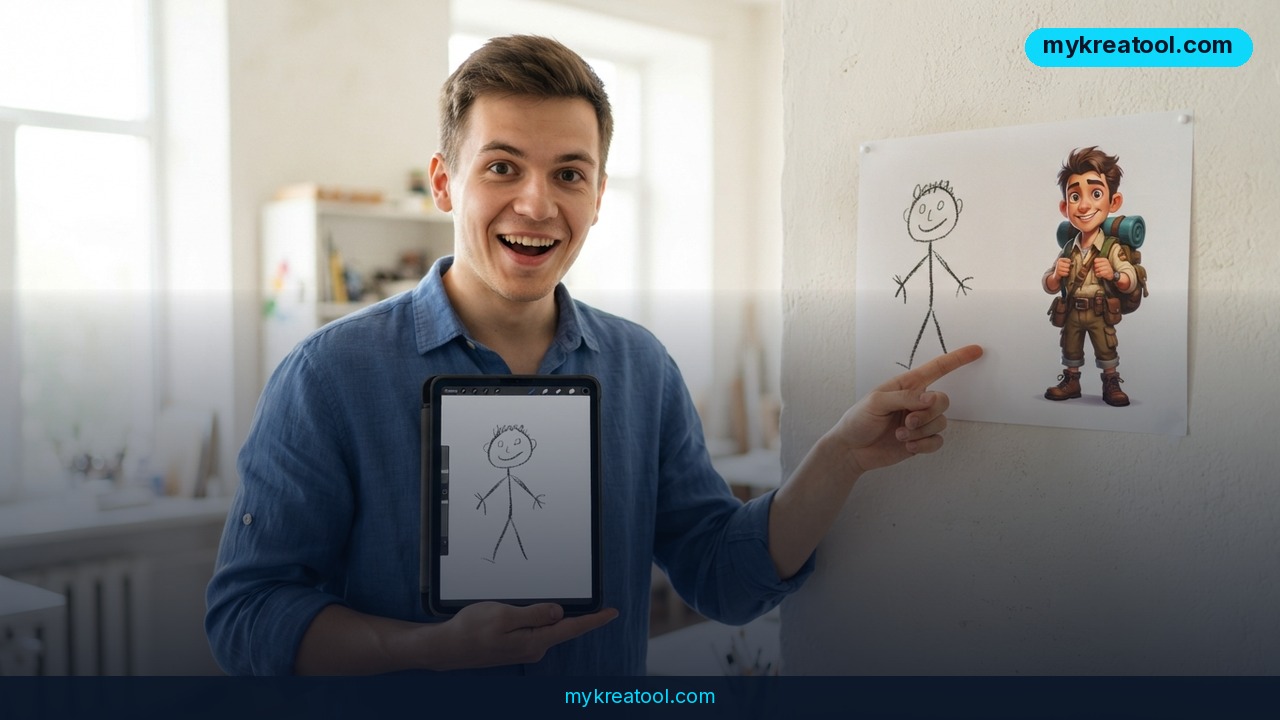
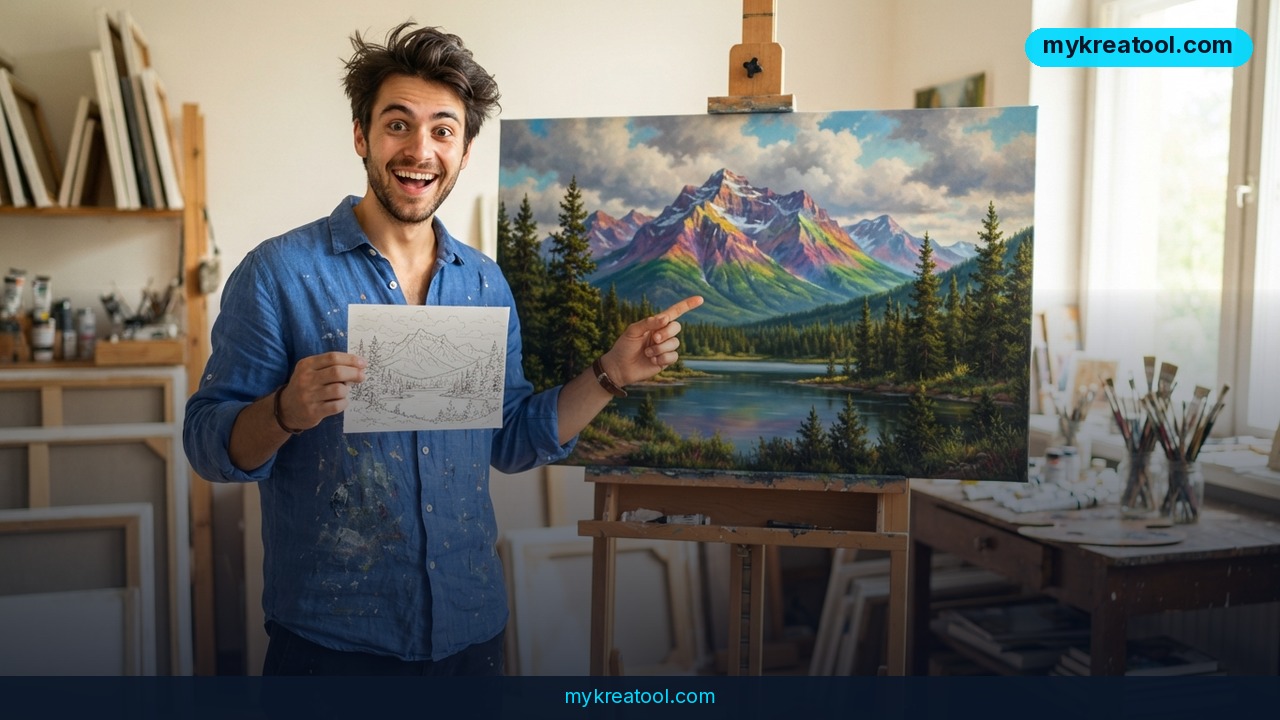
3. Try the new Sketch tool — draw a rough shape or layout right inside ChatGPT, add a text description, and tag it with `@Sketch` so the model uses your doodle as a structural guide rather than starting from a blank page.
4. Use the new templates — Poster and Merch layouts are built in, so you don't have to describe dimensions and composition from scratch.
5. Leave comments directly on the image for targeted fixes ("change only the sky," "make this text bigger") instead of rewriting your whole prompt.
6. Share the image plus your prompt with a collaborator so they can see exactly how you got the result.
If you want a completely free way to test AI image generation and editing tools before committing to a paid plan, mykreatool.com offers free AI tools you can experiment with side by side — useful for comparing results before you decide where to spend a subscription.
For developers, the API now offers two separate models:
• GPT-Image-2.5 Flare — the fast option, OpenAI claims better quality than GPT-Image-2 at roughly half the latency. Good for apps that need quick turnaround, like e-commerce mockup generators.
• GPT-Image-2.5 Sunburst — the slower, more precise option, meant for complex edits where accuracy matters more than speed.
Details on the release are in OpenAI's own announcement: Introducing ChatGPT Images 2.5. The rollout has also been independently covered by Unite.AI, 9to5Mac, Superpower Daily, and AI Weekly.
Upsides and what changes
The practical wins line up cleanly: generation speed improved by as much as 50%, editing is described as more targeted (change one element without the rest shifting), multi-step edits are supposed to hold up better across several rounds of changes, lighting and textures look more natural, and the model reportedly handles complex instructions, specific styles, and transparent backgrounds more reliably. For anyone doing repeated iterations — which is most real editing work — that combination of speed and stability changes the math on how many images you can realistically produce in a work session.
Limitations
A few things are still genuinely unclear, and it's worth being upfront about that rather than overselling the release. OpenAI hasn't published pricing for the two new API models yet, so cost-conscious developers are flying blind for now. There's also no public information yet on how — or whether — users can manually choose between the Flare and Sunburst models inside the regular ChatGPT interface, as opposed to the API. And despite the improvements, OpenAI hasn't made specific claims about eliminating known AI-image artifacts like yellow color casts, visual noise, grid patterns, or blotchy textures — those issues may still show up in some outputs, so don't expect the model to be flawless on day one.
Conclusion
ChatGPT Images 2.5 is a real, measurable step forward — faster generation, steadier consistency during edits, and a new Sketch tool that turns rough doodles into structured images. The catch is that pricing and some interface details are still unannounced, so treat early results as a preview rather than a finished product. Today's action: open ChatGPT, upload one photo you've been wanting to edit, and try a single targeted change — like swapping a background or an outfit color — to see the consistency improvement for yourself.
Comments 0