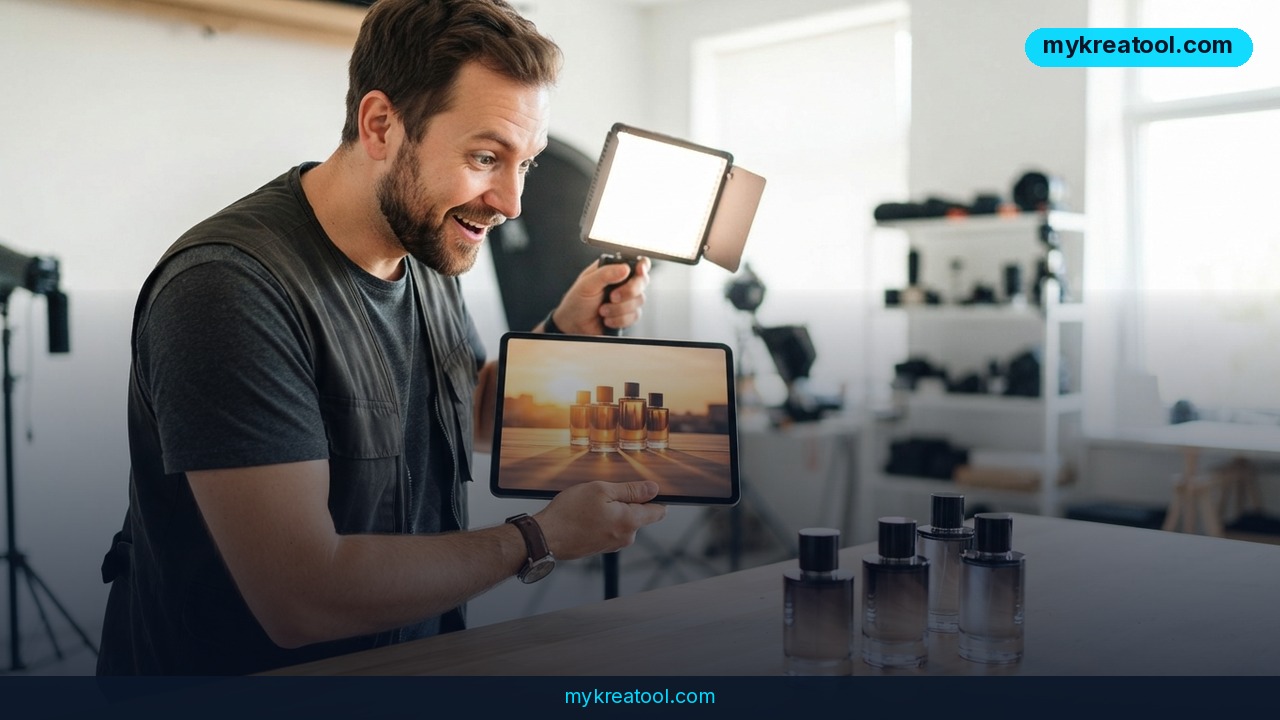
Product photo lighting used to be locked in the moment the shutter clicked. AI relighting breaks that rule — and that's why a 200-product seasonal refresh can now be a weekend job instead of a three-week studio booking. You keep the photo you already approved and change the light inside it: direction, intensity, color temperature, shadows. Nobody rebuilds the set. Nobody re-books the studio. And the client's "can it feel a little warmer?" note stops being a crisis.
What Happened
Luma laid out a scenario anyone in e-commerce will recognize. It's Thursday morning and 200 SKUs need seasonal lighting updates before the fall campaign goes live. The original photography took three weeks in a studio. The client wants warm, directional light that feels like late afternoon sun coming through a warehouse window. They want it by Monday.
Under the old rules, that brief had exactly two outcomes. You booked an emergency reshoot — expensive, slow, and you'd have to rebuild the set and pray it matched. Or you opened Photoshop and started nudging curves until the image looked… off. Slightly plastic. The kind of edit clients circle in red.
AI relighting gives you a third option: leave the photograph alone and move the light.
What's actually going on in there
The system reads the image and works out three things — how far away each surface sits (scene depth), what each surface is made of (materials), and where the existing light is already coming from. Then it recalculates how shadows fall, how highlights shift, and how each material would respond to a different kind of light.
Here's the plain-English version: imagine a lighting rig built inside the photo. Instead of dragging a softbox around a studio, you drag a slider. The shadow under the bottle, the falloff on the background, and the shine on the label all update together, the way they would in real life. That's it. No layers, no masking, no guessing where the shadow should end.
Why this isn't just "brightness up"
Exposure correction brightens everything at once. Color grading pushes the whole mood in one direction. Relighting is directional: you can throw light on one side of a product and leave the other in shade, or add a rim of light that pulls a black item off a black background. That's a different class of edit entirely.
Luma's image intelligence system, Uni-1, is the piece that understands how an image is constructed at a structural level. Because of that, the output is a refinement rather than a regeneration. Product placement, label orientation, shadow relationships, surface texture — all of it stays exactly where you put it.
What It Means for You
At home: rescue the photos you already took
You're selling a bike, a hand-poured candle, or the sofa that no longer fits. You shot it at 9 p.m. under a ceiling bulb and it looks yellow and flat. You don't need a light tent and a tutorial. You need the light in that picture to behave as if it came through a window. Relighting gets you there in minutes, on a phone photo, without touching the object itself.
At work: "can we make it warmer?" stops being a two-week problem
Every marketing team knows this email. The product's approved, the layout's signed off, and then someone asks for more drama in the shadows. Old rules: reshoot conversation. New rules: post-production decision. Creative reviews can now start with rough photography, because lighting refinement happens after capture instead of before it. Campaigns keep moving instead of resetting.
For business: one preset across a whole catalog
This is the part that changes catalogs. If you shoot a big catalog over many months, with different photographers on different days, in different rooms and under different lamps, you end up with several slightly different kinds of light. A single lighting preset evens all of it out. Consistency is what makes a grid of product tiles read as one brand instead of a flea market.
The money argument is simple. Better product photography can lift conversion rates by up to 67%, which turns lighting quality into a business metric you can actually defend in a budget meeting — not a creative preference. And the boring prep work around it (resizing, renaming, format-shifting before upload) is exactly what the free AI tools at mykreatool are built for.
For students and side projects
Design students, Etsy sellers, and anyone assembling a portfolio can photograph a prototype under a desk lamp and then light it like a studio hero shot. It's the difference between "a photo of my project" and "a photo of my project that looks like it belongs in a magazine."
For creators and freelance income
If you shoot products on the side, relighting is a new line on the invoice: lighting restyling for existing images. You're not reshooting anything. Same files, new mood, delivered in hours. It's a service clients understand immediately, because it solves the exact problem they dread — paying twice for the same photo.
For the pure fun of it
Portrait shooters use it to relight a face for a moodier crop. Thrift flippers use it to make a $12 lamp look like it came from a design shop. Once you can move light after the fact, you stop seeing photos as finished and start seeing them as adjustable.
How to Try It Right Now
Start with one image, not two hundred. Here's the sequence that works:
1. Pick your worst-lit product photo. The one that's flat, yellow, or shadowless. This is your test case.
2. Open Luma AI Relighting and use the "Try Luma Now" entry point on Luma's site. Check the current plan details before you upload a whole batch — pricing and limits shift, so verify rather than assume.
3. Place the key light — the main light source. For most e-commerce work, putting it 45 degrees from the camera gives you clean shadows that show depth without hiding detail.
4. Warm up the color temperature. This is the "late afternoon sun" move. Nudge it, then compare against the original before you go further.
5. Add fill and set your ratio. The gap between key and fill is the mood dial: high ratios create drama, low ratios flatten the image so every detail reads. Jewelry and cosmetics usually need lower ratios to show texture; lifestyle products can take higher contrast.
6. Add a rim light to separate the product from the background, especially for dark-on-dark.
7. Sit the result next to the original, side by side, at full size. If the label type has shifted or the edges look soft, back off.
8. Save it as a preset. Then apply that preset across the batch — and spot-check the glass, mirrors, and shiny metal pieces by hand.
Upsides and What Changes
• Time collapses. Work that took weeks of studio time becomes an afternoon of light adjustments, because you're not rebuilding anything.
• Iteration gets cheap. A "more dramatic" or "warmer" request costs a few minutes, not a budget line.
• Approved work stays approved. Composition, product placement, and color accuracy survive the edit, so legal and brand reviews don't restart.
• Consistency at scale. Batches shot months apart or by different photographers can be unified with one preset.
• The skill shifts. Knowing how lighting actually works — key, fill, ratio, rim — becomes more valuable than knowing a retouching workflow.
Limitations
Be clear-eyed about this: relighting works from what's already in the frame, so it can't rescue a photo where the product is the wrong size, out of focus, or shot from a useless angle. It also can't invent shadow information the camera never captured. Shiny and transparent surfaces — glass, mirrors, polished metal, anything with a reflection running across it — are the hardest cases, because the AI has to reason about light bouncing off a surface it can only partially read. Color accuracy still needs a human eye: check skin tones, brand colors, and fabric against a real monitor before anything goes live, and always keep the untouched original file. And no tool knows your brand better than you do — a preset is a starting point, not a final approval. Treat it as a very fast assistant, not an autopilot.
Conclusion: One Action for Today
Pick the single worst-lit product photo you own — the flat, yellow one you've been meaning to reshoot — and relight just that one tonight. Forty-five degrees of key light, a warmer temperature, a touch of fill. Put it next to the original. If that comparison makes you lean in, you've just found out how much of your catalog you don't need to reshoot.



Comments 0