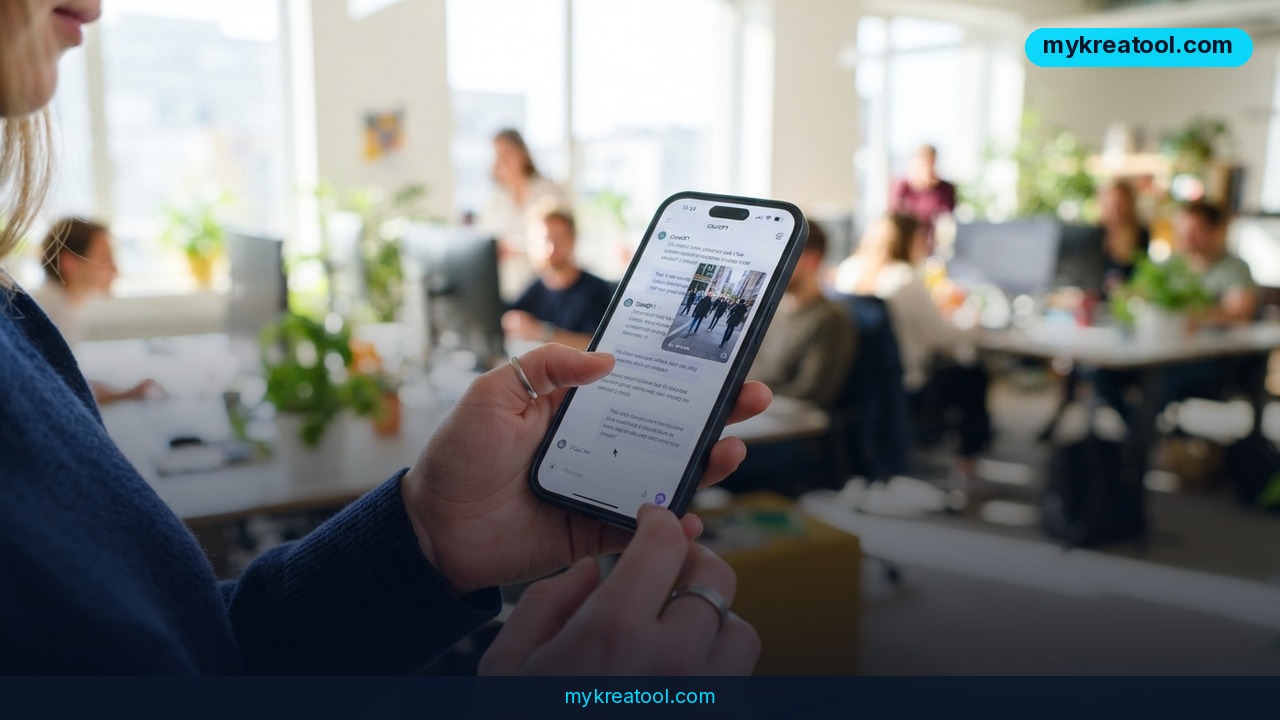
CapCut is stepping out of its own app and into the place where plenty of people already plan their content: the ChatGPT chat box. The company has announced a CapCut ChatGPT plugin that turns a plain-language idea into a rough video draft without anyone touching a timeline. You type a sentence, you hit enter, and a clip comes back in the same window. That's the pitch, and it's a small but real shift in how AI video tools get used.
What happened
CapCut announced a plugin for ChatGPT that lets you create and edit video inside the chat itself. The mechanics are refreshingly simple. You start your message with @CapCut — the same way you'd tag a person in a group chat — and then describe what you want in ordinary words.
Generation kicks off from ChatGPT, and the finished draft returns to the same conversation. No export dialog, no file hunting. From there, you can push the draft into CapCut and finish the job there: trim the dead air, swap the music, fix the pacing, add your branding.
Think of it like ordering at a restaurant. ChatGPT takes your order and walks it to the kitchen. CapCut is the kitchen, doing the actual cooking. You still get to season the dish at your table afterward, but you don't have to chop anything yourself.
Why the @mention matters
A plugin is just an add-on that plugs into ChatGPT so the chatbot can hand work off to another service. The @CapCut tag is how ChatGPT knows which service you want. If you've ever typed @someone in Slack to get their attention, you already understand the whole interaction. Nothing new to learn.
When can you actually use it?
CapCut says an open beta is coming. Some early coverage floated a November start, but that specific date hasn't been confirmed — independent reports describe the rollout as happening "in the coming months" or simply "soon." So plan for it, but don't block out your calendar yet. For the latest, keep an eye on Mashable's coverage, Mashable SEA, and Being Guru as details firm up.
What it means for you
The big deal here isn't the technology. It's the location. Most people don't bounce between ten tabs — they live in one chat window. Putting video creation there removes the scariest part of editing for beginners: the blank timeline staring back at you.
At home
Birthday slideshow, wedding anniversary montage, a quick edit of the kids' weekend soccer game. Instead of learning a timeline from scratch, you describe the feeling — "warm, funny, 30 seconds, set to something upbeat" — and get a starting point. If it's wrong, you say so and ask again. That's a much friendlier learning curve than dragging clips around at 11 p.m.
At work
Social media managers spend a lot of time on the boring middle ground: turning a written post into a short clip, or a webinar into a teaser. A chat-based draft cuts that first hour down. You still need a human to check the brand voice and the facts, but the assembly work moves faster.
For a small business
A café owner who wants a 15-second clip for Instagram doesn't need an editor — she needs something to react to. Describe the shot list, get a draft back, then fix the logo and the pricing text in CapCut itself. The draft is the rough sketch; the business owner is still the art director.
For studying
Students already use ChatGPT to summarize readings. Now they can turn a summary into a short visual recap for a presentation or a study group. Explaining a concept out loud in a video is a genuinely better way to test whether you actually understood it.
For creative projects
Musicians, podcasters, and hobby filmmakers get a fast way to test ideas. Want to see if a cold open works before you shoot anything? Sketch it in a chat and watch it play back. It's storyboarding where storyboarding used to cost you a weekend.
As a side income
Freelancers who sell short-form video editing can use drafts as a first pass and spend their paid hours on polish, which is where clients actually see the difference. Even before the plugin ships, you can rehearse the same workflow with free AI tools such as the ones collected at mykreatool.com.
How to try it right now
You can't force a beta into your account, but you can be ready the day it arrives. Here's the practical order, free option first.
1. Start free with plain ChatGPT. Open ChatGPT, describe your video in one sentence, and ask for a 5-scene shot list with on-screen text. This costs nothing and builds the exact prompt you'll reuse later.
2. Check whether the plugin is on your account. Look in ChatGPT's plugin or tool settings for CapCut. Availability will vary by plan and region, so if it's not there, it isn't you — it just hasn't reached you.
3. Type @CapCut at the start of the message. Tag it first, then write your idea. The tag is what routes the request.
4. Describe the idea in concrete terms. Topic, mood, length, platform, the text you want on screen. "A 20-second vertical clip about iced coffee for Instagram, bright and playful" beats "make me a video."
5. Let it generate and watch the result. The draft comes back into the same chat window.
6. Export to CapCut to finish. This is where you fix pacing, swap audio, correct any on-screen text, and add your branding.
7. Save your best prompt. The version that worked is worth more than any tutorial. Keep it in a notes file.
Upsides and what changes
The obvious win is speed. The distance between "I have an idea" and "I have something to look at" shrinks from hours to a couple of sentences. For people who've never opened a video editor, that's the difference between trying and giving up.
The less obvious win is that the chat becomes a place to think out loud. You can ask for three alternate openings, reject two, and refine the third — the same conversational loop people already use for writing. Video editing has never really worked that way before, because the interface was a timeline, not a dialogue.
And the handoff to CapCut is smart. A chat window is a great place to start a video and a terrible place to fine-tune one. Splitting the job along that line plays to what each tool is actually good at.
Limitations
Be clear-eyed about the timing: there's no confirmed launch date. "Coming months" could mean four weeks or four months, and beta access is usually rolled out in waves, so your account may not get it on day one. The plugin will likely also depend on your ChatGPT plan and your region, which means the person next to you might have it while you're still waiting. On top of that, a draft is a draft — it'll give you structure and pacing, not a finished, brand-safe video, and anything with text on screen, product names, or claims will need a human pass before it goes live. Treat this as a faster first draft, not a replacement for judgment, and don't promise clients a turnaround time based on a feature nobody has used at scale yet.
Conclusion
The CapCut ChatGPT plugin is a small announcement with a bigger idea behind it: video creation is moving into the chat window, where most people already are. You'll describe what you want, get a rough cut back, and finish it in CapCut. No timeline required to get started. The launch date is still fuzzy, so the smart move is to get good at the prompt before the tool arrives — that skill transfers no matter which app wins.
One action for today: open ChatGPT and write a single @CapCut-style prompt for a video you actually need — 20 seconds, one topic, one platform, one mood. Save it. When the beta opens, you'll be the first person in your feed with something to show.



Comments 0