What happened
OpenAI just rolled out ChatGPT Images 2.5, a new AI image generator built into ChatGPT that creates pictures faster and edits them more precisely than the version before it. The headline number: image generation is up to 50% faster than the previous model, Images 2.0. To put that in perspective, people are already generating more than 3 billion images a week across ChatGPT and OpenAI's GPT-Image models through the API — so a 50% speed cut isn't a lab statistic, it's a change that touches an enormous number of everyday tasks, from a birthday flyer to a product mockup for a small shop.
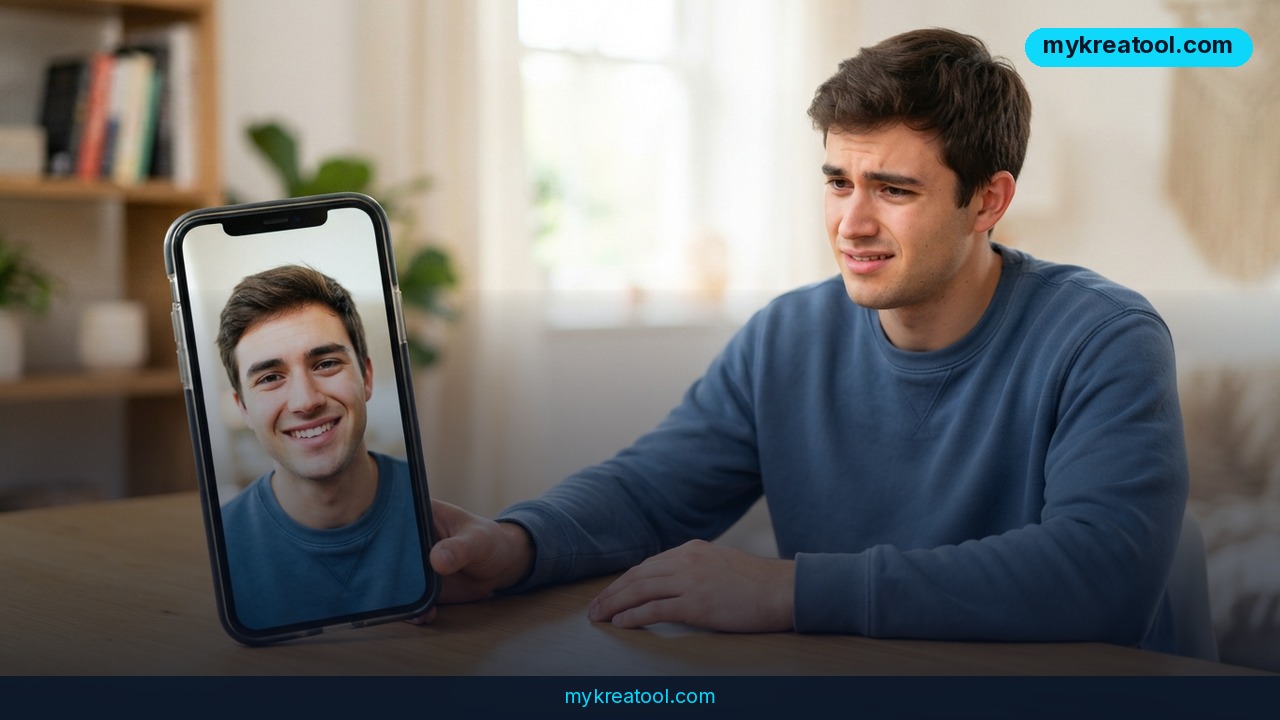
The update isn't just about speed. Images 2.5 does a noticeably better job holding onto the details that matter: lighting looks more natural, textures feel less "plastic," and if you upload a photo of yourself, your dog, or your product, the model is better at keeping that subject recognizable even when you drop it into a completely new scene or art style. OpenAI also added a Sketch feature that lets you draw a rough shape directly in ChatGPT as a guide for the final image, plus templates for common formats like flyers and product photos, comment-based editing, and the ability to share the exact prompt behind an image so someone else can remix it with their own photos.
Who gets it
Images 2.5 is live now for everyone on ChatGPT, ChatGPT Work, and Codex, across desktop, mobile, and the web — no separate sign-up. Developers get two new API models: GPT-Image-2.5 Flare, which matches the speed and quality gains, and GPT-Image-2.5 Sunburst, a slower but more detail-obsessed option for work that needs extra precision, like packaging mockups or fine typography.
What it means for you
Think of this less as "a new filter" and more as a faster, more obedient assistant that finally listens when you say "just change the background, leave everything else." Here's what that looks like in practice.
At home
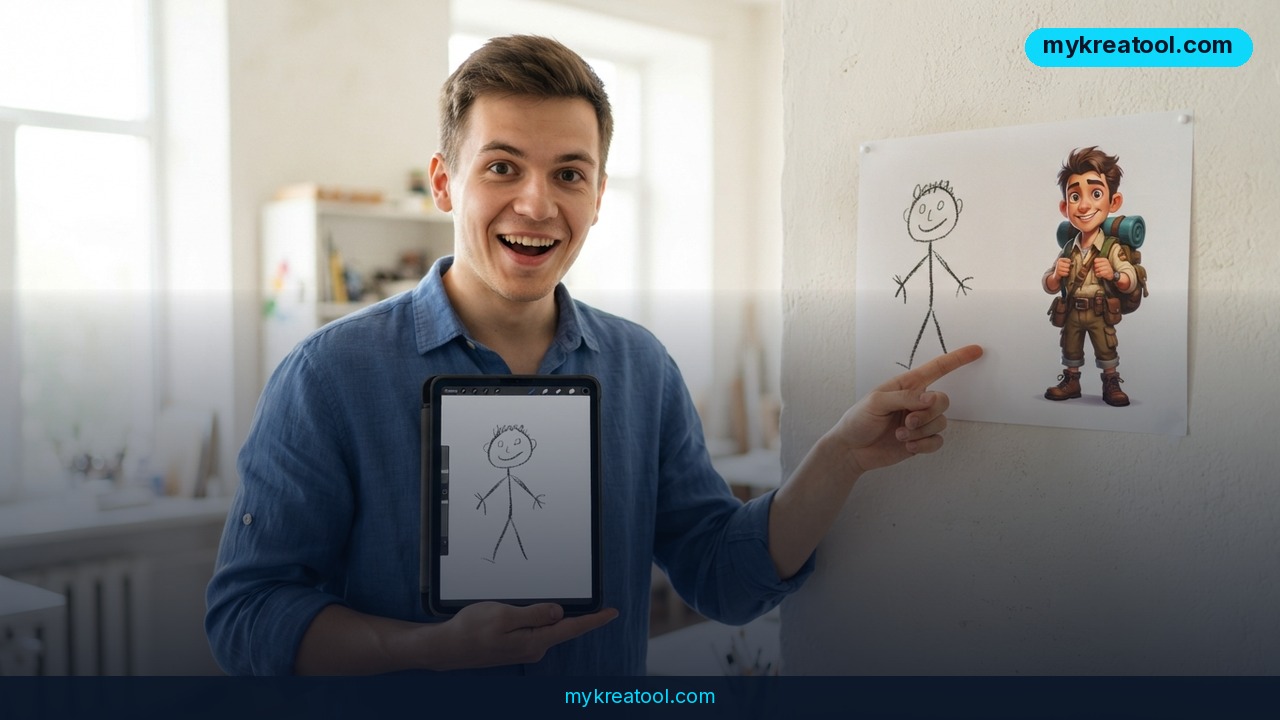
Turn a blurry phone photo of your living room into a clean mood board for a repaint, or take a picture of your kid's stick-figure drawing and turn it into a polished birthday card. Because the model preserves faces and objects from reference photos better now, family photos translate into gifts — mugs, calendars, posters — without turning grandma into someone unrecognizable.
At work
Marketing and ops people can generate a flyer, a slide background, or a product shot in the time it used to take to find a decent stock photo. The multi-turn editing consistency matters here: you can ask for five small tweaks in a row — "make the logo bigger," "change the color to navy," "move the text down" — and earlier edits stick instead of degrading with each pass.
Running a business
A solo founder or small e-commerce shop can now swap a product's color, background, or price tag in an existing photo without re-shooting anything, while the brand layout, model pose, and composition stay untouched. That's the kind of edit that used to mean a $50 freelance job or a trip back to the photo studio.
Studying
Students and teachers can sketch a rough diagram — a cell structure, a historical map, a physics setup — and have the AI turn it into a clean, labeled illustration for a presentation or a study guide, instead of hunting for a textbook image that's close enough.
Creative projects
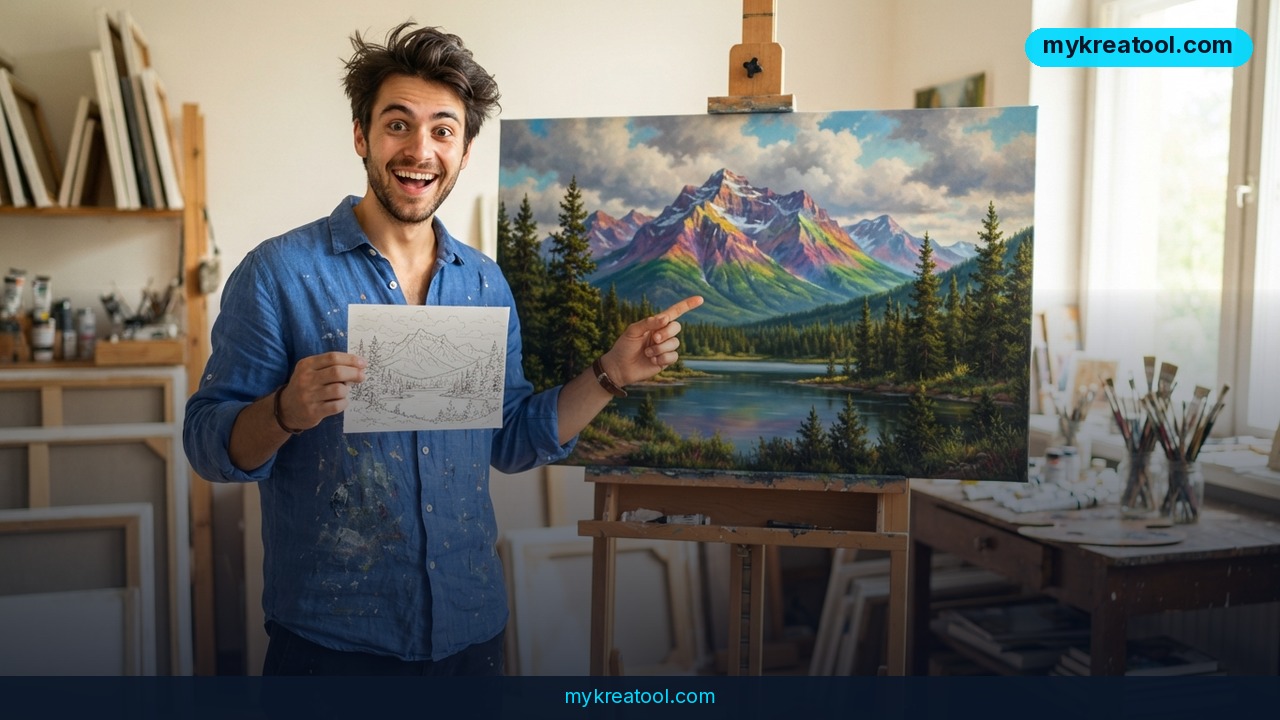
Writers, comic creators, and hobbyist artists can sketch a character pose by hand and let the model turn it into a finished panel, then keep it consistent across a whole page or scene, which used to be the hardest part of AI art tools.
Side income
People selling on Etsy, print-on-demand, or Instagram shops can churn out product variations, seasonal designs, or personalized items much faster, since generation time dropped roughly in half — meaning more listings tested per hour without extra cost.
How to try it right now
You don't need to buy anything to test the core idea today.
1. Free option first: Go to ChatGPT, sign in (or create a free account), and open a new chat. Ask it to generate or edit an image — Images 2.5 is already active for standard ChatGPT accounts, not just paid tiers.
2. Use Sketch for more control: In ChatGPT, look for the Sketch tool, draw a rough outline of what you want, and ask the model to turn it into a finished image using your sketch as the reference.
3. Try a template: Pick one of the built-in templates (flyer, product photo, etc.) if you don't want to start from a blank prompt.
4. Edit with comments: Once you have an image, click directly on the part you want changed and leave a comment instead of retyping the whole prompt — it's faster and more accurate.
5. If you want a completely free, no-account way to experiment with AI image tools first — to get a feel for prompts, styles, and editing before committing to any platform — the free tools at mykreatool.com are a low-friction place to start.
6. For developers: access GPT-Image-2.5 Flare or Sunburst through the OpenAI API if you need to build image generation into your own app or workflow.
Upsides and what changes
The practical upside is time and accuracy, not a brand-new capability. Generation is up to 50% faster than Images 2.0, edits stay targeted instead of accidentally rewriting the whole image, and reference photos hold their identity across style changes — three problems that made earlier AI image tools frustrating for non-technical users. For anyone running a business or side hustle, that translates directly into more output per hour and fewer wasted attempts, which is the real cost of using these tools day to day.
Limitations
This is still a generative model, not a camera: it can misread unusual layouts, struggle with dense real-world text or very specific factual details (a particular building, a real product's exact label), and occasional edits can still drift from the instruction on complex, cluttered backgrounds — OpenAI describes these as improvements, not a guarantee of perfect accuracy every time, and the more turns you stack in one conversation, the more worth double-checking the result becomes before you use it publicly or commercially.
Conclusion
ChatGPT Images 2.5 makes AI image generation and editing meaningfully faster and more precise, and it's already available to every ChatGPT user for free, not locked behind a paid tier. Action for today: open ChatGPT (or mykreatool.com if you want a no-account test run first), upload one real photo — a product, a room, a sketch — and ask for a single specific edit to see the difference for yourself.
Comments 0