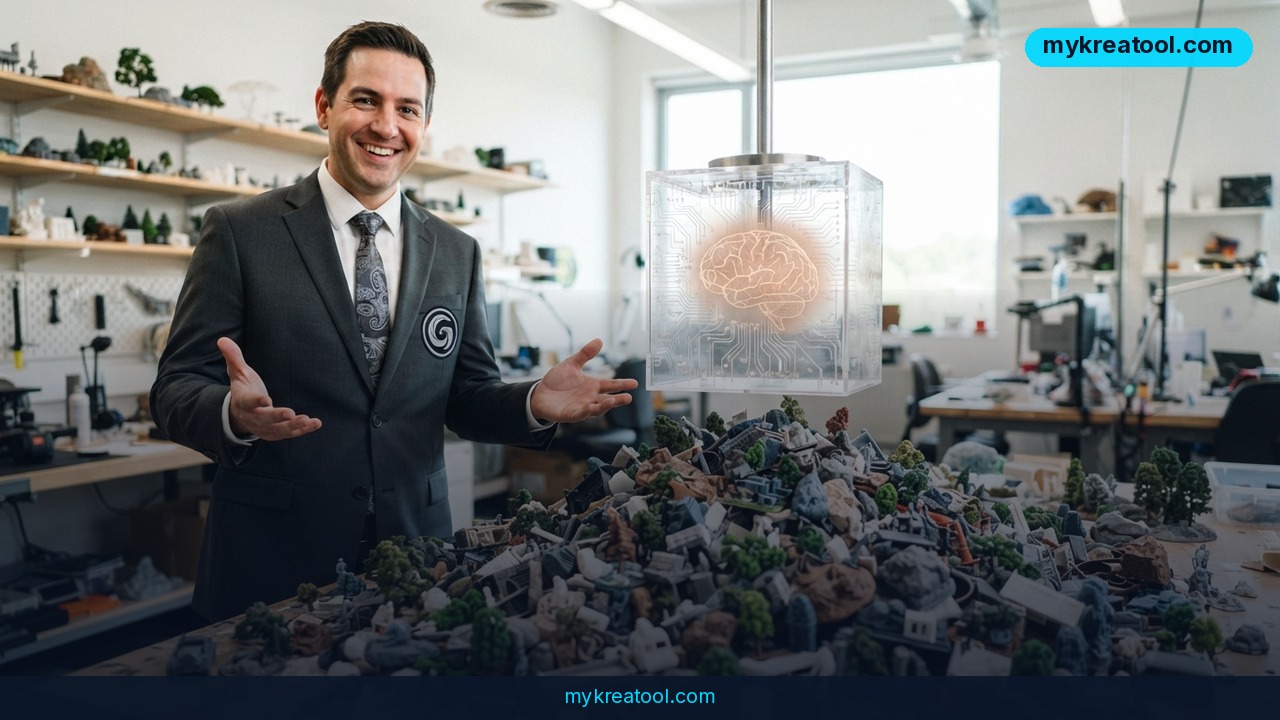
Free 3D models for AI training just went from a legal grey area to an official green light. Epic Games — the studio behind Fortnite and Unreal Engine — has made the whole Quixel Megascans library free on its Fab marketplace and rewritten the licence so those assets can legally end up inside AI training datasets. If you've ever wondered whether you're allowed to feed downloaded textures and scans into a model you're building, the answer just changed.
What happened
The Quixel team at Epic announced full free access to the entire catalogue of photogrammetric 3D scans and materials on Fab, and updated the developer licence with generative AI in mind. Every asset in the Quixel Megascans and Megaplants catalogues is now officially cleared for use in datasets used to train artificial intelligence models. That's thousands of reference PBR textures and highly detailed 3D objects — a genuine library, not a sampler pack.
Two bits of jargon, quickly. Photogrammetry is just scanning: someone photographs a real rock, a tree stump, a cracked wall from every angle, and software stitches those photos into a 3D model that matches the real thing. PBR stands for physically based rendering — textures that tell a 3D program how a surface reacts to light, so wet stone looks wet and dry concrete looks chalky. These aren't stylised cartoon props, they're scans of the physical world. That's precisely why AI researchers want them.
There's money on the table too. Epic says it will automatically refund everything spent on Megascans and Quixel Bundle purchases made since the start of the year. The refund lands in your Epic account balance rather than your bank account, so think store credit, not cash back. You don't have to file a ticket — it's supposed to happen on its own.
One correction worth flagging: some posts claimed the switch to free would "complete by 12 November." That specific date isn't backed up by independent reporting. As things stand, the library is already free and the AI-friendly terms are already live — see the independent write-up at GameFromScratch.
What it means for you
At home
Say you're planning a garden room or a kitchen refurb. With a few free scans you can drop a realistic brick wall, a stone patio and a couple of plants into a free 3D viewer and actually see the proportions before you spend a penny on materials. It's the difference between squinting at a sketch and walking around a rough version of the room. Clumsy, sure — but far better than guessing.
At work
Anyone who builds presentations, internal videos or quick product explainers has been stuck with whatever stock imagery the company subscribes to. Now a marketing generalist can grab a scanned chair, a scanned espresso machine, a scanned bit of street furniture and mock up a scene in an afternoon. Because the licence explicitly permits AI use, you're not nervously hoping nobody notices either — the permission is written down.
Running a small business
This is the sweet spot. A one-person furniture shop can photograph nothing, download a scanned sofa and show it in a scanned living room. An e-commerce seller can stage a product on a real stone surface instead of a white void. And if you're building an AI tool of your own — an image generator for interior design, for example — you now have a huge, correctly licensed pile of training material. To pair that with free AI tools for the rest of your workflow, MyKreaTool pulls a lot of them into one place.
Studying
Students get hit by two problems at once: no budget, and strict rules about what they can legally use in a project. Free plus explicitly AI-permitted solves both. Environment art students can build out a full scene for a portfolio piece without spending serious money on asset packs, and computer-science students training a small vision model finally have data they can cite in a paper without a licensing disclaimer that makes their supervisor wince.
Creative projects
If you dabble in Blender, Unreal Engine, Unity or short film work, this is the equivalent of a warehouse of free props opening next door. Background scenery that used to eat three days of modelling now takes twenty minutes of shopping. Given that Epic owns Unreal Engine, you can guess where these assets slot in most naturally.
Earning money
Freelance 3D artists have a new trick: quote faster, deliver faster. Instead of modelling the boring stuff, you assemble it and spend your time on the hero asset the client actually pays for. Same for small game studios doing vertical slices for investors. It's a margin story as much as a creativity one.
How to try it right now
Start with the free route — it costs nothing and takes about five minutes.
1. Go to Fab — that's Epic's marketplace, where the Quixel catalogue now lives. Sign in with a free Epic Games account, or create one.
2. Search for "Quixel Megascans." You'll land on the publisher's catalogue. Megaplants sits alongside it if you want trees, ferns and other greenery.
3. Filter by price: free. The point of this news is that you shouldn't be paying for anything in these catalogues.
4. Add items to your library. Grab a handful first — a couple of surfaces (brick, concrete, moss), one or two objects — rather than bulk-downloading thousands of files you'll never open.
5. Download and open them in your 3D app of choice, whether that's Blender, Unreal Engine or Unity. Nothing about this is exclusive to Unreal.
6. If you're building an AI dataset, read the updated licence text on the product page before you scrape anything. The permission exists — but read the actual terms instead of taking a Telegram post's word for it.
7. Check your Epic account balance. If you bought Megascans or a Quixel Bundle at any point this year, the refund should already be sitting there as credit.
If you're brand new to 3D, give yourself an easy first win: download one scanned ground texture, drop it on a flat plane, and look at it with a light. That single step teaches you more about PBR than any tutorial.
Upsides and what changes
First, the obvious: cost. A library that used to be a paid subscription is now free, and free changes who gets to play. Students, hobbyists and solo founders who couldn't justify the spend are suddenly working with the same raw material as studios.
Second, the legal fog lifts. For two years, anyone building AI models has been operating in a grey zone, guessing whether scanned assets counted as fair game. Epic has now put it in writing for its own catalogue. That's a big deal if you're a small team with no lawyer on speed dial.
Third, refunds without friction. Getting money back automatically, rather than through a support queue, is how this should always work. The catch is that it comes back as Epic balance, which is only useful if you keep buying on Epic.
What changes for most people is subtler: the bar for "good enough" visuals moves up. When everyone can access photoreal scans for free, the differentiator stops being the assets and starts being the taste with which you arrange them.
Limitations
Let's be honest about the edges. Free doesn't mean unlimited — the licence still has conditions, and "allowed for AI training" is not the same as "do whatever you like with it." Read the actual terms before you build a commercial product on top of these assets, because licence text beats headlines every time. The refund arrives as Epic account credit, so if you'd already mentally spent that money on rent, it's not coming back to your card. And photoreal scans aren't a magic wand: Megascans is heavy on real-world surfaces and props, so if your project needs stylised art, cartoon characters or anything with personality, you'll still be modelling it yourself. There's also a practical snag — big libraries are easy to hoard and hard to actually use, and a bloated asset folder slows down more projects than it speeds up.
Conclusion
Epic has done something fairly rare: it made its own catalogue cheaper to use and clearer to license in the same move. Free access to the full Quixel Megascans library on Fab, plus written permission to train AI models on it, plus automatic refunds for anyone who paid earlier this year. Whether you're staging a product shot, building a game scene or assembling a training dataset, the barrier that used to be money and paperwork is now just time.
One action for today: open Fab, search "Quixel Megascans," filter to free, and download three assets you'll actually use this week. Then check your Epic balance for that refund.

Comments 0