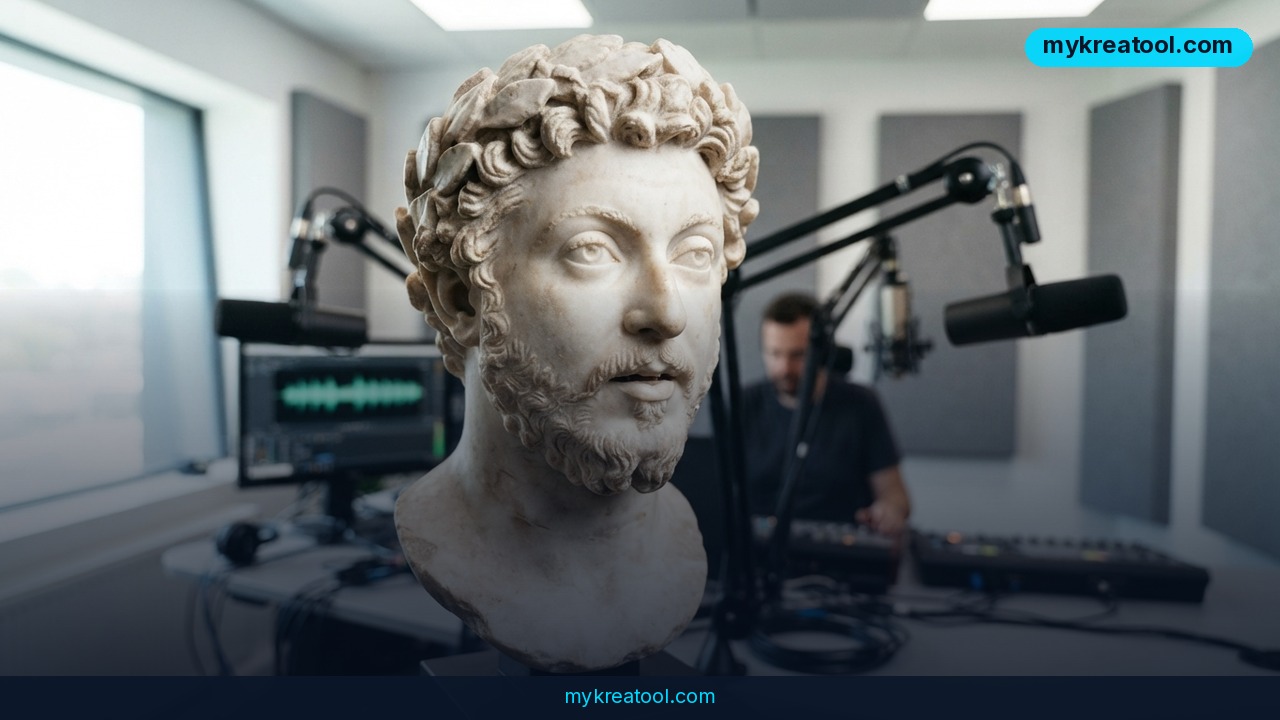
If you've ever watched an AI-generated clip and thought "the mouth doesn't match the words," Kandinsky 6.0 Video is aimed straight at that problem. This new open-source AI video generator builds Full HD clips complete with synced speech, music and background sound — all from a single line of text. It's the kind of thing that used to hide behind a paid API and a corporate budget. Now the model weights are out in the open for anyone to download.
What happened
Kandinsky 6.0 Video shipped under the MIT license, the most permissive open-source license there is: you can use it commercially, modify it, and bake it into your own product without paying anyone a royalty. It's available on Hugging Face and works with several well-known toolchains — Diffusers, FastVideo, ComfyUI, SGLang and vLLM-omni (release details).
Here's what you actually get:
• Full HD (1080p) video — handled by a separate super-resolution model that sharpens up the base output.
• Synchronized audio at 44 kHz. That's roughly CD quality, so no hissing and none of that underwater-muffled sound you hear in a lot of AI clips.
• Lip-sync. The character's lips move in time with the words instead of flapping at random.
• Realistic physics. People, animals and objects move the way real things move, which stops footage from looking like sliding cardboard cutouts.
• Five seconds maximum. The team says that ceiling will rise over time.
Pro vs Lite, in plain words
There are two versions. Pro is the flagship at 29 billion parameters. Lite is a 3-billion-parameter model that runs on a consumer GPU with 16 GB of VRAM — the sort of graphics card plenty of gamers already own. A "parameter" is just a unit for how much a model has learned: more means smarter, heavier and slower.
How the benchmarks shake out
Kandinsky 6.0 Video Pro clearly beats Kandinsky 5.0 across every criterion tested. It also comes out ahead of LTX 2.5 on visual quality and speech, and edges out Veo 3.1 Fast at image animation. Those comparisons come from human evaluation, but the Veo 3.1 Fast win is the team's own self-reported result, not an independently verified one — so treat it as promising rather than settled. You can read the technical write-up on arXiv or a plain-English breakdown.
What it means for you
At home
Got a photo of your dog, your kid, your grandad? Image animation means you can make them move and talk. A five-second birthday message from a cartoon version of your dad is a genuinely funny thing to drop in the family group chat, and it costs you nothing but a prompt.
At work
Sales decks and training videos usually die at the "we'll need someone to film that" stage. A five-second talking clip of a presenter introducing a slide is now something you can knock out between meetings. It won't replace a real shoot, but it does remove the excuse.
For a small business
Product ads without a film crew. A café can give a coffee cup a mouth and a voice, a hardware shop can make a drill explain itself, and nobody has to book actors, a studio or an editor. For a shop owner paying by the hour, that's the difference between running an ad and skipping one (more coverage).
For studying
Educational content with historical figures is an obvious fit. Instead of memorising a quote off a page, you get a five-second clip of the person delivering it. It's a memory hook, not a documentary — and that's exactly why it sticks.
For creative projects
The model generates ambient sound as well as speech, so ASMR videos with natural sounds are on the table. Think rain on a window, footsteps on gravel, a crackling fire — generated alongside the picture rather than bolted on afterwards. If you'd rather poke around with cheaper AI tools first, MyKreaTool keeps a free library that's worth a browse.
For income
Five seconds is the perfect length for a hook, and hooks are what short-form clients pay for. Voiced characters for social media is now a service you can sell without owning a camera, a mic or a lighting kit.
How to try it right now
Start free, then scale up only if you like what you see.
1. Hugging Face — free, nothing to install. Head to the Kandinsky collection and download the weights. If a hosted demo is live, you can prompt it straight from your browser without touching your own computer's hardware.
2. ComfyUI — free, runs on your own machine. This is a drag-and-drop node editor: you connect little boxes like Lego bricks, one for the prompt, one for the video, one for the audio. Use the Lite model, and make sure you've got 16 GB of VRAM.
3. Diffusers — free, for anyone comfortable with Python. It's a library, so a handful of lines of code gets you a clip. Best if you want to run hundreds of generations in a loop.
4. FastVideo, SGLang and vLLM-omni — free, built for speed and scale. These are serving frameworks. They matter if you're a team pushing volume rather than a solo creator making one clip.
Prompt tips that actually matter
Keep the spoken line short — the clip is only five seconds, so a single sentence fits and a paragraph doesn't. Put the dialogue in quotation marks inside your prompt so the model knows it's speech. And describe one subject, one action, one setting. Cram in three characters and a plot twist and you'll get mush.
Upsides and what changes
The big shift is that audio and video now arrive in one pass. Dubbing used to be a separate job, sometimes a separate company. With lip-sync and 44 kHz speech baked in, a lot of that workflow collapses into a single prompt.
The MIT license matters just as much. Plenty of strong video models are locked behind APIs where you rent access and can't inspect or fine-tune anything. Here you own the weights and can build a product on top. And Lite running on a 16 GB consumer GPU means the entry ticket isn't a cloud contract — it's a graphics card you may already own.
Limitations
Let's be honest about the catch. Five seconds is short — enough for a hook, a punchline or a product reveal, not a scene. A 44 kHz sample rate tells you the audio isn't crunchy; it doesn't promise the performance will be any good, and dialogue can still land flat. The Lite model fits on consumer hardware, but 3 billion parameters is a real step down from Pro, so expect softer results. And the headline claim about beating Veo 3.1 Fast rests on the team's own testing rather than an outside lab, so keep your expectations calibrated until independent comparisons land. The MIT license covers the model itself; what you generate and how you publish it is still your responsibility.
Conclusion
Kandinsky 6.0 Video puts talking, Full HD, sound-on video generation into the hands of anyone with a browser or a mid-range gaming PC — free, under a license that lets you sell what you make. Your one action for today: open the Hugging Face collection, pick one line of dialogue you'd want a character to say, and generate a single five-second clip. That's how you'll know in ten minutes whether this belongs in your workflow.


Comments 0