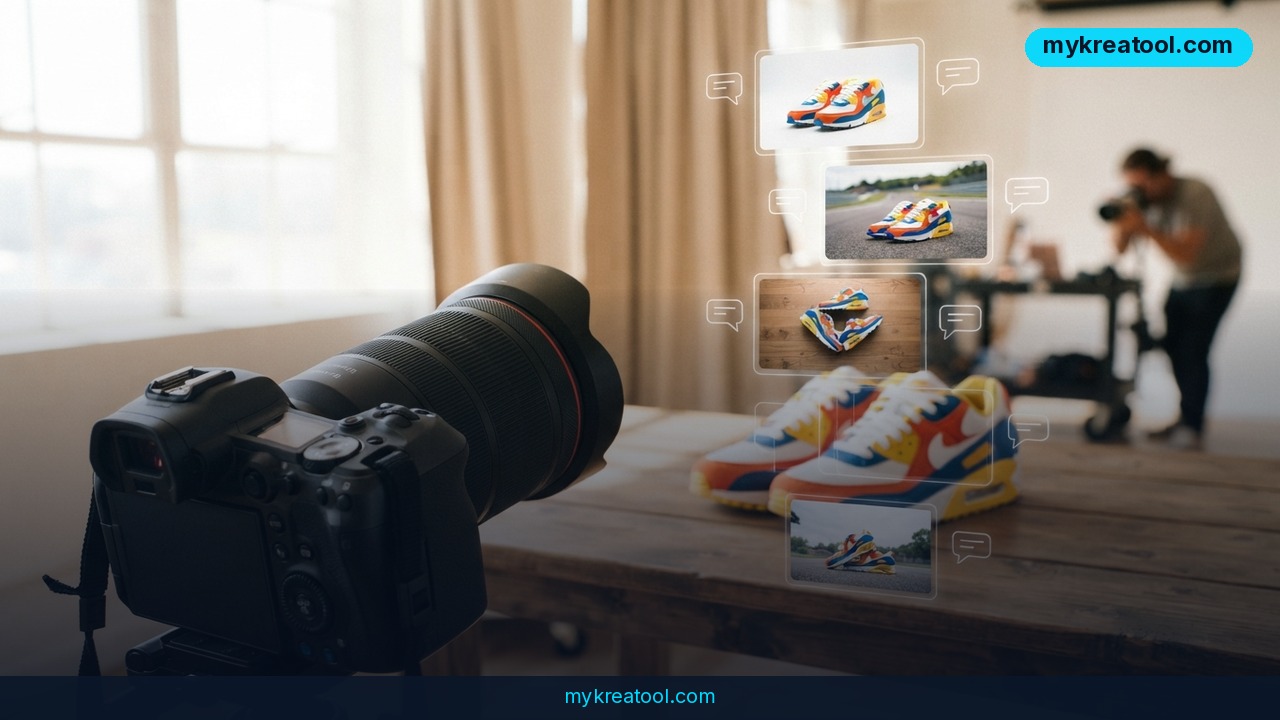
The new Luma AI MCP connector plugs the AI video generator and image studio straight into ChatGPT and Claude. In practice, that means you can ask your everyday assistant which ad performed best last week — and then have Luma restyle that winner into new scenes, new camera angles and new lighting without ever leaving the chat window.
What happened
Luma shipped a new MCP Connector. MCP stands for Model Context Protocol, but forget the acronym for a second and think of a universal plug socket. Until now your AI assistant could talk and reason; Luma could make pictures and motion. The connector is the socket that finally puts them in the same room. You connect your Luma account once, and Luma's creative workflows appear inside ChatGPT and Claude.
The timing isn't random. Q4 is the squeeze point for in-house and agency creative teams — the brief is clear, last week's numbers already told you what worked, and now that one winning ad has to become a dozen fresh variants. AppLovin data reported by Marketing Dive found that advertisers who added new creative almost every week during last year's Black Friday and Cyber Monday saw a 23% higher median 7-day return on ad spend than advertisers who refreshed only once or twice.
MCP, explained like a USB hub
If you've ever plugged a USB hub into a laptop and suddenly gained four extra ports, you already get MCP. Your assistant is the laptop. Luma is the device. The connector just means you stop shuttling files between tabs and start asking in plain English: "restyle this", "give me four more angles", "make it feel like winter". No new tool to learn, and no handoff between the analysis and the production.
What you actually get
Six Luma workflows now live in the chat:
• Luma Agent — a creative partner that orchestrates whole projects from a single text prompt.
• Product Shots — turns one product photo into polished, campaign-ready product imagery.
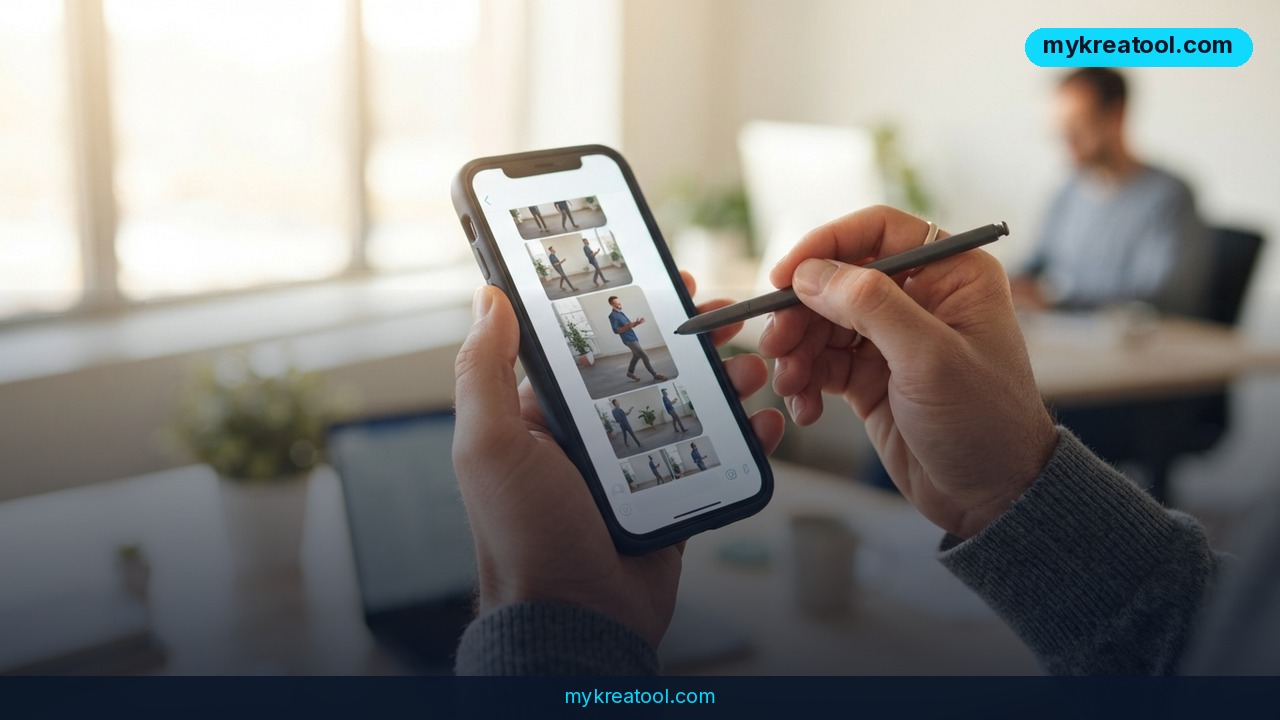
• Camera Angles — generates a set of new angles of the same product so you can pick the ones that work.
• Background swap — puts the product in a new scene for each campaign, market or season.
• Relight Studio — changes the lighting to match the mood, the moment or the placement.
• Short promo clips — takes the finished look into video for the channels that need motion.
Finished images and video come back right in the chat.
What it means for you
You don't have to be a media buyer to get something out of this. Here's how it lands in ordinary life.
At home: the listing that finally looks professional
Selling a sofa, a bike or a lamp on a marketplace? Shoot one decent photo on your phone, then ask for a background swap and a relight. You end up with a small set of images that look like they came from a studio you don't own and can't afford.
At work: the Thursday creative request
Your manager wants six versions of the same banner by the end of the week. Instead of booking a shoot, you pull last week's best performer, run Camera Angles, and hand over options — inside the same chat where you checked the numbers.
In business: one photo, every market
A small brand selling across seasons or regions can drop the same product into a summer scene, a Black Friday scene and a gift-guide scene without reshooting anything. Background swap does the heavy lifting, and Relight Studio makes the light match the placement.
For study and side projects
A student building a slide deck for a business class can turn a rough phone snapshot of a mock product into clean visuals that don't look like clip art. It's the difference between a project that reads as thought-through and one that reads as rushed.
For creativity: fewer dead ends
When a new look costs one prompt instead of one afternoon, you try more things. Most ideas will be duds — that's the point. You only need one good frame to move forward.
For income: more shots on goal
If you sell creative services, faster variants mean more pitches per week and less time babysitting a single hero image. And if you want free AI tools to test ideas before you spend a single Luma credit, mykreatool.com is a sensible place to start.
How to try it right now
1. Pick your assistant. Open ChatGPT or Claude — whichever you already use daily. There's no separate app to install.
2. Connect Luma once. Follow the setup instructions at Luma MCP. One connection unlocks every workflow from the chat.
3. Start with one photo, not a campaign. Run Product Shots on a single product image first. It's the cheapest way to see whether the look fits your brand before you spend anything on video.
4. Ask for the data, then the creative. "Which of last week's ads performed best?" — then, in the same breath, "restyle that one into three new scenes."
5. Build the set. New camera angles, background swaps and a relight, then a short promo clip for the channels that need motion.
6. Keep what works and bin the rest. Volume is only useful if you're honest about which frames actually sell.
The free option first: you don't need a new subscription to try the idea. Luma inside your assistant draws on your existing Luma credits, so start with the cheapest single workflow and see whether the output is good enough for your brand before scaling up.
Upsides and what changes
The obvious win is speed, but the quieter win is that the wall between "what worked" and "make more of it" disappears. You're no longer exporting a report, emailing a designer, waiting two days and hoping the new version clears the same bar. You ask, you get, you judge.
That matters more than it sounds, because the AppLovin numbers suggest volume of fresh creative is not a vanity metric — 23% higher median 7-day return on ad spend for advertisers refreshing almost weekly is a serious gap. The teams that win here aren't the biggest ones. They're the ones that want to move fast.
You also skip the tool-fatigue tax. No new interface, no login hunting, no explaining your brand to a third dashboard. Your Luma subscription and credits just show up where you're already working.
Limitations
Be clear-eyed about this one. The connector isn't a free pass: Luma sits inside your assistant on your Luma credits, tied to your Luma subscription, so heavy video generation will burn through them, and it's available for Claude and ChatGPT only. The 23% figure comes from AppLovin data on advertisers who added creative nearly every week — it's a pattern, not a promise that your next batch of variants will perform. AI output also drifts in ways humans notice instantly: logos warp, small text turns to mush, proportions get a little strange, and a product photo can end up showing a detail that doesn't exist on the real item. Somebody still has to check brand accuracy and legal claims before anything ships.
Conclusion
Luma's MCP Connector is less about flashy new AI tricks and more about removing a step: the gap between knowing which ad won and having twelve fresh versions of it. That gap used to cost days. Now it costs a prompt.
One action for today: pull up last week's best-performing ad, connect Luma once at lumalabs.ai/mcp, and run a single Product Shot or Camera Angles set before you close your laptop. One image in, a few options out — then judge with your own eyes.

Comments 0