What happened
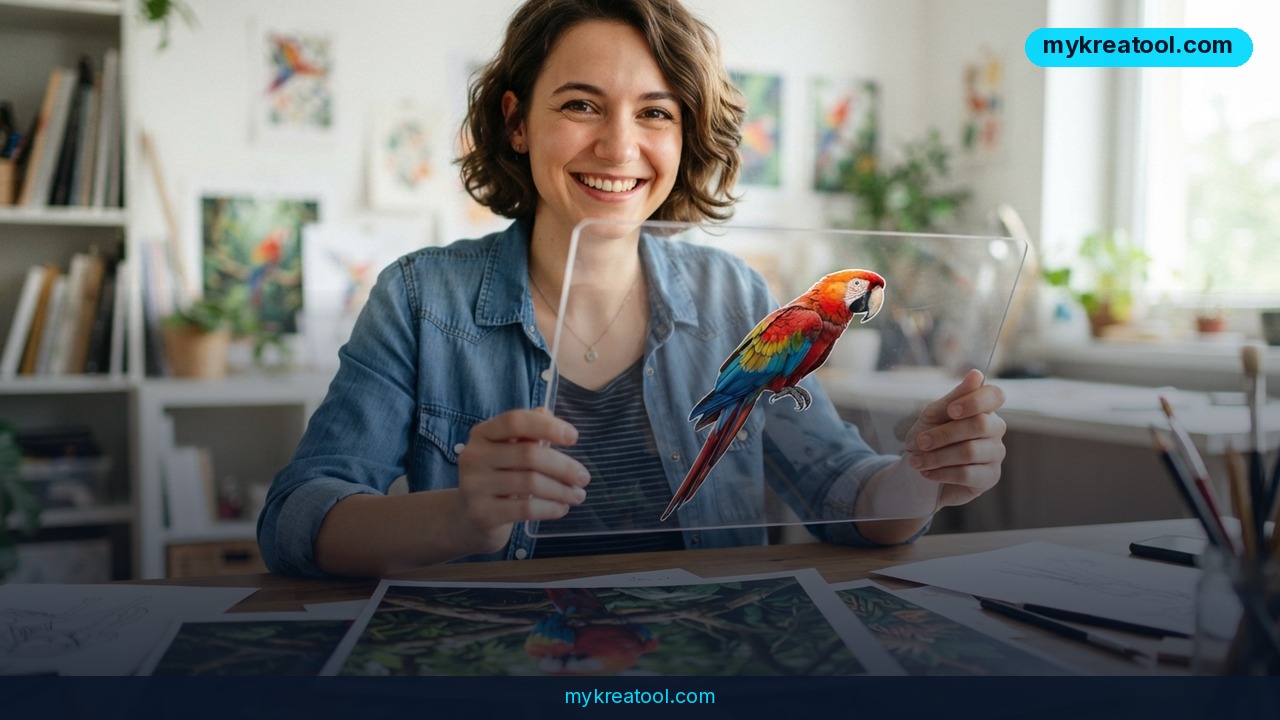
Alibaba just released Qwen-Image 2.1, a free, open-weight AI image generator that can create objects with a see-through background baked right into the file — no background removal app, no green screen, no second step. The company published the full model weights on Hugging Face the same day, and ComfyUI (a popular free tool for running AI image models on your own computer) already had support ready to go.
Here's the plain-English version of what's under the hood: the model has 7 billion "parameters" — think of parameters as the number of tiny dials the model can adjust to understand what you're asking for. More dials generally means it can pick up on finer detail, though it also means it needs a beefier computer to run. The image-generating part of Qwen-Image 2.1 is built from 32 processing blocks (Alibaba calls them Single-Stream DiT blocks) that work together to turn your text prompt into pixels.
A few concrete numbers worth knowing: the model's native resolution is 2048x2048 pixels (a solid 2K image), and it also supports wider or taller formats like 2752x1536 and 1536x2752 without having to stretch or crop afterward. Alibaba recommends running it at 40 "inference steps" — that's just the number of passes the model makes to refine the image from noise into a finished picture. More steps generally means more polish, but also more waiting.
The headline feature, though, is native RGBA support. RGB is the red-green-blue color system your screen already uses; the "A" adds an alpha channel, which is the technical term for a transparency map — it tells software which parts of the image are solid and which parts should be see-through. Qwen-Image 2.1 can generate a brand-new object straight into that transparent format, edit an image that already has transparency, and — this is the part people are still testing — pull an object out of an ordinary photo and hand it back to you as a clean, transparent cutout, similar to what a professional would do manually in Photoshop.
What it means for you
You don't need a design background to benefit from this. Here's what it looks like in practice:
• At home: Want a sticker of your dog for a family group chat, with no white background showing? Generate it directly with transparency instead of fighting with a background-eraser app.
• At work: Marketing and ops teams that build slide decks or internal docs can generate icons, product mockups, or illustrations that drop cleanly onto any colored background — no more awkward white boxes around images.
• Running a small business: An Etsy or Shopify seller can generate a transparent product cutout for their listing photos, or create a promotional graphic that layers cleanly over a banner, without paying a designer $30 for a five-minute job.
• Studying: Students building a presentation or a science poster can generate labeled diagrams or icons that overlay onto slides without a stray background color clashing with the theme.
• Creative projects: Because the model can take up to 10 reference images at once and can be guided with scribbles, hand-drawn markings, or masks, artists can rough out an edit by hand and let the model finish it — closer to directing an assistant than typing a perfect prompt.
• Side income: Freelancers doing quick logo variants, YouTube thumbnails, or print-on-demand designs can cut out a manual editing step, which means more jobs finished per hour.
If you want to try AI image and editing tools without installing anything or learning a new interface, mykreatool.com offers a set of free AI tools you can run straight from your browser — a good low-effort way to get a feel for what AI image editing can do before setting up something more advanced like Qwen-Image 2.1 locally.
How to try it right now
Free and easiest option: Skip the technical setup entirely and start with browser-based AI tools like mykreatool.com to experiment with AI-generated and edited images at no cost.
If you want to run Qwen-Image 2.1 itself, here's the actual path people are using:
1. Download the weights from Qwen-Image 2.1 on Hugging Face (the official Alibaba announcement links out to the model files).
2. Install ComfyUI — a free, visual, node-based app for running AI image models locally. Comfy Org has already published a ready-made Qwen-Image 2.1 package, so you don't have to configure the model by hand.
3. Load the model in ComfyUI, type a prompt (or upload up to 10 reference images), and generate. For transparent output, select the RGBA / transparency workflow that ships with the ComfyUI package.
4. If your graphics card is limited, use a "quantized" version — that just means a compressed copy of the model that trades a little quality for a much smaller file size and lower memory use.
No coding experience is required for step 2 and onward — ComfyUI is a drag-and-drop interface once it's installed.
Upsides and what changes
The biggest practical shift is that image generation and image editing used to require separate tools; Qwen-Image 2.1 does both in one model. Combine that with native transparency and the ability to feed it up to 10 reference photos at once, and a lot of small design jobs — cutouts, product mockups, icon sets, quick photo edits — get faster without hiring anyone.
Hardware-wise, this is also more accessible than it sounds. According to early reports from users on Reddit, the compressed ("quantized") version of the 7B model takes up roughly 7 GB of video memory, and its companion text-understanding model (Qwen3-VL) takes up around 6 GB in a lighter-weight format — about 13 GB combined. Because ComfyUI can offload some of that to your computer's regular RAM, people are reporting usable results with 12 GB of VRAM (video memory), and even older cards like the RTX 3060 are expected to run it with enough compression, according to the same Reddit discussion. That's a meaningfully lower bar than the 24-32 GB graphics cards that high-end AI image models often demand.
Alibaba also says it improved how well the model keeps a person's face or an object's identity consistent when editing — a common weak point in earlier AI image editors, where a small edit could subtly change someone's face.
Limitations
This is a research release, not a polished consumer product, and that shows in a few ways: setup still requires installing ComfyUI and downloading multi-gigabyte files, which is more friction than a phone app. The license Alibaba attached is restrictive about commercial use — reporting on this varies, with some coverage describing it as a research-only license and others noting looser terms, so if you plan to use outputs commercially, read the license text on the Hugging Face model page yourself before you rely on it. Early community testing on Reddit is mixed too: several users are impressed by the editing and consistency, while others report the classic AI-image complaints of overly smooth "plastic" skin and waxy textures on people. And the standout RGBA cutout feature — pulling a clean object out of a normal photo — is genuinely new enough that independent testing is still catching up, so treat early claims about its accuracy as promising rather than proven.
Conclusion
Qwen-Image 2.1 is a free, open-weight AI model that generates and edits images — including transparent, background-free objects — in one tool, and it's light enough to run on consumer graphics cards with around 12 GB of VRAM. Your action for today: open mykreatool.com and try generating one image with a transparent background, or if you have a decent graphics card, install ComfyUI and load the Qwen-Image 2.1 package to test the RGBA cutout feature on a real photo of your own.


Comments 0