What happened
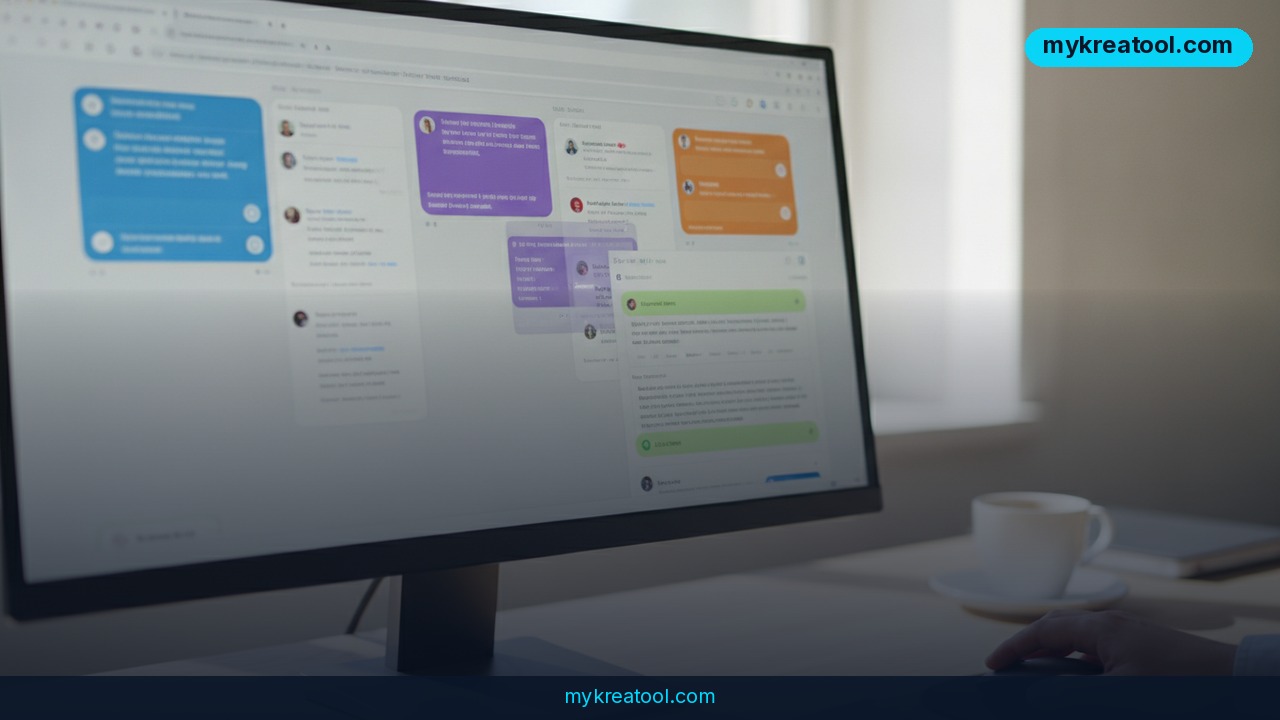
A developer building his own workflow accidentally created a tool that solves one of the most annoying problems in AI chatbots: usage limits. The app, called AI Bridge, is a free, local desktop program that puts Claude, ChatGPT, Gemini, and Copilot side by side in one window — and it even supports multiple accounts on the same platform, so you can run two separate Claude accounts at once. The creator, a Reddit user posting under u/Magicianmanan, shared the project on r/artificial after realizing other people needed it just as much as he did.
The core feature is simple but genuinely useful. When you hit a usage cap on one AI platform, mid-conversation, you click "Share," and the entire conversation — every message you sent and every answer the AI gave — gets dropped into another platform's input box. It comes pre-loaded with an instruction telling the new AI to "take over, don't restart." You press Enter, and the second model picks up exactly where the first one left off, with full context intact. No copy-pasting, no re-explaining your project, no lost train of thought.
The tool is open source on GitHub at github.com/mananmaroo/ai-bridge, and it's also available as a hosted version at agentshive.net for anyone who doesn't want to install a desktop app.
Why it matters
Anyone who uses AI chatbots daily knows the pain: you're deep into a complex coding session or a long research thread, and suddenly you hit a message limit or a rate cap. Free tiers on Claude, ChatGPT, and Gemini typically cap you at anywhere from 15 to 40 messages every few hours, and even paid plans have ceilings during high-traffic periods. Until now, the only real workaround was manually copying your last few messages into a different chatbot and hoping the new model could reconstruct enough context to be useful.
AI Bridge removes that friction entirely. Because it transfers the full conversation history — not just a summary — the receiving AI actually understands the nuance of what came before: the code you were debugging, the tone of the email you were drafting, the specific constraints of your project. That's a meaningfully different experience than starting over.
This also matters strategically. As more people run multiple AI subscriptions in parallel — one for coding, one for writing, one for research — the ability to treat them as one continuous workspace rather than four separate silos is a real productivity shift, not just a convenience feature.
How to use it today
Getting started takes a few minutes. Download the app from the GitHub repository, or use the web version at agentshive.net if you'd rather skip installation. Once open, you connect the accounts you already use — Claude, ChatGPT, Gemini, Copilot — and they appear as tabs or panels side by side.
Work normally in whichever AI you prefer. When you get a usage-limit warning or error, click Share, pick the destination platform (including a second account on the same platform), and the app formats your conversation with the "take over, don't restart" instruction automatically. Switch tabs, hit Enter, and continue.
If you're already building a stack of free AI utilities for daily work, it's worth pairing a tool like this with other lightweight resources — sites like mykreatool.com collect free AI tools for tasks like image generation, text editing, and quick automation, which can slot neatly alongside AI Bridge in a no-cost AI toolkit.
Because the project is open source, technically minded users can also inspect exactly how the conversation transfer works, or contribute improvements directly on GitHub.
Who benefits
The clearest winners are heavy AI users on free or lower-tier plans: students, freelancers, and small business owners who rely on chatbots throughout the workday but can't justify multiple premium subscriptions. For them, AI Bridge effectively multiplies the usable message quota by spreading work across platforms without losing continuity.
Developers and coders benefit too. Debugging sessions and long build-outs are exactly the kind of task where hitting a limit mid-thread used to mean losing momentum entirely. Marketers and content creators running long brainstorming or drafting sessions get the same benefit — the conversation's tone and direction survive the handoff.
Agencies and small teams juggling several client accounts across different AI platforms may also find the multi-account support (two Claude logins running simultaneously, for instance) useful for keeping projects separated while still having a fallback ready.
Risks
A few things are worth flagging before you install anything. First, because AI Bridge needs to connect to your accounts on Claude, ChatGPT, Gemini, and Copilot, you're granting a third-party tool access to your active sessions — always review what permissions or credentials it requests, and prefer the open-source desktop version, where you can audit the code, over blind trust in any hosted service.
Second, transferring a full conversation between providers means your data — and potentially sensitive business or personal information — passes through an additional layer outside the AI vendor's own infrastructure. If you're handling confidential material, check the app's privacy practices before relying on it for that kind of work.
Third, since this is a young, community-built project rather than an official product from Anthropic, OpenAI, Google, or Microsoft, expect rough edges: possible compatibility breaks if a platform changes its interface, and no formal support guarantee. Treat it as a productivity hack, not enterprise-grade infrastructure, at least for now.
Conclusion
AI Bridge is a small, community-built tool solving a problem millions of AI users hit every day: what to do when you run into a usage limit mid-task. By transferring full conversation context between Claude, ChatGPT, Gemini, and Copilot — including across multiple accounts on the same platform — it turns several separate AI subscriptions into one continuous workspace. It's free, open source, and available both as a desktop app and a hosted web version at agentshive.net. Like any young project handling account access, it deserves a careful look at permissions and privacy before full adoption, but for anyone tired of losing momentum to a message cap, it's worth trying out.



Comments 0