
What happened
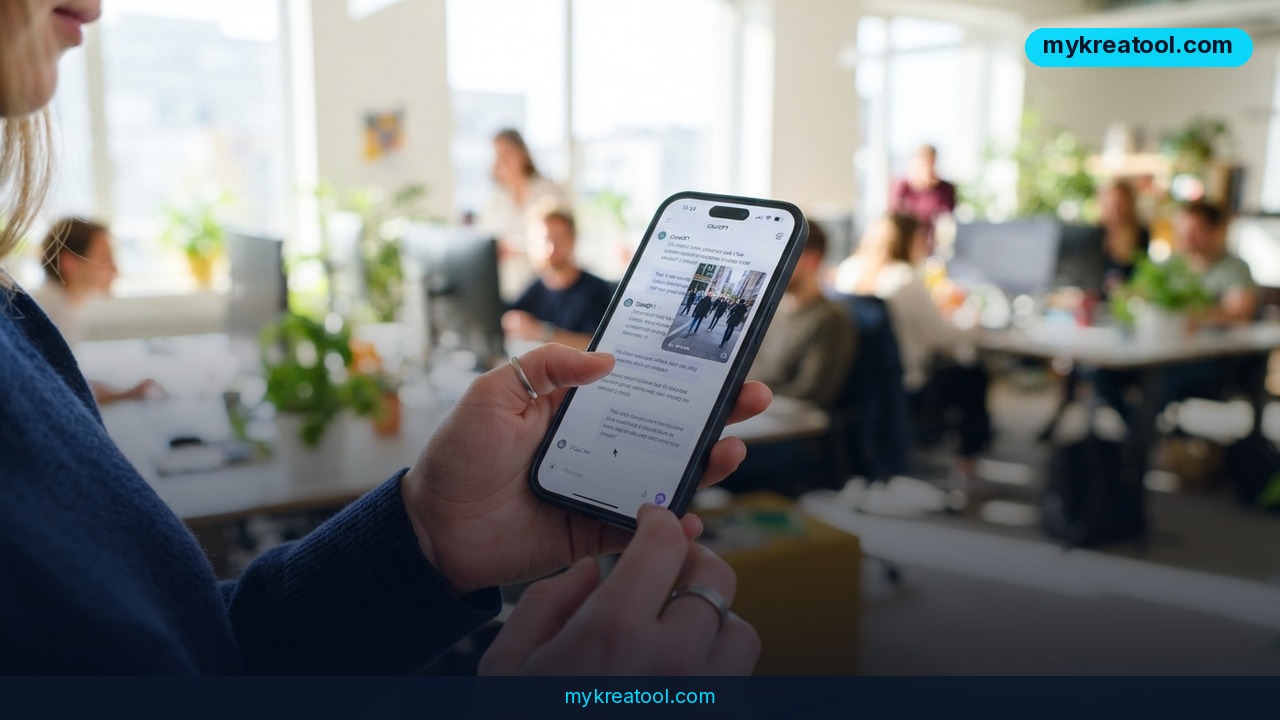
You can now get a finished document or a slide deck straight out of a Claude chat, with no copy-paste step in the middle. Claude Docs and Slides are live in beta, and they're part of a bigger cleanup at Anthropic: the company is merging ordinary chats and its Cowork feature into what it's calling “one Claude,” with Artifacts and Claude Design all reachable from a single interface.
Here's the plain-English version. Before this, if you asked Claude for help with a report or a presentation, you got text back in the chat window and then had to paste it into Google Docs or PowerPoint yourself. Now Claude makes the file. You can ask for changes in the chat, or open the thing and edit it by hand. Then you export it, share it, or hand it to a colleague.
According to Anthropic, Claude “can now figure out what a task needs, so what Cowork and Design can do is available from any conversation, with the context, skills, and connectors you already have.” In everyday terms: no more picking a mode. You ask for what you want, and Claude works out whether that means a document, a deck, or something else.
It behaves a lot like Google Docs — on purpose
Claude Docs start out private, exactly like a Google Doc. You can share one with other editors, and they can work on it at the same time you do. Collaborators — Claude included — can leave comments that look and act like Google Doc comments. Everything you make with Docs, Slides or Claude Design lives at one shareable link that opens on your phone.
That last bit is quietly the important one. A link that opens on a phone is the difference between “I'll send you the file later” and “here, look at it now.”
The “one Claude” part matters more than it sounds
Until now, Claude's more ambitious features were scattered across different surfaces: a normal chat here, a Cowork workspace there, Design somewhere else. Merging them means the AI can pull the right capability without you knowing which button to press. Anthropic says there's “nothing to turn on” — the update just arrives.
It's rolling out first to Pro and Max subscribers on web, desktop and mobile over the next few weeks. Team and Free users get it later.
What it means for you
The real question isn't whether Claude can make a slide deck. Plenty of tools can. The question is whether the thing you'd normally spend an evening on now takes a coffee break. Here's what that looks like in practice.
At home: the family reunion plan
You've got 30 relatives, one weekend, and a group chat full of conflicting opinions. Ask Claude to build a single document with the schedule, the address, who's bringing what, and a short FAQ for the people who'll ask the same three questions anyway. Share the link. Nobody has to scroll back through a pile of messages to find the address, and you didn't open a design tool once.
At work: the Monday status update
This is the unglamorous use case that'll probably win. Paste in your messy notes from the week — what shipped, what slipped, what's blocked — and ask for a one-page summary with a short slide version for the team call. You edit two sentences, hit share, and you're done before your coffee goes cold.
For a small business: a pitch deck that doesn't eat your weekend
If you run a shop, a studio or a consultancy, you've probably got a deck from 2022 with last year's numbers in it. Ask Claude to rebuild it around a new offer, then ask for a second version aimed at a different kind of client. Two decks, one afternoon. If you want more free tools in the mix while you're at it, there's a decent library at MyKreaTool.
For students: the study guide nobody has time to make
Drop your lecture notes into a chat and ask for a structured revision document, plus a handful of slides you can flip through on the bus. Because it's a shareable link, your study group can all open the same file and leave comments on the parts that make no sense. That's genuinely faster than five people trading screenshots.
For creators and side income: packaging an idea fast
A newsletter writer can turn a rough outline into a formatted issue. A freelancer can turn a call recording into a proposal document and a short capabilities deck. A course creator can draft the lesson outline and the intro slides in one pass. The work isn't the writing — it's the packaging, and packaging is exactly what this removes.
How to try it right now
Start with the free route, then upgrade only if you hit a wall.
1. Free option first. Go to Claude and sign in, or create an account. The Free plan works for chatting and for plenty of document work — but note that Docs and Slides reach Free and Team accounts later than Pro and Max. If you don't see the tools yet, that's the reason, not a bug.
2. Open an ordinary chat. No special mode, no toggle. Anthropic says there's nothing to switch on.
3. Ask in plain language. Something like: “Turn these notes into a one-page project brief, then make six slides for a 10-minute walkthrough.” Give it the raw material — messy is fine.
4. Iterate in the chat. “Make slide 3 shorter.” “Add a budget table.” “Cut the jargon.” You're talking to it, not clicking through menus.
5. Open the file and edit by hand. Anything Claude missed, you fix directly. You can also leave comments, the same way you would in Google Docs.
6. Share the link. One link, opens on a phone, other editors can join in at the same time. Export a copy if someone needs a file.
If you're on the Free plan
Be patient rather than disappointed. Pro and Max get the rollout first over the next few weeks; Team and Free follow. Meanwhile, ordinary Claude chat still does the heavy lifting — you'll just paste the result into your own template until the tools land.
Upsides and what changes
The obvious win is time. The less obvious win is that you stop juggling tabs. Anthropic's models are generally regarded as more capable than Google's, but Google had the edge because Gemini sits natively inside Docs, Sheets and Slides — Google spent earlier this year pushing Gemini deeper into those apps, with a chat window inside Docs, full-document generation and editing, and slide creation.
Claude adding Docs and Slides starts to close that gap. And because everything lands on one shareable link, the classic “which version is current?” problem gets smaller. Fewer reasons to leave a chat for another tool is a real productivity gain, even if it's hard to put a number on.
The part people will actually notice
Real-time collaboration and comment threads. That's what turns Claude from a clever text box into a place where work happens with other humans. Slides that live at a link you can text to a client are useful. Slides that three people can edit at once are a different category of thing.
Limitations
Be clear-eyed about this: it's a beta. Beta means features change, edges are rough, and the odd thing will break at the worst moment. Sharing is framed around editors and comments, and nothing in the announcement promises the deep permission controls, version history or offline access that a mature suite like Google Workspace gives you — and Claude isn't wired into your Drive, your email or your calendar the way Gemini is. Exporting a deck also rarely comes out pixel-perfect, so if you're handing something to a picky client, budget ten minutes to check fonts and spacing. And you should still read what it wrote: a confident-sounding document built on a vague prompt is still a vague document, just better formatted.
Conclusion and one action for today
Claude Docs and Slides won't replace your word processor tomorrow, and Anthropic isn't claiming they will. What they do is remove the last annoying step — the copying, the pasting, the reformatting — between having an idea and having something you can send to another person. For entrepreneurs, marketers and creators, that step was never the fun part anyway.
Your one action today: open a Claude chat, paste in a rough note you already have sitting in a doc or a message, and ask for a one-page summary plus five slides. Twenty minutes from now you'll know whether this belongs in your workflow.


Comments 0