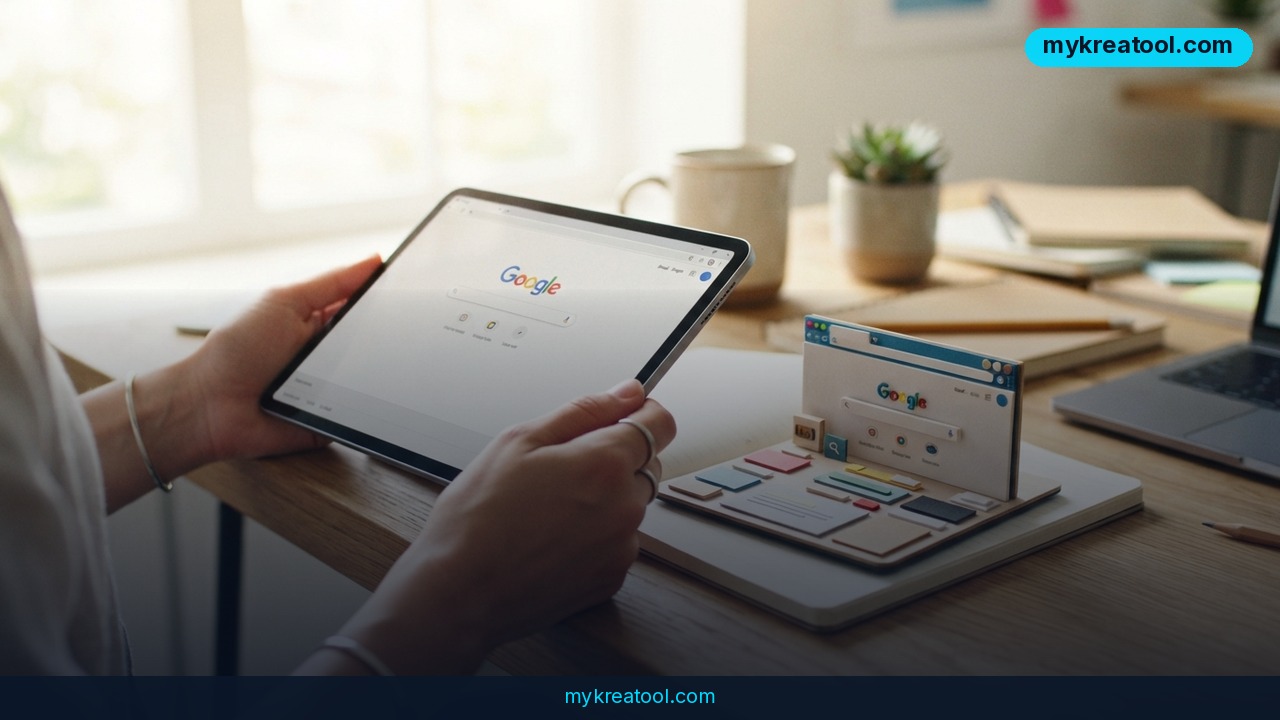
GitHub has a new favourite toy, and it does something that feels like a magic trick: point an AI at a live site, type "replicate this site," and get a working version back. The tool is called Craft Anything, and its pitch is that you can clone a website with AI in about five minutes. It's currently trending on GitHub — the giant public code hub where developers post projects the way the rest of us post recipes.
What happened
Craft Anything comes from the same team that previously used AI to fully reproduce Adobe's software — the paid design and photo tools that creative professionals subscribe to every month. That earlier stunt, built by the team behind ArtCraft, got attention because it showed a model could study a finished product and rebuild something functionally similar from scratch.
Craft Anything applies the same idea to websites. You give it a target and a goal in plain words. The AI studies the original page, generates its own version, compares the two, and keeps going — adjusting, rebuilding, re-checking — until the copy looks close enough. Think of it as a photocopier that also grades its own output and runs another pass until the grade is good enough.
The concrete details, as they stand right now:
• 5 minutes is the headline claim for a single clone.
• It runs on Windows, macOS and Linux — all three major desktop platforms.
• It's in early alpha, meaning an unfinished build released early so people can test it and report what breaks.
• It's powered by Claude Code, an AI coding assistant from Anthropic that works inside a terminal window.
You can read the project notes on Repowise, see a technical breakdown on MindStudio's blog, watch a video walkthrough, or read launch coverage here.
A quick reality check on the word "clone"
Let's be straight about this. A five-minute clone is not a perfect replica of a complex site's login system, database or checkout flow. What Craft Anything is genuinely good at is the visible surface: layout, sections, spacing, typography, styling and content structure. Independent checks on the project confirm that the Adobe recreations from the same team are alpha-stage experiments rather than finished replacements for the real products. Expect the same from the website tool.
What it means for you
You don't need to be a programmer to care about this. Here's where it actually lands in ordinary life.
At home: a decent web page without a subscription
Say you're launching a tiny side project — dog walking, tutoring, a wedding page. Normally you'd either pay a monthly website builder fee or wrestle with a template for a weekend. Instead you find a site you like the shape of, feed the address to Craft Anything, and get a starting structure in minutes. You swap in your own words and photos. It's the difference between baking from a recipe someone already wrote and inventing the cake from scratch.
At work: prototypes without waiting in a dev queue
If you're a marketer or product person, the bottleneck is usually the engineering team's calendar. With this, you can mock up a landing page concept in an afternoon and show it in a meeting, then hand the working prototype to developers as a reference. Nobody is asking you to ship it — it's a conversation starter that looks real.
For business owners: rebuild something you already own
Got an outdated site with a layout you like but a mess of old code? Rebuilding your own pages is the safest and most useful use case. Take your existing site, clone your own structure, then modernise it. Before you install anything, it's worth poking around free AI tools at MyKreaTool to see what kind of output today's models give you — it's a low-effort way to calibrate expectations.
For students: learn by taking things apart
Web development students spend hours inspecting pages in a browser to work out why a layout behaves the way it does. Craft Anything automates part of that reverse-engineering loop and hands you a working copy you can dissect. It's like getting a machine-translated version of a novel alongside the original — you can compare sentence by sentence and see how the structure was built.
For creators and freelancers: a paid-service opening
If you build simple sites for local clients, five-minute first drafts change your economics. You can show three different starting directions in one call instead of one. The value you sell shifts from typing out HTML to taste, judgement, copywriting and knowing which of the three directions actually fits the client's business.
How to try it right now
The free route first: the project is published openly on GitHub, so you can read it, run it and test it without paying for a licence. Here's the sequence.
1. Check your machine. Windows, macOS or Linux — you're covered. You'll also need Claude Code set up and working, because that's the engine doing the building.
2. Grab the repo. Start at Craft Anything and follow the setup steps in the project's readme file. It's an alpha build, so read the notes before you start complaining about bugs.
3. Pick a harmless target. Use your own website, or a simple public page you admire. Don't start with a bank or an airline — you'll just get frustrated.
4. Write the prompt. Something as short as "replicate this site" works, but adding specifics ("same layout, my own copy, mobile-friendly") gets you a better result.
5. Let the loop run. The tool builds, compares against the original, and keeps refining. Give it the claimed five minutes, then a bit more for anything complicated.
6. Review side by side. Open the original and the copy in two browser tabs. Check desktop and mobile widths. Nothing has validated it for you.
7. Stay in a sandbox. Test on a throwaway folder or staging area first. Alpha software and live production sites don't mix.
Upsides and what changes
The obvious win is speed. Something that used to mean an afternoon of copying a layout by eye now happens while you make coffee. The second win is access: people who can't write code get a real, clickable artefact instead of a mood board. The third is iteration — because the AI compares its output to the original and loops, you're not judging a single one-shot guess; you're judging the tenth pass.
Bigger picture, "reverse-engineer the thing you can see" is becoming a repeatable pattern. First Adobe's tools, now websites. The skill that matters shifts from producing the first draft to evaluating it: does this look right, does it feel like the brand, will it actually convert? That's judgement work, and it's harder to automate than markup.
Limitations
Be honest with yourself about what an alpha build means. Early testers should expect installation friction, crashes, half-finished features and a tool that sometimes gives up halfway through a page. The five-minute figure is a best case on a simple target, not a guarantee. Anything interactive — logins, payments, live search, dashboards pulling real data — sits well beyond what a visual clone can reconstruct, so you'll still need a developer for the parts that actually do something. And there's the legal side: copying someone else's design, copy and images wholesale can land you in copyright trouble, so keep it to your own sites, pages you have permission to use, and learning exercises.
Conclusion
Craft Anything is the clearest example yet of AI turning "look at this and rebuild it" into a button — same team as the Adobe experiment, same alpha-stage caveats, roughly five minutes per clone, running on Windows, macOS and Linux through Claude Code.
One action for today: open the project page, save it, and pick one page of your own site to clone in a test folder this week. You'll learn more in twenty minutes of poking at it than from a month of headlines.



Comments 0