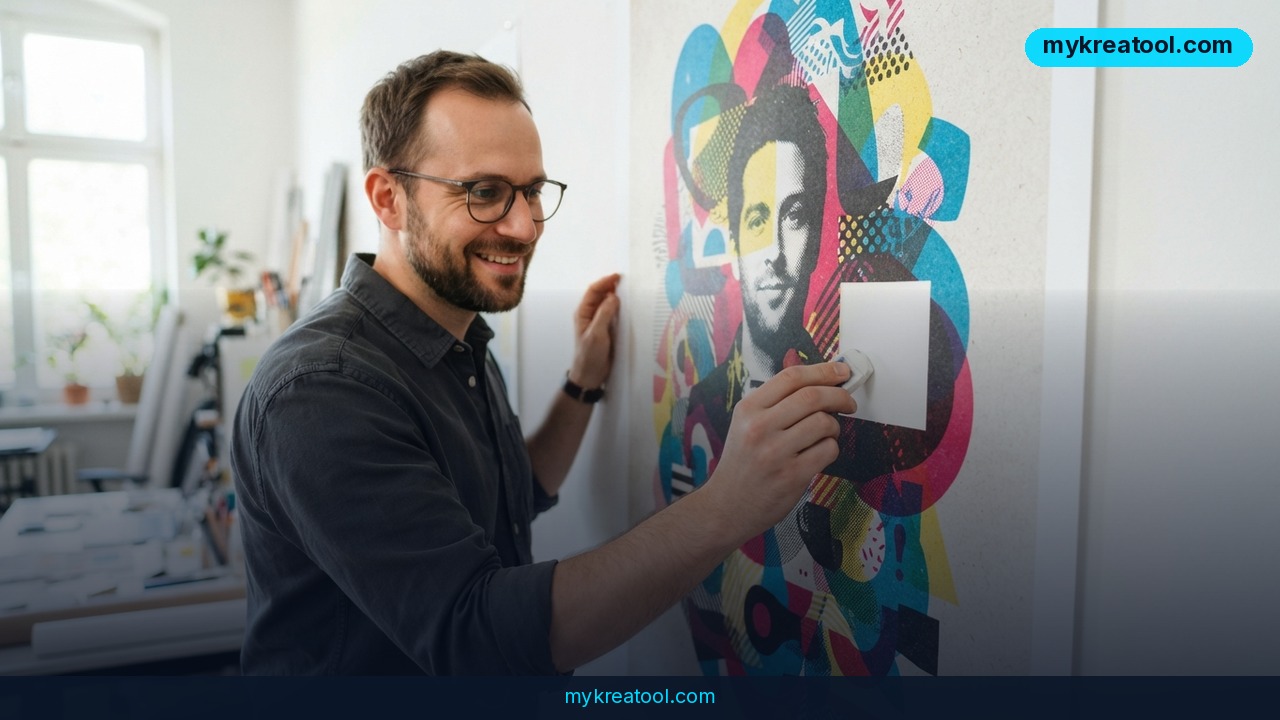
ByteDance just shipped an image generator that can take a hundred rounds of tweaking without smearing your background into mush. Seedream 5.5 is live across Dreamina, CapCut and the BytePlus cloud platform, and the headline number is 100 — as in up to 100 back-to-back local edits with no visible drop in quality.
What happened
ByteDance pushed Seedream 5.5 into three products at once: Dreamina, the browser-based creative studio; CapCut, the video editor a lot of people already have on their phones; and BytePlus, the company's cloud platform for developers. Same model underneath, three very different front doors.
That spread tells you who it's aimed at. One door is for someone who wants a poster by Friday. Another is for someone who edits TikToks and needs a clean product shot. The third is for teams wiring image generation into an actual app. This isn't a demo drop — it's the same model showing up everywhere at once.
Why 100 edit rounds is the real story
Local edits used to be a one-way street. Every time you rework one region, the model re-renders pixels around it, and after five or six passes skin goes plastic and skies go patchy. Think of it like photocopying a photocopy: each generation loses a little sharpness and picks up a little noise until the original is gone.
Seedream 5.5 is built to survive roughly 100 consecutive rounds of that. Change a jacket color, swap the background, fix the shadow it cast, then relight the face — and everything you didn't touch stays exactly where it was. If any of those rounds goes sideways you can usually just keep fixing instead of starting over from scratch, which is the part that actually eats your afternoon.
Native RGBA: transparency without the scissors
RGBA just means red, green, blue plus A for alpha — the channel that records how see-through each pixel is. Until now most generators faked it: you'd get a white or checkered backdrop and cut your product out by hand, or hand it to a background-removal tool and pray.
Native here means the model paints transparency on the first pass. The payoff shows up in the ugly edge cases: loose hair, glass, smoke, thin silhouettes. Those are exactly the spots where auto-cutout tools leave a fuzzy halo around your subject.
Layers that arrive already split
Seedream 5.5 also separates what it generates into background, graphic elements and editable text blocks. In plain terms, you get something closer to a layered Photoshop file than a flattened JPEG. ByteDance already had a version of this in the previous generation; the 5.5 release tightens it up.
If you've ever rebuilt a client's poster from scratch because the headline was baked into the pixels, this is the feature that buys back an afternoon.
Text that doesn't melt
Typography got a rework too. ByteDance says critical text distortion is down to a 0.4% rate across 14 languages — the difference between small type that's readable and small type that looks like a captcha. Dense poster layouts and fine print are the stress test here, and that's where the improvement matters most.
ByteDance also claims a 55.62% gain on its GSB realism metric versus the previous generation. GSB stands for Good/Same/Bad: two images go side by side, a reviewer picks a winner. It's a company-run comparison rather than a public leaderboard, so read it as directional rather than gospel.
What it means for you
You don't need to care about alpha channels to benefit. The practical shift is that one image can now carry a whole campaign instead of one hero shot.
Around the house
Redecorating and can't picture the sofa in your living room? Drop a photo of the room in, then iterate — swap the wall color, change the rug, move the lamp. Because edits hold up over dozens of rounds, you can keep nudging the same image instead of regenerating and losing the layout you liked.
At work
Marketing decks live and die on small tweaks: this product shot, but on a white background, with the headline swapped, in a square crop. Layer separation means the text block stays editable, so you're not rebuilding the slide every time someone senior says the wording is off.
Running a small business
Product photos on a transparent background are the single most annoying asset for a shop owner. Native RGBA output means a bottle, a jar or a pair of earrings arrives cut out and ready to drop onto a banner, a menu or a marketplace listing — no studio, no freelancer, no waiting.
Studying
Students building presentations and lab reports can generate a labeled diagram, then fix the labels one at a time without the whole figure degrading. The 0.4% text distortion figure matters more than it sounds when the label is a chemical formula or a unit symbol.
Creative projects
Illustrators and hobbyists get the closest thing to a proper digital painting workflow: generate a base, then keep refining individual elements. Comic panels, character sheets, poster mockups — all benefit from being able to make the twelfth change without wrecking the first eleven.
Earning from it
If you sell design services, the time sink isn't the first image, it's the fifth revision. A tool that survives 100 rounds means revisions stop being a fresh generation each time. That's the difference between quoting for one concept and quoting for a finished campaign.
Before you commit to any one tool, it's worth knowing what else is free out there — MyKreaTool keeps a running list of free AI tools you can test in a browser tab.
How to try it right now
Step 1 — start where it's free of setup. Open Dreamina and pick Seedream 5.5 as your model. This is the consumer door: no cloud account, no API key, no developer work.
Step 2 — generate the base image. Write a prompt with the boring specifics baked in: subject, framing, lighting, background. The more you nail on the first pass, the fewer rounds you'll need later.
Step 3 — edit one thing at a time. Select the region you want to change and change exactly that. Resist the urge to describe five fixes in one prompt; single, tight edits are what the 100-round stability is designed for.
Step 4 — ask for transparency up front. If you need a cutout, request a transparent background during generation rather than trying to remove a white one afterward. That's where the alpha channel does its real work on hair and glass.
Step 5 — pull the layers apart. Use the layer separation to grab the background, the graphic elements and the text as separate assets, then take the text block into your layout tool of choice.
Step 6 — scale it up. If you're building something a team depends on, go through BytePlus for cloud access. And if your output feeds video, CapCut is the softest landing.
For a deeper walkthrough of the settings, CellCog's breakdown and Morphic's how-to guide both go further than the launch page.
Upsides and what changes
• Revisions stop being punishment. Up to 100 stable local edits means the twelfth change costs about as much as the first.
• Cutouts get cheap. Native RGBA kills a whole category of manual labor around product photography.
• Text holds up. 0.4% critical distortion across 14 languages makes small type usable for posters, packaging and print.
• Layers arrive ready. Getting background, graphics and typography as separate pieces shortens the trip from image to finished layout.
• Realism is up. The 55.62% GSB gain over the previous generation is the headline for anyone selling photos or lifestyle imagery.
The bigger shift is workflow. Before, you generated concepts and then rebuilt the winner by hand. Now you can plausibly stay inside one file from first prompt to final export.
Limitations
Worth being straight with you: 100 rounds is a ceiling, not a guarantee, and some third-party write-ups hedge at 80+ rather than a clean 100. The 0.4% distortion figure is ByteDance's own number measured on critical distortions — it means small text is far less likely to garble, not immune, so anything going to commercial print still deserves a human eyeball. The 14-language typography claim is likewise a launch spec, and at least one source puts support at more than 15 languages, so check the fine print for your market. The GSB realism number is an internal side-by-side comparison against an older model, not an independent benchmark, and early testers note that how well RGBA and layer separation work can vary between Dreamina, CapCut and the BytePlus API. Long edit chains also still drift in subtle ways — not broken, just different from what you pictured — so save versions as you go.
Conclusion
Seedream 5.5 is less about prettier first images and more about what you can do to an image afterward: 100 stable edit rounds, native transparency, split layers and text that survives being small. For freelancers, shop owners and in-house marketers, that's the part that changes your week.
Here's your one move for today: open Dreamina, generate a single image with a transparent background, and then edit it five times in a row. You'll know within ten minutes whether this belongs in your workflow.



Comments 0