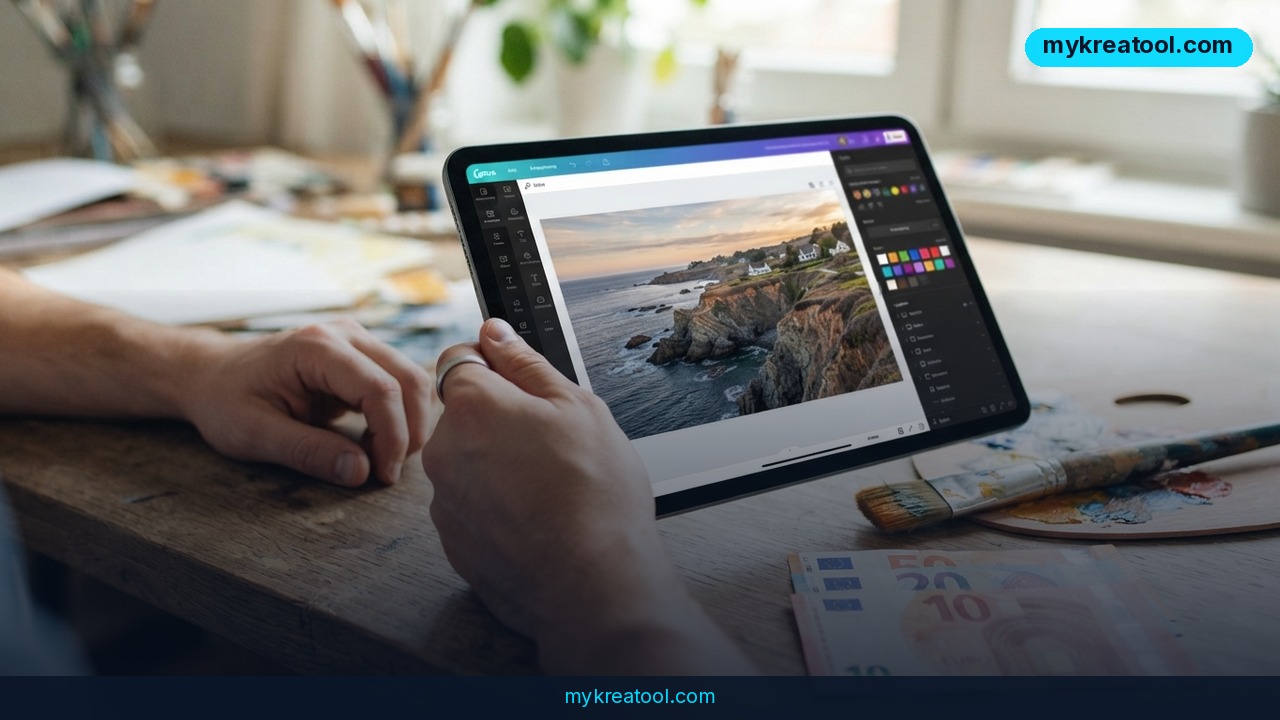
If you've ever asked an AI image tool for a promo poster and gotten back a gorgeous mess with text that reads like alien runes, you're exactly who Canva built its newest tool for. Canva Craft is the platform's first in-house image generation model, and it's live for every Canva user as of October 22, 2026.
Canva isn't new to AI — it's been baking AI features into its editor for a while. What's new is that it now owns the engine instead of renting someone else's. That shift matters more than it sounds, because it's aimed at the one thing business users actually care about: visuals you can put in front of a customer, not just pretty pictures.
What happened
Canva Craft was built by Canva's own research team to compete head-on with same-category models from Google, OpenAI, ByteDance and Meta. The company says the model solves a very specific problem, and it does it in two deliberate steps.
Two stages, one plan
First, the model reads your prompt and writes itself a plan — no pixels yet. That plan works out where objects sit relative to each other, how big each one should be, what the visual hierarchy is, and what information the text on the image needs to say.
Only then does stage two fire, rendering the picture at up to 2K resolution in any of up to 30 different aspect ratios. In everyday terms: one idea, and it comes out square for an Instagram feed, tall for Stories, or wide for a website banner without you rebuilding the layout each time.
Canva says this two-step approach is why the output holds accurate object detail and legible text, and why you can make precise edits without the rest of the image drifting. If you've ever tried to change one word on an AI-generated flyer and watched the whole background melt, that's the fix.
Trained on designs, not photos
Here's the detail that separates Canva Craft from the pack: it wasn't trained on photographs. Canva trained it on human-made designs from its own template library — posters, social posts, presentations, infographics, menus and typography-heavy layouts.
That means the model learned the grammar of design rather than just the look of the real world. It also means the output isn't a dead-end JPEG. Because it was raised on layouts, an image made with Canva Craft can be converted into a layered, fully editable design using Canva Magic, the company's image-to-design transformer. Canva shipped the underlying model that understands designs and layers last year, so this is the payoff on that work.
Think of it as the difference between getting a photo of a cake and getting the recipe plus the tin.
Where you'll find it, and what's next
Canva Craft is available to all users right now from the Dream Lab tab inside Canva, and it's also open through the Canva API. Canva plans to support image generation inside third-party chatbots like ChatGPT and Gemini through its MCP connection as well.
Two cheaper, faster versions — Craftfast and Craft-ultrafast — are in development and will be released soon. Canva has been paying for a stack of third-party image models to power its platform, so owning the model should cut its API costs and give it tighter control over quality and speed. Researchers from Leonardo.ai, the media generation platform Canva acquired in 2024, contributed to the new model.
What it means for you
You don't need to care about model architecture to feel the difference here. You just need to care about how long it takes to get a usable picture.
At home
Picture a Saturday morning where you're organizing a neighborhood garage sale. You need a flyer for the lobby board, a square version for the building WhatsApp group, and a menu-style price sign for the table. Instead of fighting with a template and fighting harder to line up the text, you describe it once, generate it, and resize it across the ratios Canva Craft supports.
The everyday win isn't art. It's legible text that doesn't come out scrambled and a shape that actually fits where you're posting or printing it.
At work
Here's the real-world scenario most teams will live through. A marketing generalist gets asked for a last-minute promo image at 4:45 pm on a Friday. The brief says "add this discount code, keep it on brand, we need it for LinkedIn, email and the homepage."
With a one-shot generator you'd usually end up with three different images that don't match. With a two-stage model that plans the layout first, you get one concept, then variations you can edit into place — and the discount code reads correctly, which is the part that actually protects your brand.
For your business
If you run a small shop, a café or a service business, this is where Canva Craft pays for itself. Menus, price lists, seasonal posters, desk signs, social tiles — the sort of stuff that used to mean either a freelancer invoice or an hour of wrestling with alignment.
30 aspect ratios in one model means a single creative idea can go everywhere you sell, without a redesign for each channel. Before you spend a cent on stock images or another subscription, it's worth checking what's already free out there — mykreatool keeps a running list of free AI tools you can test in parallel.
For students and teachers
Presentations and classroom materials are a sneaky-good fit. An infographic with readable labels, a diagram for a biology slide, a cover image for a report — the legibility of the text is usually what makes or breaks school visuals, and that's the exact thing this model was trained to get right.
Because it learns from layouts, you can also ask for something that looks like a titled poster rather than a photo with random words floating on it.
For creators and side income
If you sell printables, run a print-on-demand shop or make thumbnails, the layered conversion is the headline feature. A flat AI image is a wallpaper; a layered design is a template you can recolour, restyle and resell as a starting point.
That's a genuine shift for solo creators who've been building a monthly product drop out of other people's stock assets.
How to try it right now
There's a free route, and it takes less than five minutes.
1. Head to Canva and log in — the free plan works, since Canva Craft is available to all users.
2. Open the Dream Lab tab, which is where the model lives inside the editor.
3. Select Canva Craft as your model.
4. Write a prompt like a brief, not a wish. Say what it is, who it's for and what text must appear — put the exact wording in quotes, because legible text is the model's party trick.
5. Mention the destination platform (Instagram post, Story, A4 poster) so you get a sensible aspect ratio on the first try.
6. Generate, then edit the parts you don't like. The whole point is that small changes stay small.
7. Use Canva Magic to turn the image into a layered design so you can move text and objects around like a normal Canva file.
8. Resize the same idea into your other channels instead of starting over.
Upsides and what changes
The obvious upside is speed plus text that survives contact with reality. Posters, menus and social posts live or die on readable words, and that's precisely where most image models embarrass themselves.
Second upside: one asset, many formats. Up to 30 aspect ratios and 2K resolution means you're not commissioning a redesign for every channel.
Third: editable output. Layered conversion via Canva Magic turns a throwaway image into something a non-designer can actually maintain.
Fourth: reach. Between the Dream Lab tab, the Canva API and the planned MCP support for ChatGPT and Gemini, your visuals could soon show up inside whatever tool you already chat with.
And for Canva itself, owning the model means lower API bills and better control over quality and speed — which, if it works, tends to show up as a better free tier for everyone else.
Limitations
Let's keep this honest. Canva hasn't published side-by-side benchmarks, and no independent testing exists yet, so any claim about beating Google or OpenAI is marketing until proven otherwise. It's a design model trained on templates, not photos, which is great for posters and less great if you want a believable product shot or a photorealistic portrait — you may get that slightly "template" sheen. Craftfast and Craft-ultrafast aren't out yet, exact usage limits and commercial terms aren't spelled out in the announcement, and nothing here guarantees the model handles every language's typography well. Also worth noting: Canva was tracking toward $4 billion in revenue last year but cut its 2026 growth forecast, with external analysts reporting its valuation sliding from $42 billion to $35 billion — a reminder that this launch is as much about defending turf as it is about delighting you.
Conclusion
Canva Craft is the first time Canva has built its own image engine rather than borrowing one, and the two-stage approach — plan the layout, then draw it — targets the exact failure that makes most AI visuals useless for real work: mangled text and layouts that fall apart the moment you change something.
Whether it beats the competition on raw image quality is still an open question. Whether it's more useful for a flyer, a menu or a social post is a much easier bet, because usable beats beautiful when there's a deadline.
One action for today: open Canva, go to the Dream Lab tab, and generate a single square social post with your business name and one line of text in it. If that text comes out clean, you've just found your new first draft tool.

Comments 0