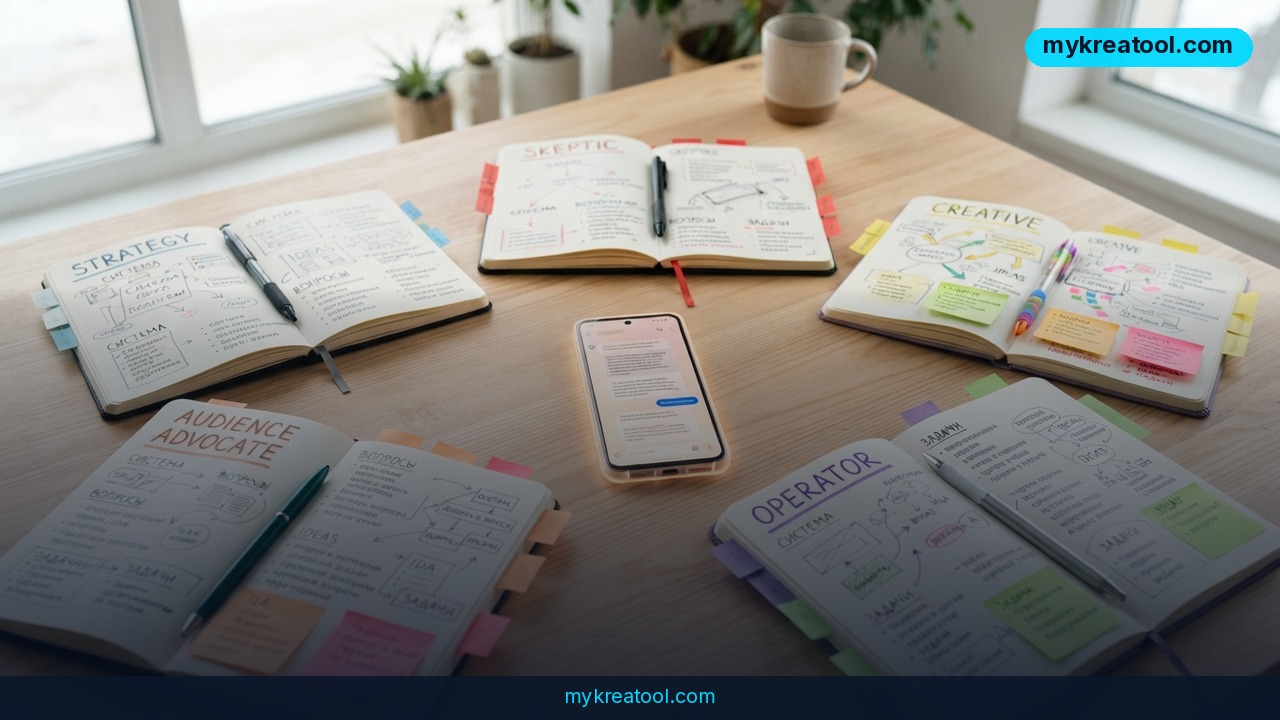
Some viral posts make it sound like Anthropic quietly shipped a secret new mode. It didn't. What actually happened is simpler and a lot more useful: a five-advisor prompt for Claude that you paste in yourself, which forces the model to argue with itself before it gives you an answer. No feature rollout, no waiting list, no API key. One message, five opinions, one verdict.
The prompt was shared by the Telegram channel @aipost with the line "one prompt makes Claude argue as five advisors before it answers you." The post picked up 281 views, 15 reposts and 4 reactions — modest numbers, but the format has been spreading for a while under the "AI council" name. A fact-check attached to the post rates the claim as fully correct: this is ordinary role prompting and system prompting, the same technique Anthropic documents in its prompt engineering guide. Claude Projects has accepted custom instructions since it launched (Anthropic's Projects explainer), so nothing had to be built for this to work.
What Happened: One Prompt, Five Voices
Here's the prompt, close to word for word:
> For each request, play five advisors. The Strategist checks what best serves my goal. The Skeptic tests the weakest assumption. The Creative Advisor suggests an overlooked option. The Audience Advocate explains how the people affected might react. The Operator checks what I can actually do with my time and resources. Give each advisor one or two sentences. Then show the biggest disagreement and let one advisor respond to the strongest objection. End with one verdict, the first action I should take, and what could change your recommendation. Label assumptions. If a missing detail could change the verdict, ask me one focused question first.
Read it once and you can see the trick. Five advisors at one or two sentences each means roughly ten sentences of thinking before you ever reach the answer. You're not asking for a longer reply — you're asking for a specific shape of reply.
What Each Advisor Is Actually For
• The Strategist asks whether this serves the goal you actually have, not the goal you typed.
• The Skeptic hunts the weakest assumption — the quiet thing everything else rests on.
• The Creative Advisor surfaces the option you skipped because it felt obvious or slightly weird.
• The Audience Advocate covers other people: your partner, your boss, your customers, your readers.
• The Operator is the practical one. Do you have the hours? The budget? The patience?
Then the prompt does something most AI answers never do: it makes the model show its biggest internal disagreement, lets one advisor answer the strongest objection, and only then commits to a verdict — plus the first action and the conditions that would flip the recommendation.
Why People Are Sharing It
A normal AI reply is like that one friend who agrees with everything you say. Pleasant, and completely useless when you're about to make a bad call. This prompt builds the dinner-party table where somebody finally says, "Hang on, why are we assuming that?"
The fact-check attached to the original post also points out the lineage: it's a rewrite of the "LLM Council" idea, where several model instances trade drafts and critiques before producing one final answer. You can see an open-source version here: LLM Council on GitHub. The Claude take is lighter — five roles inside a single conversation instead of separate agents — which is exactly why it takes half a minute to try.
What It Means for You: Six Everyday Scenarios
You don't need to be building anything to get value out of this. The prompt works on decisions, not code.
At Home
Big household calls are where the five voices earn their keep. Ask something like "should we finally get a second car?" and you get the Strategist (does this serve the real goal, or just the annoyance of one busy week?), the Operator (insurance, parking, maintenance — who's doing the paperwork?) and the Audience Advocate (how does your partner feel about being the family taxi?) all in the same reply. The Skeptic is the one that stings: maybe the actual problem isn't cars, it's scheduling.
At Work
Use it before you send a proposal, pitch a reorg, or push back on a deadline. The Audience Advocate is the star here — it makes the model spell out how your manager or your team is likely to read the message, which is the part everyone skips when they're frustrated and typing fast.
Running a Small Business
Pricing changes, a first hire, whether to add another marketing channel. Ask the question normally and you'll get a balanced-sounding list of pros and cons. Ask it with the five advisors and you get a named disagreement — say, the Creative Advisor pushing a bundle offer while the Operator points out you don't have the hours to fulfill it. That tension is the useful part.
Studying
For essays and exam prep, ask whether your thesis actually holds up. The Skeptic will attack your weakest claim, and the verdict tells you what to fix first. Swap "Audience Advocate" for "the person marking this" and the whole thing gets sharper.
Creative Projects
Stuck on a plot, a campaign, a video series? The Creative Advisor is built to hand you the overlooked option, and the Operator keeps you from planning a project you'll abandon in week two. It's a decent stand-in for a writers' room when you don't have one.
Extra Income
Freelancers and side-hustlers can run rate changes, new offers, or a "should I take this client" gut-check through it. The Operator's one or two sentences are usually the reality check: can you actually deliver this on top of your day job?
How to Try It Right Now
Step 1: Open Claude in a plain chat (free)
Go to claude.ai — the free account is enough for this — and start a new chat. No paid plan, no setup. If you'd rather use a different assistant, the prompt works there too; it's just text.
Step 2: Paste the prompt as your first message
Copy the block above verbatim and send it. Claude will usually acknowledge and wait. If it starts answering a question you haven't asked yet, reply with "Got it — here's my situation:" and carry on.
Step 3: Ask one real question
Not a hypothetical. A decision you're actually sitting on this week. The output is only as good as the specificity of the question.
Step 4: Save it so you never paste again
If your account has Projects, drop the prompt into the project's instructions so every chat in that project starts with the five advisors already in place. Projects aren't on every plan, so check what your own account shows — and if you don't have it, keep the prompt in a notes app and paste it at the top of a fresh chat.
Step 5: Read the disagreement first
The most valuable line in the whole reply is "biggest disagreement." Read that before the verdict. It's where the model tells you which assumption your decision is standing on.
Step 6: Customize the cast
Five generic advisors is a default, not a rule. Swap the Audience Advocate for a "Budget Hawk," add a legal or compliance voice, or drop the Creative Advisor when you need a straight answer. Two or three well-chosen roles usually beat five vague ones.
If you want more free tools to bolt onto this workflow — prompt helpers, writing utilities, quick converters — the free AI tools at mykreatool.com are worth a browse.
Upsides and What Changes
The obvious win is that you stop accepting the first plausible answer. Plausible is cheap; the model produces it by default. Forcing it to name a disagreement and defend a verdict is what turns a wall of text into something you can act on.
It's Fast and It's Free
One prompt, one paste. No subscription upgrade, no plugins, no developer account. The whole mechanism is a paragraph of plain English.
It Changes How You Read AI Output
After a week of this, you'll catch yourself hunting for the missing assumption in every normal AI answer. That habit carries over to human advice, which is arguably the bigger payoff.
It Gives You a First Action
"One verdict, the first action I should take, and what could change your recommendation" is a genuinely good decision format. You get a next step and a tripwire in the same breath.
Limitations
Be honest with yourself about what this is: five voices from one model, not five independent experts. Every advisor shares the same training data, the same blind spots and the same habit of sounding confident while guessing, so a "disagreement" can be manufactured drama rather than a real clash of views. It also makes replies noticeably longer — fine for one big decision, annoying for a quick lookup. And because the model is told to label assumptions, you'll sometimes get hedged, lawyerly output where you wanted a straight answer; in that case, ask for the verdict first and the debate underneath. Treat the council as a thinking checklist that drags alternatives into view, not as a panel of authorities.
Conclusion and One Action for Today
Nothing here was released, patched or announced — it's a prompt, and that's exactly why it's worth trying before the hype cycle moves on to something else. The five-advisor format doesn't make Claude smarter. It makes Claude show its work, including the part where it disagrees with itself.
One action for today: open claude.ai, paste the prompt, and ask about the decision you've been putting off. Then read only two lines — the biggest disagreement and the verdict. If the disagreement surprises you, you just found the assumption worth testing before you commit.



Comments 0