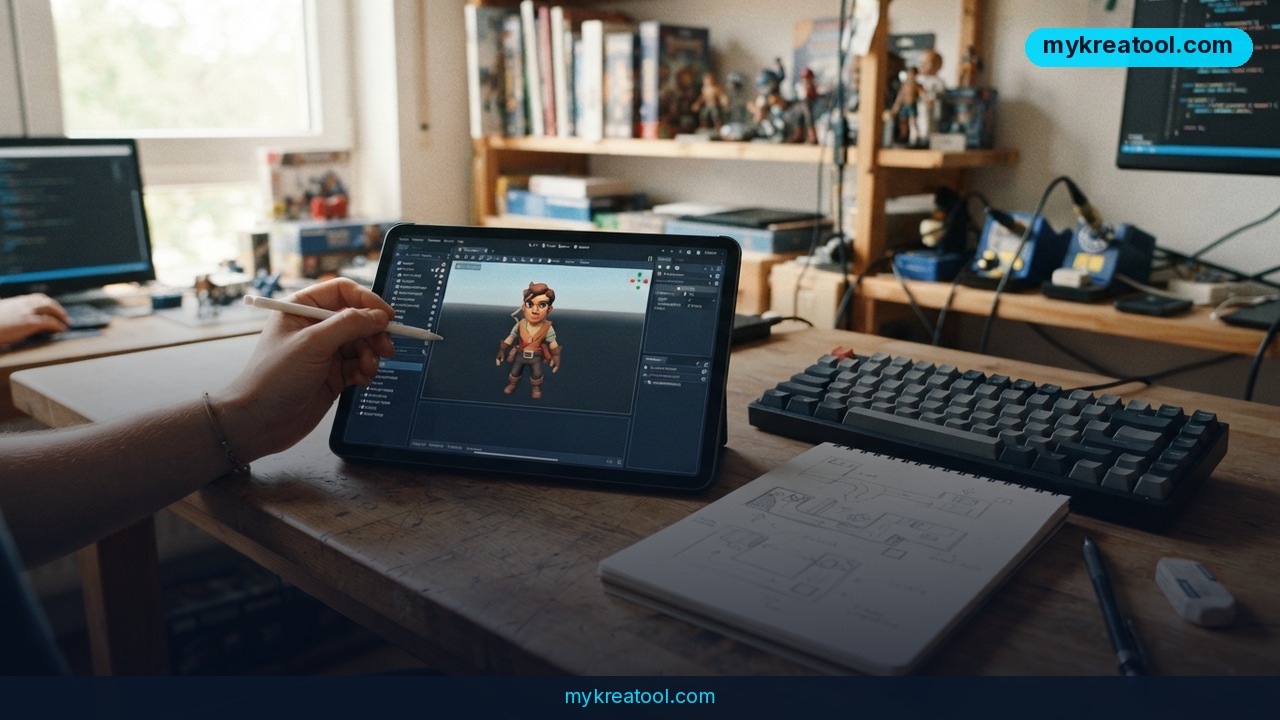
AI game development just became a coffee-break project. A free add-on called awesome-gamedev-agent-skills hands the coding agent inside Claude Code — and OpenAI's Codex — 79 ready-made game-making skills covering 12 game engines, all the way from Godot and Unity to Roblox. You describe the game you want in plain English, the add-on loads the two or three skills that fit the job, and only then does the agent start writing code.
That's the whole pitch, and it's why the project sits at number one on a list of 10 free GitHub projects for building games with AI, put together by AI educator Brendan Jowett. The list has picked up more than 3,600 bookmarks on X, which is a decent sign people aren't just scrolling past it.
What happened
Short version: someone took the "how to actually make a game" knowledge that normally lives in a hundred scattered tutorials and turned it into files an AI agent can read.
Three plain-English terms make the rest of this easy:
• An agent is an AI that doesn't just answer questions — it takes actions. Inside Claude Code it can open files, write code and run commands on your computer.
• A skill is a small instruction file. Think of it as a recipe card: "here's how to set up a player character in Unity," "here's how to export a Godot project to the web."
• An engine is the software that actually runs your game. Godot, Unity and Roblox are the three people usually start with.
The clever bit is the loading. Rather than dumping all 79 recipes into the AI's head at once — which makes it slower and noticeably dumber — the add-on matches your description to the right two or three skills and loads only those. It's the difference between a chef with one recipe on the counter and a chef buried under a cookbook.
The rest of the list
MCP Unity lets your agent reach inside the Unity editor: create scenes, drop in objects, run tests. MCP, for the record, is just a standard plug that lets an AI talk to outside software — a universal adapter between the agent and your editor.
Godot MCP does the same for Godot: it launches the engine, runs your project and reads the error messages back to the agent. Wiring it into Claude Code takes one command.
TripoSR turns a single picture into a 3D model. Snap a photo of a chair, get a game asset out the other end.
The remaining six picks are free code libraries for browser-based 3D games — physics, visual effects, character behaviour and online multiplayer.
What it means for you
You don't have to be shipping a commercial game to get something out of this. Here's what it looks like in everyday life.
At home: the weekend prototype
You've had a silly game idea for years — a tower defense where the towers are houseplants, whatever. Before, that idea died at "I'd need to learn C#." Now you can type the concept into Claude Code, watch it scaffold a playable scene in Godot, and decide by Sunday whether the idea is fun. Most won't be. That's fine — the point is you find out in an afternoon instead of a year.
At work: faster proof-of-concept demos
Product and marketing teams get asked for interactive demos constantly. Instead of begging the engineering team for two weeks of sprint time, you can build a rough 3D walkthrough yourself and hand over a working thing rather than a slide deck.
In business: cheap internal training games
Onboarding a warehouse team or a safety course is painfully dull as a PDF. A simple browser game with a score, built with one of the free 3D libraries on the list, gets read. You're not competing with a studio — you're competing with a laminated sheet of paper.
While studying: learn by pulling things apart
If you're learning to code, an agent that can launch the engine and read errors back to you is a patient tutor. Ask for a small change, break it on purpose, watch what the error says. That loop — change, run, read the error — is how programming is actually learned, and MCP servers make it fast.
For creative projects: art without a modelling degree
TripoSR is the quiet hero here. One photo in, one 3D model out. For a school project, a small exhibit or a title screen, that's the difference between having a prop and not having one. If you want to see what else is free before you commit to anything, our library of free AI tools is a good place to browse.
As an income stream: small, weird, shippable
Nobody is suggesting you clone Fortnite this month. But small paid browser games, asset packs, or "I'll build your Roblox obby" gigs are real work that people pay for, and the barrier just dropped from "learn an engine" to "learn to describe what you want clearly."
How to try it right now
The free option first — none of this costs money to download.
1. Get the skills pack. Open awesome-gamedev-agent-skills on GitHub and follow the install steps in the README. This is the free add-on with all 79 skills.
2. Open Claude Code (or Codex) in your project folder. This is the agent that will write the actual code.
3. Describe the game in one sentence. Something like: "a top-down 2D game where you dodge falling rocks and collect coins." Don't write a design document — the add-on just needs enough to pick the right skills.
4. Watch which skills it loads. Two or three should appear. If it grabs the wrong ones, say so and rephrase; it's a matching problem, not a coding problem.
5. On Godot? Add Godot MCP — one command, and the agent can launch the engine, run your project and read the errors.
6. On Unity? Add MCP Unity so the agent can build scenes, add objects and run tests inside the editor.
7. Need 3D assets? Run a photo through TripoSR and import the result.
8. Prefer to watch first? There's a short walkthrough here: video demo.
Start with the smallest possible thing: one screen, one mechanic, one goal. If that works, add a second mechanic. Games grow the same way plants do — badly if you overwater them on day one.
Upsides and what changes
The biggest shift isn't speed, it's the on-ramp. Learning an engine used to mean weeks of tutorials before anything moved on screen. Now the first playable thing can exist in an hour, and motivation survives that first hour.
The second upside is error handling. An agent that can launch the engine and read the actual error message is doing the exact job a junior developer does — run it, read the red text, fix it. Godot MCP adding that loop with one command is a bigger deal than it sounds.
And the loading trick matters more than the raw number of 79. Focused context means better code, fewer hallucinated functions, and less time spent correcting an AI that confidently invented an API.
Limitations
Be honest about what this is: a pile of instruction files, not a game studio. The skills tell the agent how to do things; they don't know whether your game is fun, and they won't design it for you. You'll still run into broken code, half-finished scenes and features that work on paper but feel terrible to play. Engines also move fast, so some of the 79 skills will drift out of date, and it's on you to read the errors instead of pasting them back and hoping. The add-on itself is free and open source, but you're still running an AI agent, so whatever limits that agent has apply. And if your goal is a commercial release, treat this as scaffolding — you'll eventually need to understand the code it wrote, because the agent won't be there at 2 a.m. when a bug ships.
Conclusion
A free, open-source pack of 79 game-making skills for 12 engines, ranked first on a list with 3,600-plus bookmarks, is a genuinely low-risk thing to poke at. It won't turn you into a game developer overnight — but it will get you past the part where most people quit.
One action for today: open awesome-gamedev-agent-skills, read the README, and write down the one-sentence description of the game you'd build if learning an engine weren't in the way. That sentence is step one.



Comments 0