What happened
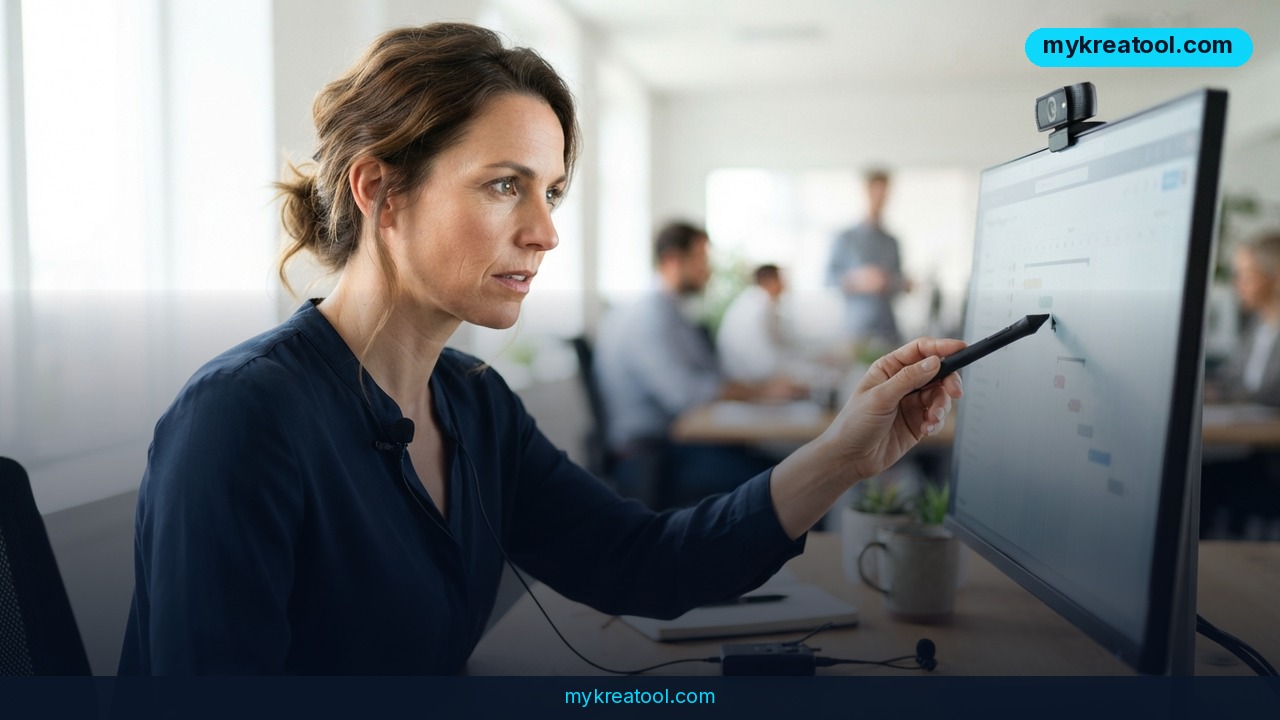
Anthropic has rolled out a new Claude Cowork Record a Skill feature that lets the AI assistant learn tasks simply by watching you do them. Instead of writing out instructions or building a workflow from scratch, users record their screen while performing a task and narrate their actions out loud. Claude Cowork captures the clicks, typing, and voice-over, then converts the whole session into a reusable, repeatable skill it can run on its own the next time the same task comes up.
The feature lives inside Cowork, the workspace section of the Claude desktop app, and is accessed through the "+" menu. It's currently rolling out to users on the Pro, Max, and Team plans, according to Anthropic's announcement on July 21, 2026. This isn't happening in a vacuum, either — OpenAI already offers a comparable capability inside Codex, which can record workflows and replay them as reusable skills, so both major AI labs are now racing to make "teach by demonstration" a standard way of customizing AI agents.
Why it matters
Until now, teaching an AI assistant a custom workflow usually meant writing prompts, documenting steps, or configuring automations by hand — a process that's slow and often technical. Recording a skill flips that around: you just do the task once, talking through it as you go, and Claude Cowork handles the translation into something it can repeat.
This matters because most repetitive knowledge work isn't complicated, it's just tedious — formatting reports, updating spreadsheets, moving data between tools, replying to routine emails. These are exactly the tasks that are hard to describe in words but easy to demonstrate. By capturing screen activity and voice together, Claude Cowork can pick up context that a text prompt would miss, like which button to click when a menu has five similar-looking options, or how to handle a specific edge case you mention out loud mid-recording.
It also lowers the barrier to automation for non-technical users. No scripting, no prompt engineering — just screen-record and narrate, the same way you might train a new hire by walking them through a task once.
How to use it today
Getting started
To try the feature, open the Claude desktop app, go to the Cowork workspace, and click the "+" menu to find "Record a skill." From there, Claude Cowork starts capturing your screen, your clicks and typing, and your microphone audio simultaneously.
Recording and saving a skill
Walk through the task exactly as you normally would, describing what you're doing and why as you go — for example, "Now I'm opening the client folder, filtering by last month's invoices, and copying the totals into this summary sheet." Once you stop recording, Claude Cowork processes the session and saves it as a named skill you can find and reuse later.
The next time that task comes up, you don't need to repeat the steps manually — you can just ask Claude Cowork to run the saved skill, and it replays the workflow based on what it learned from your recording. This is similar in spirit to how free browser-based AI tools at sites like mykreatool.com let non-technical users automate small repetitive jobs without touching code — the goal in both cases is turning a manual process into a one-click action.
Who benefits
Small business owners, marketers, and solo creators stand to gain the most, since they often juggle repetitive admin work without the budget for dedicated automation tools or developers. A freelancer who reformats the same type of client report every week, or a marketer who pulls the same metrics into a slide deck every Monday, can now offload that work after a single demonstration.
Teams are another clear beneficiary. On the Team plan, a recorded skill created by one person could plausibly be shared or reused across a workspace, meaning one employee's five-minute recording could save dozens of hours across a department over time. Operations and customer support roles, which are full of structured but slightly varying repetitive tasks, are also well-suited to this kind of learn-by-watching automation.
Risks
There are real tradeoffs to weigh before recording sensitive workflows. Screen recordings capture everything visible on screen, which means anything from customer data to internal financial figures could end up embedded in a saved skill if you're not careful about what's on screen during recording. Voice narration adds another layer of data to review — organizations with compliance requirements should check what's stored, where, and for how long before rolling this out to a team.
There's also the accuracy question. A skill learned from one recording may not generalize well to edge cases you didn't demonstrate, so early runs of any new skill should be checked rather than trusted blindly. And because this is a new feature limited to Pro, Max, and Team plans, workflows that mix free and paid users won't have consistent access yet.
Conclusion
Claude Cowork's Record a Skill feature is a meaningful step toward AI assistants that learn the way humans do — by watching and listening, not just reading instructions. For entrepreneurs and small teams drowning in repetitive digital tasks, it offers a low-effort path to automation that doesn't require any coding. The tradeoff is that recordings can capture sensitive information, so it's worth being deliberate about what you demonstrate. As both Anthropic and OpenAI push this kind of feature forward, screen-and-voice skill recording looks likely to become a standard way of customizing AI agents going into 2027.



Comments 0