What happened
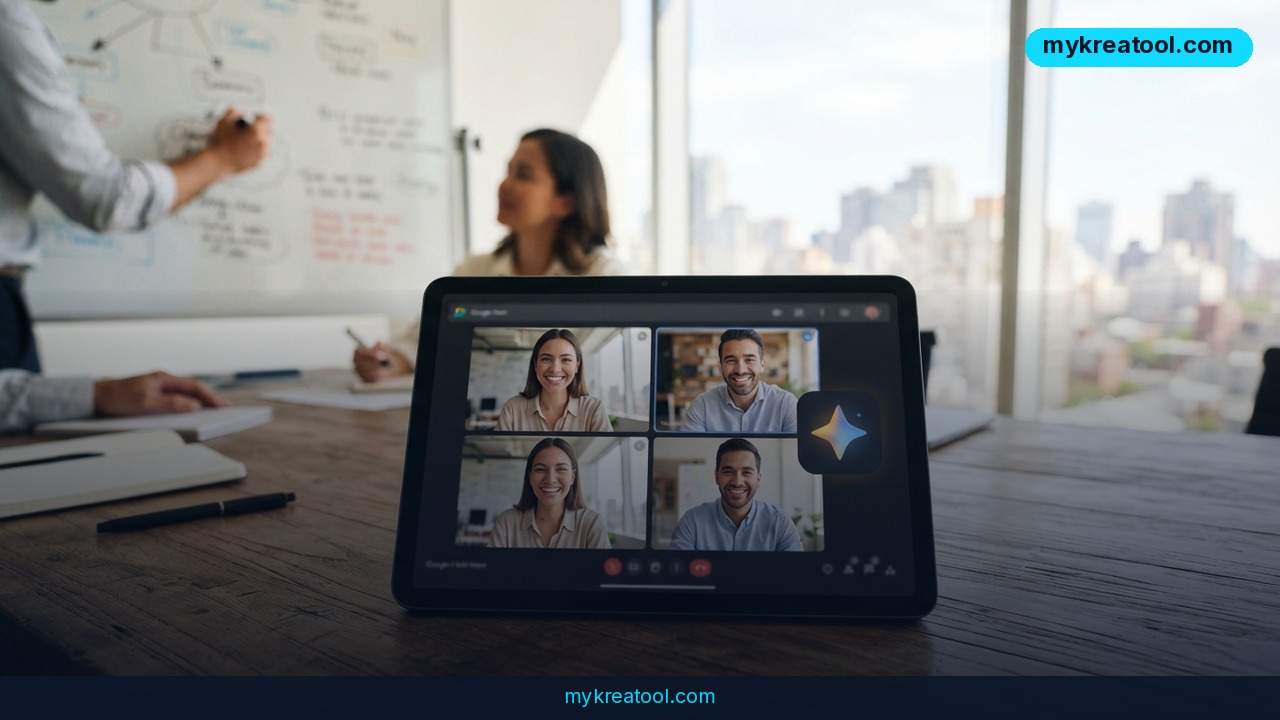
Anthropic has shipped a beta called Claude Meetings, and it does something a plain recorder can't: it joins your Google Meet call, follows the conversation as it happens, and takes instructions while people are still talking. You can ask it questions out loud or type in the meeting chat, and it answers right there in the call.
Think of it as the colleague who takes the notes, keeps the running list of decisions, and somehow already has the right document open. Except this one doesn't need a coffee break, and it never asks you to repeat yourself.
It's not a recording you scrub through afterwards. It's an assistant sitting in the room. Anthropic's announcement lives at Claude Meetings, and both VentureBeat and Computerworld covered the launch with the same details.
Three things it can do mid-conversation
There's no long feature list here — it's three practical moves, all done live:
• Write the plan into a document. Ask it to capture what the group just agreed on, and a doc gets built as you watch.
• Draw a diagram on the whiteboard. The shared canvas where people normally scribble boxes and arrows — Claude can sketch the structure for you.
• Pull data from your connected services. If your tools are linked, it can go find the number or the record you're arguing about instead of someone screen-sharing for five minutes.
Access is limited for now. It's rolling out on the Team and Enterprise plans. During the beta, notes, transcripts, and answers that don't reach into connected services are free, and creating documents and other materials is free for a limited window — Anthropic has put a cutoff date on that part, and the official page has the current one.
What it means for you
Strip away the branding and the shift is simple: meetings stop being a memory test. Here's how that plays out in ordinary life.
At home
Picture the family call about a summer trip. Four people, six opinions, and one cousin who keeps talking over everyone. Usually someone promises to "send a summary" and never does. With Claude in the call, you say "put the shortlist and the budget in a doc" and it's there before you hang up. Same story for a house move, a wedding plan, or splitting costs for a parent's care.
At work
Weekly standups are the obvious fit. Instead of one person typing furiously while half-listening, everyone just talks. Claude pulls out the decisions and the open questions. If you're the one who always ends up writing the recap — and you know who you are — this is the part that buys you back twenty minutes a day.
Running a small business
Client calls are where small teams leak money. Something gets agreed verbally, nobody writes it down, and two weeks later there's a disagreement about scope. Have Claude build the summary document during the call itself, and you can read the key points back to the client before anyone leaves. That single habit kills a lot of invoice drama.
For the bits outside the meeting — drafting the follow-up email, cleaning up the brief, turning notes into a one-pager — there's a free AI tools library at mykreatool.com that covers the gaps without a subscription.
Studying
Group projects live and die on who keeps the notes. Claude can hold the structure: who's covering which section, what the deadline is, which sources you've already found. Ask it to sketch the outline on the whiteboard and you've got a shared map instead of five people with five different ideas in their heads.
Creative work
Brainstorming sessions are messy by design, and that's fine — the mess is where the good ideas hide. The problem is that nobody can reconstruct it later. Ask Claude to draw the diagram while you talk and you keep the shape of the conversation without killing the energy. Writers, designers, and product folks will get the most out of this one.
A side income stream
If you freelance, this quietly changes your sell. "You'll get a written summary of every call, same day" is a real service that clients notice, and it costs you nothing to deliver if Claude's already in the room. Some consultants charge for that deliverable on its own.
How to try it right now
The free part comes first, so start there.
1. Check your plan. You need Team or Enterprise. If your workspace is on a personal plan, you'll have to wait or ask whoever runs your account.
2. Use the free beta features. During the beta, notes, transcripts, and answers that don't touch connected services cost nothing. That's the cheapest way to find out whether you actually like having an AI in your calls.
3. Read the official page. Claude Meetings has the current rollout details, and the access list may change as the beta widens.
4. Bring it into a Google Meet call. Invite it the way you'd invite a teammate to the calendar event, then join the meeting as usual.
5. Give it one job per meeting. "Draft a recap doc" or "draw the onboarding flow on the whiteboard." One clear instruction beats five vague ones, like any delegation.
6. Try voice and chat. Say it out loud, then type the next request. You'll quickly find which one feels natural in a live call.
7. Watch the clock on document creation. That part isn't free forever — Anthropic has a cutoff date on the books, so check the page and get your use out of the free window now.
Upsides and what changes
The biggest win isn't the notes — it's the timing. Answers arrive while the discussion is still live, which means you fix a wrong assumption in the meeting instead of discovering it in the recap three days later. That's a big deal for anyone who's sat through a call that ended with "wait, what did we decide?"
Second, the busywork shrinks. A plan turned into a document, a diagram drawn on the whiteboard, a data lookup done without screen-sharing — those are all small tasks that add up to a real chunk of a working week. And because the output is a document rather than a wall of transcript, it's something you can actually send to someone.
Third, it lowers the cost of being the quiet one. People who think slowly and speak carefully usually lose the argument to whoever talks fastest. Having the structure written down in real time nudges the balance back.
Limitations
Honest version: this is a beta, and it shows. It works inside Google Meet — not Zoom, not Teams — and only on Team and Enterprise plans, so plenty of people simply can't try it yet. The free ride on document creation has an end date on it, and the rest of the beta terms can change without much warning. It's also an AI listening to everything said in the room, which means you need a real answer for how your transcripts are stored and who can read them, plus a habit of telling guests they're being recorded. Expect it to mishear names, get a number wrong, or produce a whiteboard sketch that needs fixing, so treat its output as a solid first draft that a human still checks. And don't hand it a confidential client call on day one just because it's convenient.
Conclusion and One Action for Today
Claude Meetings turns the meeting itself into the documentation step, which is the part almost everybody hates and almost everybody does badly. It won't run your calls for you, and in beta it's rough around the edges — but the core idea, an assistant that writes and draws while you talk, is the kind of thing you stop noticing you needed about a week after you start using it.
Here's the one thing to do today: pick your next recurring meeting, write down the single job you'd hand off — a recap doc or a whiteboard diagram — and check whether your workspace is on Team or Enterprise. One meeting, one instruction. That's the whole test.



Comments 0