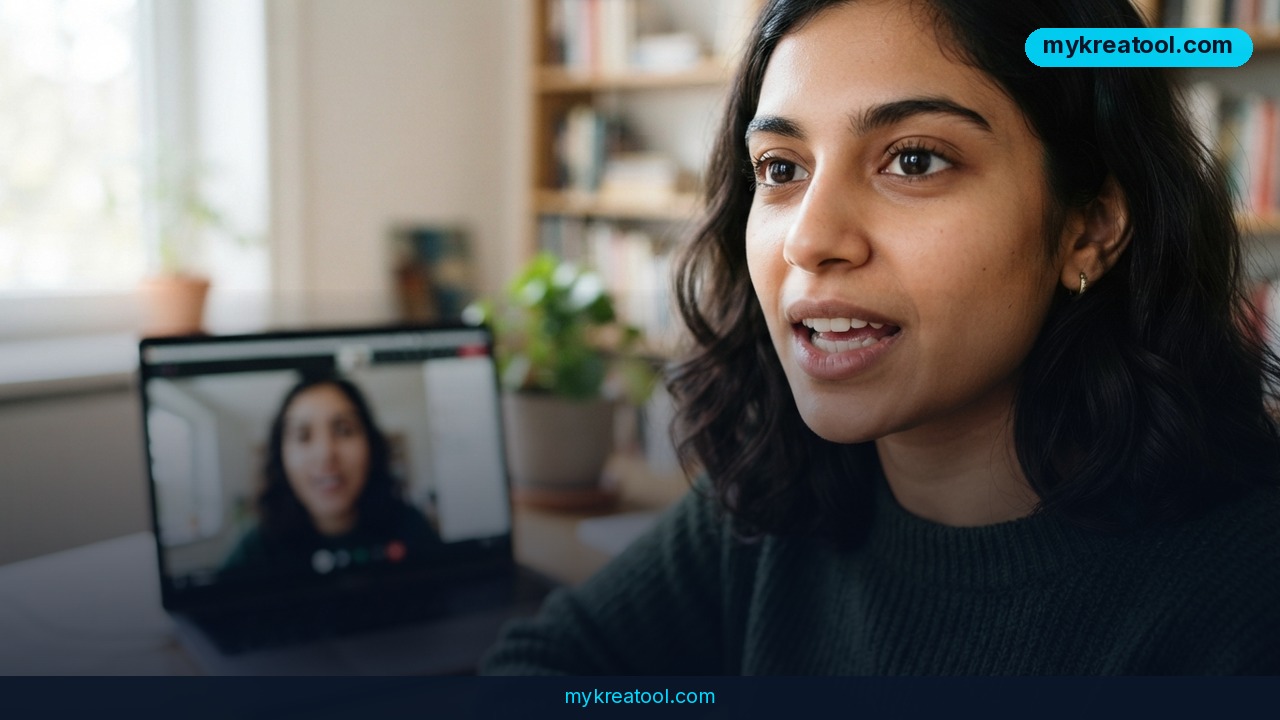
Gemini 3.8 Live with Live Avatar is Google's newest step toward AI you can actually look at while you talk to it. Announced on September 24, 2026, it pairs Gemini's real-time voice conversation with a streaming animated face that lip-syncs, changes expression and takes turns speaking like a person would. It's available today in Gemini Enterprise, Google's business product. If you've ever felt awkward talking to a faceless chatbot, this is aimed squarely at that problem.
What happened
Google's Gemini Audio Team released Live Avatar just one week after the launch of Gemini 3.8 Live, the voice model it's built on. The announcement came from research scientist Shuo-yiin Chang and software engineer CJ Zheng.
What Live Avatar actually is
Think of a video call with a very well-read assistant. You talk, it listens, and a digital character on screen answers out loud, with its mouth and face moving in sync with the words. Google says the system handles what it sees and hears at the same time and responds with both audio and video in near real time. Delays are kept low enough that the exchange feels like a conversation, not a walkie-talkie.
The features that stand out
There are three headline upgrades:
• Background tool calls. Live Avatar can look up data or trigger an action while it keeps chatting. Google's demo shows a hotel guest check-in, where the avatar keeps talking while the system works behind the scenes. Picture a receptionist who keeps chatting with you while quietly typing your booking into the computer.
• 97 languages. The avatar can switch languages mid-conversation, and its lip-sync and expressions adjust with it. Google says video quality doesn't degrade and the face doesn't drift or warp when the language changes.
• Custom looks. Companies can choose from a library of preset avatars or build their own from a single high-quality reference image. Custom creation is limited to enterprise customers on an allowlist for now.
What it means for you
Most people won't touch Gemini Enterprise directly. But you'll likely meet these avatars, or build one for a client. Here's how it could play out.
At work and in business
A small online shop could put a friendly face on its support page that answers questions out loud and checks an order status in the background. A hotel or clinic could greet guests on a lobby kiosk. A training team could turn a dull 40-page onboarding PDF into an interactive walkthrough where a guide answers questions live.
At home and in study
Expect this to show up in the apps you already use. A language-learning app could give you a patient conversation partner whose mouth movements you can actually copy. A bank might offer a face on its help line for older relatives who find text menus confusing.
For creators and side income
If you run a brand, a consistent animated character that speaks 97 languages is a big deal, because one avatar can cover audiences you'd never hire presenters for. Freelancers who build customer-service setups for small companies may soon offer avatar-based support as a paid service, though custom avatars require enterprise access.
Want to sketch ideas before you commit any budget? You can draft support scripts, product explainers and character personas with the free AI tools at MyKreaTool, then bring a polished script to whichever platform you end up using.
How to try it right now
Here's the honest picture: the announcement doesn't mention a free or consumer version. Live Avatar launched inside Gemini Enterprise, so that's the only place to use it today.
Step by step
1. Start free. Before paying anything, write your use case as a short script: who's talking, what they ask, what the avatar should look up in the background. Free tools like the ones on MyKreaTool are fine for this.
2. Check your access. If your company or client already has Gemini Enterprise, ask whoever manages it whether Gemini 3.8 Live with Live Avatar is switched on for your account.
3. Pick a preset avatar. Google offers a library of characters, each with its own look, voice and expressive style. Start with one of those.
4. Test a real scenario. Run a hotel-style check-in or a support question and watch how it handles a tool call mid-conversation.
5. Try a language switch. Change languages halfway through and see whether the lip-sync holds up.
6. Ask about custom avatars. If you want your own brand character built from a reference image, you'll need to be on Google's enterprise allowlist.
Upsides and what changes
The biggest gain is presence. People tend to trust and follow a conversation more easily when there's a face and a voice, and Live Avatar aims to give businesses that without filming a human for every situation. Handling tasks in the background means less awkward silence while the system works, which is the thing that makes most voice bots feel clunky.
The 97-language support could quietly change how small companies serve customers abroad. Instead of one English-only chat window, you could have one branded character who greets everyone in their own language.
Google is also building in transparency. All output from its AI products carries a SynthID watermark, an invisible marker woven into the audio and video that helps detection tools tell the content was AI-generated. In plain terms, it's like the hidden security thread in a banknote. That matters as realistic AI faces get more common.
Limitations
Live Avatar is a business product for now, with no consumer app or free tier mentioned in the announcement, and custom avatars require enterprise allowlisting, so solo creators and small teams may have to wait. Google's demos are curated, so how well the avatar holds up with noisy audio, heavy accents or unusual requests is something you'll have to test yourself. A realistic face can also raise ethical questions, since customers should always know they're talking to an AI, and the watermark only helps if someone checks for it.
Conclusion
Gemini 3.8 Live with Live Avatar turns a voice assistant into something closer to a digital colleague, with a face, natural turn-taking, background task handling and support for 97 languages. It's early and enterprise-only, but it shows where customer service, training and brand characters are heading. One action for today: write a one-page script of the three questions your customers ask most, and decide what an avatar would need to look up to answer them. That's the groundwork you'll need whenever this reaches you.

Comments 0