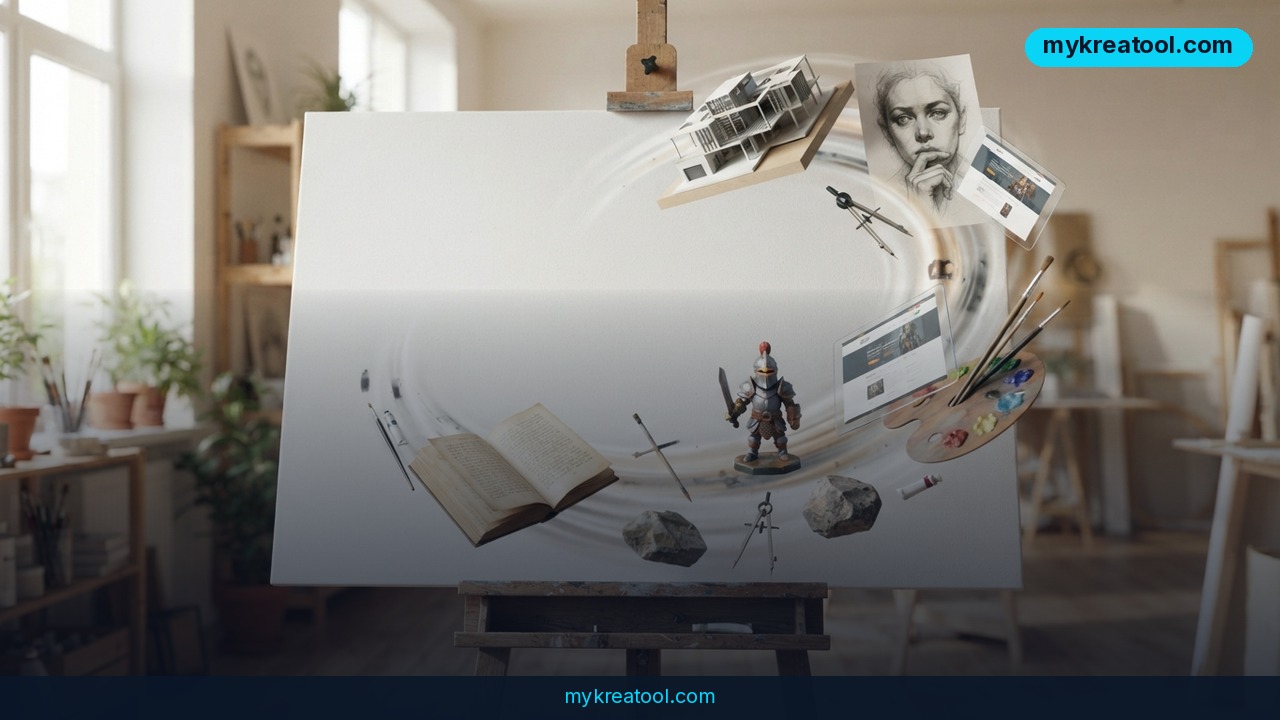
Imagine typing one long paragraph and watching a working 3D game snap together on the same screen — no reload, no redraw, no starting over. That's the promise behind Liveloop, a generative AI canvas that sits inside a brand-new platform called Sary-OS. Its creator built it as an experiment with OpenAI models, purely to find out how far a live, prompt-driven canvas could go. The demo he posted shows the answer: further than most people would guess.
What happened
Liveloop is a canvas — picture a digital whiteboard, except the whiteboard actually builds things. You talk to it or type at it, and what you describe shows up on that same surface while you watch. Change your mind and you don't refresh or redraw anything. You just say what's different, and it changes in front of you.
Sary-OS is the platform the creator says he has just launched, and Liveloop is one of the tools inside it. He's been running it against OpenAI models to see what's genuinely possible, and his video walks through one specific experiment.
The 1,000-line test
For the demo, he started with OpenAI's GPT-6.1 Sol model to lay down the initial build. That model carries a 128k token context window. In plain words: tokens are the chunks of text an AI reads and writes, and the context window is how much of that it can hold in its head at once. At 128k, you can hand it something long — a whole document — instead of a tidy one-liner.
So he didn't write a short prompt. He wrote a 1,000-line prompt asking for a 3D game built from more than 20 3D models he'd already made in Meshy, a separate tool for generating 3D objects. Liveloop assembled the game.
He's upfront that it didn't work on the first try. It was the first task of that size he'd given Liveloop, so a few rounds of tweaking were needed. Then it delivered.
The auto hand-over, explained
There's one more piece worth knowing about: an auto-rolling, auto hand-over mechanism. Every AI session has a ceiling — it can only hold so much before it runs out of room. Rather than stalling out there, Liveloop is built to hand the work along and keep going. Think of a relay runner passing the baton mid-lap so the race never stops.
Fair warning: the source material cuts off mid-sentence right there, so the full mechanics of that hand-over aren't public yet.
What it means for you
Strip away the tech and here's the shift: describing something and having it exist used to be two separate jobs, weeks apart. Now they're one move. That changes what's worth trying — at home, at work, at school, and in your side hustle.
At home
Home projects are usually the ones you never start, because the gap between "wouldn't it be nice" and "done" is too wide. Planning a garden layout, mocking up a bookshelf, sketching a renovation before you commit. With a live canvas, you describe it, see it, then say "make it two feet narrower" and watch it change. No software to learn, no tutorial to sit through.
At work
Most office work dies in the handoff. You describe what you want to a designer or a developer, they interpret it, you react. With something like Liveloop, the first version exists in the same breath as the idea, and the feedback loop drops from days to minutes. Even if the result is rough, it beats a paragraph of description every time.
For business owners
Prototypes are expensive because specialists are expensive. If a canvas can spin up a working demo from a written brief, you can test whether an idea has legs before you spend real money on it. You're not buying polish — you're buying a faster no.
For students
Explaining a topic teaches you the topic, but building an example teaches you why it matters. A live canvas lets you describe a timeline, a diagram, or a simple interactive model and watch it take shape. That's the difference between memorizing a definition and seeing the thing actually work.
If you want to build up your prompt-writing muscles first without spending anything, there are free AI tools that'll get you comfortable describing what you want in detail before you take on something big.
For creators and side income
The creator's own framing is bold: a canvas that can spin out endless versions of your idea. For anyone selling visuals, games, or templates, that's the interesting part. You get to iterate like a studio, working alone, without hiring a team. Sell the winning version and let the rest be practice.
How to try it right now
You don't need a technical background for any of this. Here's a sensible order of operations.
1. Start free — don't pay for anything yet. No pricing was shown in the demo, and Liveloop is brand new. Look for free access, a trial, or a waitlist first. Never subscribe to a tool before you've watched it do one small thing for you.
2. Look for the right name: Liveloop, inside Sary-OS. Those are the exact two product names from the demo, so those are the words that matter when you go searching.
3. Write the long prompt. This is the whole trick. The creator went big — 1,000 lines describing the game and the 20+ models it should use. You don't have to start there, but you do have to be specific: say what it's for, what it looks like, and what it shouldn't do.
4. Start tiny. Before you attempt a 3D game, ask for a single object or a simple screen. You're learning how the canvas reads you, and small wins teach faster than one giant failure.
5. Build your 3D pieces separately if you need them. The demo's game used models made in Meshy first, then brought into Liveloop. If your project needs custom objects, make them in a dedicated 3D tool, then hand them over.
6. Change one thing at a time. When something isn't right, don't rewrite the whole prompt. Ask for one adjustment, look at it, then ask for the next. That's exactly how the creator got past his first failed attempt.
7. Go long, then watch for the hand-over. Because the system is designed to roll over automatically when it hits the context limit, longer sessions are the point. If quality dips, that's your cue to restate what matters most.
Upsides and what changes
The obvious win is speed, but the real change is the cost of trying. When a new version takes seconds instead of a week, you stop protecting your first idea and start testing ten of them. That's a completely different way to work — closer to sketching than manufacturing.
Second, the skill floor drops. You don't need to learn 3D modeling software or a game engine to get a first version of something. You need to describe it clearly, which is a skill most people already have and can sharpen fast.
Third, the context window is doing quiet heavy lifting. 128k tokens means long, detailed briefs actually survive the trip. Specificity stops being a penalty.
Limitations
Keep your expectations honest here. Every number in this article comes from one creator's demo video, not an independent test — there's no published pricing, no benchmark, and no documentation beyond what he showed. The 3D game didn't work on the first attempt; it took tweaking, and yours may take more. The auto-rolling, auto hand-over feature is described but the source cuts off mid-sentence, so nobody outside the project knows exactly how it behaves when a session truly runs out of room. The model he names, GPT-6.1 Sol, is what he used in his experiment, and anyone repeating the test with a different model underneath may get different results. And the endless-versions framing is a pitch, not a measured output. Treat all of it as promising signals from an early build, not a finished product.
Conclusion
What's genuinely interesting here isn't the 3D game. It's that a canvas now holds a conversation with you while it builds, remembers a long brief, and hands the work over instead of hitting a wall. That combination is what turns a prompt box into a workspace, and it's where most creative tools are heading next.
Your one action today: write down the single thing you'd build if describing it were the same as making it — then take that sentence to a canvas and see how far you get. Start with the free stuff, keep your first ask small, and let the tool show you what it can do before you decide anything.



Comments 0