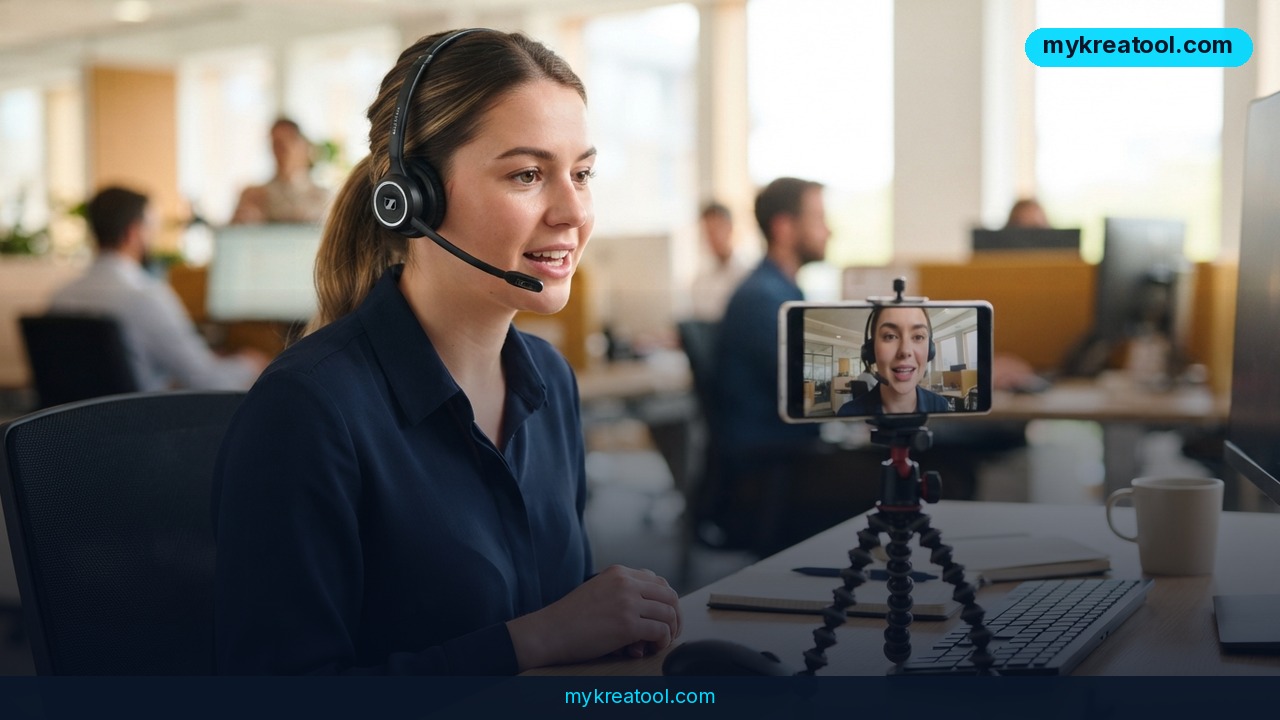
Gemini 3.8 Live Avatar is Google's newest trick: an AI-generated character that talks with you in real time, moves its lips in sync with its words and changes its facial expression as the conversation goes. Think of a video call with someone who never gets tired, never needs a break and can switch between 97 languages. It went generally available on September 24, 2026, and the price is low enough that small businesses will want to pay attention.
What happened
On September 15, 2026, Google introduced Gemini 3.8 Live, a voice model you can talk to naturally. Nine days later, on September 24, it added Live Avatar, which puts a face on that voice. According to Google's announcement, the feature is now generally available, meaning anyone eligible can use it, not just testers.
What the avatar actually does
The avatar generates video almost instantly, so the conversation feels live rather than like a pre-recorded clip. It listens to your voice and video at the same time, and it handles turn-taking the way people do: you can jump in mid-sentence and it stops and responds. It can also call outside tools in the background, such as looking up an order or checking a calendar, without going silent on you.
Its lips and expressions adjust to 97 languages, and Google says switching from one language to another doesn't hurt the picture quality. You can pick a character from a ready-made library, or build your own from a single image while keeping the look and brand style. Custom avatars are only open to enterprise customers on request for now.
Where you can get it
Live Avatar is available in Gemini Enterprise (Google's business version of Gemini) and through the Gemini Live API, which is the connection developers use to build the feature into their own apps and websites. Google's Cloud blog has the official details, and Unite.AI and DataNorth covered the launch too.
What it costs
Here's the part that matters most for your wallet. Video output costs $1 per million output tokens. A token is just a small chunk of data, a bit like a word fragment, and one second of avatar video uses roughly 6,000 of them. In plain money, that's about 37 cents for a minute of the avatar speaking, plus 2 cents for its voice.
Two details make this cheaper than it sounds. You only pay while the avatar is talking, so the time it spends listening is free. And the audio and video you send in are billed separately, so your real bill will run a bit above 39 cents per minute of speech. Google's own wording is that the video price is on top of the other charges, like audio output and input.
What it means for you
Until now, a talking video presenter meant a camera, a person and an editing session. Now it means a few cents and a script. Here's how that could play out in real life.
At work and in business
Customer support is Google's headline use case. Picture a friendly face on your help page that walks a customer through returning a product, in Spanish or Japanese or German, at 3 a.m. On the cost side, 1,000 minutes of avatar speech comes to roughly $390 before input costs. Compare that with what a human support agent costs per hour.
Interactive instructions are the other pitch. A furniture company could have an avatar guide a buyer through assembly, answering "wait, which screw is this?" as it goes.
For study and self-improvement
A language learner could practice speaking with an avatar that reacts to their pronunciation and smiles or frowns like a real tutor would. A student could rehearse a job interview or a presentation with a face that responds, which feels far more real than typing into a chat box.
For creators and side income
If you sell courses, run a YouTube channel or offer a service, an avatar can act as your always-on front desk: answering common questions, greeting visitors, explaining your pricing. The catch is that building a custom avatar from your own photo is limited to enterprise clients for now, so most solo creators will start with the library characters.
At home
For ordinary households the value is smaller today, since this lives in business tools and developer connections rather than a consumer app. But it hints at where things are headed: a helper on your screen that explains how to fix the dishwasher while you hold the flashlight.
How to try it right now
Let's be honest up front: the sources don't mention a free tier for Live Avatar. It's billed per second of speech. So the cheapest way to start is to prepare everything for free and pay only for a short test.
Step 1: Plan your script for free
Before spending a cent, write down what your avatar should say and the ten questions customers ask most. You can draft and polish scripts, help-page text and FAQs with the free AI tools at MyKreaTool. Good preparation keeps your paid test short, and short tests are cheap.
Step 2: Do the math
Estimate your minutes. A 3-minute guided walkthrough costs about $1.17 in avatar video and voice (3 × 39 cents), plus input charges. Ten test sessions of that length is under $12.
Step 3: Pick your access route
• You work at a company on Gemini Enterprise: ask your admin to switch on Gemini 3.8 Live with Live Avatar, and to request a custom avatar if you want one built from a brand image.
• You or your developer build apps: use the Gemini Live API. Choose a character from the library, connect a microphone and camera, and start a session.
Read Google's official announcement first, because it lists exactly what's supported.
Step 4: Test the boring stuff
Try an interruption, a language switch and a question that needs a lookup. Those are the moments where avatars either feel magical or fall flat.
Upsides and what changes
The biggest shift is price. Video with a talking face used to be a production; now it's a metered utility, like electricity. Paying only while the avatar speaks means a quiet website costs you almost nothing.
Language reach is the second win. Covering 97 languages with lip-sync means one avatar can serve customers who'd otherwise need a whole team of translators and presenters.
Third, transparency is built in. All the audio and video comes out with an invisible watermark called SynthID, a hidden signature that lets software detect it was made by AI. That's a plus for trust, though it doesn't replace telling your customers they're talking to an AI.
What changes for you: the question shifts from "can we afford a presenter?" to "where does a face actually help?" A face is great for explaining and reassuring. It's overkill for a simple order-status lookup.
Limitations
Live Avatar is new, and several things are still unclear or restricted. Custom avatars from your own image are enterprise-only and by request, so freelancers and small shops can't make a digital twin yet. The published pricing covers the video and voice, but input audio and video are billed on top, so your real cost per minute will be higher than 39 cents. Google hasn't shared independent quality tests, so claims like smooth language switching come from the company itself. An avatar can still misunderstand a question, and a friendly face makes a wrong answer feel more convincing, so keep a human handoff for anything involving money, health or legal issues.
Conclusion and one action for today
Gemini 3.8 Live Avatar turns a talking video presenter into something that costs about 39 cents a minute, works in 97 languages and answers in real time. It's not a consumer toy yet, but it's a real tool for support, training and explainers. Your action for today: write down the five questions your customers ask most, work out how many minutes of talking that would be, and multiply by 39 cents. If the number is small, you know it's worth a test.
Comments 0