
Google just gave its AI agents a face. Gemini 3.8 Live with Live Avatar is a talking AI avatar that listens, looks, answers out loud and moves its lips and eyebrows in real time. It isn't a chatbot with a video widget bolted on. The face is part of the same model that does the thinking.
What happened
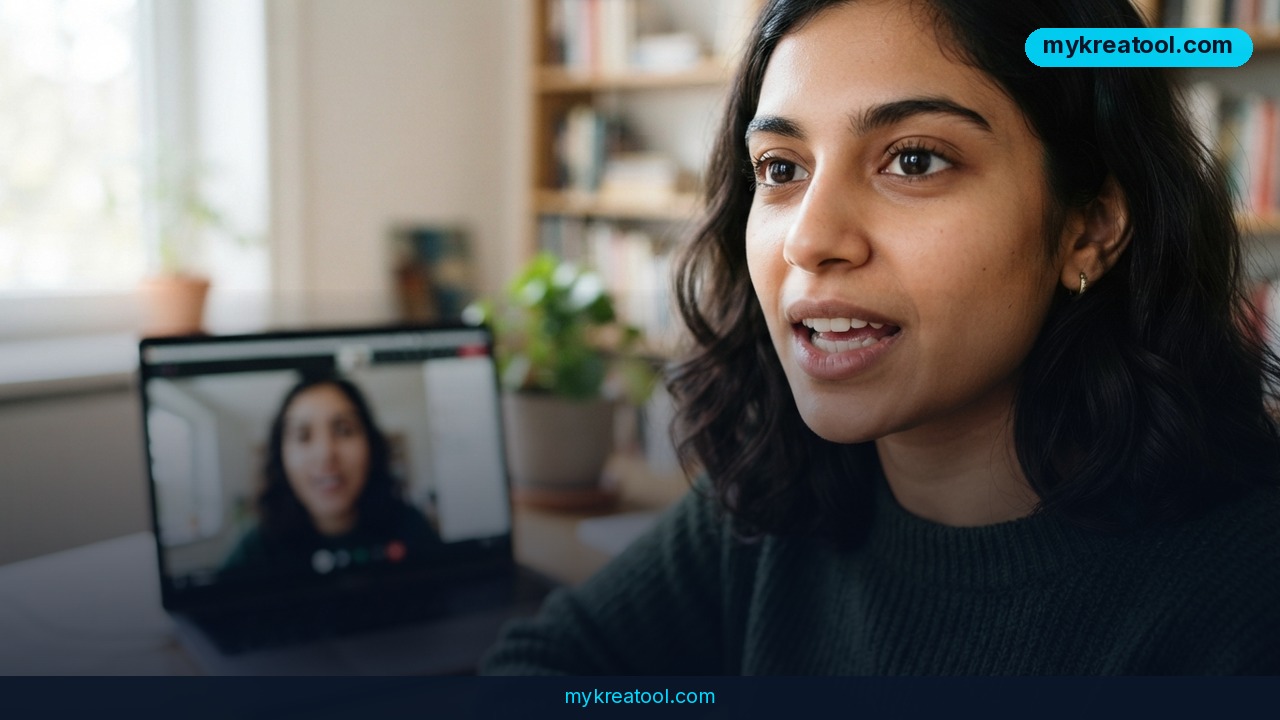
Google has released Gemini 3.8 Live with Live Avatar. You can talk to it, show it an image or video, or type. It answers through an animated character with lip-sync, facial expressions and a voice.
The face is built in, not bolted on
Most "talking head" tools work like a relay race. A chatbot writes text, a voice tool reads it aloud, and a third tool animates a face to match. Every handoff adds delay, and you can feel it. Here, one model handles the whole job. It can see you, hear you, reply and call other software while you're still talking.
The headline numbers:
• 24 frames per second of avatar video, about the smoothness of a movie
• 97 languages, and you can switch mid-conversation without restarting
• 128,000 tokens of context, which is roughly the amount of text the model can keep in its head during one session (think of it as the size of its desk)
• Up to 24,000 tokens of output when the avatar is on
Two behaviors that make it feel human
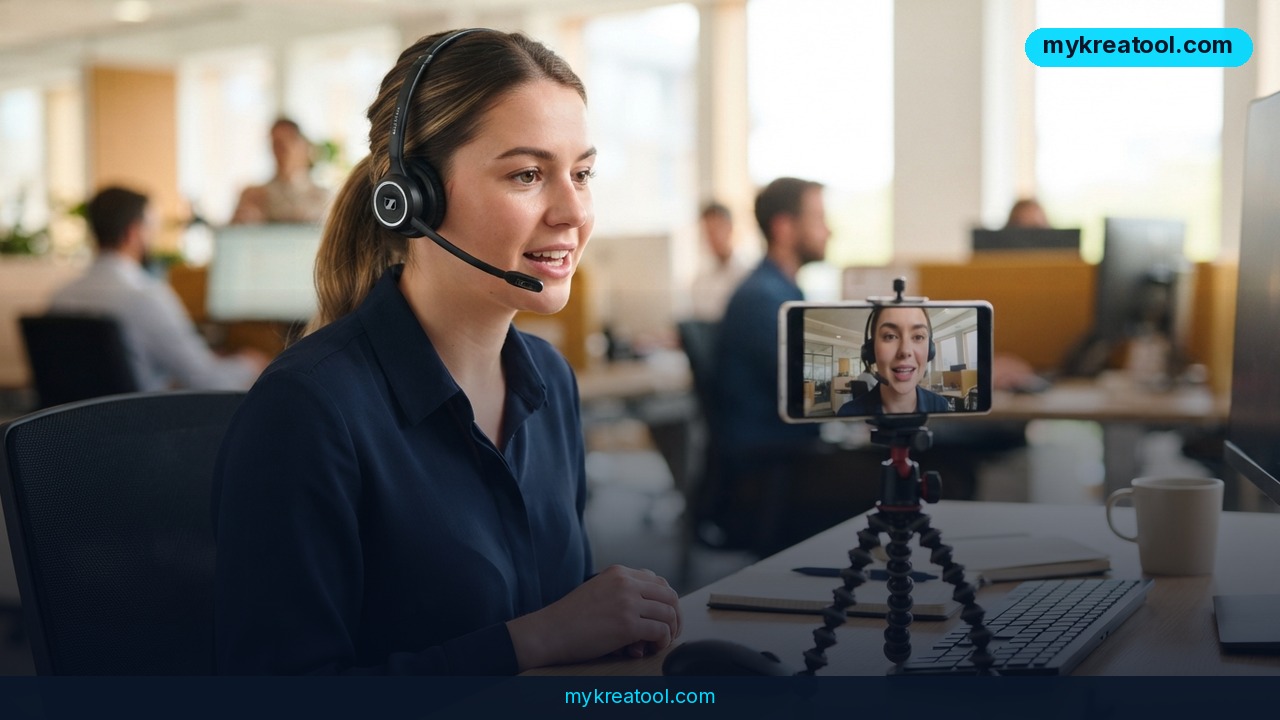
Two features are on by default. Affective dialogue means the model notices your pace, pauses and tone, so it can tell a calm question from an annoyed complaint and adjust how it replies. Proactive audio filters out background chatter, so the agent only answers when you're actually talking to it. That matters in a busy shop, hotel lobby or open-plan office.
It can work while it talks
The most practical upgrade is asynchronous function calling. In plain words: the agent can look something up in another system, like a booking database or a CRM, without pausing the conversation. Google's demo shows a virtual hotel employee checking in a guest. It chats with the person while it queries the reservation system in the background. No more staring at "Your request is being processed."
What it means for you
You can't put this on your phone tomorrow, but the direction is clear. Here's where a face-and-voice agent starts to matter.
At work and in business
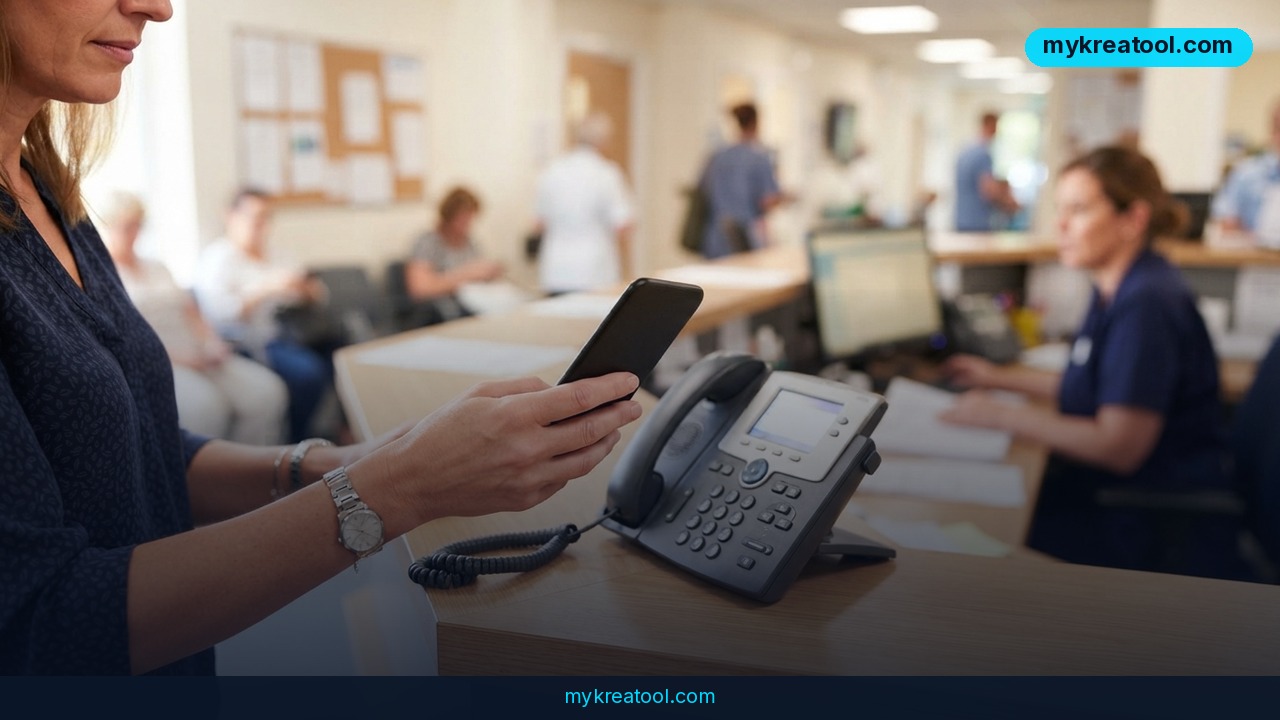
Customer service. A store, clinic or hotel can put a friendly face on the support desk that works around the clock and speaks 97 languages. A tourist can ask about check-out in their own language and get an answer in it.
Front-desk tasks. Checking in a guest, finding an order or confirming a booking are the kinds of jobs Google is aiming at. The agent talks to you while it looks the record up, the way a good receptionist would.
Your own brand character. Companies will be able to build a custom avatar from a single reference image. Picture a mascot that answers questions instead of sitting on a website banner.
At home, in study and in creative work
Language practice. Talk to a patient tutor who can switch languages when you get stuck and doesn't mind repeating itself for the tenth time.
Study help. A tutor that watches your face for confusion and slows down is a very different experience from a text box. That's what affective dialogue is meant to do.
Creators and income. If you make videos, courses or a small online business, a talking character that answers common questions while you sleep could be a real time-saver. For now, the custom-avatar part is limited to select clients, so treat it as something to plan for rather than something to sell today.
How to try it right now
Here's the honest picture. Gemini 3.8 Live is generally available (out of preview) in Gemini Enterprise, Google's business platform, and Live Avatar launched there. The source material doesn't describe a free consumer version, so I can't promise you one. Here's how to get hands-on, cheapest route first.
Step 1: Warm up with free tools
Before you spend anything, get a feel for AI voice, text and images with free tools. MyKreaTool has a set of free AI tools you can use in your browser. It won't give you a live avatar, but it's a low-risk way to practice prompts and figure out what you'd want your agent to say.
Step 2: Check Gemini Enterprise
If you work for a company that already uses Google Cloud, ask whoever runs your Google account whether Gemini Enterprise is turned on. Live Avatar is part of it.
Step 3: Build a test with the API
Developers connect to the model using the ID `gemini-3.8-live` over a WebSocket, which is an always-open phone line between your app and the model, so there's no new call for every sentence. The model accepts 16 kHz audio, text and JPEG video frames (up to one per second). It sends back 24 kHz audio, text and MP4 video. Google Cloud's documentation has the details.
Step 4: Pick a ready-made character
Google offers built-in characters and a set of voices. Start with those. A custom avatar from your own image needs approval from Google Cloud, so don't count on it for a first test.
Upsides and what changes
Less waiting, more conversation
Because the agent works in the background while it talks, conversations stop feeling like a phone menu. That alone may be the biggest change for customer-facing jobs.
One model instead of a patchwork
Building a talking assistant used to mean stitching together a chatbot, a voice engine and an animation tool. With one model doing all three, there are fewer moving parts to break and less lag.
Better manners
Affective dialogue and proactive audio are small on paper. In practice they're the difference between an agent that talks over a crowded room and one that waits for its turn. Add 97 languages and a single agent can serve customers who used to need a whole team.
Limitations
This is a business product, not a toy: it lives in Gemini Enterprise, and custom avatars are only available to select customers after Google Cloud signs off. Google bans the use of minors' or celebrities' images, and you must hold the rights to any face and voice you use. The video input is sampled at only about one frame per second, so the agent sees you more like a series of snapshots than a live feed. The claim that lip-sync and expressions adapt smoothly to a language switch is what Google says the model should do, and it's worth testing in your own language before you rely on it. Also expect a human to stay in the loop for anything sensitive, like payments or medical questions.
Conclusion and one action for today
Gemini 3.8 Live with Live Avatar is a real step toward AI agents you can talk to face to face: one model, 24 fps video, 97 languages and the ability to do real work while it chats. It's early and aimed at companies, but the idea will trickle down.
One action for today: write down the three questions your customers, students or clients ask you most often. That's your script for a future avatar, and you can practice turning it into clear answers right now with the free AI tools at MyKreaTool.
Comments 0