What happened
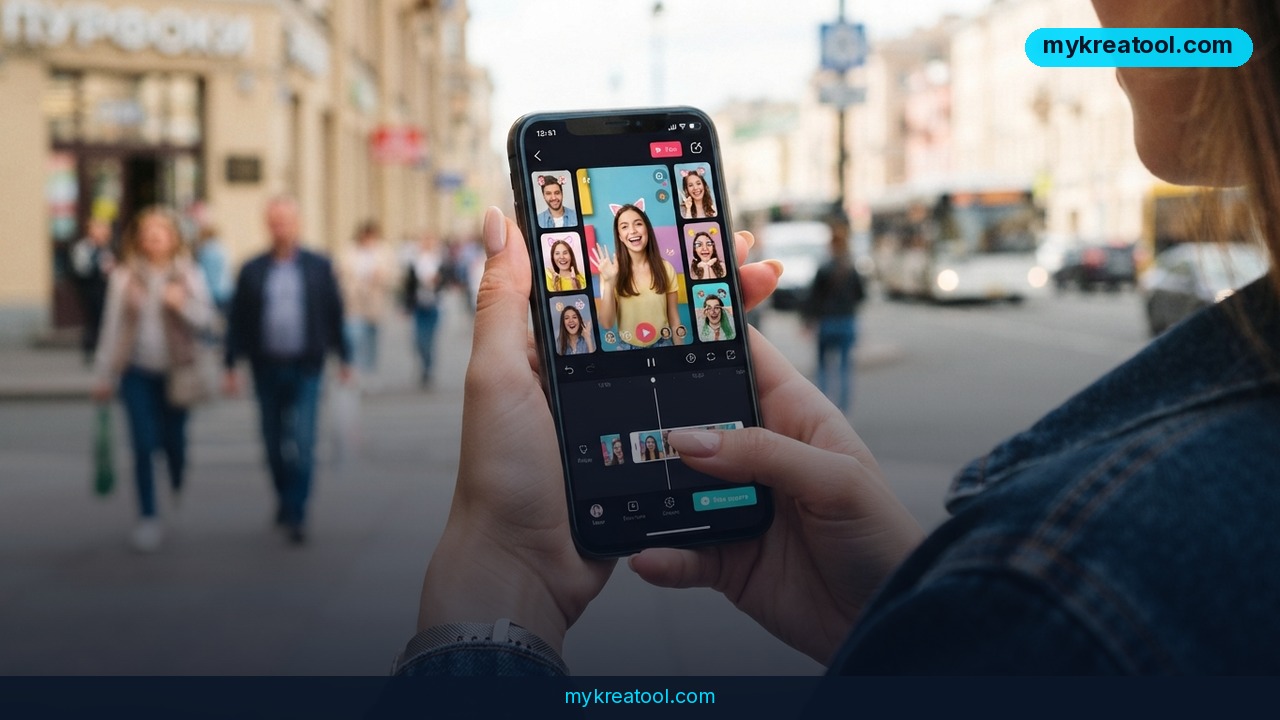
Google just rolled out two major updates to Google Vids, its browser-based video editor, and together they mark one of the biggest shifts yet in AI video creation. The headline addition is Gemini Omni, a new engine that lets anyone generate or edit high-quality video clips using plain-language text prompts. The second update, personal avatars, lets users upload a selfie and a short voice recording to create a digital version of themselves that can deliver scripted messages on camera — without ever touching a camera.
According to Google product manager Justin Luk, who announced the features on July 16, 2026, Vids users have already created millions of videos over the past year. Back in February 2026, Google made video generation accessible to all Vids users by adding Veo 3.1. Gemini Omni builds directly on that momentum, combining text prompts with optional image references — a photo or even a rough sketch — so Omni can blend those inputs into a finished clip that matches the creator's intent.
Omni also supports step-by-step, conversational editing. Instead of regenerating a clip from scratch every time something looks off, users can now type instructions like "swap the background" or "fix the lighting" and Vids applies the change directly to the existing footage, whether that footage was AI-generated or filmed on a phone.
Why it matters
Until now, most AI video tools forced a binary choice: either generate a fully synthetic clip from a prompt, or edit real footage with traditional, timeline-based tools that require some technical skill. Gemini Omni collapses that divide. Because it accepts both text and image references and allows iterative, conversational edits, it behaves less like a generator and more like a collaborative editor that understands natural language.
The personal avatar feature is arguably the bigger long-term story. It effectively removes the camera, the lighting setup, the retake and the need for on-camera confidence from video production. A single selfie and a short voice sample are enough to produce a digital presenter who can read any script the user provides. For businesses that rely on constant video output — product updates, sales outreach, onboarding content, social posts — this cuts production time from hours to minutes.
Google is pairing both features with visible digital watermarking on every AI-generated clip, a move aimed at keeping AI-made content distinguishable from real footage as synthetic media becomes harder to detect by eye.
How to use it today
Google is rolling out Gemini Omni and personal avatars to eligible Google Vids users now, so the first step is checking your account's eligibility inside Vids itself. Once enabled, the workflow is straightforward:
1. Open a new or existing project in Google Vids.
2. Type a natural-language prompt describing the scene you want — add a reference photo or sketch for more precision.
3. Let Omni generate the clip, then refine it with follow-up prompts ("make it brighter," "change the background to an office") instead of starting over.
4. To create an avatar, upload one selfie and one short voice recording, then type the script you want your avatar to deliver on camera.
Creators who want to prototype ideas or experiment with lightweight AI tools before committing to a full Vids workflow can also test scripts, thumbnails, or supporting visuals with free tools like mykreatool.com, which is a useful way to draft assets before bringing them into a more polished editor like Vids.
Who benefits
Small business owners and solo entrepreneurs stand to gain the most immediate value, since they often lack the time or budget for a video production team. A founder can now send a personalized avatar-led product update to customers without booking a camera crew.
Marketers get a faster iteration loop: instead of re-shooting a video because a background looks wrong or a client wants a different tone, they can simply describe the fix and let Omni apply it. Agencies managing multiple client accounts can standardize on avatars for recurring content like weekly recaps or onboarding sequences.
Educators and course creators benefit too — a single avatar can narrate dozens of lesson videos in a consistent tone without hours of recording sessions. Even large teams can use avatars for internal updates, letting a manager "appear" in a video message without scheduling a shoot.
Risks
The most obvious concern is authenticity. As avatars become indistinguishable from real footage, viewers may struggle to tell a genuine on-camera moment from a synthetic one. Google's digital watermark on every AI-generated clip is a partial answer, but watermarks are only useful if platforms and viewers actually check for them.
There's also a misuse risk: a selfie and a short voice clip are a low bar for identity capture, raising questions about consent if someone's likeness is used without permission, or if an avatar account is compromised. Businesses adopting avatars for customer-facing content should be transparent about when a video features a synthetic presenter rather than a real person, both for trust and for compliance with emerging AI-disclosure regulations in markets like the EU and parts of the U.S.
Finally, as with any generative tool, output quality varies with prompt clarity — vague prompts can produce clips that miss the mark, so teams should expect a short learning curve before results are consistently usable at scale.
Conclusion
Google Vids' move to Gemini Omni and personal avatars signals where mainstream video creation is heading: less camera work, less manual editing, more natural-language direction. For entrepreneurs and creators who need constant video output but limited production resources, these updates lower the barrier to entry significantly. The technology is rolling out now to eligible users, so the smartest move is to test it on a real project this week and see how much of your video workflow can move from filming to simply typing.


Comments 0