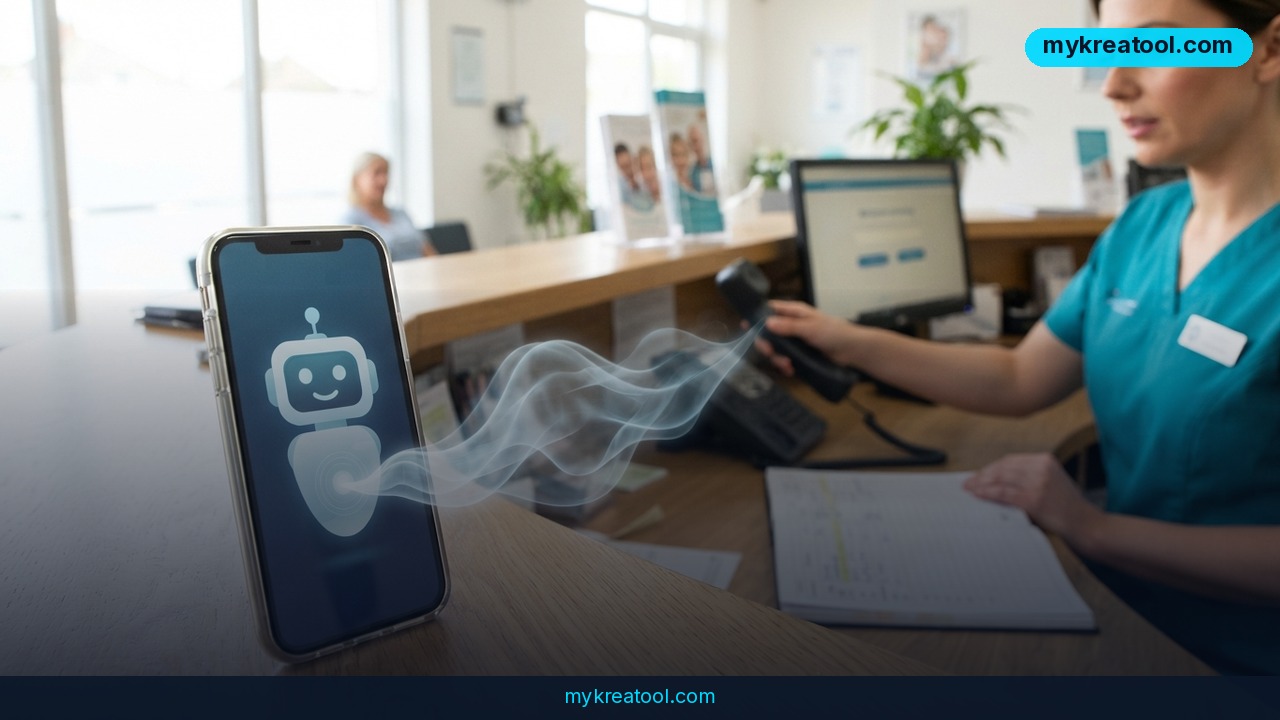
Most people would rather do almost anything than sit on hold with a dentist's office, a landlord, or an airline just to hear a yes-or-no answer about insurance. Elon Musk says that's exactly the kind of errand Grok Bot — the calling feature attached to his AI chatbot Grok — can now take off your hands. Yes, AI phone calls are officially a consumer thing, not just a demo from a research lab.
What happened
Musk announced on X that Grok Bot can place phone calls on a user's behalf. The demo that's been getting passed around is almost aggressively ordinary: a bot dials a dental office, asks whoever picks up whether the practice takes a specific patient's insurance, stays on the line while the conversation plays out, and then reports back in chat with what it found out.
That's it. No launch event, no keynote, no pricing slide. Just a post from Musk with a one-line summary — it can call your dentist on the phone — and a clip of the bot doing exactly that.
Several outlets have since dug into how the feature works, including Basenor, AskSurf, The Rundown and CellCog. The short version: the bot handles the request, takes notes on what it hears, and hands you a summary instead of a voicemail you'll never listen to.
What "AI phone call" actually means
In plain terms, a voice agent is software that can hold a conversation out loud, in real time. It listens to what the human on the other end says, works out what they mean, and responds. Picture a very patient assistant who doesn't mind hold music and never forgets to ask about the copay.
The difference between this and the chatbot you type at is simple: it can act. It doesn't just draft the email — it makes the call and comes back with an answer.
Why a dental office is the perfect demo
Because it's the call nobody wants. Insurance questions mean being transferred twice, spelling your name, and reading a policy number out loud to a room full of strangers. If a bot can survive that, it can survive your dry cleaner, your gym, or the venue you're trying to book.
What it means for you
You don't need to be a developer to get something out of an assistant that can pick up the phone. Here's where it actually shows up in ordinary life.
At home: the calls you keep postponing
Dentist, doctor's office, pharmacy refill, the plumber who never called back. These are tiny tasks that somehow eat an entire afternoon in hold music. Handing them to a bot is the lowest-risk place to start, because if it gets something wrong, you just call yourself and sort it out in two minutes.
At work: chasing people for answers
Everyone knows the drill — you need a confirmation, a signature, an answer to "did you get my email?" A voice agent can work through a short list of calls, note who said what, and give you a summary you can paste straight into Slack. You keep the decisions. It handles the dialing.
For your business: a front desk without a front desk
Small businesses bleed customers at the first ring. A bot that answers, checks availability, grabs a name and number, and texts you the summary turns a missed call into a booked appointment. For a one-person shop, that's the closest thing to hiring a receptionist without adding a salary line.
For study and research: admin, not learning
Calling a registrar, a library, or a lab about opening hours is paperwork with a phone attached. Let the bot collect the answers and spend your energy on the coursework itself. Same for anyone doing interviews or surveys who needs to confirm logistics with a dozen people.
For creative work: booking the boring bits
Freelancers burn hours on calls about shoot locations, delivery windows, and whether the venue has parking. A bot can gather all of that while you're editing or sketching, then hand you the facts in one block.
As an income stream: the new assistant upsell
Every service business already sells a version of this — virtual assistants, answering services, appointment setters. AI calling adds a cheaper rung to that ladder. If you already run a small agency or a freelance admin business, "we'll handle your inbound calls" just became far easier to deliver without hiring.
If you want to see what else AI can take off your plate before you start paying for anything, MyKreaTool rounds up free AI tools you can test in an afternoon.
How to try it right now
You don't need a special setup to get a feel for this. Here's the order that makes sense.
1. Start with the free option
Open Grok — the chatbot from Musk's xAI, available in the X app and on the web — and use the free tier to draft and rehearse the call. Ask it to write a script, then ask it to role-play the receptionist. That alone saves you the awkward part.
2. Write the script before anything dials
Three sentences is enough. Who you are, what you need, and what a good answer sounds like. "I'm calling about a patient's insurance coverage. Can you confirm whether you accept it? If not, can you tell me which plans you do take?"
3. Feed it the facts it can't guess
Your name, the policy provider, the policy number, the exact question, and any deadline. A bot that has to improvise details is a bot that will get them wrong.
4. Ask for a fixed summary format
Tell it upfront: who you spoke to, what they said, what happens next, and by when. That single instruction turns a rambling transcript into something you can act on.
5. Listen to the first few calls
Sit with it. Review the transcript. You'll quickly learn which questions it handles well and which ones need you on the line personally.
6. Keep a human on standby for money and health decisions
Let the bot gather information. Keep the commitments to yourself.
Upsides and what changes
The obvious win is time — the kind of time that disappears in chunks, not minutes. The less obvious win is follow-through. Calls you'd normally postpone for a week get made the same day, because there's no friction left.
There's also a record. A bot takes notes on every call, so you're not reconstructing what the receptionist said from memory three days later. For small businesses, the bigger shift is coverage: every ring gets answered, even when you're on a ladder or in a meeting.
And for anyone who dreads the phone — people with anxiety, non-native speakers, anyone who's ever rehearsed a sentence five times and still stumbled — this is a genuine accessibility upgrade. The bot doesn't get flustered.
Limitations
Be honest with yourself about what this can't do. Voice agents mishear things, especially names and numbers, and phone trees with "press one for billing" are still a coin flip. Offices may not want to be recorded, may ask whether they're talking to a human, or may simply refuse — and consent rules vary by state and country, so check before you automate a call that touches medical or financial info. The bot also can't negotiate, can't push back on a vague answer, and can't tell when a receptionist is being polite rather than helpful. If a call involves a commitment, a payment, or anything you'd want to explain in your own words, make it yourself. Treat the bot as a researcher, not a negotiator, and you'll be fine.
Conclusion
AI phone calls stopped being a science project the moment the demo was a dental office and an insurance question. Grok Bot won't replace your judgment, but it will happily replace your hold music.
Here's your one action for today: write those three sentences — who you are, what you need, what a good answer sounds like — for the call you've been putting off all week. Then decide whether you're dialing it or something else is.

Comments 0