What happened
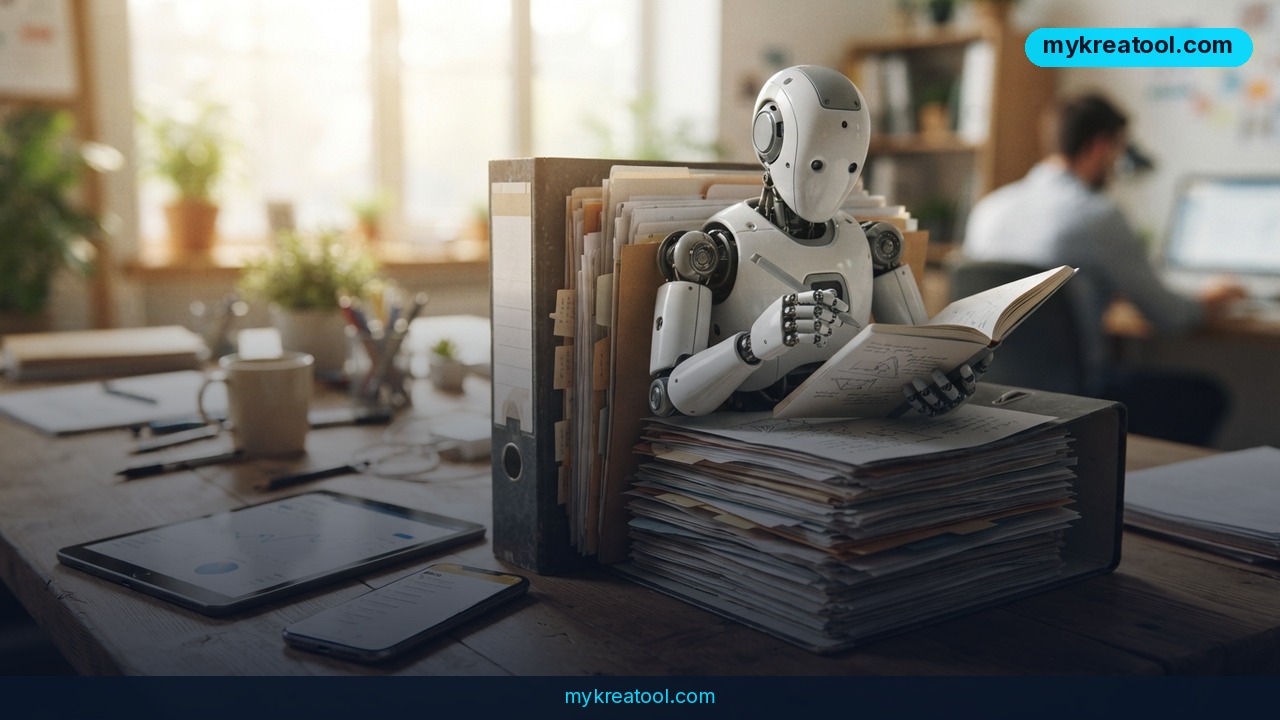
SpaceXAI just launched Team Bots — shared AI coworkers that learn from your team and help run projects. The announcement went out on September 28, 2026. Think of a Team Bot as a new hire who has read every file, remembers every decision, and never forgets a detail. You give it access to files, apps, and expertise, then share it so everyone works from the same playbook.
At SpaceXAI itself, these bots already brief account teams every morning, coordinate engineering projects, and answer data questions across the company. The company uses them in Sales and Customer Success, Product and Engineering, Marketing, and Data Analytics.
What exactly is a Team Bot?
A Team Bot is a Grok Bot built around a role or workflow your team shares. Everyone gets access to the same bot and its expertise, but each person can still work with it one-on-one. It combines four things:
• Context: the relevant files, instructions, and skills — from brand guides to internal documentation.
• Plugins: connections to apps like Salesforce, Notion, and GitHub. They can be set up by each person or configured for the whole team.
• Credentials: secure access to third-party APIs that don't have a plugin.
• Memories: the bot retains what it learns and gets better at its role over time.
Despite being shared, your conversations stay private. The bot keeps separate context and memories for each user while drawing on the skills shared across the team.
You can also collaborate with a Team Bot in Slack. Each one has its own handle, so you can invite it to a channel where everyone can ask questions, add context, and see its responses.
Real examples from SpaceXAI
Sales and Customer Success: Every major sales account has a dedicated Team Bot shared by the account executive, customer success manager, solutions architect, and sales leader. Each night, it reviews company news, recent Gong calls, Notion docs, and relevant Slack threads. Each morning, it posts a briefing in the account's Slack channel with what changed and what each person should do next — including drafts tailored to their role. Throughout the day, the team uses the bot to assess strategy and plan next steps. It remembers decisions and becomes a system of record, so new team members get up to speed fast.
Product and Engineering: The Engineering Team Bot works from a project's Slack channel and connects to Notion, Linear, Hex, Datadog, and Cursor. It follows product decisions, triages bug reports, creates tickets, and launches Cloud Agents to handle well-defined fixes. SpaceXAI taught it their shipping process through skills.
A real customer win: Harper, an insurance company serving small businesses, built a Team Bot to identify customers with lapsed policies and help them reinstate coverage. "We initially had to manually check every customer through three platforms, get their balance details, and send them personalized emails," says Dakotah Rice, CEO of Harper. "We built a Team Bot in 24 hours to automate this, saving our customers over $120,000 from hundreds of policies. This is now an ongoing engine for us, saving us time and our customers' money."
What it means for you
You don't need to be a big company to see the value. Here are six everyday scenarios where a Team Bot could change the game.
At home
Managing a household is a project. A Team Bot can hold the family calendar, grocery lists, and repair receipts. Share it with your partner or roommates so everyone sees the same info. It's like having a shared brain for your home — no more "I thought you booked the plumber."
At work
Picture a sales team. Instead of one person digging through emails and call notes, the bot does it overnight. You wake up to a Slack briefing that says, "Acme's renewal is at risk because their usage dropped sharply — here's a draft email." That's the SpaceXAI example, and it works for any team with recurring coordination.
In business
Small businesses can use a Team Bot to answer common customer questions, track orders, or manage inventory. It's like hiring a customer support rep who never sleeps and remembers every interaction. Harper's $120,000 recovery shows the financial upside.
In study
Group projects are chaos. A Team Bot can hold the research links, the outline, and everyone's notes. Invite it to your Slack or Discord, and it'll summarize what's been decided and what's still open. Think of it as a study buddy who actually read the syllabus.
In creativity
Content teams juggle brand voice, style guides, and dozens of drafts. A Team Bot can learn your tone from past work and suggest edits that sound like you. It's like having an editor who's read every piece you've ever published.
For income
Freelancers and consultants juggle multiple clients. Each client can have its own Team Bot that remembers their preferences, deadlines, and feedback. You look super organized without extra admin time. That means you can take on more clients — or just finish earlier.
How to try it right now
Here's the practical path, starting with the free option.
Step 1: Try the concept for free with Grok. Team Bots are built on Grok Bots. If you want a free way to test the idea, use Grok's free tier to create a custom bot, upload a few files, and invite it to a Slack channel. This won't have the full Team Bots features, but it'll show you how shared context feels. If you want more free AI tools to play with, check out MyKreaTool — it's a handy directory of free options.
Step 2: Download the macOS app for Team Bots. The official Team Bots app is available for macOS. The announcement includes a "Download for macOS" button. That's the real entry point for the full experience — plugins, credentials, memories, and shared Slack handles.
Step 3: Contact sales for team-wide setup. If you want to roll it out across a whole team or company, the announcement says to contact sales. They'll help you configure plugins (like Salesforce, Notion, GitHub) and set up credentials for APIs without a plugin.
Step 4: Build your first bot around a role. Pick one workflow — say, "weekly customer briefings" or "engineering bug triage." Give the bot the files and instructions it needs. Share it with the people who need it. Then let it learn from their memories.
Step 5: Invite it to Slack. Each Team Bot has its own handle. Invite it to a channel, and everyone can ask questions, add context, and see responses. That's where the collaboration magic happens.
Upsides and what changes
The biggest shift is shared context. Right now, when someone leaves a team, their knowledge walks out the door. With a Team Bot, that knowledge stays. It becomes a living system of record that new people can query.
Another upside is time. SpaceXAI's sales bots compile briefings overnight. That's hours of manual research eliminated. Harper automated a three-platform checklist and saved customers over $120,000 — that's real money.
Privacy is also handled well. Even though the bot is shared, your one-on-one conversations stay private. The bot keeps separate memories for each user, so you don't have to worry about your questions being broadcast to the team.
Finally, Team Bots work where you already work: Slack, Notion, GitHub, Linear, Datadog, Cursor, Salesforce. You don't need to learn a new interface.
Limitations
It's not magic. Team Bots require setup — someone has to give them files, connect plugins, and configure credentials. The macOS download means Windows users are left out for now. Pricing isn't public; you have to contact sales, so it's likely aimed at companies rather than individuals. The bots also depend on the quality of your data. If your Notion docs are a mess, the bot's answers will be too. And while memories help it improve, they also mean the bot can hold onto outdated information unless someone corrects it. Think of it as a very capable intern: it needs supervision, and it won't replace human judgment on tricky calls.
Conclusion
Team Bots are a big step toward AI that actually works with your team, not just for you. They learn from your files, your apps, and your decisions — then share that knowledge so everyone stays on the same page. SpaceXAI is using them to brief sales teams, triage bugs, and answer data questions. Harper used one to recover $120,000 in policies.
One action for today: If you're on a Mac, download the Team Bots app and contact sales to get your team set up. If you're not ready, create a free Grok Bot, give it one file, and share it with a colleague. You'll see the difference a shared AI coworker makes.


Comments 0