Every AI video generation tool has the same dirty little secret: you don't really direct it, you negotiate with it. You type a prompt, hold your breath, and pray the model doesn't turn your quiet product shot into a slow-motion explosion. H3 Dials, a new community project from MatlowAI and the Machine Delusions crew, is a genuinely clever attempt to end that negotiation — and it pulls it off with files smaller than a thumbnail image.
What happened
MatlowAI, working with the Machine Delusions community, released H3 Dials: lightweight steering files of roughly 14 KB that plug into MiniMax H3 and its fast distillations, like Pika H3 Flex. The whole point is targeted direction of generative video without the two usual headaches — training a fresh LoRA adapter, or rewriting your prompt forty times hoping the eleventh version finally clicks.
Each dial is a single, isolated direction vector inside the latent space of MiniMax H3's processed text embeddings. In plain English: the model already has a huge internal map of what "moody lighting" or "frantic motion" looks like. A dial is a bookmark on that map, and a slider decides how far along that path you want to travel.
What a dial actually is, in everyday terms
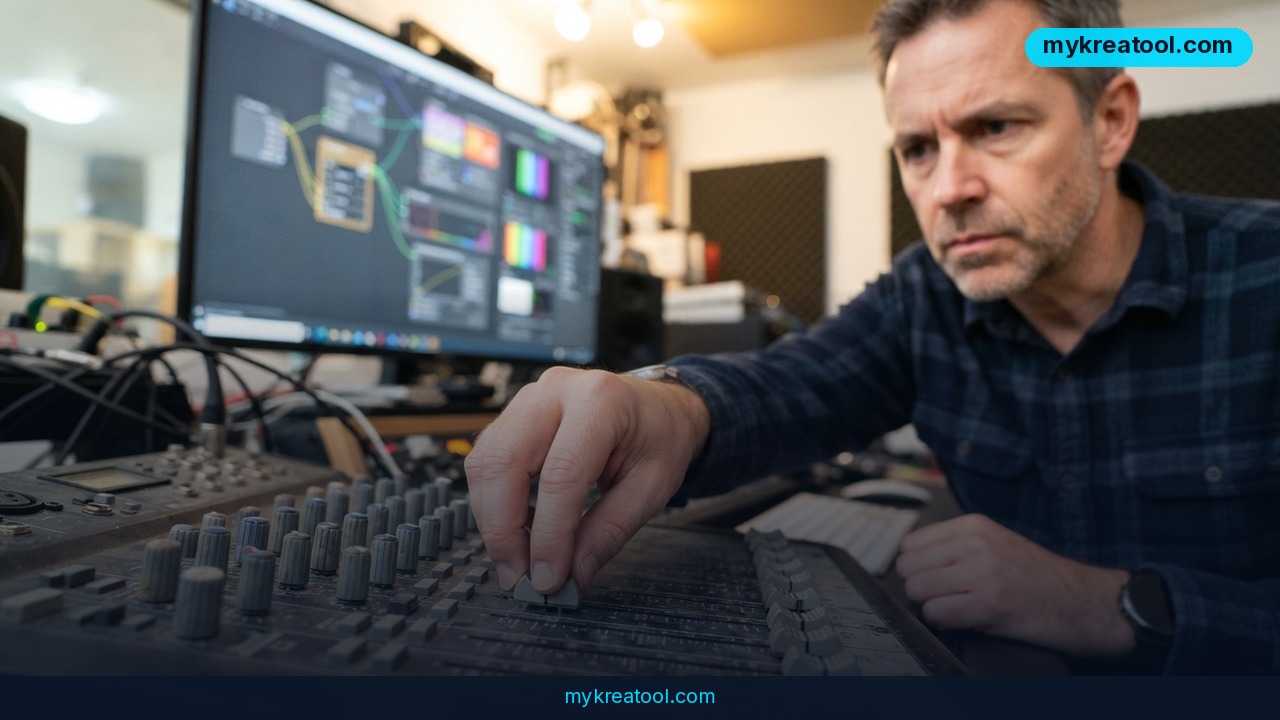
Picture the mixing desk in a recording studio. There's a row of faders, and each one nudges the sound in one direction — more bass, less treble. A dial works the same way for a video model. One fader for speed. One for color palette. One for light. You don't rebuild the instrument; you just move the fader.
The clever part is how you build one. You don't need a graphics card or a dataset. You feed in a pair of contrasting text prompts — Prompt A against Prompt B — and the system works out the direction between them. Something like "completely static frame" versus "super dynamic, explosive motion," or "gloomy cinematic noir" versus "soft daylight." That's the whole recipe. It takes about one minute.
The slider lives in ComfyUI
In ComfyUI, the free open-source node-based interface, you control everything with a slider. Negative values push the generation toward pole A, positive values toward pole B. Zero means the dial does nothing, which is exactly what you want for a clean baseline.
Dials are stackable, too. You can run speed, color palette and lighting at the same time, and you can layer them on top of LoRAs you already use. Nothing gets replaced. It all gets added.
Time curves are the part that changes the game
The architecture supports dynamic time curves. In the Dial Rack node, you modulate how strongly a vector hits across the clip's timeline. The example from the release is a good one: in a fight scene, fire a short 0.5-second pulse right at the moment of impact to stylize it as anime — an impact frame with an ink flash — then let the clip glide back to its normal realistic look. Traditionally, that kind of shot is a manual compositing job. Here it's a curve on a graph.
What it means for you
You don't need to be a machine-learning engineer for this to matter. If you make anything with moving images, the ability to say "more of this, less of that" on a slider is the difference between a tool that fights you and a tool that works for you.
• Creativity. An illustrator who wants a 0.5-second ink-flash impact frame no longer has to hand-paint it or bribe a compositor. They dial it in, then dial it out.
• Work. A marketing team producing product videos can lock a consistent visual tone across twenty clips by reusing one palette dial, instead of rewriting the prompt on every generation and getting twenty slightly different looks.
• Business. A small e-commerce brand selling in a niche aesthetic — say, moody nighttime interiors — can save a dial that captures that mood and hand it to whoever runs the content pipeline. It's 14 KB. It travels over email.
• Study. A film student learning about pacing can run the same scene at three different motion settings and watch what changes. That's a far better lesson than reading about pacing in a textbook.
• Home. A hobbyist making a birthday video for a friend can keep the camera calm for the family photos and spike the energy for the party clips, without learning a whole new craft.
• Income. Freelancers who sell AI-generated video are always hunting for a look nobody else has. A personal stack of three or four custom dials is a genuinely cheap way to have one. If you want to poke around other free tools before committing, there's a decent free collection at mykreatool.com worth a browse.
How to try it right now
Here's the honest, in-order version. The software itself is free; the video model access is the part you may pay for.
1. Install ComfyUI. It's free and open-source. This is your workbench for everything below.
2. Add the two node packs. Use ComfyUI Manager to install ComfyUI-MAINodes and ComfyUI-Dials. The ComfyUI-MAINodes page has the install details. This step costs nothing and needs no GPU.
3. Get access to a compatible model. You'll need MiniMax H3 or a fast distillation like Pika H3 Flex. Hosted options include MiniMax H3 on fal.ai, Pika H3 Flex on Pika, and Pika H3 Flex on kie.ai. Check each site for current pricing — it changes.
4. Write your two opposing prompts. Pick the exact thing you want to control, then describe both extremes. "Total stillness" versus "chaotic handheld motion." "Overcast gray" versus "golden hour warmth." Be specific on both sides — a vague pair produces a mushy dial.
5. Generate the dial. It takes about a minute and finishes as a small .safetensors file, roughly 14 KB.
6. Load it in the dial node and start at zero. Generate a clip with the dial switched off first. That's your baseline. Then nudge the slider to +0.5, or −0.5, and regenerate. Small steps, not big swings.
7. Stack and schedule. Once one dial behaves, add a second for a different quality. Then open the Dial Rack node and draw a time curve if you want the effect to hit for half a second and then fade.
Upsides and what changes
The headline number is the file size: about 14 KB in .safetensors format. For comparison, a single photo on your phone is usually bigger. That means dials are trivially shareable, easy to back up, and cheap to keep a library of.
The bigger upside is speed of iteration. Training a LoRA is an afternoon plus a GPU. Building a dial is a coffee sip. That changes how you work — you stop treating every visual decision as a big commitment and start testing five directions before lunch.
And because dials stack and layer cleanly on top of existing LoRAs, they don't force you to throw away the workflow you already have. Most new techniques demand a rebuild. This one just adds a row of faders to the desk.
The time-curve feature is the one I'd watch. Being able to spike a style for half a second and then return to normal is the kind of control that used to require a compositor, a timeline editor, and a lot of patience.
Limitations
Keep your expectations calibrated. The release notes don't include side-by-side benchmarks or head-to-head comparisons against LoRA training, so the "better than" claims are still community impressions rather than measured results. A dial is a direction, not a new skill — if the model has never seen the concept you're describing, no slider will summon it out of thin air, and a badly chosen prompt pair will produce a dial that does almost nothing or does something weird. It's also a ComfyUI-first workflow, which means total beginners still face the node graph, and you need working access to MiniMax H3 or a distillation like Pika H3 Flex, which typically means a hosted, metered service rather than something running quietly on your laptop. Finally, stacking is powerful but not free of friction: push a dial too hard and it can fight with your LoRA or flatten the image, so you'll still be doing the taste-testing yourself.
Conclusion
H3 Dials is one of those releases that sounds minor — 14 KB files, a slider, a graph — and turns out to be the thing that makes generative video feel like directing instead of gambling. You get frame-level intent without a training run, a GPU, or a paragraph of prompt poetry. The technology is the easy part now; the taste is on you.
One action for today: open a notes app and write down one pair of opposing prompts for the visual quality you most often struggle to control — stillness versus motion, warm versus cold, clean versus gritty. That's your first dial, and it takes thirty seconds to draft.



Comments 0