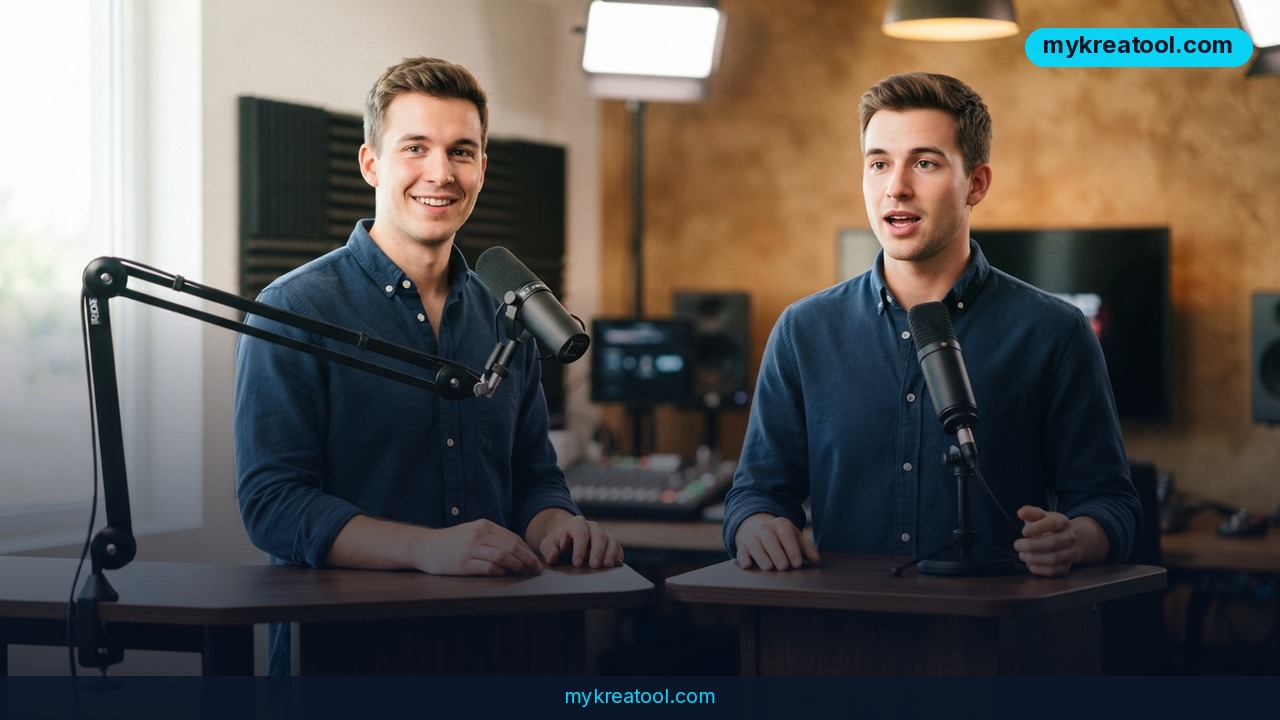
If you've ever put off recording a product demo because you didn't want to sit in front of a camera, HeyGen's AI avatar video generator is aimed squarely at that problem. You type a script, pick a face, and the tool hands back a talking-head video in roughly five minutes — no ring light, no retakes, no voice actor invoice.
What happened
HeyGen has quietly become one of the most practical AI video tools for people who don't actually make videos. The pitch is short: skip filming yourself, type a script instead, and get a realistic AI avatar that speaks your words with lip movement that matches. The same avatar can then be translated into other languages, with lip-sync that follows the new audio — which is usually the moment people lean in and pay attention.
A short selfie video is enough to build your digital twin
The fastest way in is a digital twin: a look-alike avatar trained on footage of you. You upload a short selfie video, HeyGen builds the avatar, and from then on you can reuse it for every video you make. The official walkthrough covers the recording basics, and if you want the newer Avatar IV flow, this help doc spells out the steps one by one.
The free tier is real, just small
Free accounts get 3 videos a month, up to 1 minute each, rendered in 1080p with a watermark. Paid plans start at $29/month according to the pricing page, and a third-party breakdown at Arcade tracks how the tiers stack up if you're weighing an upgrade later.
What it means for you
Strip away the jargon and here's the plain-English version: an "avatar" is a computer-generated stand-in that looks and sounds like a person. A "digital twin" is a stand-in that looks like you. You feed it words, it performs them. That's the whole trick, and it changes who can make video.
Around the house and for family
Think of the small stuff you keep explaining over text. How to reset the Wi-Fi router. Which bin goes out on which night. A birthday message for a cousin overseas. A one-minute avatar clip does all of that faster than ten messages, and unlike you, the avatar never gets tired of repeating itself. If a relative lives in another country, the translation mode means grandma gets the same message in her own language, with the mouth movements lined up to match — the sort of thing that used to require a bilingual cousin and a lot of patience.
At work, when you're camera-shy
Plenty of people write well and freeze on camera. An avatar splits those jobs apart. You write the update, the avatar delivers it, and nobody has to watch you glance at your notes. Weekly team updates, onboarding clips, a walkthrough of a new process — all of it becomes a script you paste in instead of a calendar slot you dread. It's the same shift spreadsheets went through: the tool absorbs the part you're bad at.
For small businesses and solo founders
A one-person shop can suddenly produce a product explainer, three ad variations and a version for a different market without booking a videographer. Cheaper iteration is the real story here. When a new take costs you a script edit instead of a shoot day, you actually test ten versions of the pitch instead of guessing at one. Sales teams have known this forever; now the rest of us get the same luxury.
For students, teachers and anyone explaining things
A one-minute avatar clip is a decent format for a single idea: one concept, one example, one recap. Teachers can build a short explainer for a topic students keep asking about and reuse it next term. Students can rehearse a presentation by watching their own script delivered back to them. Worth saying out loud, though: a talking head is not a substitute for your own thinking, and passing avatar work off as your own presentation is the kind of shortcut that ages badly.
For creators and anyone chasing side income
Here's where it gets interesting for solo operators. You record once, then push the same message out in several languages instead of one. If you pick up freelance work, a quick avatar intro is a low-effort way to pitch. And if you'd rather test a few tools before committing to a subscription, the free library at MyKreatoTool is a good place to poke around first.
How to try it right now
Start with the free plan — there's no reason to pay before you've seen your own face read a script back to you.
Step 1: Open an account
Go to HeyGen and sign up for the free tier. You'll get 3 videos a month, 1 minute each, 1080p with a watermark. That's enough for a real test.
Step 2: Create your digital twin (the part that makes it feel personal)
Upload a short selfie video of yourself talking to the camera in decent light. HeyGen builds the avatar from it. If you'd rather not use your own face, pick one of the stock avatars instead — you'll still get the same workflow.
Step 3: Write the script
Keep it short. A minute of talking goes by much faster than you'd guess, so read your draft out loud with a stopwatch before you upload it — almost everyone overshoots on the first try and has to cut a line or two. Write in plain sentences, and read it out loud once more for rhythm; anything that trips your tongue will trip the avatar too.
Step 4: Pick a voice and generate
Choose a voice, hit generate, and wait a few minutes. Then download the file.
Step 5: Test the translation trick
Take that same finished video and see how it handles a second language. If the lip-sync holds up, you've just found the feature that's genuinely hard to replace.
Upsides and what changes
The obvious win is speed. A script-to-video turnaround of about five minutes means a video stops being a project and becomes a task — something you do between meetings instead of scheduling a week around. The second win is cost. You're comparing $29/month against a videographer, a voice actor and a studio day.
Less obvious but arguably bigger: consistency. Your avatar delivers the same introduction, the same tone, the same product pitch every time, which matters when you're explaining something to a hundred people who all need the same version of the truth. And lip-synced translation quietly removes the language barrier from your best-performing video instead of forcing you to start from scratch in each market.
Limitations
It's not magic, and the free plan makes the seams visible. Three videos a month with a one-minute ceiling and a watermark is a test drive, not a workflow — you'll hit the limit the first week you get enthusiastic, and paying $29/month only makes sense once you know the format works for you. Realism has tells too: avatars in extreme close-ups, odd hand gestures or emotional delivery still land slightly off, and a script with flat writing will produce a flat video no matter how good the face is. Translated versions can miss jokes, idioms and tone, so anything customer-facing deserves a human read before it ships. And a digital twin of your own face is a piece of identity you're handing to a company — check who can use it, get consent from anyone whose face or voice you upload, and be aware that the same technology makes convincing fake spokesperson videos easy for people with worse intentions than yours.
Conclusion
HeyGen doesn't replace the reasons to be on camera. It removes the excuses. If your first instinct when someone says "make a video" is to find a reason not to, a free plan with 3 videos a month and a one-minute ceiling is a low-stakes way to find out whether an AI avatar is good enough for your audience. Here's your one action for today: write a short intro to your product, service or side project — just enough to fill a minute when spoken out loud — sign up for the free tier, and generate it with your own digital twin. Ten minutes from now you'll have an opinion instead of a maybe.
Comments 0