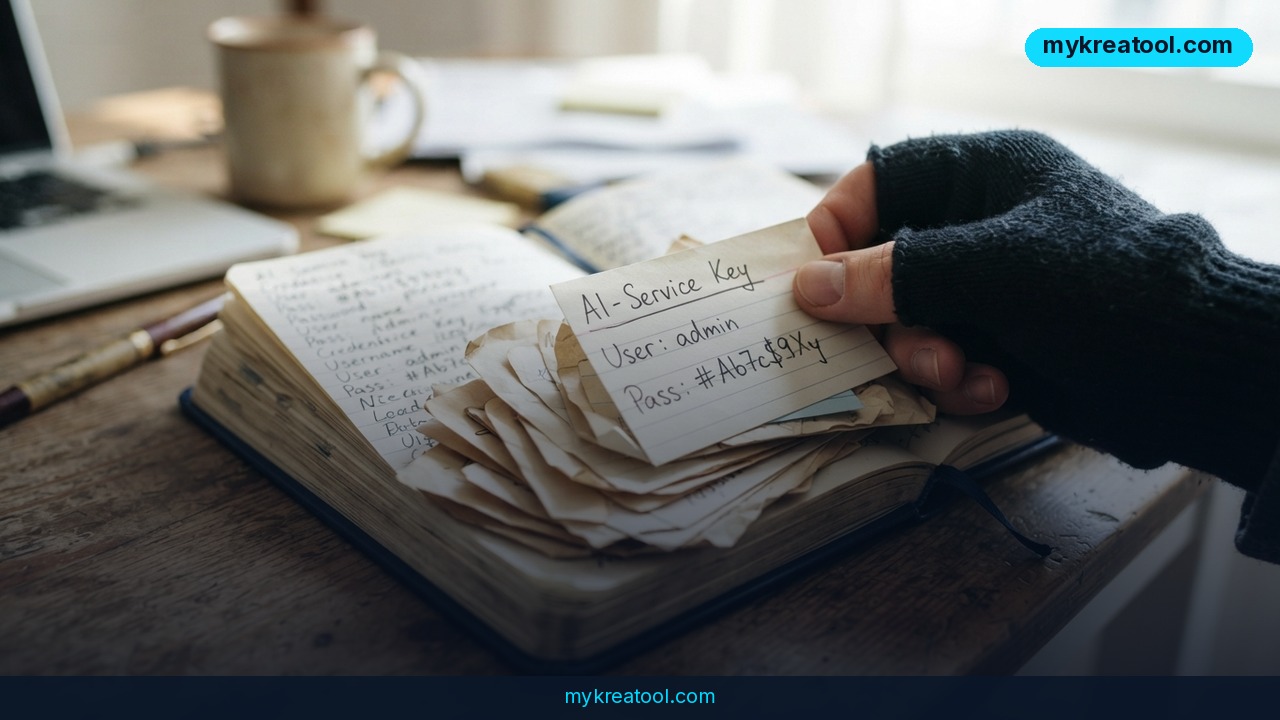
If you've typed `pip install litellm` on any machine since October 21, treat that machine as compromised until you've checked it. Version 1.107.0 of the LiteLLM library — a free connector that lets one Python program talk to OpenAI, Anthropic, Google and a dozen other AI services — was published to PyPI with a credential stealer and a backdoor baked in. The release has since been yanked. That stops new downloads, and it does absolutely nothing about the copies already sitting on laptops.
Think of LiteLLM as a universal travel adapter for AI models. You write your code once, plug in whichever model you want, and swap providers without rewriting anything. That convenience is exactly why so many projects rely on it — and why one bad release travels so far, so fast.
What happened
On October 21, LiteLLM 1.107.0 went live on PyPI, the public index that `pip install` pulls from. Two things in that build had nothing to do with connecting AI models. It harvested saved browser passwords and access keys for AI services and shipped them off. And it left behind a remote-access hook — code that lets whoever planted it download and run their own programs on your machine later.
Here's the part that makes people sit up straight: you didn't have to import LiteLLM, or even know it was installed. Opening any Python program inside that environment was enough to set it off. It's like hiring a cleaner who quietly copies your house keys and hands them to a stranger — you keep living in the house and the lock still looks just fine.
The security community moved fast. JFrog's write-up is bluntly titled "hijacked again," SafeDep documented the credential stealer, Flatt Security published the technical teardown, and Cybersecurity News covered the fallout. The version was pulled from PyPI. That's the cleanup handled — for the index, not for you.
What "yanked" actually means
Yanked means the package was taken off the shelf so nobody new can grab it. It doesn't knock on doors. If 1.107.0 is already installed in a virtual environment on your machine, it stays right there until you remove it, and every Python process running in that environment is still running alongside it.
Why one bad update reaches so many projects
Software is built out of other people's software. When you install a package you're trusting whoever pushed that particular version — not the brand, not the README, just the person who had publish rights at that moment. It's the difference between trusting a restaurant and trusting whoever happened to be working the kitchen that night.
What it means for you
You don't have to run an AI startup to be caught up in this. Here's what it looks like in ordinary situations.
At home: your saved passwords are the prize
Most browsers cheerfully offer to remember your passwords. That convenience is exactly what the stealer was after: email, banking, shopping, social accounts — anything Chrome, Firefox or Edge had stored. If your laptop sat in an infected environment, assume those logins were on the table. The really uncomfortable part is that stolen session cookies can let someone walk in without ever triggering a "new login" email.
At work: one developer's laptop, everyone's keys
A single engineer testing a script can expose API keys tied to a company account, cloud credentials and internal repositories. That's not a personal hiccup — it's an incident the security team has to open a ticket for. And because the trigger is just "run Python," it can hit a CI runner or a shared Docker image as easily as somebody's laptop.
For a small business or side project
Small teams often keep one API key for the entire product. If that key walked out the door, the first symptom is usually a bill — someone else's traffic showing up on your account. Swap the key, check your usage, and look for spikes you can't explain.
For students and researchers
Lab machines and shared servers are the worst case: several people, saved logins nobody remembers agreeing to, and no clear memory of who installed what. A stolen library or campus login is a genuine headache to unwind, and shared machines rarely have anyone watching the logs.
For creators
If your workflow leans on scripts — batch image generation, transcription, scheduling — your saved YouTube, Instagram or Gumroad sessions could be in play along with your AI keys. If you'd rather experiment without wiring up an expensive paid key at all, free tools like the ones at MyKreaTool give you a sandbox where a leaked credential isn't the whole business.
If you earn money from AI services
Freelancers and agencies hold client keys. A stolen client key isn't only your problem — it's a phone call about why their spend tripled, and possibly a contract clause. This is the scenario where speed matters most: rotate first, explain second.
How to try it right now
You don't need a security team. You need a terminal and about twenty minutes.
Step 1 — Check your version. Run `pip show litellm` (or `pip list | grep -i litellm`). Look at the version line. If it reads 1.107.0, jump straight to step 2. If it reads anything else you're probably fine — but keep going anyway, because step 2 is a habit worth keeping.
Step 2 — Scan the whole environment, for free. Install pip-audit, the open-source scanner maintained for the Python ecosystem: run `pip install pip-audit`, then `pip-audit`. It checks every installed package against known vulnerability databases and tells you what's risky. Run it in each project folder and inside any Docker image you've built. It's free, it takes a minute, and it's the single best takeaway from this whole mess.
Step 3 — Rebuild, don't patch. Delete the virtual environment outright and reinstall from a `requirements.txt` with a safe version pinned. Overwriting files on top of a compromised install is exactly how leftovers survive.
Step 4 — Rotate everything that was in reach. Change the passwords for accounts your browser saved, and use "sign out of all devices" wherever it's offered. Revoke and reissue your AI API keys. Rotate GitHub and PyPI tokens too. All of them — you can't tell which ones were read first.
Step 5 — Watch the billing. Give it a week. Unexpected usage or a mystery line item is the fastest signal that a key is still live somewhere.
Upsides and what changes
Grim as this is, the response was quick and the lessons travel well beyond LiteLLM.
Detection was fast. The release was identified and pulled, and the write-ups are detailed and public — which means you can audit your own setup instead of guessing.
Pinned versions are becoming normal. A `requirements.txt` with exact version numbers isn't bureaucracy; it's a seatbelt. It means an update can never land on your machine without you deciding it should.
Package registries keep tightening publishing rules — two-factor authentication, trusted publishing, shorter windows for a compromised account to do damage. And secret scanners running inside repositories now flag live keys before someone else finds them.
Most importantly, teams are starting to treat API keys the way they treat credit cards: one per service, spending limits on, rotate on a schedule. The word "again" in that JFrog headline is the real message — this is recurring weather, not a freak storm.
Limitations
Here's the honest part. A rollback doesn't clean anything on your side, and nobody can tell you with certainty whether your specific keys were already used. The stealer takes what's saved in your browser, so there's no prompt to click, no alert to dismiss, and often no login trail to follow. Tools like pip-audit catch known bad versions; they can't catch a package that looks fine today and turns tomorrow. If you never kept logs or billing alerts, you can't reconstruct what happened last week. And rotating credentials is tedious, which is exactly why most people do half the job, feel better, and stop. Treat this as a reason to build a small routine, not as a one-time fire drill you can finish and forget.
Conclusion
LiteLLM 1.107.0 is a reminder that the weakest link in your AI stack usually isn't the model — it's the plumbing around it. A free library that saves you an afternoon of coding also inherits your trust, and trust is what got spent here: saved browser passwords, AI API keys, and the ability to run code on machines that never asked for it. The release is gone from PyPI. The risk isn't, unless you act.
One action for today: open a terminal and run `pip show litellm`. If it says 1.107.0, change your browser passwords and revoke your AI keys before you close the laptop. If it doesn't, run `pip-audit` once anyway and pin your versions — the next one of these won't announce itself either.


Comments 0