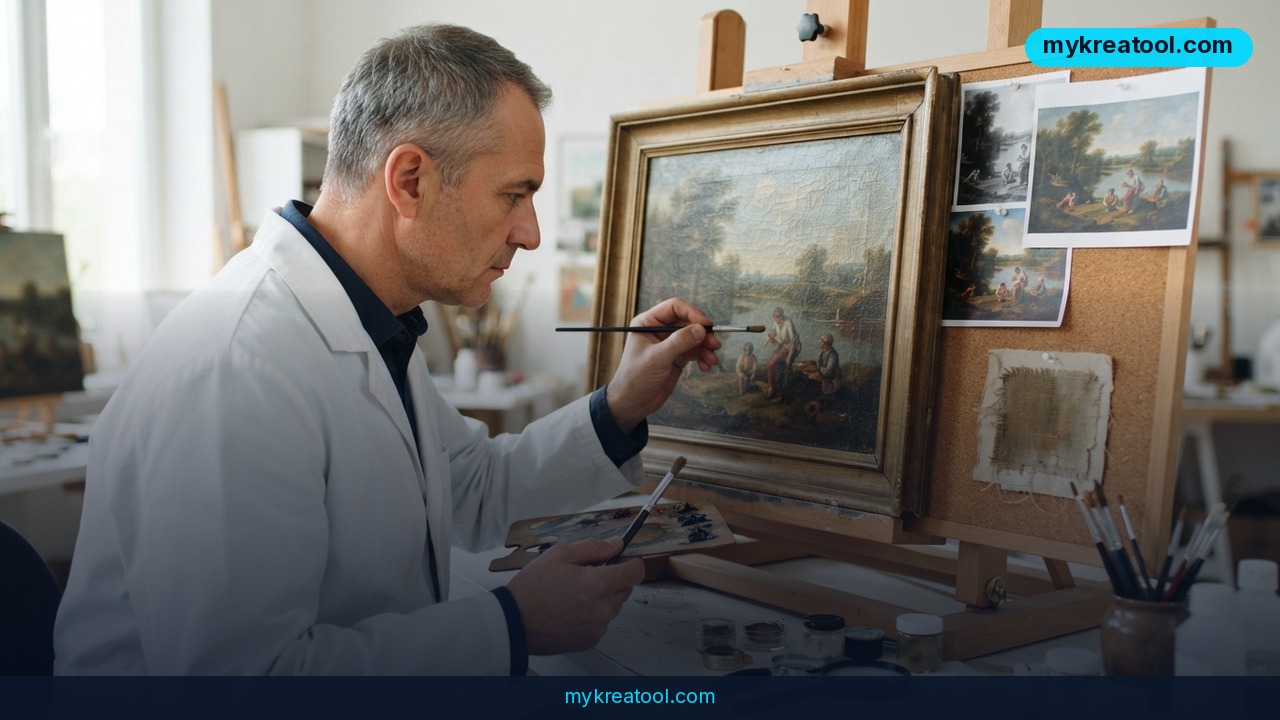
If you've ever asked an AI image tool to change one small thing — swap a background, fix a typo on a sign, brighten a face — and watched it repaint the entire picture instead, you already know the pain. Ideogram 4.5 Edit is the company's answer to exactly that problem. It generates and edits images inside one model, and Ideogram says it fixes pictures up to 5 times more precisely than before, with far less of the accidental damage that normally piles up when you edit the same image again and again.
What happened
Ideogram shipped 4.5 Edit, and the whole pitch is control — keeping the parts you never mentioned exactly where they were.
One model for generating and editing
Plenty of workflows split the job in two: one tool to make the image, another to change it. 4.5 Edit does both. The same model that drew your picture is the one fixing it, which means fewer hand-offs and fewer surprises.
Multi-turn editing without the drift
This is the part most people care about. Multi-turn editing means you can keep handing the same image new instructions — change the shirt, then the background, then the lighting — and the model remembers what it already did.
The usual failure mode is called image drift. Think of photocopying a photo, then photocopying the copy, then copying that. By round five the colors have shifted, the textures have gone mushy and the geometry is subtly off. Ideogram says 4.5 has significantly less drift and claims it beats GPT image 2.5 on that front.
Precise Edit: untouched pixels come from your original file
Precise Edit is a separate mode, and the trick behind it is simple. Normal AI editing redraws the whole image and hopes the untouched parts land in the same place. In Precise Edit, the pixels you didn't ask about are restored from your original file instead of being regenerated. Nothing gets redrawn, so nothing drifts.
There are two accuracy levels. Regular Edit uses the standard generative approach. High / Precise Edit switches on the preservation mechanism.
Up to 5 images on the way in, masks optional
You can feed the model one main image to edit, plus up to 4 extra reference images. References work like a mood board: the model studies them for the material you want — a palette, a product, a style — while it edits the main picture. When a mask is involved, that limit drops to 3 extra references, plus the source image and the mask itself. Independent sources haven't confirmed that mask-related number, so treat it as a detail to double-check in the docs.
Which brings us to masks. A mask is just a marked zone, like painter's tape on a wall, telling the tool where it's allowed to work. Masks are optional. Skip one, and the model works out the region from your text. Use one, and you hard-limit the edit to that box.
Zoom Editing on a 24.2-megapixel canvas
Zoom Editing lets you cut out a small patch of a high-resolution image, edit only that patch, and stitch it back with no visible seam. Ideogram demoed it on a 4016 × 6016 source — that's 24.2 megapixels.
The quieter upgrades
Text editing and translation both got better, along with relighting, color changes, restoration, style transfer, sketch-to-image, reframing and depth-to-image.
The core claims — multi-turn editing with reduced drift, precise editing that preserves unchanged pixels, and the reference-image counts — have been confirmed by official and independent sources, including the fal.ai model page, a launch breakdown from OrcaRouter and coverage on Digg. Under the hood, the real engineering win is fighting error accumulation: with every new pass, the model is supposed to disturb less of what you never asked it to touch.
What it means for you
You don't need to be a designer for any of this to matter. Here's where it lands in real life.
At home
Old family photos are the obvious win. A photobomber in the corner, a dark living room, a blown-out window behind grandma — you can now fix one thing and leave everything else alone. No more "I asked for a small change and got a whole new picture."
At work
Marketing teams rebuild the same banner a dozen times. With better in-image text editing, you can swap a headline or translate it into another language without the product shot shifting a millimeter. Same story for presentation slides that need a fresh date or a corrected chart label.
In business
An online store with hundreds of product photos finally has a reason to stop reshooting. Change the backdrop, relight the shot, keep the actual product identical. Reference images matter here too: hand the model your brand's color palette plus a hero shot, and it works from both. If you want to test other free AI tools before committing to anything, mykreatool.com gathers a whole set of them in one place.
For studying
Students building presentations or lab reports can turn a rough pencil sketch into a clean diagram with sketch-to-image, then zoom in and fix a single mislabeled axis without disturbing the rest. Translating a chart for a foreign-language class takes one pass instead of a full redesign.
For creators
Concept artists live in multi-turn editing — twenty small nudges in a row. That workflow only works if the tenth edit doesn't undo the first nine. Zoom Editing helps too: on a big canvas, you can zoom into one corner and fix a texture without regenerating the whole piece.
As a side income
Print-on-demand sellers, Etsy shops and freelance retouchers sell exactly this kind of cleanup. Precise Edit means fewer ruined customer files and faster turnarounds, which is the difference between a job that pays and a job that eats your evening.
How to try it right now
1. Start free. Before you commit to anything paid, get a feel for AI editing with the free tools we mentioned above — you'll learn what a good instruction looks like in about ten minutes.
2. Get access. Ideogram 4.5 Edit is already live through the API. The easiest entry point is the Ideogram v4.5 Edit model page on fal.ai; it's also reachable through an aggregator.
3. Upload one main image — the one you actually want changed.
4. Add up to 4 reference images if you have specific material in mind: a palette, a product, a style.
5. Write the change in plain English. "Make the sky golden hour, keep everything else identical" beats a paragraph of technical jargon.
6. Pick your accuracy. Try Regular Edit first, then switch to High / Precise Edit when the untouched areas matter most.
7. Zoom in for the small stuff. Crop the region, edit it, stitch it back.
8. Keep going. Give follow-up instructions one at a time and watch how much of the original survives.
Upsides and what changes
The big shift is that AI editing stops being a slot machine. Right now, most people type a prompt, get a picture that's nearly right — one detail off, one corner wrong, one color that doesn't match — and then either live with the flaw forever or throw the whole thing out and start over from scratch. When untouched pixels stay untouched, "nearly right" stops being a dead end and turns into something you can actually fix in a single follow-up instruction.
That changes who can use these tools. If you can describe a change in a sentence, you can edit an image without learning Photoshop layers or hiring a retoucher. Small businesses, solo creators and students all get a capability that used to require a specialist.
The 24.2-megapixel zoom workflow matters for print. Posters, packaging, large-format photos — those need real resolution, and editing a small patch at full size is genuinely different from upscaling a low-res guess.
And multi-turn editing compounds. The value isn't one edit, it's the twentieth: the model that survives a long session is the one you build a workflow around.
Limitations
A few honest caveats. "Up to 5 times more precise" is a vendor claim, not a public benchmark — there's no independent test yet measuring Ideogram 4.5 Edit against GPT image 2.5 side by side, so treat the multiplier as marketing language until someone publishes numbers. The mask-related cap of 3 extra references couldn't be confirmed by outside sources, which is worth knowing before you build a prompt around it. Precise Edit also preserves pixels, not intent: it keeps what you didn't mention, which means a vague instruction still gives you a vague result, and it won't rescue a bad mask or a contradictory prompt. High-resolution zoom edits cost more compute, so heavy 24-megapixel sessions won't be free. Access currently runs through the API and third-party aggregators, which adds a layer of pricing and rate limits you don't control. And text editing, while better, is still the hardest thing for any image model — always proofread the letters before you publish.
Conclusion and one action for today
Ideogram 4.5 Edit isn't a new toy; it's a fix for the most annoying part of AI image editing. Generation and editing live in one model, up to 5 images can go in at once, Precise Edit keeps unchanged pixels from your original file, and Zoom Editing handles a 24.2-megapixel canvas patch by patch.
Your one action today: open the Ideogram v4.5 Edit page on fal.ai, grab one image you've been meaning to fix, and ask for a single change — then ask for four more without starting over. That five-minute test will tell you more than any spec sheet.

Comments 0