What happened
Ideogram 4.6 is live now, and the number everyone repeats is 4K — this time native, not upscaled. In plain terms, the model paints a genuinely large picture from the first pass instead of drawing something postcard-sized and stretching it afterward, which is exactly how you end up with mushy faces and lettering that looks like it was written underwater.
The bigger deal, though, is editing. Version 4.6 is built around multi-step local editing without wrecking the rest of the frame. Think of it like selecting a patch of a photo in an editor and changing only that patch — except older models tended to nudge everything around it, so ten small fixes in a row left you with a picture that had quietly drifted. Ideogram says 4.6 sharply cuts that pixel drift outside the edited area, so you can stack edit on edit and keep the original geometry and texture intact.
That claim isn't just marketing copy. The model took first place on the Rapidata Multi-step Image Edit leaderboard with 1,892 points, ahead of Seedream 5.5 and FLUX 3 Image — a leaderboard built specifically for chained edits rather than one-shot beauty shots.
The resolution detail worth reading twice
There's a feature called Precise Edit, and it preserves the exact dimensions of your source file, however large that file happens to be. Here's the honest version: that means you can edit one region of a very large image and keep it that size. It does not mean the model invents a whole new ultra-high-resolution scene for you. That distinction gets lost in most write-ups, and it's the difference between a tool you can trust and a promise that quietly breaks.
Where you can actually get it
It's rolled out on Ideogram's own site and through the aggregators and resellers that host third-party models, including fal.ai. One small spoiler that hasn't made the rounds: there's no 4.5 release coming — the team is skipping straight to 4.6. People are still asking where the downloadable weights are, and nothing in this launch answers that yet.
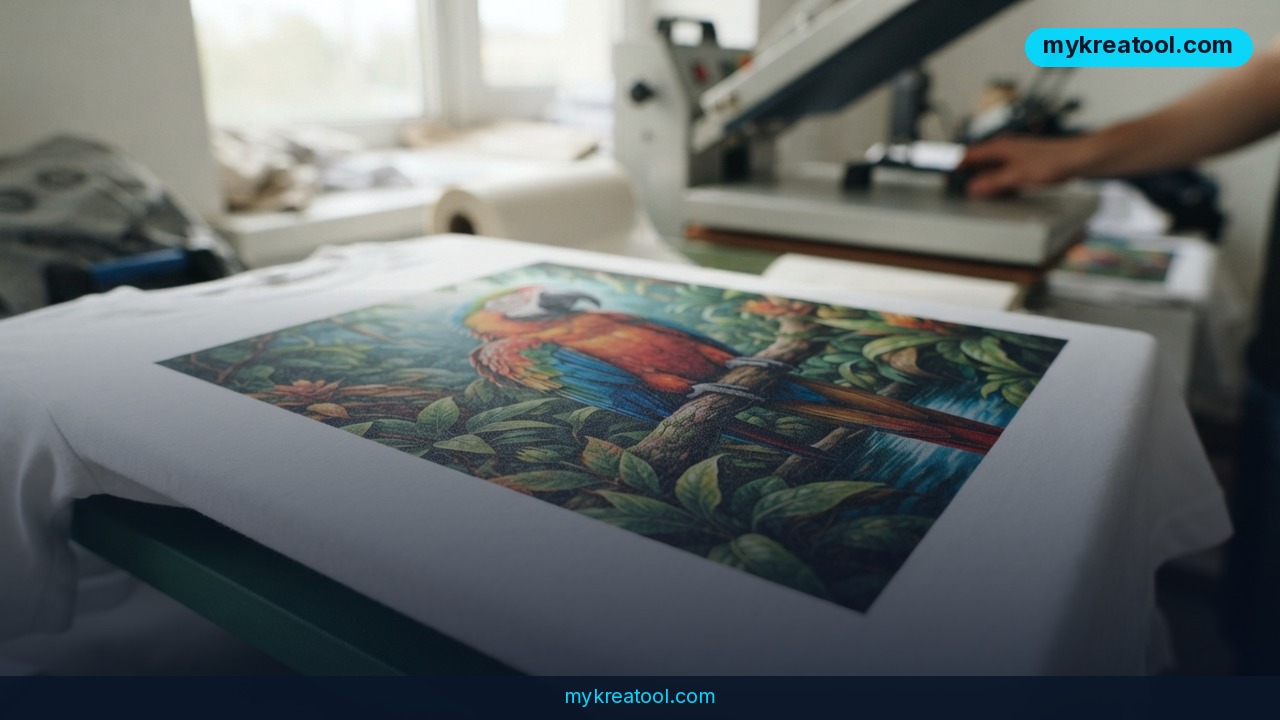
There's also a print shop attached to the platform now: a print-on-demand studio for T-shirts and other merch, which tells you a lot about who Ideogram thinks its customer is.
What it means for you
You don't need to care about leaderboards. You do need to care that "edit this photo without ruining the rest of it" just became reliable, because that's the task most normal people actually have.
At home: the family photo you almost gave up on
That group shot with a stranger in the background, or the one where someone blinked — you can now remove the problem in one pass and then make a second fix (say, straightening a crooked picture frame) without the faces turning to wax. Before, each new edit was a gamble that cost you the earlier work.
At work: updating a banner without redoing the layout
Because Precise Edit keeps your exact dimensions, you can swap the product shot inside an existing ad, change a background color, or drop in new copy — and the file still drops into the same slot in the design. No re-cropping, no "why is it a few pixels off."
Running a small business: product photos on a budget
If you sell mugs, candles or prints, you probably shoot on a phone against a bedsheet. Editing the object rather than the whole scene means you can change a backdrop, clean up a scratch, or produce a seasonal version of the same shot while the product itself stays pixel-identical. That's the difference between a catalog that looks consistent and one that looks like ten different sellers.
Studying: clean diagrams and better flashcards
Remove labels from a diagram in a textbook scan to build a quiz. Delete a distracting logo from a lecture slide. Because the untouched areas stay put, the figures you're studying don't get quietly redrawn into something that contradicts the page.
Creative work: iterating instead of restarting
Illustrators and designers spend most of their time on the fifth revision, not the first. Chained edits mean you can say "lose the hat, warmer light, smaller moon" as three separate moves and end up with the same character, same pose, same line weight. If you want to sketch rough directions before burning generations on the final, the free tools at MyKreaTool are a decent place to warm up.
Income: merch and freelance retouching
The print-on-demand studio is the obvious on-ramp for anyone selling shirts, posters or tote bags — native 4K is genuinely useful there, since print work punishes soft edges. On the freelance side, "I can retouch a huge file without losing resolution" is now a service you can quote for.
How to try it right now
1. Start free before you spend a cent. Open Ideogram 4.6 on Ideogram's own site and run one real test there first. Don't sign up for anything else until you've seen a result with your own eyes.
2. Pick a photo with a genuine problem. Not a stock image — something with glare, a photobomber, a label you want gone. You'll judge the model far more honestly on a messy file.
3. Make the smallest possible edit first. One object, one region. You're testing whether the rest of the frame holds still.
4. Zoom all the way in and inspect the edges of your edit. Look at the area you didn't touch: patterns, straight lines, skin texture. That's where drift shows up.
5. Stack a second and third edit. This is the actual test. If edit three still matches edit one, the multi-step claim is doing real work for you.
6. Then try Precise Edit on a big file. Upload something large, edit one region, and confirm the export keeps your original dimensions, pixel for pixel.
If you're building an app or automating this, the same model is available through fal.ai if you'd rather call it from code than click around a web page. And print one thing: a single T-shirt or a poster will tell you more about native 4K than any side-by-side on a monitor.
Upsides and what changes
• Edits stop being one-way doors. Chaining fixes without background decay means you can work like a retoucher instead of rolling the dice on every prompt.
• Native 4K saves a step. Output that starts large means less upscaling, fewer artifacts, and files that survive print.
• Precise Edit respects your layout. Your exact dimensions survive the edit, pixel for pixel, so finished design work stays intact.
• Top of a relevant leaderboard. 1,892 points on Rapidata's multi-step edit ranking, ahead of Seedream 5.5 and FLUX 3 Image.
• A real business hook. The print-on-demand studio turns the model into a product pipeline, not just a toy.
• A cleaner version history. Skipping 4.5 entirely means anyone learning the tool has one current version to learn, not two.
Limitations
Keep your expectations calibrated. Precise Edit keeps the size of your canvas — it doesn't conjure detail that was never in the source, so a blurry thumbnail of a face won't become a crisp portrait just because the file is huge. Multi-step editing reduces drift; it doesn't eliminate it, so if you stack twenty edits you should still expect to babysit the result rather than walk away. The 4K claim is about native generation, not about every output being print-ready — fine detail like small text still needs a human eye. Availability is also split between Ideogram's own site and third-party hosts, which means features, limits and pricing can differ depending on where you click, and the community's open question about downloadable weights is still unanswered. And nothing here is a substitute for a real photo shoot when the product itself is what's being sold.
Conclusion
The story with Ideogram 4.6 isn't the 4K number — it's that editing stopped being a game of Russian roulette with your background. Native 4K, Precise Edit that holds your original resolution, and 1,892 points on the Rapidata multi-step leaderboard all point the same direction: small, repeatable fixes instead of one-shot miracles.
One action for today: open Ideogram 4.6, grab a photo from your camera roll that has one annoying flaw, and make a single edit. Then make a second one without re-uploading. If the frame holds, you've just found your new default retoucher.



Comments 0