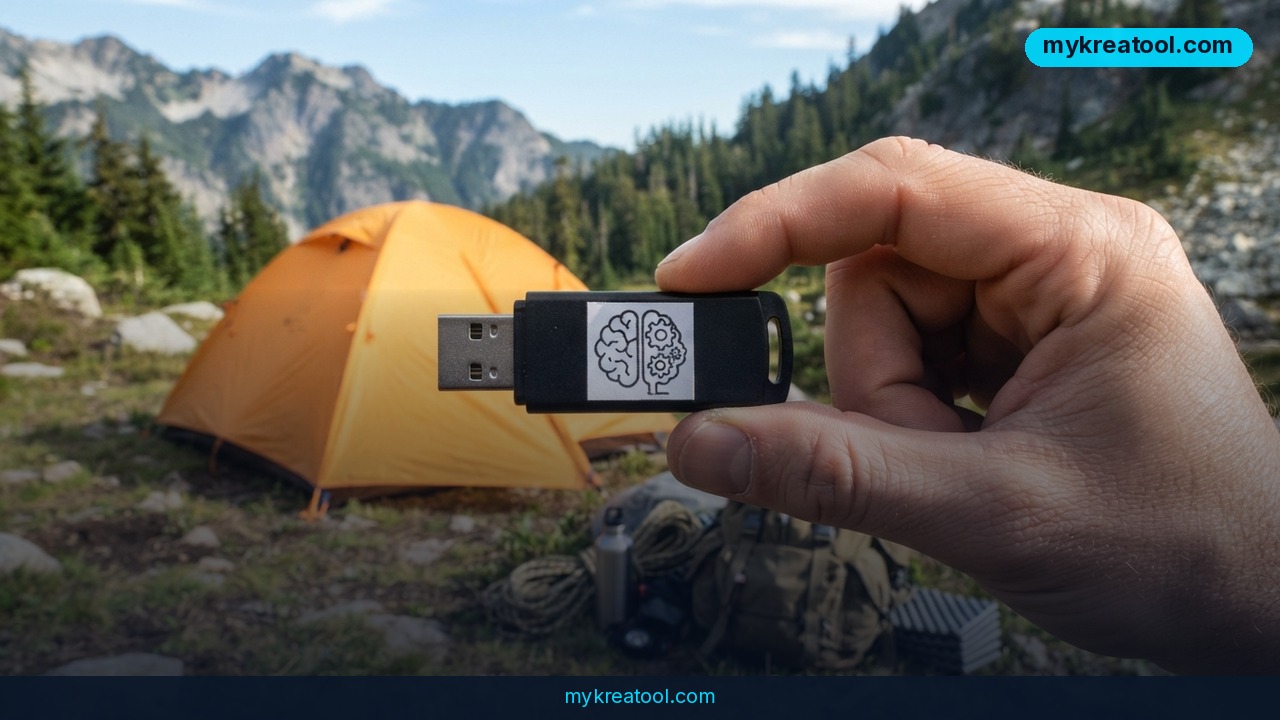
Every chatbot you've used so far has a hidden dependency: it lives on somebody else's server. Kill your Wi-Fi and the cleverest assistant in the world turns into a spinner. Survival AI — the English name for the GitHub project ia-da-sobrevivencia — flips that around. It puts an offline AI assistant on a laptop or a USB stick, and once the kit is built, it answers questions in plain language with zero internet on Windows, Linux and macOS.
It's free, it's open source, and it's aimed at the scenario most software companies would rather not think about: the day the network, the power or the services don't come back.
What happened
The project landed on GitHub as a survival kit you assemble once and then carry around. You run a "preparer" while you still have a connection, it pulls down a local language model, a set of offline libraries and — if you ask for it — a portable copy of Python, and then you're done. From that moment it runs off your own disk. No account, no API key, no monthly quota, nothing phoning home.
The kit is a shelf, an engine and a browser tab
Three parts, and each is easier to picture than its name suggests.
The guides are the shelf: practical documents in English, Portuguese and Spanish covering water, fire, shelter, food, gardening and livestock, foraging, fishing and hunting, first aid and medicine, hygiene and homemade soap, alcohol (fermentation, distillation, antiseptic and fuel), solar power, radio and navigation, tools and knots, mental health and community, plus 72-hour and one-year checklists. Each section cites its sources, and the health material follows public guidance from the WHO, the Red Cross/IFRC, the AHA, the CDC and Hesperian.
The libraries are the reference section: Kiwix files. Think of a .zim as an entire website squeezed into one searchable file — more or less a ZIP archive you can look things up inside. Here that means medical Wikipedia, post-disaster manuals, Where There Is No Doctor, wikiHow and iFixit.
The model is the engine: a 1–5 GB file (a .gguf) that runs through llama.cpp, the same open-source software plenty of hobbyists use to run AI locally. And the browser tab is just the front end — a small page served at 127.0.0.1:8090 on your own machine.
How a question becomes a cited answer
Ask "how do I disinfect water without bleach?" and the kit does three things in order. It ranks your own guides with BM25, a scoring formula that rewards documents where your words actually appear — a card catalog that hands you the three most relevant index cards instead of the whole drawer. Then it searches the Kiwix files. Then it passes those passages to the local model, which writes a plain-language answer and tags its sources as [1] and [2] so you can check the reasoning yourself.
No model installed? The no-AI mode still works on any PC with Python: it skips the writing and shows you the most relevant passages directly. Handy when you're on a machine that can't spare 8 GB of RAM.
What it means for you
Strip away the emergency-prep framing and this is a template for something much broader: AI that doesn't need permission from a network. Here's where that actually lands.
At home: the outage that runs past day one
A storm knocks out power and cell service for four days. Your phone is a flashlight. The kit on the shelf still answers "how much bleach per liter" or "how do I build a solar charger for a radio" — and it cites Where There Is No Doctor instead of guessing. That's the difference between a search engine and a library that's already in the room.
At work: a laptop that never says "no signal"
Field technicians, surveyors, offshore crews, rural inspectors — anyone whose job occasionally happens where bars don't exist. Drop the prepared folder on the work laptop and the manual you'd normally Google is searchable on-site. Even the no-AI mode covers this: plain Python, ranked search, no model needed.
For business: an internal brain that stays inside the building
The AI searches whatever you drop into `knowledge/extra/` as .md or .txt files. That means your own SOPs, warranty terms, safety sheets or onboarding notes become citable answers. And because the model runs locally, nothing you type leaves the machine — a much easier conversation to have with a client than "we pasted the contract into a chatbot."
For study: a tutor on a school laptop with no Wi-Fi
A student with a locked-down device and no connection can still ask questions against the medical Wikipedia and wikiHow libraries. Answers arrive with numbered references, which quietly teaches the habit that matters more than any answer: check the source.
For creativity: brainstorm without leaking your ideas
Half-formed ideas are the most sensitive thing you'll ever type into a box. Here they don't leave your drive. Cloud tools still have their place, of course — if you want to see what else is free right now, MyKreaTool keeps a running list of free AI tools you can compare this against.
For a side income: the setup step is the product
The software is free, so nobody's getting rich reselling the download. The part that eats time is the preparation — choosing between the 1 GB, 2 GB and 4.7 GB models, deciding whether to ship the 3–5 GB minimum library or the 25–40 GB recommended one, bundling portable Python so the drive opens on a machine that has none, and testing it on all three operating systems. If you're the person in your family or your building who knows how to do that, read the project's license before you package anything, but the skill itself is worth having.
How to try it right now
The tool is Survival AI on GitHub. You'll need a computer, Python, and one session online to build the kit. Everything below is the free path.
Step 0: the no-AI option, which costs you almost nothing
If you just want to see whether the guides are any good, clone the repo and run the search without any model at all. No download of several gigabytes, no RAM worries — guide search works on any PC with Python. Start here if you're skeptical.
Step 1: get the repository
```
git clone https://github.com/sdalberto/ia-da-sobrevivencia.git
cd ia-da-sobrevivencia
```
You don't need to install anything else. The main script is written against Python's standard library, so there's no `pip install` step.
Step 2: run the preparer once, while you still have internet
Windows: double-click `preparar-kit.bat`. macOS: double-click `preparar-kit.command` (first time only, right-click › Open). Linux: `./preparar-kit.sh --lang en`.
It asks three questions:
• Model size — leve (light): 1 GB, needs 4 GB of RAM. padrao (default): 2 GB, needs 8 GB of RAM, and it's the recommended one. forte (strong): 4.7 GB, needs 16 GB of RAM.
• Kiwix libraries — minimo at roughly 3–5 GB, recomendado at roughly 25–40 GB, or completo at 100+ GB with the full Wikipedia.
• Target systems — this computer only, or Windows + Linux + macOS if you want a universal USB kit. You can also add portable Python so it opens on PCs that don't have it.
Prefer a single command? `python sobrevivencia.py --lang en prepare --model padrao --zims recomendado --os all --python` runs the whole thing unattended.
Step 3: unplug the internet and open it
Windows: `iniciar.bat --lang en`. macOS: `iniciar.command`. Linux: `./iniciar.sh --lang en`. Your browser opens http://127.0.0.1:8090, and you can flip between PT, EN and ES whenever you like.
Step 4: make it yours
Drop your own .md or .txt files into `knowledge/extra/`. The AI searches and cites them exactly like the built-in guides — that's the step that turns a demo into a tool you actually use.
Step 5: share it across the room
The interface is served over your local network, so other phones and laptops can connect over Wi-Fi even with no internet at all. One kit, a whole household or a whole job site.
Upsides and what changes
Privacy you don't have to take on faith
With a cloud assistant you accept a promise. Here you can open the folder, see the model file, and watch the answer appear while your router is unplugged from the wall. That's a different kind of trust.
Answers you can actually check
The [1] [2] citation markers do a lot of heavy lifting. An unsourced AI answer about water treatment is worse than useless; a sourced one you can follow back to a page is something you can act on.
It gets better with your own notes
The `knowledge/extra/` folder means the kit stops being a generic survival bundle and becomes your bundle — your medication list, your equipment manuals, your local emergency numbers.
Limitations
The honest version: this is a well-organized hobbyist project, not a product with a support desk. You need one online session and real disk space to build it — the recommended library set alone is roughly 25–40 GB, and the complete Wikipedia bundle tops 100 GB. The 1–4.7 GB local models are nowhere near a frontier cloud model in reasoning quality; they're good at finding and quoting, weaker at improvising. The interface is a local web page, and the guides are educational material that explicitly does not replace doctors, firefighters or emergency services. If a situation is genuinely life-threatening, the kit's own disclaimer says it plainly: call the professionals.
Conclusion
What makes Survival AI interesting isn't the apocalypse branding — it's the proof that a useful, cited, private AI assistant can live on a thumb drive. The shelf, the library and the engine are all just files. That's a quietly big deal for anyone who's ever needed an answer somewhere the signal didn't reach.
One action for today: open the repo, clone it, and run the preparer with `--model leve --zims minimo` on your own laptop. It's the smallest honest test of the idea — a couple of gigabytes and one evening — and after it, you'll know exactly what an offline assistant can and can't do for you.



Comments 0