
A 40-minute video is a 40-minute commitment — and that's before you count the time you'll spend scrubbing back to find the one part you actually needed. That's the exact gap an AI video summarizer is built to close, and it's the pitch behind the MyGPT transcriber: an agent that watches the video for you, writes out what was said, boils it down to a short summary, and then answers your questions about the content. No more guessing whether a link deserves your evening.
What happened
The idea got a run-out in the Telegram channel @Best_AI_tools, in a post that opens with a refreshingly blunt question: who does have time to watch 40-minute videos? The post was small — 168 views, 2 reposts, 1 reaction — but the numbers undersell the point. Practical AI use cases tend to surface in scrappy channels like that long before they show up in a vendor's keynote.
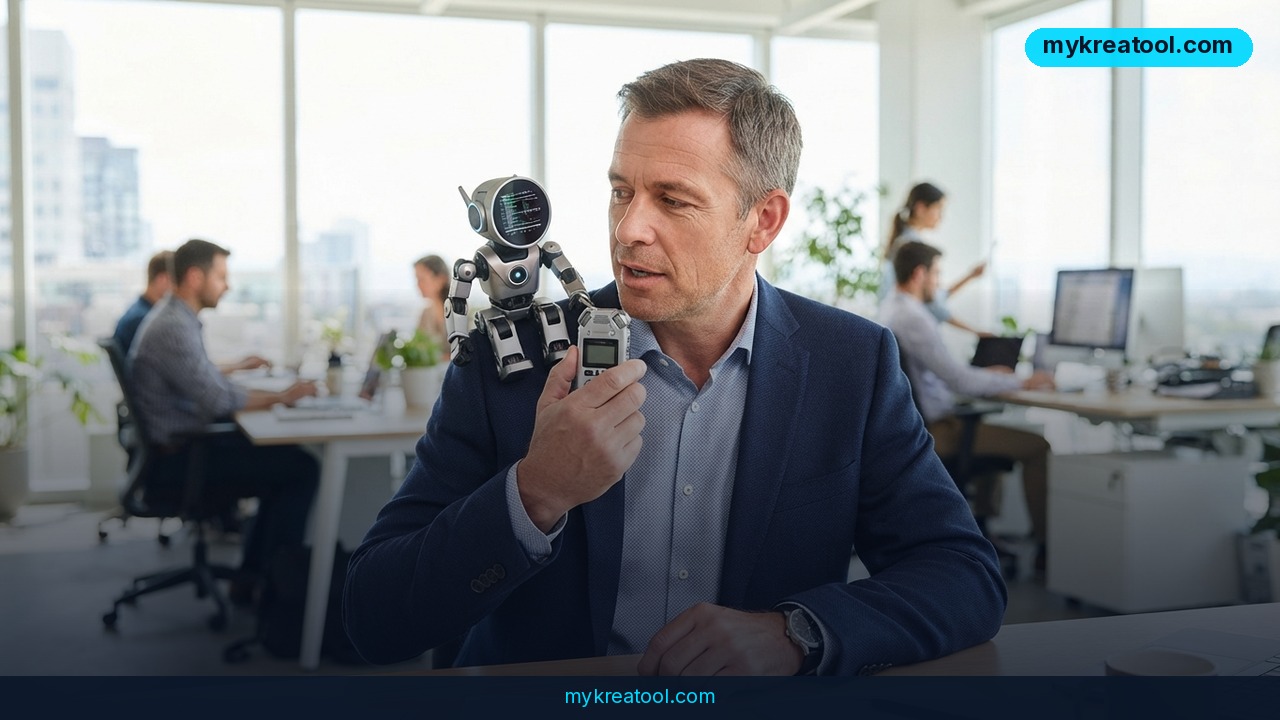
The claim itself is narrow and clear. Hand the tool a video, and the transcriber agent does three things: it turns speech into text (transcription, which is really just automatic subtitles), it condenses that text down to the essentials (summarization), and it takes follow-up questions — "what did they say about the refund policy?" — so you don't have to re-watch the whole thing to find out.
Why the word "agent" matters
An AI agent isn't magic. It's software that takes a job off your hands end to end instead of waiting for you to click through every step. Think of the difference between a search engine and a research assistant. Independent sources confirm that tools under the MyGPT brand offer transcription, video summarization and question answering, often with a Telegram integration so you can work from a chat window instead of another browser tab.
What it means for you
Here's where it stops being a novelty and starts being a habit. Six places it earns its keep:
At home: the tutorial you saved and never opened
You know the one. A long video on fixing the washing machine, pruning a fig tree, or setting up a mesh router, saved to a playlist months ago. Drop the link in, ask "what are the first three steps?" and you'll know within a minute whether to watch properly or just get on with your day.
At work: meeting recordings and webinars
Most companies now record everything and almost nobody re-watches any of it. A transcript plus a summary turns a long all-hands into a two-minute read, and the Q&A step lets you check what was said about your team's budget without pinging three people in Slack.
In business: competitor and customer research
Recorded demos, conference talks, founder interviews — competitors talk constantly and keeping up is exhausting. Summarize a stack of videos in the time it used to take to sit through one, then ask pointed questions across all of them.
For study: lectures and long explainers
When you're learning something new, video is often the slowest way to get the information. A summary gives you the skeleton, the transcript is there when a specific definition matters, and questions fill the gaps in between.
For creators: repurposing your own footage
Your own long livestream is a content goldmine you'll never rewatch. Transcribe it, pull the strongest five points, and you've got a newsletter, a thread and a script outline without scrubbing the timeline once.
As income: faster client work
Freelancers who summarize calls, research videos or course material for clients can bill for judgment instead of watch time. Same deliverable, a fraction of the hours. And if you'd rather stack a few free tools first before settling on one, there's a decent free library at MyKreaTool.
How to try it right now
Start with the free route, then scale up if it sticks.
1. Open MyGPT in your browser. Look for the transcriber agent on the site; if there's a Telegram entry point, that works just as well — same idea, chat instead of a web page.
2. Pick one video you've been avoiding. Not a test clip — something real and long enough that the time saving is obvious.
3. Paste the link and let it do the watching. Transcription and the summary come first; that's the step that buys your time back.
4. Read the summary before the transcript. If the summary covers what you needed, you're done. If not, search the transcript for the exact phrase instead of hunting through the timeline.
5. Ask two or three questions. A name, a number, a date, an opinion — whatever you'd normally dig for manually. This is where the tool actually earns its keep.
6. Check the pricing page before you build a daily habit around it. Free allowances and plans change, and I'm not going to quote a number that might be stale by the time you read this.
Upsides and what changes
The biggest shift is that you stop paying the watch tax. Right now, deciding whether a video is worth 40 minutes costs you a few minutes of previewing and a lot of guesswork. A summary turns that decision into something you can make in seconds, which means you'll actually watch the good ones instead of skipping everything.
The second change is searchability. Once speech becomes text, a video stops being a black box and starts being something you can skim, quote and paste into notes. The question-answering layer handles the rest — instead of re-listening, you ask.
And there's a quieter benefit: you stop losing things. The tutorial, the webinar, the client call — none of it depends on you remembering where a detail lived.
Limitations
Be clear-eyed about this. A summary is someone else's judgment about what mattered, and the machine's judgment will sometimes differ from yours — it can flatten a nuanced argument into a bullet point or skip the aside that was actually the best bit. Transcription errors creep in with heavy accents, crosstalk, poor audio and niche jargon, and those errors then flow straight into the summary, so anything load-bearing (numbers, legal terms, medical details, client commitments) deserves a check against the original. Question answering only works from the video itself, so it can't tell you what a speaker meant or fill in context that was never said out loud. And think twice before feeding confidential recordings or internal meetings into any third-party service — that's a policy question, not a technical one. Use it as a filter and a first pass, not as a replacement for watching the things that genuinely matter.
Conclusion
AI video summarization isn't about being lazy — it's about refusing to spend 40 minutes to find out you only needed two. The MyGPT transcriber does the watching, hands you the short version, and stands by for questions, which is more or less what a good assistant would do.
One action for today: open the tab you've been avoiding, the longest video on your watch-later list, and put it through the transcriber before you do anything else. If the summary tells you it wasn't worth your time, you just won.
Comments 0