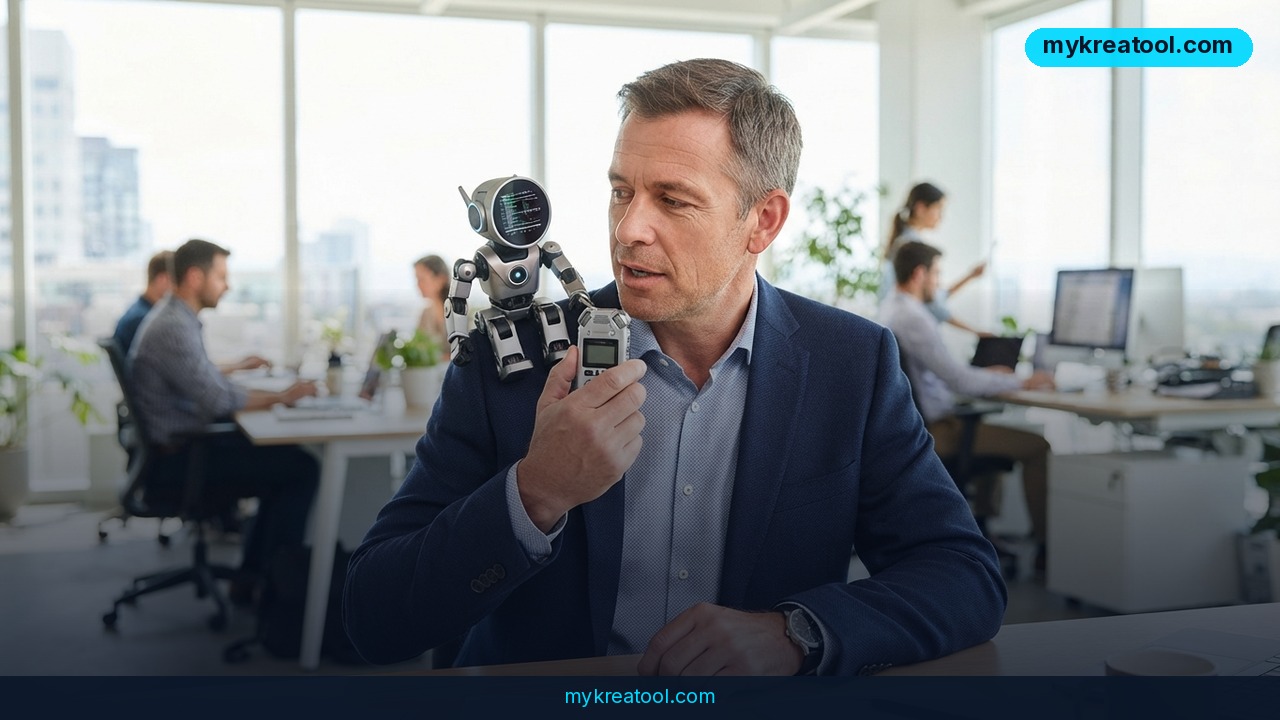
You jot three words during a call — "budget, Q4, Sarah" — and then spend twenty minutes afterwards reconstructing what anyone actually said. That's the exact gap Google is going after with Google AI Edge Foresight, a free AI note-taker for Mac that sits through your meeting, fills in the blanks around your scribbles, and hands you a finished write-up. The surprising part isn't the summary. It's where the work happens: on your own laptop, not on somebody else's server.
What happened
Google shipped Google AI Edge Foresight, a free desktop app that listens to a meeting, transcribes it, and expands the short notes you took into a coherent summary. You make quick marks during the call — a number, a name, half a sentence — and Foresight fills in the detail from the transcript so the result reads like something a very fast assistant typed up.
It covers Zoom and Google Meet calls, and it handles plain in-person meetings too, so a conference-room huddle or a kitchen-table catch-up counts just as much as a scheduled video call. The app runs on Macs with Apple's M-series chips, and for now it only works in English. 9to5Google covered the launch, and CNET looked at the note-taking side of it.
What "on-device" actually means
On-device is the phrase worth slowing down for. Most AI tools ship your audio off to a data centre, process it there, and send the answer back — a bit like mailing your diary to a translator and waiting by the letterbox. Foresight runs its models locally, on the chip inside your Mac. Your audio and your documents stay on your machine, which is a much stronger promise than "we won't train on your data."
It can read your files while you talk
You can point the assistant at folders on your Mac or at material in Google Drive. From there it can hunt for useful information in the middle of a discussion — a specific figure buried in a report, for instance — without you breaking eye contact to go digging.
What it means for you
If you want a feel for what free, local AI can already handle before you trust it with a real meeting, there's a growing library of options at MyKreaTool, sorted by the job you're trying to get done.
Work: the meeting you'd otherwise forget by Thursday
You're in a 40-minute project sync and you write "deadline — 14th?" and "needs legal sign-off." Foresight turns those fragments into a summary with the decisions, the dates and who owns each task. That's usually the stuff that evaporates the second you close the laptop lid.
Business: answers while the client is still on the line
The file search is the sleeper feature. A client asks about last quarter's churn and instead of "let me get back to you," you check the report your assistant can already see and read the number out loud. It changes the temperature of the call — you look prepared, because technically you are.
Freelancing and side income
If you bill by the hour, the recap email is unpaid admin you write at 10pm. Notes that build themselves give you a scoping document for free, plus a written record of what the client actually agreed to. That record is often worth more than the notes.
Study
Study group, lecture recap, a supervisor meeting about your thesis — same pattern every time. A handful of keywords plus a transcript equals a usable study guide. The English-only limit is a real constraint if you study in another language, but for English coursework it's a decent revision shortcut.
Creative work
Podcast interviews, brainstorm calls, the rambling conversation with a collaborator that turns out to contain the one good idea — a transcript plus your notes gives you a searchable way back to that idea three weeks later. It won't write the script. It will stop the good line from disappearing.
Home
The use case nobody markets: school schedules, a call with an elderly parent's doctor, a renovation quote with six numbers in it. Notes you never would have taken, taken for you.
How to try it right now
1. Check your Mac. You need an Apple silicon machine — the M1, M2, M3 or M4 family. Intel Macs are out of scope.
2. Download Google AI Edge Foresight. It's free, and it comes from Google's AI Edge team; the announcement is at Google AI Edge. There's no paid tier to dodge.
3. Decide what it can see. Point it at a single folder on your Mac or a specific Google Drive folder. Start narrow — you can always widen it later.
4. Take notes the way you normally would. Short ones. A name, a number, a question mark. That's your input; Foresight does the expansion.
5. Read the finished summary and fix it. Treat it as a first draft from a fast intern, not gospel.
6. Keep the meeting in English. That's the only language the app supports right now.
7. Test it on something low-stakes first. A weekly check-in beats a negotiation with your biggest client.
Upsides and what changes
The headline upside is that it's free and the data never leaves your laptop — a combination you rarely get in AI tooling. The second is coverage: one app for Zoom, Google Meet and the meeting that happens in a room, instead of three separate recorders and a mess of files. The quieter shift is what it does to your attention. When you trust that the details are being captured, you stop typing and start listening, and meetings get noticeably shorter when everyone in them is actually present.
Limitations
Let's be honest about the edges. Foresight is Mac-only and M-chip-only, so Windows users and older Intel Macs are simply locked out. It's English-only for now, which rules out a huge share of the world's meetings. It's new, so expect rough edges in transcription accuracy, and it still depends on you showing up with at least a few notes to build on — it's an assistant, not a mind reader. It also won't rescue a badly run meeting with no agenda and no decisions; it'll just write up the confusion more neatly.
Conclusion
Google AI Edge Foresight isn't trying to be the cleverest AI on the market. It's trying to be the one that sits quietly on your Mac, costs nothing, and turns a meeting you'd half-remember into a document you can act on — with your audio never leaving the machine. That's a trade most people will happily take.
One action for today: open Apple's system information, check whether your Mac has an M-series chip, and if it does, download Google AI Edge Foresight before your next call. Then take three sloppy notes in it and see what comes back.

Comments 0