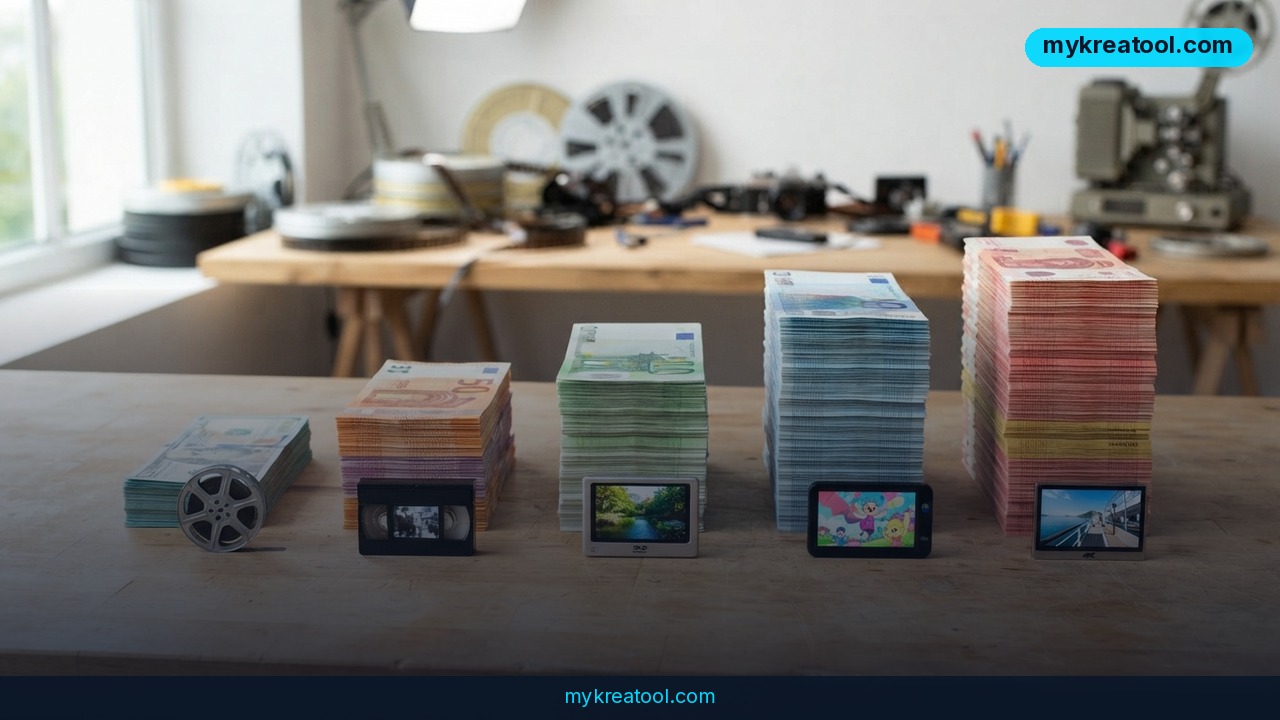
If you've ever gone shopping for an AI video generator, you've probably noticed that nobody wants to put the price in plain English. So let's start with the number that actually matters — AI video generator cost per second. Rates on the market today run from roughly $0.012 to $0.60 for a single second of generated footage. That's a 50-fold spread, and across a campaign with dozens of clips it's the difference between a coffee budget and a car payment.
What happened
Grand View Research's 2026 AI video generator market report projects the global market will reach $3.44 billion by 2033, growing 20.3% a year between 2026 and 2033. When a market expands that fast, two things happen at once: pricing gets more complicated, and buyers get more confused.
Luma AI just published a cost-per-second comparison of the major generators, and it's a useful reality check. The headline finding: Luma's Ray 3.2 model produces five-second Draft clips for 20 credits, which works out to roughly $0.012 per second at Luma's assumed credit rate. That figure is calculated from the Plus subscription with full credit utilization — in plain terms, you use every credit you pay for and don't leave any on the table.
The comparison also includes estimates for competitors using their specified generation settings, third-party API rates for Kling, and current model pricing for Pika. Real costs, as Luma points out, depend on your plan, model, resolution, and clip length.
Why per-second pricing is trickier than it looks
Here's the catch with 'cost per second': it's a moving target. A five-second clip at full quality can cost far more than the same clip in a budget generation mode. Some companies bill per generated second, others sell credits, others charge a flat monthly subscription. Comparing a credit-based tool to a subscription tool is like comparing a taxi meter to a monthly transit pass — you can do it, but only if you're honest about how much you'll actually travel.
What it means for you
If you're not running a studio, you might assume this is somebody else's problem. It isn't. Cheap, decent video generation changes what ordinary people can make — and what they can charge for it. Here's how that plays out.
At home
Birthday montages, holiday recaps, a video card for a grandparent. Those used to mean either hours in an editor or an awkward slideshow. A five-second Draft clip at around $0.012 per second costs a fraction of a cent, so you can try a dozen versions of the same idea and keep the one that gets the laugh. Retakes stop being a budget decision.
At work
Say you're in marketing and need 20 short product clips for a launch. At a premium rate of $0.60 per second, that adds up fast — and that's before retakes. At the Draft rate, you can storyboard all 20 concepts cheaply, get sign-off, then spend credits only on the final renders. That's exactly what Luma's Draft-to-Master workflow does: test low, commit high.
For a small business
A bakery, a bike shop, a two-person law firm. None of them have a video team. What they do have is a phone, a product, and a need for something better than a static photo. The real bottleneck is time, not money — so a tool that turns an approved concept into an editable working file instead of a locked-down finished file is worth more than a tool that's a hair cheaper. Luma calls this Layers, powered by Uni-1: rather than handing you a done deal, it hands you something you can still change.
For students and teachers
Explainer videos, class projects, lab demos. Free tiers are usually enough to learn on — just remember they typically carry watermarks, resolution limits, or daily credit caps. That's fine for practice. It's not fine for a graded presentation that needs to look polished. If you're learning the ropes, free AI tools can get you comfortable with prompts and pacing before you spend a cent.
For creators
If you post regularly, your real enemy is your own revision process. You change the hook, you change the voiceover, you change the ending — and suddenly you're regenerating everything from scratch. Platforms that preserve your creative decisions across revisions save you far more money than a lower per-second rate ever will. Cheapest isn't the same as cheapest to finish.
For extra income
Freelance video work, local ads, Etsy listings, YouTube shorts. The pitch used to be 'I have a camera and an editor.' Now it can be 'I can produce 30 variants of your ad in a day.' When your cost per clip drops to pennies, you can quote a flat fee, deliver quickly, and still make money. The margin lives in the retakes you don't have to pay for.
How to try it right now
You don't need a budget or a graphics card. Start free, then decide.
1. Test a free tier first. Sign up for any generator's free plan and make one five-second clip. You'll learn fast whether the tool fits your hands.
2. Open Luma AI and pick Ray 3.2. Type a short prompt: subject, action, camera move, mood. Keep it to one sentence.
3. Choose Draft mode and five seconds. This is the cheap setting — 20 credits, roughly $0.012 per second at Luma's assumed rate.
4. Generate two or three versions. Don't chase perfection on the first try. Drafts exist to be thrown away.
5. Pick your favorite and upscale it. Ray 3.2 outputs production-ready video, including 4K and 16-bit HDR via EXR export. In plain terms, the file is high enough quality for real client work, not just a social post.
6. Iterate with Layers instead of starting over. Adjust only the parts you want to change.
7. Compare before you subscribe. mykreatool.com collects free AI tools you can test alongside whatever you're considering, so you find out what you actually need before you pay.
Upsides and what changes
The obvious upside is price. A market growing at 20.3% a year is one where competition keeps pushing costs down and quality up, and that's good news if you're the one buying.
The less obvious upside is creative permission. When a five-second experiment costs about a cent, you stop rationing ideas. You try the weird version. You test three hooks instead of one. That changes the kind of work you make, not just the invoice you send.
The workflow changes too. The old model was: decide everything, then render. The new model is: render cheaply, decide, then render once at full quality. You'll feel the difference in your credit balance at the end of the month.
Limitations
Be honest about what per-second pricing leaves out. It doesn't include the retakes you'll inevitably need — some clips just don't work until the fourth or fifth attempt, and every attempt costs something. It doesn't include upscaling if you start in Draft mode. It doesn't include the hours you'll spend learning prompts, or the fact that free tiers usually come with watermarks, resolution limits, and daily credit caps that make them fine for testing and useless for final deliverables. And published rates aren't your rates: your real cost depends on your plan, the model, the resolution, and the length of your clips. Anyone quoting a single number for 'the cheapest AI video generator' is leaving something out.
Conclusion
The cheapest AI video generator isn't the one with the smallest number on the pricing page — it's the one that gets your project finished without forcing you to start over. Luma Ray 3.2 starts around $0.012 per second for five-second Draft generations, but the real value sits in the workflow: cheap experiments, one expensive render, and revisions that don't wipe out your earlier work.
One thing to do today: open a free tier or a Draft mode, generate one five-second clip, and time how long it takes you to get something you'd actually show someone. That number — minutes, not dollars — is what tells you whether a tool belongs in your workflow.
Comments 0