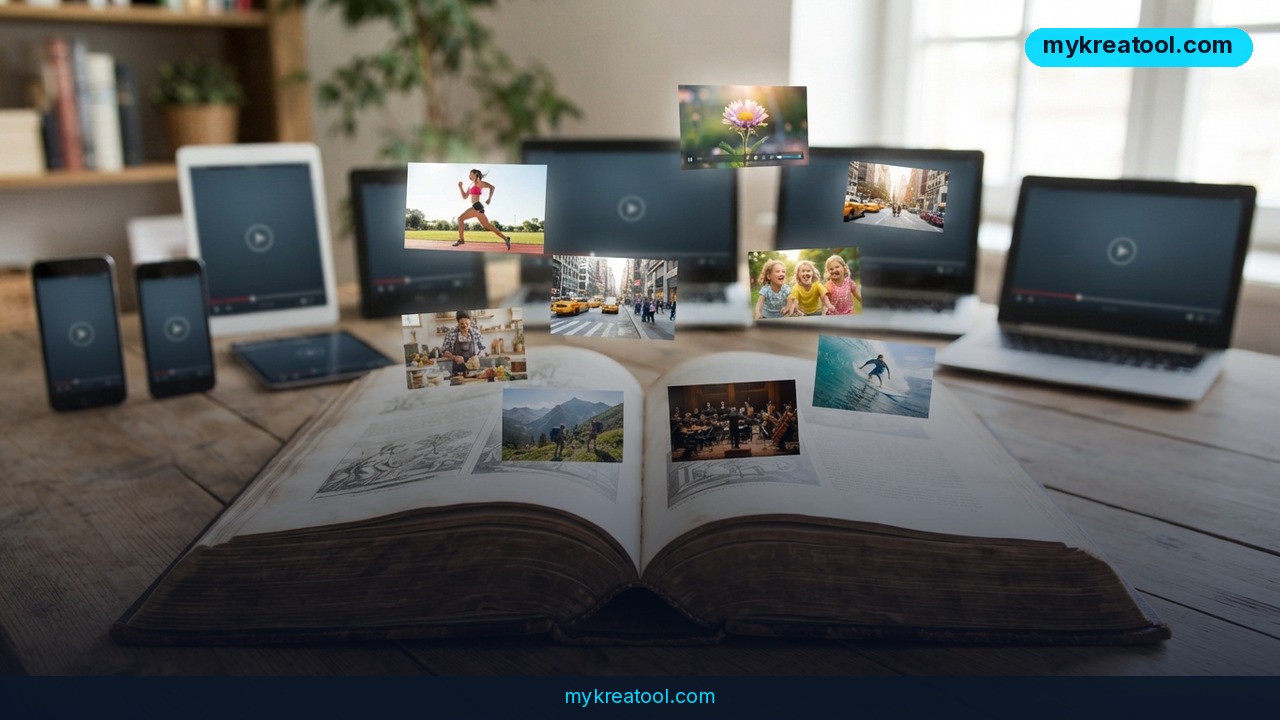
Text-to-video AI generators have quietly graduated from party trick to production tool. A new head-to-head comparison of nine of them — scored on motion quality, production-ready output, prompt accuracy and how well they hold up through revisions — lands just as the AI video market is projected to reach $3.35 billion by 2034. The short version: the gap between the best tools and the rest is now wide enough to change how you work, whether you're a solo creator or a marketing team of one.
What Happened
One review put nine text-to-video AI generators through the same four-part test. Text-to-video means exactly what it sounds like: you type a description — a barista pouring oat milk, morning light from the left — and the tool draws a moving clip from it. No camera, no actors, no location scouting.
The comparison looked past the demo reels and asked a tougher question: can a tool carry a campaign from concept to delivery? That's not the same as spitting out a pretty clip. Real production work means revisions, product changes and localized versions — and doing all of it without rebuilding creative that a client already signed off on.
The Four Filters Every Tool Had to Pass
Every generator in the lineup was scored on the same four things:
• Motion quality. How convincing the movement looks. Does the liquid slosh like liquid? Do the legs walk like legs?
• Production-ready output. Whether the file can drop straight into an editing suite — native 4K with HDR and a professional color space, in the few cases where that's on offer. HDR, in plain English, keeps detail in the bright window and the dark corner of the same room. Color space is the range of colors the file carries so nothing shifts when it hits your timeline.
• Prompt accuracy. Whether you get the clip you asked for, or a cousin of it.
• Support for ongoing revisions. The ability to change one element without regenerating everything else.
Where the Nine Tools Actually Split
Motion quality separated the field first. Independent benchmarks show substantial differences between models when real viewers are asked which result they prefer — so this isn't nitpicking, it's the thing people notice without being told.
Clip length was next. Many tools cap out at clips of several seconds. Others support longer single generations or extension workflows that let you build a scene piece by piece, which matters when your story needs a beginning, a middle and an end rather than a loop.
Audio used to be a separate chore. It isn't anymore: several tools now generate synchronized dialogue, sound effects and music from the text prompt alone.
But the sharpest divide was revisions. A demo generator hands you one shot and moves on. A production tool lets you refine approved creative, preserve your layouts, and keep visual consistency across a dozen variations.
Luma Ray 3.2: Change One Layer, Keep the Whole Ad
Luma Labs takes a different angle with Ray 3.2. It's built to produce coherent video from detailed prompts while holding composition, natural motion and scene continuity steady — the stuff that makes a clip feel planned instead of lucky.
The feature that matters for campaign work is Layers, powered by Uni-1. It lets you change a single element — the product, the headline, or the background — while everything else stays exactly where it was. Think of it like layers in an image editor, except the layers move. Your approved hero image turns into an editable working file instead of a locked asset.
There's also multi-model access: Veo, Kling, Seedance and MiniMax H3 all live inside Luma's creative environment, so teams can pick the right engine for a shot without bouncing between platforms. And Luma Agents stay attached to a project from first idea to final deliverable, keeping the creative context in one place.
Runway Gen-4.5: Stronger Motion, Plus a Cleanup Room
Runway's Gen-4.5 chases realism in movement — gravity, fluids, momentum — with results that shift depending on the scene and the generation settings you choose. What makes it a production tool rather than a toy is Aleph, its post-generation editor. If generating a clip is the shoot, Aleph is the edit bay: the room you walk into afterward to fix what you don't like.
What It Means for You
You don't need a film crew to feel the difference between these tools. You just need to make something.
At Home
Home video gets a real upgrade. Instead of scrolling past shaky phone clips, you can describe the moment you actually want — your kid's first bike ride, golden hour, slow push-in — and get something worth watching. That said, generated clips of several seconds won't replace a full recording. They're the garnish, not the meal.
At Work
Anyone who produces internal videos — onboarding clips, product explainers, event recaps — benefits most from the revision side. When your boss says swap the logo and change the headline, you don't start from zero. You change one layer.
If You Run a Small Business
This is where the money math gets interesting. A single product video can become ten versions for ten audiences without a reshoot, because layers let you swap the product, headline or background while the rest stays put. If you sell to different regions or price tiers, that alone can save weeks.
If You're a Student
Presentations stop being slide dumps. A short AI-generated clip can explain a concept faster than three paragraphs of bullet points, and most tools will narrate it with synced audio straight from your script. Just check your school's rules on AI-assisted work first.
If You're a Creator
Motion quality is your whole game. The comparison is blunt about it: the spread between models is wide, and viewers feel it instantly. Runway Gen-4.5 leans into gravity and momentum, so action beats land harder. Test two models on the same prompt before you commit a whole video to one.
If You Want a Side Income
Localized variations are the quiet opportunity. Take one approved ad, then generate versions with different headlines and backgrounds for different markets — no rebuild, no new shoot. That's the kind of work small clients happily pay for, and it takes an afternoon instead of a fortnight.
How to Try It Right Now
1. Start free. Before you pay anyone, get a feel for how these models behave. Free AI tools at mykreatool are the cheapest way to learn what prompts actually do.
2. Write a shot list, not a wish. One clear sentence per shot. Name the subject, the light, the camera move. Vague prompts are the number one reason people think AI video is bad.
3. Pick your generator by the problem, not the hype. Luma Labs Ray 3.2 if revisions and campaign variations are your headache. Runway Gen-4.5 if motion realism is the priority.
4. Check output settings before you generate. If the clip has to sit next to real camera footage, look for native 4K with HDR and a professional color space. Only a few tools offer it.
5. Revise with layers, not luck. In Luma Ray 3.2, swap the product, headline or background through Layers powered by Uni-1 instead of rolling the dice on a fresh generation.
6. Add the audio last. Several tools now generate synchronized dialogue, sound effects and music from the prompt — so you don't need a separate music subscription.
7. Keep one master, cut many versions. Lock your approved creative, then branch it into localizations and format cuts.
Upsides and What Changes
The obvious win is speed and cost. A clip that used to mean a crew, a location and a day of shooting now starts as a typed sentence. The less obvious win is control: tools built around layers and revision workflows mean feedback stops being a rebuild. You tweak one element, keep everything the client already approved, and move on.
The bigger shift is who gets to make video at all. When you don't need a camera or an editor to ship something credible, small businesses, teachers and solo creators start competing on ideas rather than equipment. Audio generation baked into the prompt makes that even cheaper.
Limitations
Be honest about where this stands. Motion quality still varies enormously between models, and human-preference benchmarks confirm that viewers notice — you can't assume the tool you picked is the best one for a given scene. Output formats are the other bottleneck: only a few generators deliver native 4K with HDR and a professional color space, so clips that need to cut seamlessly with real footage may not survive the grade. Clip length is a real constraint too, since many tools produce only several seconds per generation, and even extension workflows take effort to turn into a coherent minute. And revision support is the least evenly distributed feature of all — plenty of tools will happily regenerate your clip and hand you a slightly different one instead of letting you change a single element. If your workflow depends on approval cycles, that distinction matters more than any demo reel.
Conclusion: One Action for Today
Open a free AI video tool and generate a single five-second clip from one clear sentence. That's it. It'll take ten minutes, cost nothing, and tell you more about whether this fits your work than any comparison chart ever will — because the real question isn't which model wins the benchmark. It's whether you can describe what you want clearly enough for a machine to draw it.

Comments 0