What happened
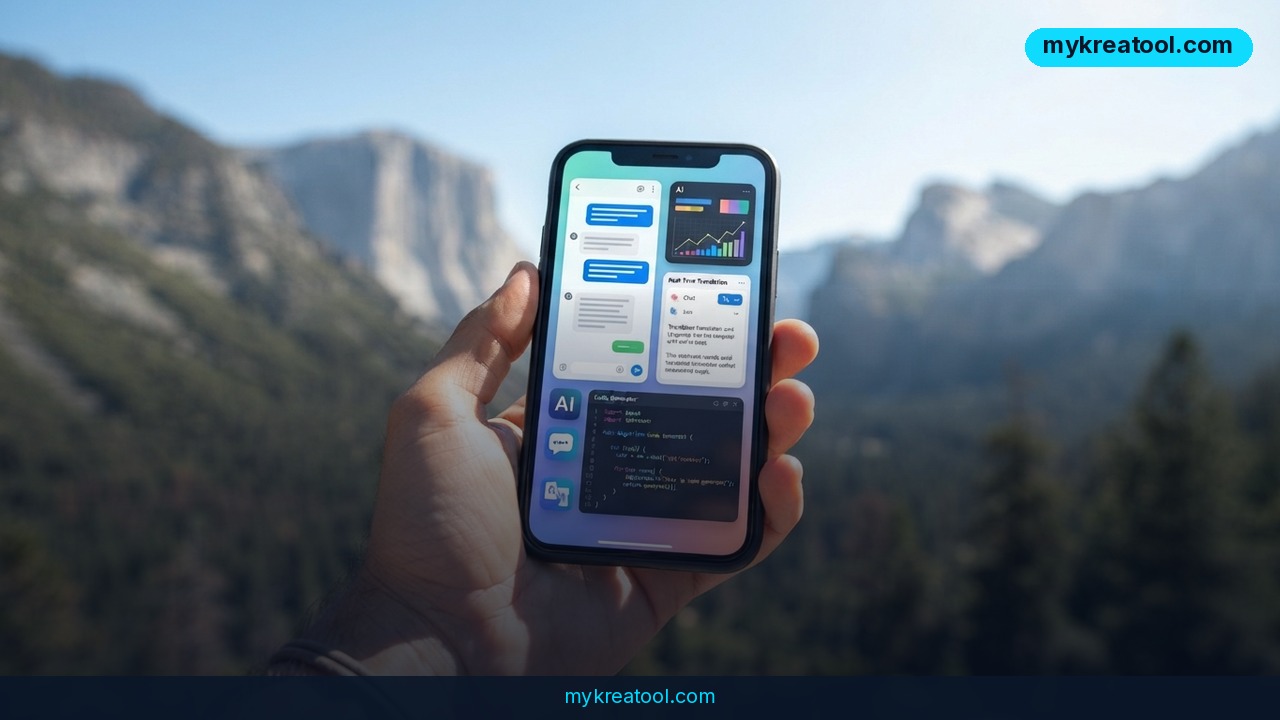
A new open-source app quietly turns your phone into a self-contained AI machine — flip on airplane mode and it still answers questions, translates messages and reads your documents. That's the pitch behind Cortiq Mobile, and it means the question "can I run AI on your phone offline?" finally has a straight answer: yes, and it's faster than you'd guess.
Cortiq Mobile is an app for Android and iOS that runs language models right on the device. No server, no account, no subscription. The iOS build isn't in the App Store yet — it's still working its way through Apple's review — so the numbers below come from a TestFlight build (1.3.0, build 47). Android users can install it from Google Play today, and the source code is public under the handle infosave2007/cmfmobile.
Three things it does, each one tested on real phones
First, chat. You get a normal conversation window, except it also reads your files: txt, md, code and JSON up to 512 KiB of plain text become part of the thread, and the model answers from them. Second, translation — letters and messages, no trip to Google. Third, decisions. Instead of a chat reply, the app hands your own software a structured result it can act on. Think function call rather than conversation — an approach the project compares to Jev.
Everything happens on the handset. Nothing gets uploaded, because there's nowhere to upload it to.
The headline number: 162.1 tokens a second
On an iPhone 16 with an A18 chip, a model called lfm2.5-230m-q4tp produced a 95-token answer in 0.6 seconds. That's 162.1 tokens per second — and a token, if you're new to this, is just a chunk of a word, so a couple hundred a second is quicker than you can read.
The model is tiny by data-center standards: 230 million parameters across 14 layers, in a file that weighs 126 MiB. It ran on the CPU using five threads. The GPU never got out of bed. Generation settings were temperature 0.10, top_p 0.95 and max_tokens 128.
Why it works without the cloud: the file explains itself
The trick is the file format. Models for Cortiq are packed into CMF — Cortiq Model Format — a single file that holds not only the weights but also the architecture, the tokenizer, the task description and the chat template. The file describes itself, so before it loads anything the app already knows how many layers the model has, how much context it handles and how much memory it needs — and it shows you all of that in the model library.
You've got three ways to get models. Easiest is picking a ready-made .cmf from the in-app catalog (each one is labeled Chat or Decisions); it downloads in one tap and, if your connection drops, resumes from the last byte. Second, point the app at any suitable safetensors repository on Hugging Face and it converts the model to CMF on the phone itself. Third, take a GGUF model and convert it with the desktop utility `cortiq import-gguf`, then import the finished file. The same format is read by Cortiq's engine on computers, so one model works across all your devices.
Translation without Google, from a model that only translates
For translation you don't need a chat model at all. The catalog includes Hy-MT2, a specialized 1.8-billion-parameter model that does one thing and, by the sound of it, does it well. It was handed seven jobs on an iPhone: Russian into English and back, German into Russian, Turkish into Russian, Chinese into Russian, an idiom, and a slice of JSON from English into German. A note about a parcel arriving tomorrow after 3 p.m., plus a request to ring before delivery, came back as clean, natural English.
What it means for you
Strip away the benchmarks and here's the practical version: a phone you already own can hold a small AI that keeps working when the signal doesn't. That matters more than it sounds, because it changes what you can do on a plane, on a train, in a basement, or in a country where the cloud is flaky.
At home: your phone becomes a tiny AI server
On your own Wi-Fi, that same handset can hand your laptop a local API. Your laptop talks to the model as if it were an online service, except the traffic never leaves the house. No monthly bill, no prompt history sitting on someone else's server.
At work: translate the email before the meeting
Someone forwards you a message in German or Turkish and you need it in English in thirty seconds. Hy-MT2 handles that on the device — no copy-pasting into a web translator that may or may not be reachable from your office network. If you also lean on browser-based helpers for the rest of your day, free AI tools is a decent bookmark to pair with a local setup.
For business: structured answers, not chatty ones
The Decisions mode is the sleeper feature. Your internal tool sends text, the model sends back a structured result your code can parse — a category, a flag, a field to fill in. That's the kind of plumbing small teams normally pay an API for.
For studying: a tutor that works on a plane
Download a chat model before you board, attach your lecture notes as a txt or md file (up to 512 KiB of text), and ask questions from your seat while the plane cruises along. Airplane mode on, answers still coming.
For creative work: drafting with no meter running
Plot outlines, subject lines, rewrites of a stubborn paragraph — you're not counting tokens or watching a credit balance drain. Feed it your own notes and it works from those.
For extra income: offline is a selling point
Anyone serving clients in low-connectivity regions, on ships, on farms, in field research, has a real problem that a local model can solve. That's a service you can offer with a phone, a model file and no recurring cloud costs.
How to try it right now
The whole thing takes about five minutes, and it's free.
1. Get the app. On Android, install Cortiq Mobile from Google Play. On iPhone, the build is only on TestFlight for now — check the project's Hugging Face Space page for screenshots and the current status while Apple finishes its review.
2. Open the model catalog. Every file is tagged Chat or Decisions, so you know what you're getting before you download it.
3. Pick a small chat model first. lfm2.5-230m-q4tp is the 126 MiB one from the speed test — small enough to land on your phone in a minute or two over Wi-Fi.
4. Let it download in one tap. If your connection drops, it picks up from the last byte rather than starting over.
5. Switch airplane mode on and test it. Ask a question. Attach a txt, md or JSON file and ask about the contents.
6. Add translation if you need it. Grab Hy-MT2 (1.8B parameters) from the catalog and paste in a message.
7. Go further if you're comfortable. Convert a safetensors model from Hugging Face directly on the phone, or convert GGUF files with `cortiq import-gguf` on a desktop and import the result.
The source code is open at infosave2007/cmfmobile if you want to poke around.
Upsides and what changes
The obvious win is cost: no subscription, no per-token billing, no cloud account. The less obvious win is availability. Models live on the device, so they work in airplane mode, on a mountain, or in places where the connection is restricted — and the source notes that this is exactly where it's most useful.
Privacy comes along for free, literally. Your documents never leave the phone, which matters if you're handling contracts, medical notes or client data. And the CMF format means one model file runs in the phone app and in Cortiq's desktop engine, so you're not rebuilding everything for each device. A 126 MiB model is small enough to fit comfortably on older hardware, too.
Limitations
Time for the honest part. The iOS version isn't in the App Store yet — it's TestFlight-only while Apple reviews it, so iPhone users are on a waiting list of sorts. Every performance figure here comes from the developer's own testing on a single iPhone 16 with a 230-million-parameter model, and no independent reviews or third-party benchmarks exist yet. A 230M model is small; it'll handle chat, summaries and document Q&A nicely, but it won't out-reason a big cloud model on hard problems. Document support is plain text — txt, md, code, JSON up to 512 KiB — with no mention of PDFs, images or audio. The translation model is 1.8 billion parameters, which is heavier on storage and memory and may not suit a budget phone. GGUF conversion needs a computer in the loop. And the source doesn't say anything about battery drain or heat on long sessions, which is the thing you'd want to know before using this for an hour straight.
Conclusion
A 126 MiB model, a phone in airplane mode and 162.1 tokens per second. That's not a demo anymore — it's a working tool for chat, translation and feeding structured answers to your own software, with no subscription and no cloud in the loop. It won't replace a frontier model, and the iPhone build is still waiting on Apple, but for offline work it's genuinely useful today.
Here's your one action for today: install Cortiq Mobile on Android (or join the TestFlight on iOS), pull down lfm2.5-230m-q4tp, turn on airplane mode and ask it something. Five minutes, and you'll know whether local AI on your phone is worth keeping.


Comments 0