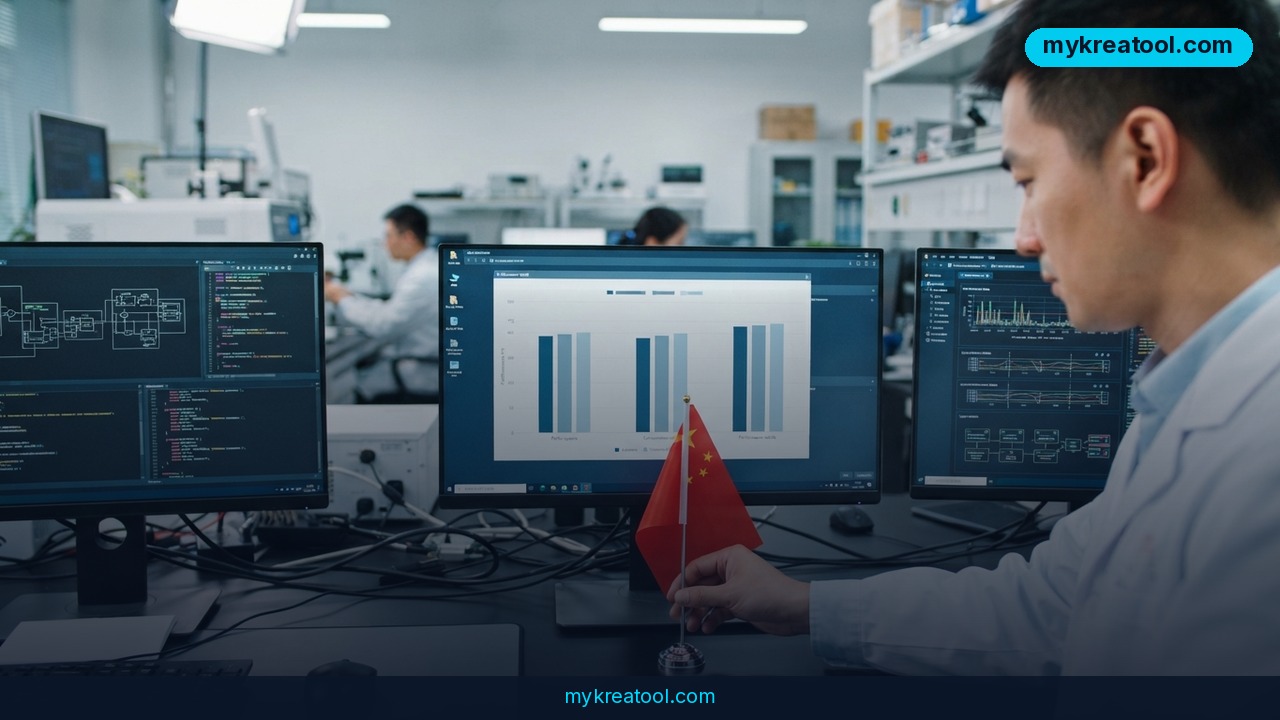
Kimi K3.1 Pro just went live, and the spec sheet reads like a wish list: 2.8 trillion parameters, a 1-million-token memory, and benchmark scores that land roughly where GPT-6 Astra and Opus 5.5 sit. It's the new Chinese flagship from the team behind Kimi, it's available to try in the browser today, and the launch pitch claims it can handle full-scale builds — up to and including working games in Unity.
That's a big claim for a model most people outside China have never opened. Here's what's actually new, what it's good for, and how to find out whether it's good enough for your work in about ten minutes.
What happened
Kimi K3.1 Pro is the latest top-tier model from the lab behind Kimi, and the framing around the launch is unusually direct: this isn't pitched as the cheap alternative to Western frontier models, it's pitched as a direct competitor. Launch coverage puts it roughly at the level of Opus 5.5 and GPT-6 Astra across most of the standard benchmark suite, and a hands-on breakdown tells the same story: close on general tasks, behind on a handful of specialist ones.
Worth remembering what it's being measured against. GPT-6 Astra isn't a rumor anymore — it's generally available in Microsoft Foundry, which is exactly why a same-tier model from a different continent is a genuinely interesting story for anyone paying an AI bill.
The numbers, in human terms
Two figures do most of the work here.
2.8 trillion parameters, 104 billion of them active. Parameters are the internal dials a model tunes while it learns. More dials usually means more nuance, more subtle pattern-matching, more of the stuff that makes answers feel less generic. The 'active' part is the clever bit: Kimi doesn't light up the whole board for every question. It routes each request through a slice of the network worth about 104 billion parameters, which is how a model this large still answers at a usable speed instead of leaving you staring at a spinner.
A 1-million-token context window. A token is a chunk of text — roughly three-quarters of a word. A million of them is several novels' worth of material, or an entire mid-sized codebase, sitting in the model's working memory at once. In practice, you can drop in a whole folder of documents and ask questions across all of them, rather than pasting one file at a time and losing the thread halfway through.
Where it holds its own — and where it slips
Benchmarks are standardized exams for AI models: fixed, repeatable tests that make very different systems comparable. Kimi K3.1 Pro is close to the top on most of them. The gap opens on the specialist tests.
It trails notably on Terminal-Bench Science, which focuses on scientific and research-style terminal work. Independent checks also flag weaker results on BenchCAD, which tests computer-aided design tasks, and ExploitBench, which covers security and exploit analysis. Wikipedia's overview of GPT-6 is a handy sanity check on what the comparison models actually are and where the lines get drawn.
So the fair summary is narrower than the hype: it matches the frontier on the general suite and trails on some specialist ones. That's still a big deal. It's just not the same as 'identical everywhere.'
What it means for you
You don't need to care about parameter counts. You need to know what changes on a Tuesday afternoon. Here's where a model at this level actually shows up.
At home and in study
At home, this is the end of squinting at PDFs. Insurance policies, lease agreements, appliance manuals, the 60-page document your landlord forwards — drop the whole thing in and ask, 'which clauses exclude water damage?' A million-token memory means no more chopping documents into pieces and losing the part that mattered.
For students, the upgrade is similar but sharper. Upload a semester of lecture notes and ask for practice exam questions, or have one concept explained at three difficulty levels. 'Explain this like I'm 15, then like I'm a grad student' now works across the entire course, not just one chapter you pasted in five minutes ago.
At work and in a small business
Day-to-day office work — spreadsheet formulas, meeting notes, customer email drafts, a second pair of eyes on code — is where the improvement is least glamorous and most useful. The change isn't that it can write a sentence; every chatbot can. It's that it can hold your whole project context and stay consistent across it, so you stop re-explaining your own job every twenty messages.
For a small business, that adds up to a part-time helper. A solo founder can ask for a landing page, a pricing table and the launch email in one session, then request revisions without restating the business model each time. One caveat: check what you're uploading. Customer data and anything under a contract deserve a policy, whatever model you use.
For creators and side income
The headline use case is games. Unity is the software a lot of indie developers use to build 2D and 3D games, and getting something playable out of it is a genuine step up from 'write me a Python script.' Expect rough edges — a generated game is a starting point, not a shipped product — but as a prototype generator it's fast, and speed is what most side projects are missing.
Writers, designers and video people get the same benefit in smaller doses: outlines that survive a whole book, brand voice that stays consistent across a month of posts. If you want to see how lighter free tools compare before you build a paid workflow around any of this, MyKreaTool collects free AI tools in one place — handy for testing an idea cheaply first.
How to try it right now
1. Start in the browser, not the API. Open Kimi and sign in. No API key, no billing setup, no developer console — the simplest way to see what the model does before you spend anything.
2. Select K3.1 Pro in the model picker. Don't judge the platform by whatever default model loads first.
3. Give it a real task, not a toy one. Paste the actual document, the actual bug, the actual brief. Demo prompts flatter every model equally and tell you nothing.
4. Ask for a plan before the build. For anything big, say 'outline the structure first, then wait for my go-ahead.' You'll catch a wrong assumption in thirty seconds instead of after a thousand lines of output.
5. Push the context. Upload five related files at once and ask a question that requires all five. That's the feature you're actually paying attention to.
6. Try the speed mode if you're shipping something. Kimi's API includes a high-speed tier that runs 2–3x faster, which matters when the model is inside a product rather than a chat window.
7. Compare on your own work. Run the same three tasks through Kimi and your current model. Ten minutes of that beats any benchmark table.
Upsides and what changes
• Long context stops being a novelty. A million tokens means 'read my whole project' is a normal request, not a party trick.
• Real project scale. Full applications, and playable Unity prototypes, move from 'maybe with a team' to 'try it this afternoon.'
• Pressure on the frontier. When a second lab gets within touching distance of GPT-6 Astra and Opus 5.5, everyone's pricing and roadmap gets more competitive.
• Speed options. A 2–3x faster API tier is the difference between a demo and something you'd put in front of customers.
• One less excuse. The gap between having an idea and having a rough version of it keeps shrinking.
Limitations
Be clear-eyed about three things. First, 'roughly at the level of' is not 'better than': Kimi K3.1 Pro trails on Terminal-Bench Science, BenchCAD and ExploitBench, and if your work is scientific computing, CAD or security research, those are exactly the tests that matter to you. Second, benchmarks measure exams, not your job — a model that tops a leaderboard can still miss the nuance of your industry, your tone, or the weird spreadsheet your finance team actually uses. Third, at 2.8 trillion parameters this is a cloud service in practice; you won't be running it on a laptop, so you're trusting someone else's servers with whatever you upload, and you should read the data terms before pasting in anything sensitive. Generated games, too, are prototypes — a working build is a long way from a shippable one.
Conclusion and one action for today
Kimi K3.1 Pro is the strongest argument yet that the frontier isn't a one-country club. It matches the top models on most general benchmarks, holds an entire project in memory, falls behind on a few specialist tests, and is available right now in a browser tab. Whether it's 'top for the money' or 'not even close' depends entirely on what you ask it to do — which is why the arguments in the comments section are always louder than they are useful.
Your move: open Kimi, paste in the one task you've been putting off because it's too tedious to explain to anyone, and give the model ten minutes. You'll know by lunchtime whether it belongs in your workflow.



Comments 0