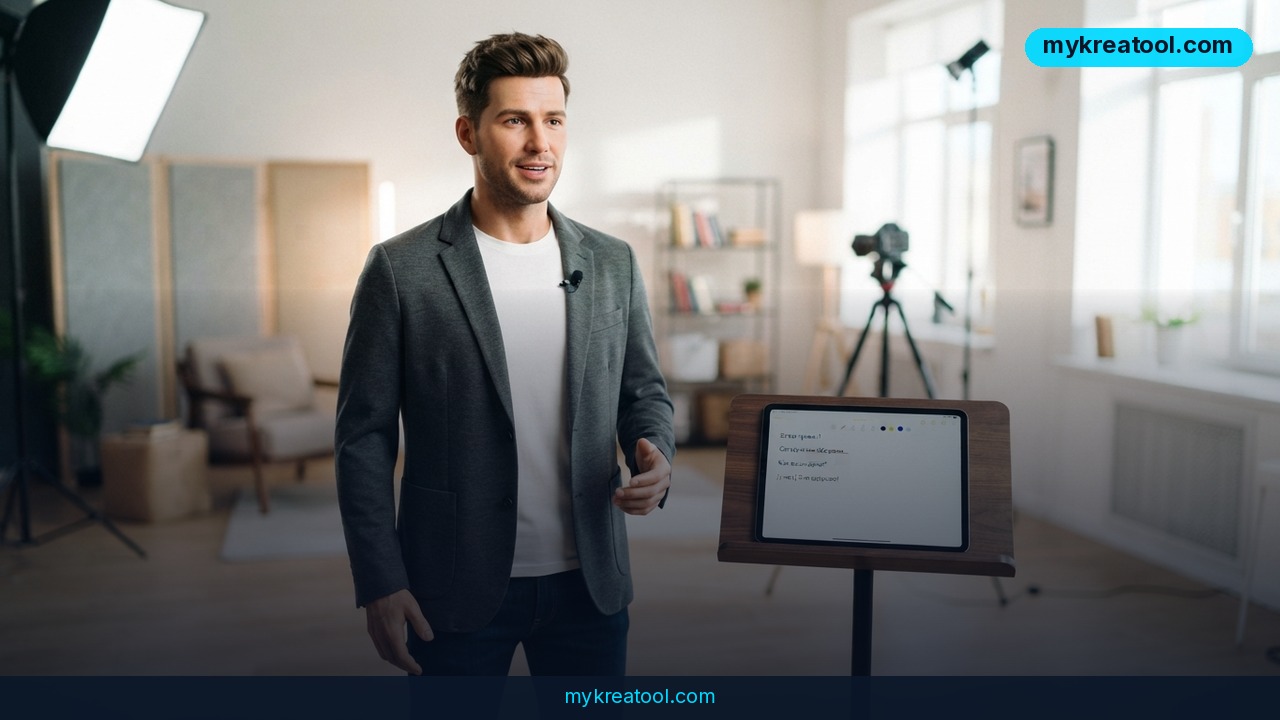
ElevenLabs has just shown off a tool that builds a talking presenter out of a single photo — no camera, no actor, no studio. It's called Chimera, and it's an AI avatar video generator that glues a voice model to a video model so the face on screen actually moves its mouth in time with the words it's saying. If you've ever watched an AI clip and felt that uncanny "something's off" tingle, this is the company's attempt to kill that feeling for good.
What happened
ElevenLabs introduced Chimera, a hybrid that fuses two pieces of tech: Eleven4, the company's own voice model, and Seedance 2.5, a well-known video generator. Neither half is new on its own. What's new is that they're wired together in a single workflow, so you don't have to bounce between apps, export audio, and pray the lip-sync survives the trip.
What "fusion" actually means in plain English
A voice model is software that has listened to an enormous amount of human speech and learned how people sound — pitch, pauses, the little breath before a sentence. A video generator is software that draws moving footage from an image or a written description. Chimera hands the first one's audio to the second one's face, and the two stay in step.
The workflow is five steps long
1. Upload a photo — your own, or an image of a character you invented elsewhere.
2. Write the dialogue the character will say.
3. Direct the delivery with tags like [laugh] or [whisper].
4. Pick a voice from the library.
5. Export a clip of a presenter who blinks, smiles and speaks like a person.
That's the whole process. No editing timeline, no second app, no green screen, no permission slip from a hired actor.
The news traveled fast on Telegram, too. A post in the @gpt_news channel pulled 1,672 views, 33 reposts and 11 reactions — modest numbers in absolute terms, but a clear signal that people in the AI crowd are paying attention to this one.
What it means for you
Around the house and at the office
At home, the fastest use is personal: take a favorite photo from a family album and turn it into a short birthday message or a holiday greeting that actually speaks. On the work side, think smaller than you'd expect. Instead of booking a meeting room and a camera to explain a process change, you upload a headshot, type a 60-second script, and post the clip. New hires get a talking welcome page. Managers get an update that people actually finish watching, because a face holds attention in a way a wall of text doesn't.
For small businesses and classrooms
If you run a shop or a service business, this is the escape hatch from being on camera forever. You can put a consistent character host on product pages, explain a return policy, or introduce a new item — without booking a videographer or spending your Sunday in front of a ring light. In education, the use case is just as practical: a teacher turns a lesson script into a talking slide presenter, and a student can hear their own presentation delivered out loud before standing up in front of the class. Hearing your script spoken by someone else is a brutally effective way to spot the sentences that don't work.
For creators and anyone chasing extra income
The creativity angle is where things get loud. A writer can build a fictional character for a story channel — a detective, a narrator, a fake historian — and keep that same face and voice across episodes instead of re-shooting every time. On the income side, faceless channels and short-form ad work are the obvious plays: brands increasingly want a person-shaped presenter, and the pool of people who'll happily film ten variations for small money keeps shrinking. If you want free AI tools to round out that workflow — scripts, thumbnails, research — there's a decent free collection at MyKreaTool worth bookmarking before you start.
How to try it right now
Start free, and start small. Open ElevenLabs, create an account, and look for Chimera in the product menu; if you're on a free plan, use it for one short test clip before you spend anything. Pricing and wider availability weren't part of the announcement, so check what your own account actually shows you rather than trusting a screenshot from someone else.
Step by step
1. Write the script first. Keep the test clip to about 20–30 seconds. Long scripts hide problems; short ones expose them fast.
2. Pick a clear, front-facing photo. Good light, eyes visible, mouth not covered. The video model has to read that face to animate it.
3. Type your dialogue into the editor exactly as you want it said, punctuation included. Commas create pauses.
4. Add delivery tags like [laugh] or [whisper] where the emotion should shift. This is direction, not decoration — it's the difference between a robot reading and a person performing.
5. Choose the voice and match it to the character. A deep, slow voice on a bubbly character reads as a mistake.
6. Generate, then watch it twice. Once for the voice, once for the face. Check the mouth shapes on hard consonants and long words.
7. Fix one thing at a time. Rewrite a sentence instead of regenerating the whole clip, and keep every version you like — you'll want a reference for the next one.
Upsides and what changes
The win here isn't that AI can make video — that's been true for a while. The win is that the two hardest parts, the voice and the face, now live in one box and stay synchronized. That collapses a workflow that used to involve a script tool, a voice tool, a video tool and a human editor into something one person can finish over a coffee.
It also lowers the credibility barrier. A talking head with natural facial expressions and a tag-controlled delivery — a laugh here, a whisper there — doesn't scream "template" the way a static image with a robot voice does. For small teams and solo operators, that's the real shift: you can produce a presenter-led video without a presenter, and iterate on it ten times for the price of one shoot.
And because you can reuse the same uploaded photo and voice across clips, characters stay consistent. That's what makes serialized content possible — episode five looks like episode one.
Limitations
Be honest with yourself about what this is. One photo gives the model one angle to work with, so extreme head turns, hands near the mouth, and fast emotional swings are where synthetic faces usually give themselves away — and a tag like [laugh] tells the system what to aim for, not how your specific character would actually laugh. Lip-sync also tends to wobble on unusual names, numbers and rapid-fire delivery, so scripts still need writing for the ear rather than the eye. Then there's the trust problem: a tool that can put a convincing face and voice on any photo is also a tool for impersonation, and platforms are already pressing creators to label synthetic presenters. Upload faces you have the right to use, be upfront when a host isn't real, and treat "could someone mistake this for a real person saying something they never said?" as the test before you publish.
Conclusion
Chimera points at where short-form video is heading: the face becomes a file you upload, and the performance becomes something you direct with brackets. You don't need to be a video editor to use it, and you don't need to believe the hype to see the practical upside.
One action for today: pick a single photo and a 20-second script — something you'd genuinely say to a customer, a class or a subscriber — and run it through Chimera once. Watching that first clip, flaws and all, will tell you more about whether this fits your work than any announcement post ever could.

Comments 0