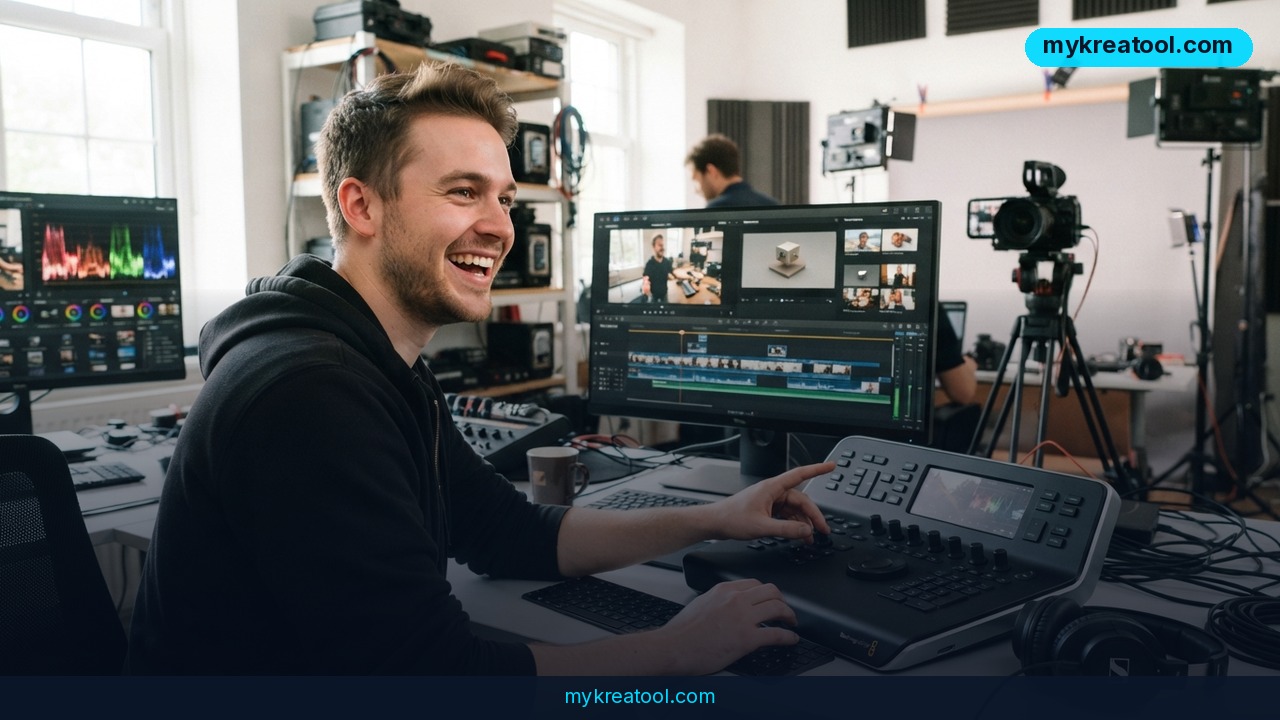
Imagine fixing a video you shot three years ago without picking up a camera again. That's the pitch behind Kling 4.0, the next release of Kling AI's video generator — a model that doesn't just create clips from a prompt, it edits footage you already own. The full version lands in October, and a faster sibling called Kling 4.0 Flash is already switched on for Ultra Yearly subscribers.
What happened
Kling published its 4.0 release notes, and the headline number is length. A single native generation now runs up to 30 seconds, up from 15. "Native" just means the model builds the whole clip in one pass — you're not gluing two short clips together in an editor and praying the seam doesn't show.
The rest of the list reads like a wish list: up to 10 keyframes, up to 15 multimodal references at once, a more developed Omni Reference, 4K output, 10-bit HDR, improved native stereo audio, tighter lip sync, video extension, and support for more languages, accents and dialects.
Kling 4.0 Flash is live — the full model isn't
Flash is the lightweight build, tuned for speed rather than maximum quality, and it's already in early access for Ultra Yearly subscribers. The complete Kling 4.0 shows up in October.
There's a catch, though. Kling hasn't published a clean official comparison table between 4.0 and 4.0 Flash yet. Based on preliminary materials and leaks, Flash looks roughly like this: up to 20 seconds, around 720p, and some advanced features possibly trimmed. Treat those as estimates, not specs — early previews like Loova's write-up and Dreamina's Flash page are working from the same incomplete picture everyone else is.
What the jargon actually means
A keyframe is a still image you hand the model as an anchor. Picture pinning a photo to a storyboard and saying, "the shot has to pass through here." Ten of them gives you real control over how a sequence moves instead of crossing your fingers.
References are source materials the model studies while it works: a photo of your character, an image of a product, a video showing the motion you're after. Fifteen at once means you can lock in a face, a jacket, a logo and a shooting style in a single pass rather than hoping the model remembers between runs.
10-bit HDR widens the range of colors and brightness in the footage — though the source itself openly wonders which HDR flavor Kling means, so don't rush out to buy a new monitor. Video extension does exactly what it sounds like: a clip that ends too soon keeps rolling.
It's an editor, not just a generator
This is the part that matters most for anyone with existing footage. Kling 4.0 is an editing model. You can change the character, the facial expression, the character's movement, a single object in the frame, the background, the visual style, the camera angle and the camera movement. In an edit you can use one main clip plus up to four extra videos as references — enough to define a look without a full shoot.
If you want to poke at this kind of workflow before spending credits, free AI tools like the ones on this list are a low-risk place to warm up.
What it means for you
At home: bringing old footage back to life
Half the internet's reaction to this news was some version of "the dead have started talking." In practice it's simpler than that. Family videos, an interview with a grandparent, a wedding clip ruined by bad lighting — you can swap the background, change an expression or fix a camera angle without asking anyone to sit down and do it again. Thirty seconds per generation covers most social posts end to end.
At work: fewer reshoots, faster turnarounds
A marketing team with a decent product demo but a dull backdrop no longer has to book a studio. Change the background, restyle the footage, shift the angle — the good take survives. For a small business, that's the difference between "we'll redo it next quarter" and "it ships Friday."
For business and sales: one ad, many markets
More languages, accents and dialects, plus tighter lip sync, means a single commercial can be re-versioned for different regions instead of re-shot with new on-camera talent. That's a real cost line for anyone running paid ads across countries.
For studying and teaching
Students and teachers record a lot of talking heads. Cleaning up an old lecture recording, dropping a diagram onto the wall behind the speaker, or restyling a messy screen-share into something watchable takes minutes instead of a re-record.
For creative work
Indie filmmakers get shot-level control from those 10 keyframes, and 15 references hold a character or a look consistent across a sequence. That's the difference between a cool one-off clip and something that could actually cut together.
For income
Freelancers are the obvious winners here. "Send me your old footage" is a service you can sell — restoration, style swaps, UGC ad variants for clients who can't afford a shoot. The tool handles the heavy lifting; you handle the taste.
How to try it right now
Step 1 — start free. You don't need a subscription to get ready. Pull your source clips together, write a 30-second script, decide what you'd change. Free tools such as the ones collected at mykreatool.com can handle cleanup and planning while you wait for access.
Step 2 — check your plan. Kling 4.0 Flash is in early access for Ultra Yearly subscribers right now. If you're not on that tier, you're waiting for the October rollout of the full model.
Step 3 — read the official notes. The source of truth is the Kling 4.0 release notes. Anything else is secondhand.
Step 4 — prep the job before you generate. Line up one main clip and up to four reference videos. Know which single element you want changed — the character, the background, the style.
Step 5 — change one thing at a time. Swap the background first, check it, then restyle. Stacking every edit at once makes it impossible to tell what went wrong.
Step 6 — check pricing before you commit. The release note doesn't spell out prices, which is why the original announcement literally asked, "Price, Karl?" Third-party breakdowns like this Kling pricing guide are worth reading before you sign up for a year.
Upsides and what changes
Doubling generation length to 30 seconds is bigger than it sounds. Most ad spots, Reels and YouTube pre-rolls live in that window, so you stop planning around a 15-second ceiling. Add 4K output and 10 keyframes and you can storyboard a sequence instead of gambling on a single prompt.
The editing angle is what really shifts the workflow. Being able to change a face, an object, a background or a camera move on footage that already exists kills a whole category of reshoots. And with 15 references at once, consistency stops being a nightly fight.
Limitations
Be honest about what's confirmed and what isn't. Flash's specs — roughly 20 seconds, around 720p, some features possibly trimmed — come from preliminary materials and leaks, not an official comparison table, so they can move. Kling hasn't said which HDR standard "10-bit HDR" refers to, and pricing isn't in the release note at all. Running 4K at 30 seconds isn't instant on any hardware, and better lip sync across dozens of accents still won't be perfect. Independent coverage such as KlingMotion's overview tracks the same feature list as the official notes — there's no independent benchmark yet, so treat every quality claim as the vendor's until creators post their own tests.
Conclusion
Kling 4.0 is the version where AI video stops being a novelty generator and starts looking like an editing suite that happens to be driven by prompts. Flash is here for Ultra Yearly subscribers now; the full model follows in October with 30-second native clips, 4K, 10 keyframes and 15 references.
One thing to do today: pick a single old clip — anything you'd given up on — and write down the one change that would make it usable. Save the release notes to your bookmarks. When October arrives, you'll be first in line with a plan instead of a blank prompt.

Comments 0