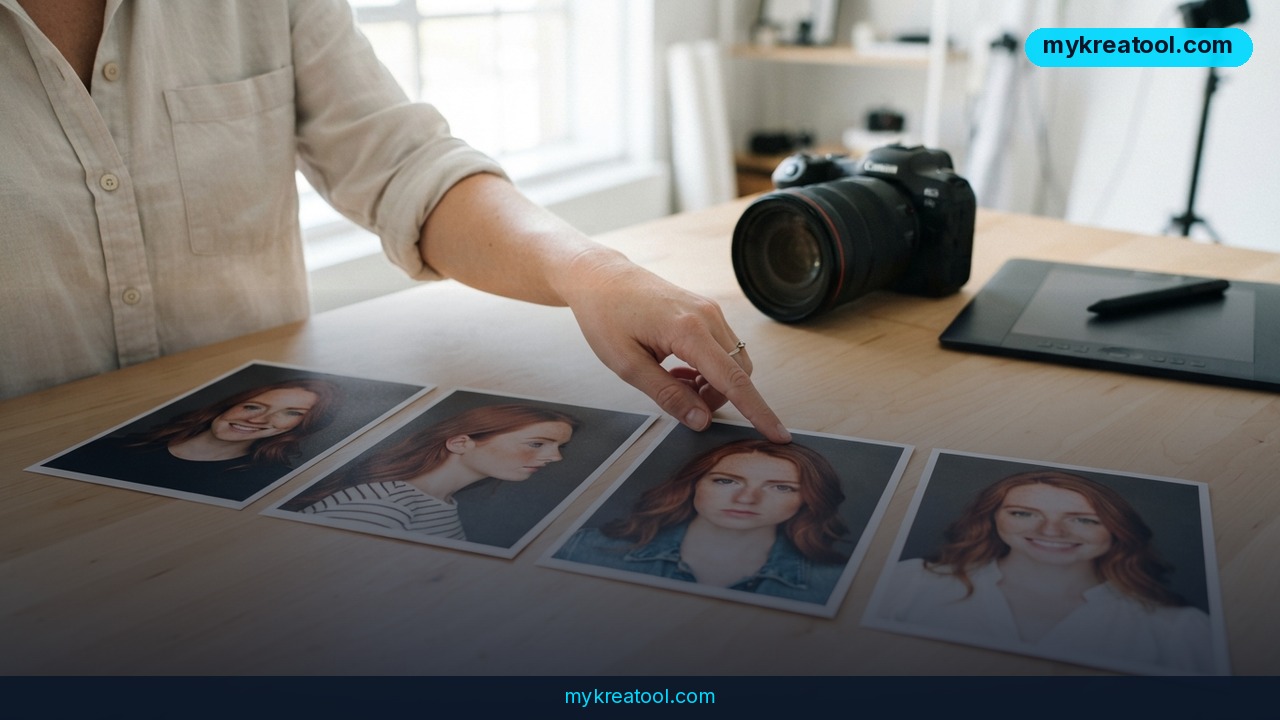
You can spend an hour nailing a character's face — the lighting, the jaw, the exact raised eyebrow — and then watch an AI character generator hand you a completely different person in the very next scene. Same prompt, same vibe, new stranger. That gap between one great image and a character you can actually build a campaign around is exactly what Luma AI is now selling against, and it matters even if you've never opened a 3D program in your life.
In short: Luma AI is positioning its platform — including the Ray 3.2 video model — as the place where your character stays recognizably the same across stills, clips and campaign variants, instead of morphing every time you hit generate.
What happened
Luma AI has built its pitch around one promise: one character, many outputs, no face swap in between. The company's argument is that most generators treat every request as a blank slate. Luma instead tries to work from how an image is actually structured, not just from what you typed, so the features you approved stick around for the next shot.
The piece that matters most for anyone working in motion is Ray 3.2. It keeps a character's identity stable frame to frame, not only between separate stills. Think of it as the difference between a flipbook where the same person is drawn on every page and one where your hero quietly grows a new nose halfway through.
The vocabulary you actually need
"Identity drift" is the name for that morphing problem: the character slowly becomes someone else as you generate more scenes. It's the reason a brand mascot looks on-model in the hero shot and slightly off-brand by the twelfth social variant.
A "reference image" is simply a picture you upload to show the tool what your character looks like. "Reference-based generation" means the model uses those pictures as its anchor. "Multi-reference blending" means feeding in 2-3 reference images at once, which the source material credits with more robust identity preservation.
An "edit-based workflow" means you generate one anchor image you're happy with, then change the background, pose or lighting around it instead of starting from scratch. It's the difference between retouching a photo and reshooting the whole scene.
Three ways tools try to lock a face in
Reference-based generation works immediately, because nothing has to train first — but it can still drift across many generations. Custom model training teaches a model your character's specific features: higher fidelity, more setup time. Edit-based workflows keep approved character features stable, particularly in illustrated styles, though how far you can push a pose depends on the editing method.
Luma leans on the first and third, plus multi-reference blending. And because it's a unified platform, you're not re-uploading your character every time you move from an image to a clip — that alone removes a lot of friction.
Why video is the harder test
Keeping a face consistent across separate images is annoying. Keeping it consistent across a moving shot is a different sport, because every moment of the clip has to agree with the one before it. That's why video-first character tools like Ray 3.2 matter: the identity has to hold frame to frame, not just between exports.
What it means for you
At home: family videos that don't look like a glitch
You want a cartoon version of your family in a birthday video for grandma. If dad turns into a different dad in the second scene, the joke dies and you're re-prompting at midnight. Consistency is what makes a personal project actually watchable.
At work: campaign assets instead of one-off hero images
A product launch needs the same spokesperson across hero shots, social cutdowns, regional variants and motion pieces. If the face shifts between the hero shot and the cutdown, it reads as a mistake — or as a different person entirely — and someone in brand or legal starts asking awkward questions.
For a small business: one mascot, twelve variants
A brand mascot has to survive twelve social variants and dozens of touchpoints without turning into a lookalike. Reference-based workflows cut down the number of rerolls you burn through, which is really a time-and-budget argument as much as an aesthetic one.
For students: a project that looks deliberate
Illustrated projects live or die on consistency — a comic strip, a class presentation, a storybook where the same character appears page after page. Edit-based workflows let you lock the design you've already got approved and tweak the situation around it, which is far faster than rebuilding the character each time.
For creatives: animation and short films
An animated protagonist has to carry a three-minute launch film without changing species halfway through. That's the use case Ray 3.2 is built for — motion, where drift is most visible and most expensive to fix.
For income: sell work that looks professional
If you're selling illustrated books, prints or client work, a children's book with consistent character designs across thirty pages is a product. The same book with a different-looking kid on page nineteen is a refund request.
How to try it right now
Step 1 — free warm-up. Before you touch anything paid, write your character brief and test a few prompt phrasings with the free AI tools at MyKreaTool. Two minutes of free drafting saves a pile of paid rerolls.
Step 2 — make 2-3 reference images. Not one. Multi-reference blending uses 2-3 images to hold identity better, so give the model a few angles and expressions to work from.
Step 3 — open Luma AI. Head to Luma AI and start with its Try Luma entry point. Current plans and limits are listed on the site and do change, so check before you upload an entire campaign.
Step 4 — generate one anchor image, then edit rather than regenerate. Get the face right once, lock it, and change the surroundings from there. Edit-based flows preserve identity better than a full re-roll.
Step 5 — move to video with Ray 3.2. Take the anchor you've approved and put it in motion, then check the face at the start, middle and end of the clip.
Step 6 — only then scale out to variants. Twelve social formats is the cheap part if the character is locked. It's the expensive part if she keeps changing.
Upsides and what changes
The biggest shift is workflow, not novelty. A unified platform cuts the tool-switching friction that quietly eats production days: same character, same references, image and video in one place.
Second, consistency turns AI output from a slot machine into a production line. When the character holds, every extra asset costs less to make, and campaign localization stops being a rebuild.
Third, video-first identity makes short-form motion work realistic for small teams. A three-minute launch film with a stable protagonist used to require a full animation pipeline. Now it requires a good anchor image and some patience.
Limitations
Honest version: reference images can still drift over a long series of generations, so multi-reference blending with 2-3 images reduces the problem rather than erasing it. Custom model training gives you higher fidelity but costs setup time, and how far you can push a pose depends on the editing method you use. Video is also the most demanding place to test any of this, because drift shows up instantly on screen. And no tool rescues a vague brief — if your character description is mush, you'll get mush consistently. Keep a human eye on final approvals, especially where brand or client sign-off is involved, and check Luma's current plan limits before you commit a whole campaign to one workflow.
Conclusion
The practical takeaway is simple: stop judging AI character tools on the best single image they produce, and start judging them on the tenth one. Luma AI's pitch — reference images, edit-based workflows, and Ray 3.2 holding identity frame to frame — is aimed squarely at that tenth image.
One action for today: pick one character you actually need, upload 2-3 reference images, and generate a single anchor image you'd be happy to sign off on. Lock that before you generate anything else.



Comments 0