What happened
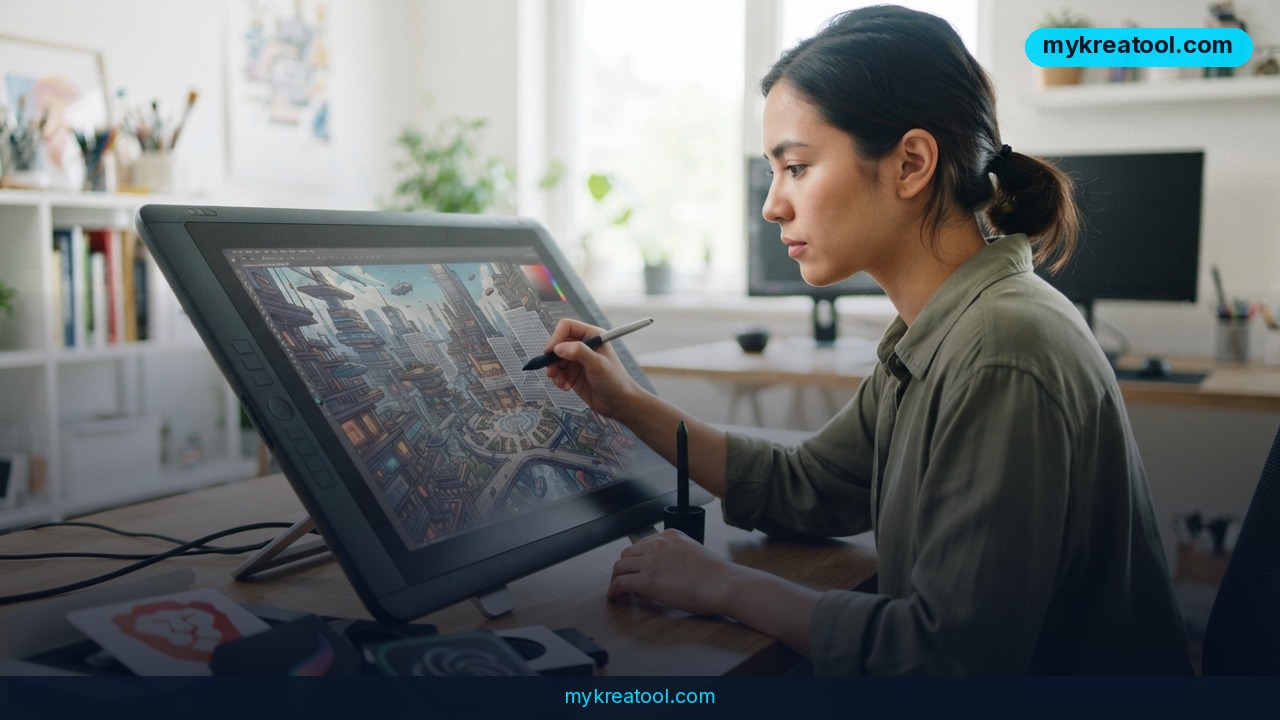
AI image generators for graphic designers have quietly become a standard part of the job, not a gimmick. A recent industry survey found that 75% of graphic designers now use some kind of AI image tool in their day-to-day work, and the platforms behind that shift have matured fast. Tools like Luma, Adobe Firefly, ChatGPT's image feature, Recraft, and Ideogram aren't just spitting out random pictures anymore — they're built to fit into real production work, where a single project might need a hero image, five social media crops, and twelve versions in different languages, all before Friday.
A few numbers show how far this has come. Adobe says Firefly now handles more than 1 billion image requests a month, and it's trained only on licensed and public-domain content, which matters if you're worried about a client asking "where did this image come from?" Ideogram, meanwhile, has largely solved a problem that used to make AI images useless for real design work: getting the words inside an image to actually spell correctly. It now hits about 90% accuracy on text-in-image generation, which is a big deal if you've ever tried to get an AI tool to render a poster headline without garbled letters.
The bigger shift isn't the pictures themselves — it's that these tools now let you edit an existing image instead of starting over every time a client asks for "just one small change."
What it means for you
At work
If you're on a marketing or design team, this changes how fast a campaign can move. Instead of briefing a photographer, waiting days for a shoot, and then editing the results, you can generate a rough concept in minutes and refine it with your team the same afternoon. Tools with layer-based editing (meaning the background, the product, and the text are separate pieces you can edit on their own, like layers in a cake) let you swap a headline without redoing the whole image.
Running a small business
Say you sell candles on Etsy or run a local bakery. You don't have a budget for a product photographer, but you need clean images for your website and social posts. AI image tools let you turn a phone photo of your product into a polished "hero shot" — the kind of glossy, well-lit image you'd normally pay a studio for.
Studying design
Design students can iterate on ten versions of a poster layout in the time it used to take to sketch one by hand. That doesn't replace learning composition and color theory — it just means more attempts, more feedback loops, and faster learning by trial and error.
For creative hobbies
If you've always wanted to make art but can't draw, these tools let you describe an idea in plain words and see it take shape. You're still the one making the creative decisions — what to keep, what to change, what style fits — the tool just handles the part that used to require years of practice.
At home
Custom birthday invitations, a printed piece of art for the living room wall, a personalized gift — jobs that used to mean hours in a template editor now take minutes.
As income
Freelance designers are taking on more clients because a job that used to take three days of back-and-forth revisions can now be turned around in one. That directly affects how many projects you can book in a month, which is the actual math behind freelance income.
How to try it right now
Start free before spending anything. mykreatool.com offers free AI tools you can use right in your browser to generate and edit images without a subscription — a good first stop to get a feel for how prompt-based image editing works before you commit to a paid platform.
Once you know what you need, here's how to move to the tool that fits the job:
1. For campaign work with lots of revisions: Try Luma. It's built around layer-based editing, so you can change one element — a headline, a background color, a product angle — without regenerating the whole image and losing everything else that already got approved.
2. For commercial safety on client work: Use Adobe Firefly, especially if you already work in Photoshop or Illustrator, since it plugs directly into Creative Cloud and is trained only on licensed content — useful if a client's legal team ever asks about image rights.
3. For quick ideas from plain language: Open ChatGPT and describe what you want in conversation, the way you'd brief a teammate. It's the easiest on-ramp if you've never used an AI image tool before.
4. For vector graphics and consistent branding: Recraft exports actual SVG files (scalable vector graphics — the format logos and icons use so they stay sharp at any size) and keeps a consistent visual style across a whole set of images.
5. For posters, ads, or anything with text in the image: Ideogram is built specifically to get typography right, which most other generators still struggle with.
6. For teams with technical staff who want full control: Open-source options like FLUX.1 and Stable Diffusion can be run on your own hardware or a cloud server, giving you the most customization — but they need someone comfortable with technical setup.
Upsides and what changes
The biggest practical change is editing in place. Older AI tools only knew how to generate something new, so any small revision meant starting from scratch and hoping the new version looked close enough to the approved one. Newer tools understand image structure — they know which part is the product, which part is the background, which part is text — so you can change one piece and keep everything else exactly as it was. That alone saves the kind of time that used to get eaten by client revision rounds. Add in near-instant localization (swapping text and imagery for different countries), consistent style across dozens of images, and commercially safe training data, and you get a workflow that looks a lot more like a real production pipeline than a novelty generator.
Limitations
Be honest with yourself about what these tools can't do yet: output quality still varies a lot between platforms and even between attempts on the same platform, so you'll often generate several versions before finding one worth using; some models (especially older or open-source ones) were trained on scraped internet images with unclear licensing, which can be a real legal risk for commercial work if you're not careful about which tool you pick; text and hands still occasionally come out wrong even on the better platforms; subscription costs add up fast if you're paying for several tools at once; and the open-source route, while powerful, needs technical skill and often a decent GPU (graphics card) to run well, which isn't realistic for most solo designers.
Conclusion
AI image generators have moved from a curiosity to a normal part of design work, and the gap between designers using them and designers who aren't is starting to show up in turnaround times and client satisfaction. The action for today: pick one real project sitting in your queue, open a free tool like mykreatool.com, and generate one image for it. You'll know within ten minutes whether this belongs in your workflow.
Comments 0