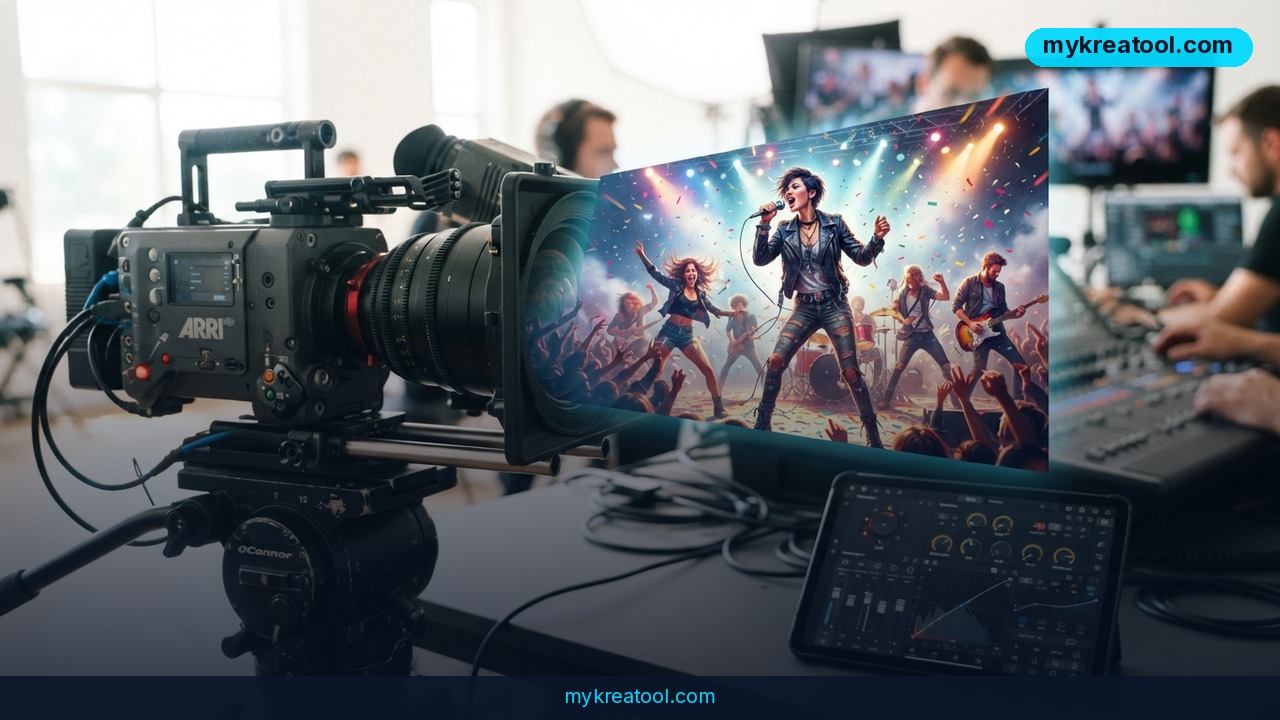
AI music video generators are the reason an unsigned artist can now release a broadcast-quality visual the same week a track drops, instead of waiting months and spending thousands on a director, a crew, and a location shoot. Over the past year these tools went from novelty to normal: platforms now listen to a song's drums, bass, and vocals separately and build visuals that actually move with the music, not just behind it.
What happened
A new wave of AI video platforms — Luma Dream Machine, Neural Frames, Kaiber, and others — has made it possible to turn a finished song into a music video without a camera, a set, or a video editor on payroll. Some tools are fully automated: you upload the track, and the platform hands back a finished, beat-matched video. Others are more like a digital film set, letting you storyboard shot by shot before you commit to a final render.
The clearest proof this isn't a gimmick: Linkin Park's AI-generated video for "Lost," made with Kaiber, has pulled in more than 80 million views. That's not a demo reel — that's a major label betting a real single on AI visuals and having it pay off in front of a massive audience.
The technical leap that made this possible is audio-aware generation. Neural Frames, for instance, splits a track into eight separate audio layers — drums, bass, vocals, and individual instruments — so the video can react differently to a kick drum than it does to a vocal swell. Luma's newer model, Ray 3.2, takes a different approach: it "thinks through" the composition of a shot before rendering it, which is why its output tends to look more cinematic even though it doesn't auto-sync to a beat the way music-specific tools do.
What it means for you
If you're a musician self-releasing on Spotify and TikTok
You can now generate a Spotify Canvas loop, a 16:9 YouTube video, and a 9:16 TikTok cut from a single upload, instead of paying a videographer three separate day rates for three formats.
If you run a small label or manage a roster
A visual budget that used to cover one video for one artist can now stretch across an entire release calendar. That changes the math on which songs get a "real" video treatment.
If you're a wedding or events videographer
The same beat-sync logic that builds a music video can generate mood reels for client highlight videos, cutting hours off manual cutting-to-the-beat work in your editor.
If you're a student or hobbyist producer
You can put a finished visual behind a track for a portfolio, a school project, or a SoundCloud release without needing After Effects skills or a film degree.
If you're building a personal brand as a content creator
A consistent visual style across every track release — same color grade, same camera language — is now achievable without hiring the same director every time.
If you're looking for a side income
Freelancers are already offering "AI music video packages" to independent artists as a service, turning a few hours of prompt work into a paid gig that used to require a production company.
How to try it right now
Start free, then decide if you need a paid tier for commercial export.
1. Free tools first. Before paying for a specialized generator, test the free AI video and image tools listed at mykreatool.com — it's a useful way to get a feel for AI-generated visuals and prompting without spending anything.
2. For cinematic quality with manual sync: Go to Luma Dream Machine and upload your album art or a reference image. Generate a few short clips with the Ray 3.2 model, review composition options, then sync the clips to your track manually in your video editor.
3. For automatic beat-sync: Try Neural Frames — upload your track, let it split the audio into its eight layers, and preview how the visuals react to drums versus vocals before rendering the full video.
4. For a fully automated, one-click video: Upload your finished mix to a platform like Kaiber, pick a visual style, and export.
5. Export for every platform from one render. Before you download, generate 16:9 for YouTube, 9:16 for TikTok and Reels, and a square or Canvas-ready loop for Spotify — most platforms let you do all three from the same project.
6. Check the license. Free tiers usually watermark output or restrict commercial use — confirm your plan covers a public release before you upload the final video anywhere.
Upsides and what changes
The biggest shift is speed: a video that used to take two to four weeks of pre-production, shooting, and editing can now go from upload to finished export in under an hour, and sometimes in minutes. Cost drops from a typical four- or five-figure video budget to the price of a monthly subscription, often $20 to $50. That means B-sides, deluxe-edition tracks, and loosies that never would have gotten a visual now can. It also means a solo artist with no label backing can compete visually with a major-label release on the same platform, which levels the playing field in a way that used to require serious capital.
Limitations
These tools aren't a replacement for a director with a real concept, and it shows in a few specific ways: automated platforms can produce visuals that feel generic or drift from your track's actual mood if you don't guide the prompt carefully, control-first tools like Luma require you to do the beat-matching yourself in an editor, and commercial-ready exports — the kind you can legally monetize or run as a paid ad — almost always require a paid plan even when the free tier looks tempting. Treat the first render as a draft, not a final cut, and budget an hour or two for revisions before you call the video done.
Conclusion
AI music video generators have crossed from experimental to genuinely production-ready in 2026, and the tools split cleanly into two lanes: automated platforms like Kaiber and Neural Frames for speed and beat-sync, and control-first tools like Luma Dream Machine for cinematic polish. Today's action: pick one track sitting unreleased on your hard drive, upload it to a free tier, and see what comes back before you spend a dollar on production.

Comments 0