What happened
Qwen3.8-Omni-Flash is a new AI model that watches, listens, and edits video and audio content almost as well as Google's Gemini 3.8 Flash — but at a fraction of the cost. Built by the Qwen team, it's the company's first multimodal model designed specifically for AI agents, meaning it doesn't just describe what's in a video, it can act on it: trim clips, translate speech, write summaries, and hand off tasks to other tools on its own.
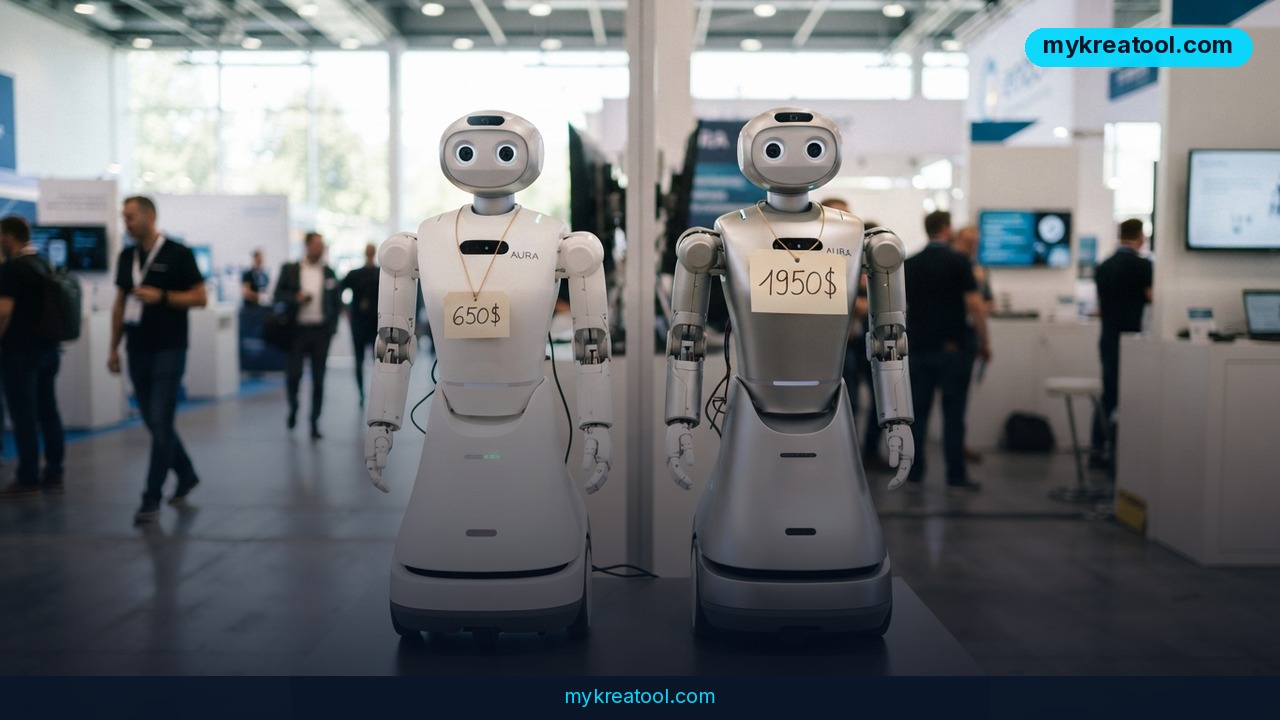
The headline number is the price. Qwen charges $0.15 per million input tokens and $0.47 per million output tokens through its API. (Think of "tokens" as small chunks of text, audio, or image data — roughly a million tokens is enough to process a couple of hours of video.) Gemini 3.8 Flash, by comparison, charges $0.75 for input and $3.75 for output per million tokens at its current introductory rate — and Google has already said that price will double on January 1, 2027. Run the math and Qwen's output pricing alone is about 8 times cheaper right now, and roughly 16 times cheaper once Google's price hike lands.
In practical terms, Qwen says an hour of audio costs under a penny to process, and a full minute of 720p video with sound (captured at one frame per second) runs about $0.20, not including whatever the model generates in response. The model also has a 1-million-token context window, which means it can hold an entire feature-length movie's worth of dialogue and scenes in memory at once without losing track of earlier details.
What it means for you
You don't need to be a developer to feel the effects of this. Here's what changes in plain terms:
At home: Got hours of raw phone footage from a family trip sitting untouched? A tool built on this kind of model can scan the footage, pull out the best 90 seconds, and stitch together a highlight reel — without you learning video editing software.
At work: If your job involves sitting through recorded meetings or webinars, this type of AI can watch and listen to a one-hour video and hand you a written summary with timestamps in minutes, freeing you from scrubbing through playback.
Running a small business: Social media managers can feed in a long-form video and get it automatically cut into short vertical clips for Instagram Reels or TikTok, complete with captions — a task that used to require a paid editor or hours of manual work.
Studying: Students dealing with foreign-language lecture recordings can get near-instant translation and transcription, turning a two-hour lecture in another language into readable notes in their own language.
Creative projects: Because the model can recognize different speakers in an audio track, podcasters and filmmakers can automatically label who's talking when, speeding up editing and subtitle creation.
Earning extra income: Freelancers offering video editing or translation services on platforms like Fiverr can take on more clients per week, since the repetitive first pass — cutting, translating, summarizing — gets handled by AI in seconds instead of hours.
How to try it right now
You don't need to buy anything to get a feel for what this kind of AI can do.
1. Start free. Before touching any paid API, try a free browser-based AI tool to experiment with the same basic idea — turning video or audio into text, summaries, or short clips. The free AI tools at MyKreaTool let you test this kind of workflow at no cost, so you can see whether the output quality is actually useful for your project before spending anything.
2. Access Qwen directly. Qwen3.8-Omni-Flash itself is available through Qwen Studio (Qwen's web-based workspace for building with the model), Qwen Cloud, and the Qwen API for developers who want to plug it into their own apps.
3. Use the open-source add-ons. Qwen also released Qwen-MM-Plugins, a free, open-source toolkit that adds video editing, speaker recognition, PDF-style video note-taking, and reusable automation workflows to coding assistants like Claude Code, Gemini CLI, and Qwen Code. If you or your team already uses one of those tools, this plugin set is a low-cost way to test real video-editing automation.
4. Try real-time interaction. For live use cases — like getting instant feedback through your camera and microphone — Qwen-Live Harness lets you interact with the model in real time rather than uploading finished files.
5. Compare before committing. If you're currently paying for Gemini Flash or a similar service for video/audio tasks, run the same job through both and compare cost and output quality before switching anything over.
Upsides and what changes
The biggest shift here isn't the raw capability — plenty of AI models can already describe a video or transcribe audio. It's the price-to-performance ratio. When output costs drop by roughly 8 to 16 times for similar quality, tasks that used to be reserved for well-funded teams (bulk video summarization, multilingual dubbing, automated highlight reels) become affordable for solo creators, small businesses, and students. The 1-million-token context window also means longer content — full movies, multi-hour meetings — can be processed in one pass instead of being chopped into pieces and reassembled, which usually hurts accuracy. And because the toolkit plugs into agent frameworks people already use, it's easier to automate a whole editing pipeline rather than running each step by hand.
Limitations
This is a newly announced model, and Qwen's own benchmark comparisons — while specific on pricing — are self-reported, so real-world quality on your particular footage, accents, or editing style may vary until independent reviews and hands-on tests pile up; it also still requires some technical setup (API access, Qwen Studio, or a coding assistant plugin) rather than a single polished consumer app, so non-technical users will likely need to wait for third-party apps built on top of it, or lean on simpler free tools in the meantime, before getting the full hands-off experience described here.
Conclusion
Qwen3.8-Omni-Flash shows that near-Gemini-level video and audio AI no longer has to come with a premium price tag. Your one action for today: pick one piece of video or audio you've been meaning to edit, transcribe, or summarize, and run it through a free AI tool to see the time it saves — then decide if it's worth stepping up to a paid option.


Comments 0