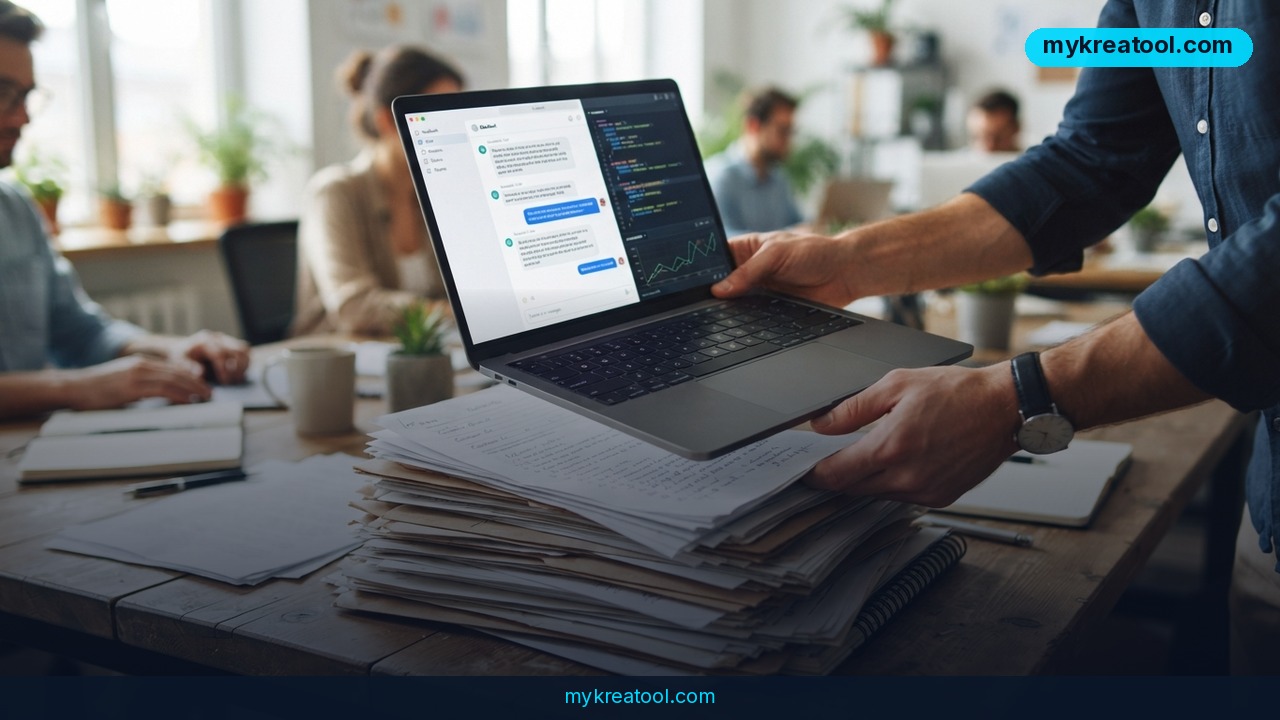
You've got a folder of contracts, a hundred PDFs, a stack of meeting notes and an internal wiki that nobody can actually search. ChatGPT will happily read one file, then start losing the thread somewhere around file three. That's the gap AnythingLLM fills: an open-source app that turns your own files into a searchable knowledge base, so you can chat with your own documents — on your laptop, on your own graphics card, without paying for a subscription. A fresh walkthrough from the BotHub team lays out how to get there in one evening.
What happened
The write-up (about nine minutes of reading, by an author posting as DrArgentum) does something most tool reviews skip: it shows the boring parts. Version 1.13.0 added a Model Router that decides, request by request, whether a question should go to a cheap model or an expensive flagship one. You write the rules yourself — it doesn't guess on your behalf. One workspace can run on a local Ollama model while a second calls Claude through an API, and each keeps its own memory and its own documents.
What AnythingLLM actually is, in plain English
Strip away the jargon and it's a filing clerk with a very good memory. You point it at your files. It chops each document into small chunks — index cards instead of whole books — and turns every chunk into a numeric fingerprint, called an embedding. Those fingerprints go into a vector database, which is just a lookup system that finds text by meaning rather than matching exact words. Ask a question, and it pulls the handful of chunks that look relevant, then hands them to a language model alongside your question.
That trick is called RAG (retrieval-augmented generation). In everyday terms: instead of asking the model to remember your paperwork, you slide the right pages across the desk and say "answer from these." A model working from supplied pages invents far less than one working from vague memory.
Two installs, two very different products
The desktop build installs in one click on Mac, Windows or Linux. Everything runs on your machine, and the documentation says it plainly: single-player. Not one byte of your documents leaves the laptop.
The Docker build is the same code on a server, and it's a different animal — multiple users, invitations, per-workspace access control, and embeddable chat widgets you can drop onto a website. If you want an assistant sitting on a client portal under your own logo, this is the only version that does it.
The security note that comes with the release
In 2026, researchers found several vulnerabilities in AnythingLLM. One of them, CVE-2026-48116, allows arbitrary command execution inside a Docker container. If you're self-hosting and you haven't moved to 1.13.0 yet, that's your first job today. It's not a reason to avoid the tool — it's a reason to treat it like any other piece of server software you run.
What it means for you
You don't need a data pipeline or a machine-learning background. You need a question you keep asking a pile of documents.
At home and at work
Home. The insurance policy, the lease, the warranty PDF nobody can find when the washing machine dies. Load them into one workspace and ask plain questions: what's the notice period, what's excluded, when does this expire. The answer arrives with the passage it came from, so you can check it yourself in five seconds.
Work. Consultants, analysts and project managers spend hours digging through old decks and spec sheets. A workspace per client, each with its own documents, means "what did we promise on the Q3 timeline?" becomes a 20-second question instead of a 20-minute search. Because the workspaces are isolated, one client's files never show up in another's answers.
In business and study
Business. The Docker version is where things get interesting commercially. You can invite the team, restrict who sees which workspace, and put a chat widget on your site that answers from your help center instead of hallucinating. Small teams get a support bot without buying a per-seat SaaS plan.
Study. A semester of lecture notes, slides and three textbooks is exactly the workload a context window can't hold. A context window, by the way, is the model's short-term memory — how much text it can keep in view at once. Embedding the documents pushes the heavy lifting into the database, so the model only ever reads the relevant pages.
For creative work and side income
Creativity. Writers sitting on a sprawling world bible, video editors with a folder of transcripts, podcasters with years of episodes — all of it searchable by meaning instead of exact wording. Ask the workspace "where did I contradict myself about the timeline?" and find out before your audience does.
Income. The obvious commercial play is a private assistant for a niche: legal templates, compliance checklists, a course library. Everything you build stays on infrastructure you control, which is precisely what clients in regulated fields ask about first. A local model costs nothing per query, so margins don't quietly disappear into API bills.
How to try it right now
Start with the free, offline path. It costs nothing and proves whether the concept works for you before you touch a credit card.
1. Install the AnythingLLM desktop app on Mac, Windows or Linux — one click, no account.
2. Give it a brain that runs locally. Install Ollama and pull a small model. Ollama is a free program that runs language models on your own hardware; AnythingLLM connects to it directly in its settings, so the model never leaves your machine.
3. Create a workspace and give it a name like "Contracts" or "Client X." Workspaces are separate rooms — documents in one don't bleed into another.
4. Upload your files. This is the step people get wrong. Use the embed option so the documents get indexed into the vector database rather than pasted into the chat. Dumping raw text into the conversation is how you fill up the model's short-term memory in one move.
5. Ask something specific. Not "summarize these." Try "what's the termination clause in the 2024 agreement?" and check the cited excerpt.
If you'd like to poke at a few no-install options first, there's a decent collection of free AI tools at mykreatool worth a browse before you commit disk space.
The cloud route, for laptops that aren't powerhouses
Running a capable model locally needs a decent GPU. The alternative is an OpenAI-compatible gateway: one endpoint that gives you Claude, GPT, DeepSeek, Qwen and dozens of other models, no VPN and no foreign payment card. The walkthrough uses Bothub for exactly this — in AnythingLLM you open the LLM settings, pick the Generic OpenAI provider, and paste that URL as the base endpoint with your API key.
The article also mentions a referral bonus of 300,000 CAPS on signup, which it says covers every experiment in the guide with room to spare. Test with the cheapest models first, and let the Model Router push only the genuinely hard questions to a flagship.
Upsides and what changes
The shift isn't that you get a chatbot. It's that your archive stops being a graveyard. Documents you wrote two years ago become answerable. The desktop build is genuinely private — nothing is uploaded, which matters if you work with contracts, medical notes or anything under an NDA. It's free and open source, there's no seat count, and you can swap models whenever a better or cheaper one appears, including going fully offline with Ollama. The per-workspace design is the quiet winner: one client, one project, one set of documents, one model, no cross-contamination.
Limitations
Let's be honest about the rough edges. The desktop app is single-player — no logins, no sharing, no team. Running models locally needs real hardware, and a small model on a modest laptop will feel noticeably dumber than the cloud ones, so the "free forever" promise has a horsepower tax attached. Retrieval quality depends on your documents: scanned PDFs with no text layer, messy tables and screenshots won't index cleanly, and you'll get confident answers to questions the chunking quietly mangled. Multi-user features live only behind the Docker build, which means you're now the sysadmin — patching, backups, and CVE-2026-48116-style surprises are your problem. Plus there's a learning curve around embeddings and model choice that the marketing pages glide past.
Conclusion
AnythingLLM isn't magic, and it isn't a ChatGPT replacement for everything. What it is: a practical way to put your own documents behind a chat box, on hardware you control, for zero subscription money. The Model Router in 1.13.0 makes mixing cheap and expensive models sensible rather than messy, and the workspace model keeps projects from leaking into each other.
One action for today: install the desktop app, drop in five documents you already have, and ask it one question you'd normally spend ten minutes searching for. If the answer holds up, you've found your setup. And if you're running the Docker version, upgrade to 1.13.0 before you do anything else.

Comments 0