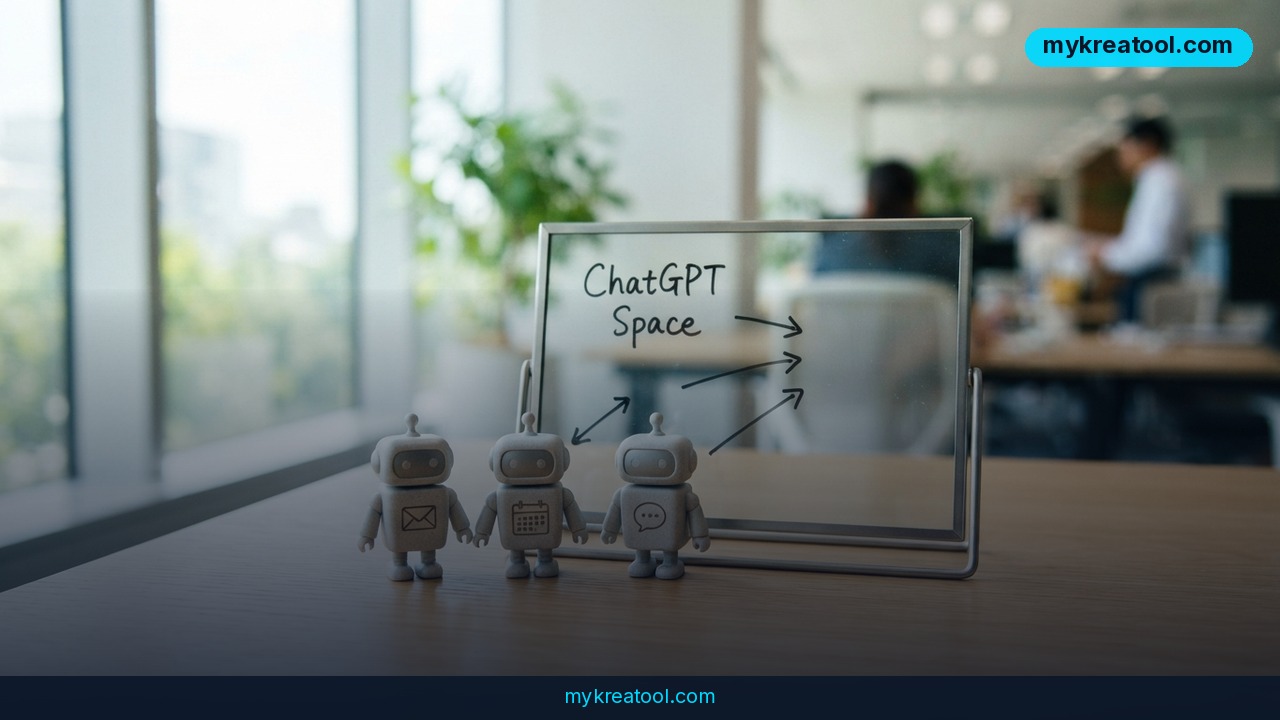
Until recently, ChatGPT was a box you typed questions into and got answers out of. OpenAI now wants it to work more like an office: a place where you hand off a job to an AI assistant, walk away, and come back to something finished. The company's latest push introduces Dots — personal AI agents you can name and give a role to — plus ChatGPT Space, a shared room where people and their agents work in the same context, and a cheaper, sharper model called GPT-6.1 Sol. Put together, that's ChatGPT slowly turning into an autonomous office for your task list.
The news traveled fast, too. The original Telegram post racked up 2,658 views, 82 reposts and 37 reactions — a decent signal that people aren't just curious, they're already planning what to hand off first.
What happened
OpenAI shipped this in three layers, and each one matters on its own.
Dots: personal AI agents you can actually delegate to
An AI agent isn't just a smarter chatbot. It's software that doesn't merely answer — it acts. You give a Dot a name and a role (think "Priya, my research assistant"), connect it to your email, calendar, messengers and other software, then hand over a task. You don't have to sit there watching it work. You come back later and the result is waiting for you.
That "come back later" part is the real shift. Today's chatbots reply in the same breath. Dots are built for the slow stuff — a mountain of email, a week of scheduling, a research question you'd rather never touch yourself.
ChatGPT Space: one room where people and agents share context
"Context" is a fancy word for what everybody in the room already knows. In most tools, your agent forgets everything the second you close the tab. ChatGPT Space is a shared workspace where humans and agents operate on the same context: the same project, the same history, the same documents to pass around. Imagine moving from a string of phone calls to one whiteboard in a room everyone can walk into.
GPT-6.1 Sol: almost Astra-level, roughly five times cheaper
Sol is the engine that makes the rest practical. OpenAI says it performs near the level of Astra — its top-tier model — while costing about a fifth as much through the API, the pay-per-use pipe that developers build on.
Here are the numbers, per million tokens. (A token is roughly a word fragment, so a million tokens is a couple of novels' worth of text.)
• $2 per million input tokens
• $10 per million output tokens
• $0.10 for cached context — text you reuse, like instructions or a knowledge base, billed at a fraction of the normal rate
• noticeably stronger coding and agent-style task handling
The path OpenAI is sketching is: Sol → Dots → a team of agents → ChatGPT Space. That's the ladder.
The speed story, with one correction
If you've seen a post claiming Astra promises up to 300 tokens per second, with "8x faster in Codex and 6x faster through the API," hold on. That version doesn't hold up. Ultrafast mode was announced as a preview for GPT-5.6 Sol, generating up to 750 output tokens per second and up to 14x the speed in the API overall. For GPT-6 Astra, there's a Fast mode that goes up to about twice standard speed — with no tokens-per-second figure attached to it.
So if you're repeating speed numbers at a meeting, use those. The Ultrafast preview details live in OpenAI's community forum, the API changelog tracks the rollouts, and this roundup of recent model updates puts the timeline in one place.
What it means for you
You don't need to write a line of code to get value out of this. The whole point of an agent is that you describe the outcome in plain English and let the software grind through the steps. If you want to experiment before committing to anything paid, the free AI tools at MyKreaTool are an easy sandbox — play with prompts and workflows there first, then carry the ones that work into your ChatGPT agents.
Here's what this actually looks like in daily life.
At home
Your Dot handles the annoying recurring stuff: sorting school emails, rescheduling a dentist appointment, chasing a delivery that never showed. You stop being your family's human router, which is the least glamorous job in any household.
At work
Picture a junior teammate who never sleeps and doesn't need the "why" explained twice. You forward meeting notes and get a clean action list back. You dump a messy inbox into it and get three replies worth sending. You hand it a rough brief at 6 p.m. and read a first draft with your coffee.
If you run a business
This is where the math gets fun. One person can now run a small marketing Dot that drafts three versions of a campaign, a support Dot that sorts and tags tickets, and a research Dot that keeps an eye on competitors. You're not hiring three people — you're naming three agents and checking their work.
For studying
Create a Dot, call it "Tutor," feed it your syllabus and ask for quizzes instead of summaries. Asking it to test you beats asking it to explain, because testing is where learning actually sticks. Just double-check anything that smells like a made-up citation.
For creative work
Agents are genuinely good at the unglamorous groundwork: background research, a deliberately messy first draft, ten variations of a headline you can react to. You still do the taste part. You just don't start from a blank page anymore.
For extra income
Freelancers and solo consultants can take on more without working nights. A Dot drafts the deliverable, you polish it and send it. Same hours, more projects, better margins — as long as you stay honest about what's yours and what's the draft.
How to try it right now
Start free. You don't need a subscription to see whether this way of working suits you.
1. Open ChatGPT on the free tier. Go to ChatGPT (chat.openai.com or the mobile app) and give it a genuinely multi-step task — "plan a three-day trip for a family of four under a budget" — instead of a one-line question. That's the muscle you'll use with agents.
2. Watch the walkthrough. The original video demo is here: OpenAI agent walkthrough. Ten minutes of watching beats an hour of guessing.
3. Check whether Dots has landed in your account. Rollouts are staged, so availability varies. Engadget's write-up on Dots explains how you'll eventually run several at once.
4. Create your first Dot — narrow, not broad. Name it, give it one role, and give it one job: "Sort my newsletters and send me a five-bullet digest every Friday." Broad agents produce vague work; narrow ones produce useful work.
5. Connect one tool, not five. Hook up your calendar or email first. Add the rest once you trust the output.
6. Move a real project into ChatGPT Space. Pick something with three or more moving parts so shared context actually pays off.
7. If you build software, check the API docs. Sol's pricing starts at $2 per million input tokens, and Ultrafast is a preview — read the changelog before you promise anything to a client.
Upsides and what changes
The headline win is leverage. Tasks that used to sit on your list because they were too small to hire for and too big to enjoy are now delegable. Delegation stops being a management skill and becomes a naming skill: you define the job, hand it over, review what comes back.
The second win is cost. Near-flagship performance at roughly a fifth of flagship API pricing means small teams and solo creators can afford workflows that used to be enterprise-only.
The third is that memory finally works. Shared context in ChatGPT Space means you spend less time re-explaining your project to a tool that forgot it overnight.
Limitations
Be clear-eyed about this. Agents are confident, not correct — they'll produce a polished deliverable for the wrong brief without flinching, which means review is now a permanent part of your job, not an optional step. Connecting email, calendar and messengers means handing real access to software that can act on your behalf, so start with read-only tools and low-stakes tasks before you let anything send messages as you. Speed marketing deserves skepticism: the widely shared "300 tokens per second" and "8x in Codex" figures don't match the official announcements, and if a launch claim already drifted once, treat the next round of numbers the same way. And availability is uneven — Dots and Space are rolling out gradually, so what your neighbor has in their sidebar today may not show up in yours until next week.
Conclusion
ChatGPT is shifting from a place you ask questions to a place you assign work. Dots give you named agents with roles and real tools; ChatGPT Space gives them a shared memory with your team; GPT-6.1 Sol makes running them affordable at $2 and $10 per million tokens, with cached context at $0.10. The speed claims floating around need a correction, but the direction is unmistakable — and the barrier to trying it is basically zero.
One action for today: open ChatGPT, create a single narrow agent (or, if Dots isn't in your account yet, write the exact job description you'd hand to one), and give it one real task you've been putting off for a week. Then read the result with your critic's hat on. That's the whole skill — and you'll learn more from one real handoff than from fifty articles about agents.

Comments 0