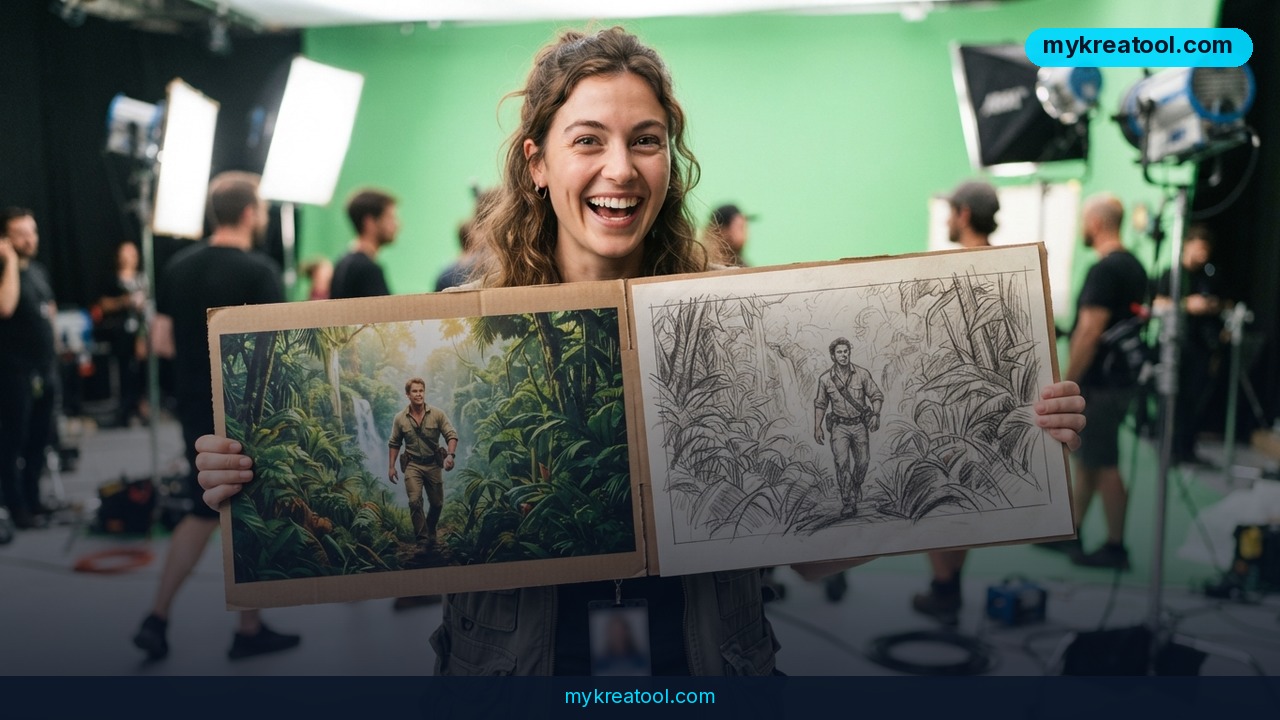
Turning a rough idea into a finished video ad used to mean storyboards, a shoot day, an editor and a budget most small teams just don't have. AI video creation is crushing that timeline, and Pollo AI is one of the names pushing hardest. On October 8, the company starred in a new OpenAI customer story explaining how it uses GPT-5.6, GPT-6 Astra and GPT-Image-2.5 to turn a typed sentence — or a single product photo — into posters, images and short cinematic ads. More than 26 million people now use the platform.
What happened
Pollo AI is a startup from the Asia-Pacific region, and it was built on one bet: you shouldn't need production skills to finish a video. Founder and CEO Bill Zhu spells it out: "We want to do for video what Canva did for design. We want to make it easy enough that more people can actually use it, not just the ones who already know how."
He's describing a real headache. Even with generative AI in every app, creators and marketers still bounce between tools and guess which model to use — and some give up entirely. (A "model" is just the AI engine doing the thinking, the way different cars run on different engines.)
Templates first, then a full agent
The team's first win was video templates. These days, 30% of creator sessions start from a template or a trending-format workflow. The newer product, Pollo Agent, leans on OpenAI models including GPT-6 Astra and GPT-Image-2.5 to walk you through the whole job — storylines, scene flow, scripts and visuals. Think of it as a junior producer who takes your messy notes and hands back a shot list.
Two models sharing the workload
CTO Peter Zhou says OpenAI's models won on two fronts: they understand fuzzy creative briefs, and they work across text and images at the same time. The industry word for that is "multimodal" — one system that can read your words and look at your pictures instead of you juggling two separate tools.
"GPT-5.6 performed especially well there," Zhou says.
To balance reasoning depth, speed and cost, Pollo AI splits the job. GPT-5.6 handles routing — deciding which task goes where, like a receptionist pointing you to the right desk — while GPT-6 Astra takes the harder work of building a narrative or planning scene revisions. According to Pollo, users now spend more than 50% less time choosing or switching models.
The image side
GPT-Image-2.5 generates the stills: posters, storyboards, campaign visuals. "If we receive any task from a user to generate an image, we always use GPT-Image-2.5," Zhou says. "It's especially good at working with different types of characters and letters." That last part matters more than it sounds — AI images have historically melted text on posters and packaging.
A product photo in, a video ad out
Pollo's core audience is content creators, and the platform has become especially popular for micro dramas that mix AI and human actors. But marketers are arriving fast. The Photo to Video Ads tool inside its Marketing Studio suite turns a still image plus a written prompt into a short video, built for small businesses and DTC brands that need social ads in minutes rather than days. One user wanted a luxury fragrance ad but couldn't afford a real shoot, so they fed in a product photo and ended up with a roughly 15-second clip.
What it means for you
At home
If you've ever wanted a nice video for a birthday, a wedding montage, or a listing for something you're selling on a marketplace, this is the shortcut. You don't need a camera, a tripod or editing software — you need one decent photo and a sentence describing the mood.
At work
Marketing teams often wait days for a freelancer to deliver a social cut. With a guided workflow, a junior staffer can rough out three versions in an afternoon, then hand the winner to a pro for polish. That's the real shift: AI doesn't replace the editor, it kills the blank page.
For a small business or DTC brand
This is where it bites hardest. A product photo is something you already have. Turning it into a 15-second ad for Instagram or TikTok is the difference between running a campaign this week and waiting for a videographer's calendar to open up. For solo sellers, that's the whole ballgame.
For studying and teaching
Explainers, presentations, book trailers — anything where you'd normally say "imagine this" can become a short clip instead. The guided agent is a decent set of training wheels for students learning how storytelling works: script, scene, shot, cut.
For pure creativity and side projects
The fun part is speed. You can test ten strange ideas before lunch and keep the one that lands. If you'd rather noodle around with other free AI tools first — image generators, upscalers, text helpers — there's a handy free collection at MyKreaTool worth bookmarking before you commit to anything paid.
For income
Creators are already using these formats for micro dramas and short-form series, and small brands pay for ad variants. If you can write a decent prompt and edit with taste, "I'll turn your product photos into 15-second ads" is a service you can sell this month.
How to try it right now
1. Start with the free route. Don't hand over a card on day one. Go to Pollo AI's site, sign up, and use whatever free credits or trial generations the platform is currently offering to make one throwaway video. If nothing free is on offer when you visit, check the plans page instead of guessing.
2. Steal a template. Since 30% of sessions start there, don't be a hero. Pick a template that matches the vibe, then swap in your own topic.
3. Write a prompt like a brief, not a wish. Include the subject, the mood, the pacing, how long it should run, and where you'll post it. "Luxury fragrance, slow camera, warm light, 15 seconds, vertical for Reels" beats "make it cool."
4. Use Photo to Video Ads for products. Upload one clean, well-lit photo inside Marketing Studio and describe the feeling you're after — that's exactly the workflow from the fragrance example.
5. Let the agent handle structure. For anything longer than a single shot, hand the rough idea to Pollo Agent and let it draft storylines and scripts. Then edit the draft the way a human would.
6. Keep images on GPT-Image-2.5. Posters, storyboards and thumbnails are what that model handles best, especially when text or characters are involved.
7. Change one thing at a time. New prompt, new scene, new pacing. Change everything at once and you'll never know what actually worked.
8. Check the export shape. Vertical for Reels, TikTok and Shorts; square or horizontal elsewhere. Wrong shape, wasted ad.
Upsides and what changes
The big win is fewer tabs. One guided workflow replaces the usual juggling act, and Pollo's own numbers say users spend more than 50% less time picking and switching models — time that goes back into the actual creative work.
Second, cost. A photo you already own plus a prompt is a rounding error next to a shoot day. For small brands, that widens who gets to advertise at all.
Third, the audience math. Pollo AI didn't reach 26 million users by being built for experts. It got there the Canva way: templates, guided flows, and defaults good enough that beginners don't need to understand the plumbing. Model routing is the quiet hero here — you don't have to know the difference between GPT-5.6 and GPT-6 Astra, because the system picks for you.
Fourth, quality on images containing text and characters has quietly become a real production advantage, since posters and storyboards live or die on readable letters.
Limitations
Be clear-eyed here: every number in this story comes from Pollo AI and OpenAI, and a customer case study is marketing, not an independent lab test. "More than 50% less time" is a company-reported figure you can't audit, and there's no pricing anywhere in the source, so your real cost depends on what the platform charges today. A roughly 15-second clip is also still a clip — great for a social ad, thin for anything longer, and micro dramas still mix in human actors for a reason. Consistency from scene to scene remains the hard part of AI video, creative control is shared with the model, and model names like GPT-6 Astra can change under your feet. Treat your first few videos as experiments, not deliverables.
Conclusion
AI video creation is moving from novelty to normal, and the Pollo AI story shows the pattern that usually wins: hide the model menu behind a guided workflow, start people from templates, and let them finish something on the first try. You don't need to understand routing, multimodal systems or API plumbing. You need one photo and a clear idea.
One thing to do today: open Pollo AI, pick a template, and turn a single product photo you already have into a short video. Fifteen minutes, zero excuses — and you'll know instantly whether this fits the way you work.
Comments 0