What happened
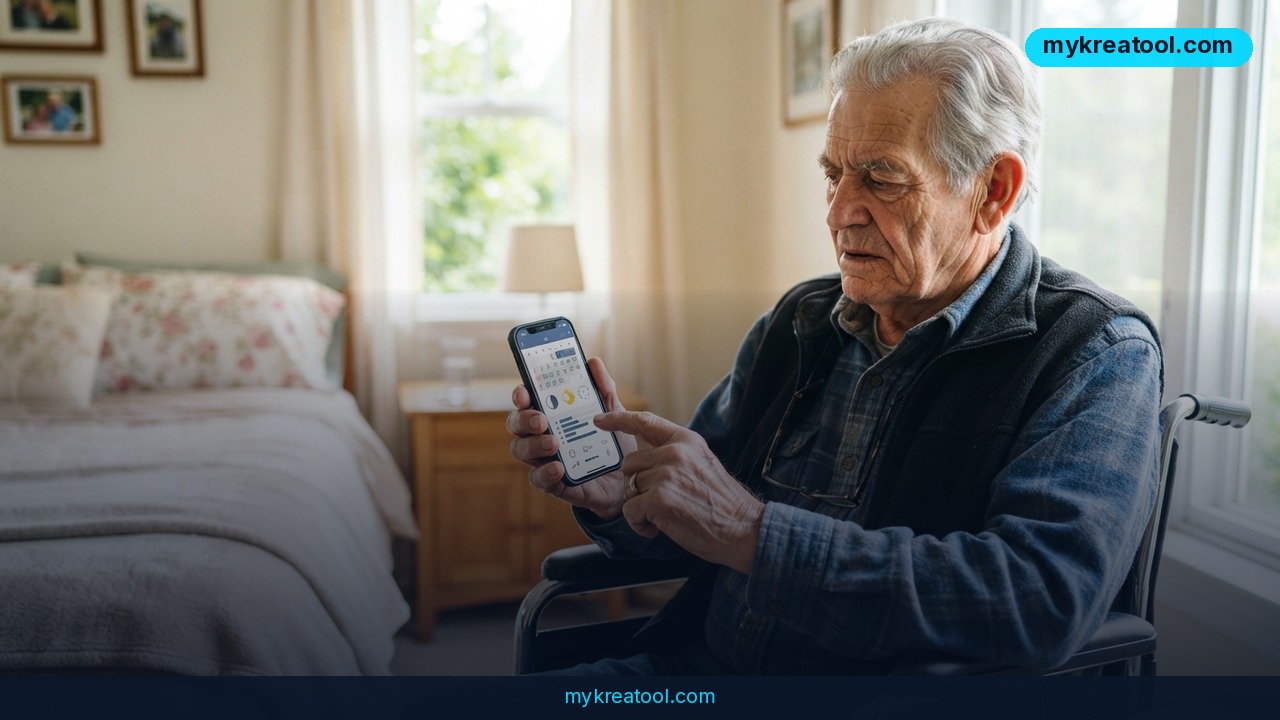
A Reddit user preparing for a Social Security Disability (SSDI) hearing recently asked a simple question with high stakes attached: which free AI sleep log tool can reliably create and update a running record over time? The poster, who has survived two strokes and a heart attack and now uses a wheelchair, needs to log sleep and naps daily ahead of a phone hearing with an Administrative Law Judge scheduled for September 7. According to their post on r/artificial, both Microsoft Copilot and Anthropic's Claude "massively failed" at the task — meaning the tools either lost track of previous entries, failed to maintain a consistent format, or couldn't reliably append new data to an existing log without the user re-explaining the whole history each time.
This is not a hypothetical edge case. It's a real person trying to build evidence for a federal disability determination, and the tool they reached for — a general-purpose AI chatbot — wasn't built for the job. Chat-based AI assistants are optimized for one-off conversations, not for persistent, structured, date-stamped records that need to survive weeks of updates without drifting or resetting.
Why it matters
SSDI hearings run on documentation. Judges and vocational experts weigh symptom logs, sleep patterns, and daily-function records heavily when deciding whether a claimant's limitations match their testimony. A sleep and nap log spanning several weeks can be the difference between a favorable and unfavorable ruling, especially for conditions involving fatigue, cognitive impairment, or post-stroke recovery.
The core problem the poster hit is a known limitation of chat-first AI tools: most consumer chatbots don't have durable, user-editable memory by default. Ask Claude or Copilot to "remember this log and add to it tomorrow,” and unless you're using a specific persistent-memory or project feature, the conversation context resets or gets buried after a few sessions. For someone managing serious health conditions on a fixed routine, that's not a minor annoyance — it's a barrier to building a court-ready document. An estimated 2 million SSDI applications are filed with the Social Security Administration each year, and a large share are denied at the initial stage, partly due to insufficient medical and functional evidence.
How to use it today
The fix isn't a smarter chatbot — it's picking the right kind of tool for a structured, recurring task. A few practical options:
• Spreadsheet + AI assistant combo: Keep the actual log in Google Sheets or Excel, and use AI only to generate the template, formulas, and periodic summaries. This guarantees the data persists regardless of what the AI "remembers."
• Note apps with AI built in: Notion AI or similar tools let you keep a living page that updates daily, with AI summarizing trends (average sleep hours, nap frequency) without needing conversational memory.
• Simple form-based trackers: A daily Google Form feeding a spreadsheet removes the memory problem entirely — every entry is saved automatically and timestamped, which also strengthens the log's credibility for a judge.
• Free AI utilities for one-off tasks: For generating a clean log template, formatting entries, or turning raw notes into a polished PDF summary before the hearing, a lightweight resource like the free tools at mykreatool.com can handle the formatting and conversion work without requiring an account or ongoing memory of your data.
The key principle: let a database or spreadsheet hold the record, and let AI handle formatting, summarizing, or generating reports from it — not the storage itself.
Setting it up in under 10 minutes
1. Create a spreadsheet with columns for date, sleep start/end, nap times, and notes.
2. Link it to a simple form for daily entry (phone-friendly for wheelchair users with limited mobility).
3. Ask an AI assistant to generate a weekly or monthly summary from the exported data — a task chatbots handle well precisely because it's a single input/output request, not a memory-dependent one.
4. Export the final summary as a PDF to bring to the hearing.
Who benefits
This approach helps far beyond one SSDI applicant. Anyone managing a chronic illness, tracking medication timing, or documenting symptoms for a disability claim, workers' comp case, or insurance appeal faces the same memory limitation with consumer AI tools. Caregivers logging a family member's condition, patients preparing for specialist appointments, and even entrepreneurs tracking daily business metrics all run into the same wall: AI chat tools are great at one-shot answers, weak at long-running records.
Small business owners and creators benefit from the same lesson in a different context — using AI for generation and analysis tasks (drafts, summaries, formatting) while keeping the actual record-of-truth in a durable, exportable format they control.
Risks
There are real risks in over-relying on AI chat memory for anything legally consequential. If a chatbot's memory silently drops entries or reformats data inconsistently, a claimant could show up to a hearing with a log that has gaps or contradictions — which can actively hurt credibility with a judge. Free AI tools also vary in data retention and privacy practices, so health information should never be pasted into a chatbot without checking its data policy first. For SSDI purposes specifically, it's worth confirming with a disability advocate or attorney that a self-generated log meets the documentation standards the ALJ expects, since format and consistency matter as much as content.
Conclusion
AI chatbots like Copilot and Claude are excellent at drafting, summarizing, and one-time analysis, but they weren't designed to be a persistent medical logbook — a real gap for anyone building evidence for an SSDI hearing. The reliable fix is separating storage from AI: keep the sleep and nap log in a spreadsheet or form-based tracker that saves every entry automatically, and use AI only for formatting, summarizing, or generating the final report to bring to the September hearing. That combination is free, dependable, and won't lose a single day's data.



Comments 0