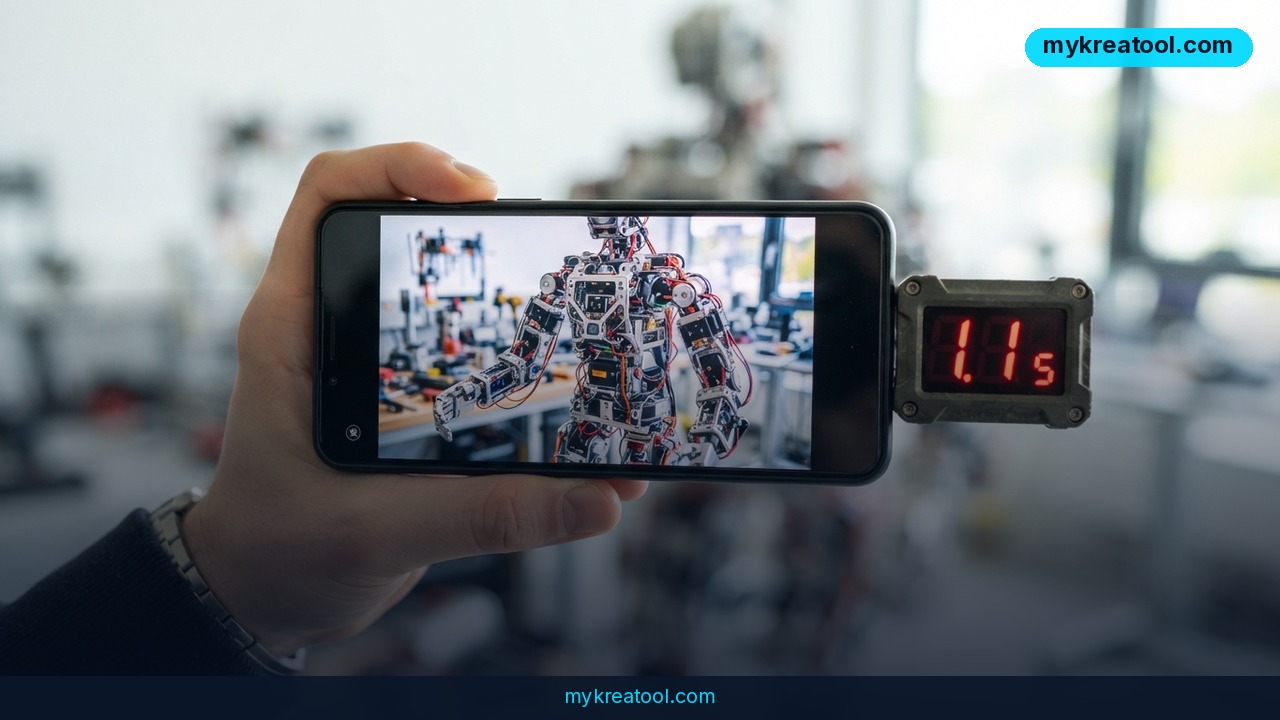
If you've ever sat watching a progress bar crawl across the screen while an AI image generator "thinks," Recraft's newest update was built with you in mind. The company has shipped Recraft V4.1 Flash V2, a speed-first refresh of its Flash image model, and by its own stopwatch a single frame now renders in 1.1 seconds.
That's the claim. Here's what actually changed, what independent testing shows, and how you can put it to work today without paying a cent.
What happened
Recraft released Recraft V4.1 Flash V2 as an update to its existing Flash line, and the headline number is latency — the delay between hitting generate and getting a picture back. According to Recraft's own measurements, one image takes 1.1 seconds to render. For context, that's roughly the time it takes to say "okay, cool" out loud.
Everything else about the economics stayed put. The cost of generating an image didn't move, so this is a straight upgrade rather than a new, pricier tier. If you already use Recraft, you're not being asked to re-buy anything.
Speed wasn't the only thing that changed
Two quality improvements came bundled with the speed boost, and both matter more than they sound.
The first is text rendering inside scenes. Until recently, asking an AI for a coffee cup with a word printed on it usually got you a cup covered in alien scribbles — letters that look right at a glance and fall apart the moment you focus. Recraft says that's noticeably stronger in this update, which is the difference between an image you can post and one you'd have to fix in Photoshop.
The second is fine detail work: the small stuff like stitching on a jacket, the grain of a wooden table, the tiny print on a poster in the background. That's usually where fast models cut corners. Recraft says this one doesn't.
DesignArena put it on the clock
Company benchmarks are one thing; outside testing is another. On DesignArena's Image Arena, an independent platform where people vote on model outputs side by side, the numbers held up. Testers recorded an average of 1.5 seconds per frame — slower than the 1.1-second claim, which is normal once real-world queues and prompt complexity get involved, but still fast enough to beat 100% of the models in the table.
It also came in 18 times faster than the average across the whole leaderboard. More interesting is where it landed on the Preference vs Speed chart. Preference is how often people actually pick a model's output in blind comparisons; speed is how long you wait. The Pareto frontier is the outer edge of that chart — the models nobody else beats on both counts at once. Recraft V4.1 Flash V2 is sitting on that edge.
What it means for you
Speed stops being a spec-sheet number the moment you use these tools daily. When a render takes 30 seconds, you think hard before every prompt — you batch ideas, you hoard generations, you settle for "good enough." When it takes 1.5 seconds, you just try things. It turns image generation from a task you schedule into a conversation you have.
That shift matters differently depending on what you do all day.
At home
Redecorating a living room? You can now generate 20 variations of a colour scheme before your coffee goes cold, then show your partner the one you actually like instead of describing it badly. Same for birthday invitations, a poster for a kid's school project, or a label for the jars of jam you keep giving away.
At work
Slides, mockups, and quick visuals for a client email usually die in the gap between "I know what I want" and "it's not worth the wait." At this speed, you drop an image straight into the deck mid-meeting. Nobody's sitting through a spinner while you present.
For business
Product shots, ad variations, thumbnail tests — this is where MyKreaTool earns its keep, since it's a free directory of AI tools that lets you compare options before you commit budget to one. Testing 30 ad creatives instead of three is a real advantage, and it's the kind of thing that used to cost either a designer's afternoon or a whole lot of credits.
For study
Diagrams, illustrated flashcards, a picture of the Battle of Hastings that isn't a stock photo of a museum wall. Quick renders mean you can generate a visual for every concept in a chapter without turning it into an afternoon project.
For creativity
Storyboards, comic panels, moodboards, album art for a friend's band. Artists have always used thumbnails to think; cheap, instant thumbnails just mean you can think faster and throw away more bad ideas — which is how good ones show up.
For income
Print-on-demand sellers, Etsy shops, freelance designers and YouTube channels live or die on volume. If a design takes 1.5 seconds to draft, you can produce a whole catalogue of options in the time it used to take to make one, then polish only the winners by hand.
How to try it right now
The free route works fine for testing the speed claim, and it takes about two minutes.
1. Go to Recraft and create a free account. You'll be on the free plan, which gives you a starter allowance of generations — plenty to see whether the speed is real.
2. Open Recraft Studio and pick Recraft V4.1 Flash V2 from the model selector. If you leave it on a heavier model, you won't see the 1.1-second performance and you'll assume the whole thing is marketing.
3. Test the thing it's actually good at. Prompt something like: a ceramic mug on a wooden desk, the word 'FRESH' printed on the side, morning light. Text in the image is the hardest part, so if that comes out clean, you know the update is real.
4. Time it yourself. Phone stopwatch, three renders, average the result. Your number will land somewhere between Recraft's 1.1 seconds and DesignArena's 1.5 — that gap is normal.
5. Cross-check against the competition on DesignArena, where you can compare outputs blind and vote on what looks better rather than what sounds better in a press release.
Upsides and what changes
• Your prompt loop gets faster than your typing. Iteration stops being a bottleneck, which is genuinely the biggest change here.
• Text inside images becomes usable. Signage, packaging mockups, quote graphics and poster layouts stop being a cleanup job.
• The price held steady. Same cost per generation, better output — that's the rare update that's just good news.
• It leads on the trade-off chart, not just one axis. Fast models are usually uglier; this one reportedly isn't, which is the whole point of the Pareto front.
• Drafting gets cheaper in time, not just money. You'll spend more prompts and fewer minutes, and that's the right trade.
Limitations
Be clear-eyed about a few things. The 1.1-second figure is Recraft's own measurement, and independent testing averaged 1.5 seconds — real speed will slide further with complicated prompts, high resolution, and busy servers, so don't plan a live demo around the headline number. "Flash" models are built to trade some raw fidelity for speed, which makes this a superb drafting and ideation tool but not automatically the model you'd choose for a final hero image that has to survive a billboard. Better text rendering is an improvement, not a cure — small type and long words still trip image models up, so check every label before you ship. Leaderboard position tells you how a model performs on other people's prompts, not yours. And a fast model won't rescue a vague prompt; garbage in, garbage out, just quicker.
Conclusion
The story here isn't really about a stopwatch. It's that AI image generation has quietly crossed the line from "wait for it" to "already done," and Recraft V4.1 Flash V2 is currently the clearest example of that. Same price, sharper text, and renders that come back before you've finished re-reading your own prompt.
One thing to do today: open Recraft, start on the free plan, select Recraft V4.1 Flash V2, and generate a single image that contains a word. If the letters come out clean in under two seconds, you'll know exactly what changed.



Comments 0