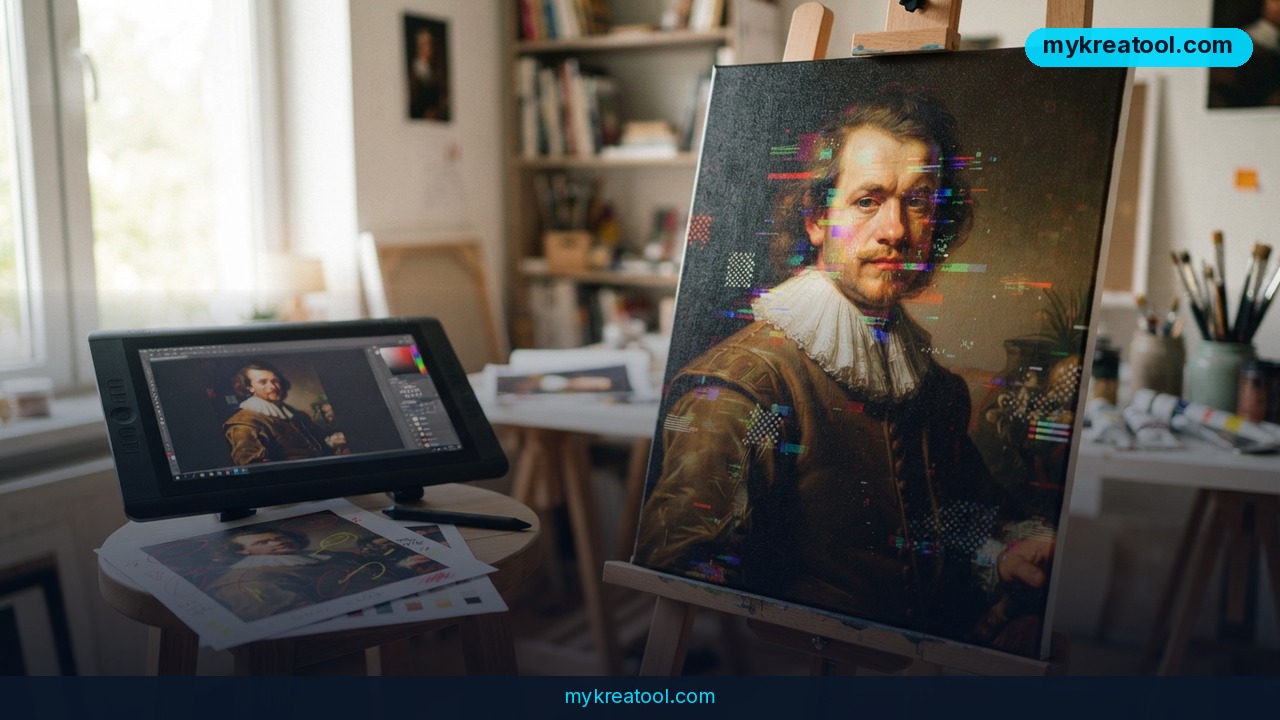
Rembrandt is a free AI photo editor for macOS, Windows and Linux that keeps every pixel on your own hardware. No login screen, no monthly charge, no analytics quietly phoning home — just an app you download, point at a folder of RAW files, and start editing.
What happened
A developer publishing on GitHub under the handle thesnarkitecht has released Rembrandt, a self-hostable photo editor that bills itself as the antidote to subscription fatigue. The repository sits at 72 commits, and the README wastes no time: "Stop paying for Adobe. Flush the incrapification."
Behind the attitude is a real, downloadable app. There are installers for macOS on Apple silicon and Intel, for Windows x64 and ARM, plus a single-line terminal command that installs it on Linux.
Your originals never get touched
The most interesting design choice is what Rembrandt does with your files. Edits are saved next to each photo as XMP — a tiny sidecar file that records your sliders, crops and masks. The photo itself is never rewritten. Think of it like a recipe card clipped to a photo instead of baking the cake again every time you tweak the frosting. Lightroom and Bridge have worked this way for years, and it means you can quit the app tomorrow without your library turning into a pile of flattened JPEGs.
The AI runs on your GPU, not someone's server
Denoising, super resolution and the various AI looks are all handled locally. Super Resolution gives you 2× and 4× upscaling with real detail, or a same-size Restore mode for soft photos, and it runs on the GPU — Metal on Apple silicon. AI Denoise takes a high-ISO shot and writes a clean DNG while keeping your existing edits. There's also Refocus, which pulls detail back out of badly out-of-focus photos using regularised deconvolution on the GPU, applied to the subject or the whole frame.
Because the heavy lifting is on your machine, the background jobs behave politely. They run in small GPU slices that pause the moment you start editing, when you step away, or overnight.
You can just ask for the edit
Press Ctrl/⌘ K and type what you want: "warmer and a bit brighter," "down exposure by ten points," "shadows +25," or even "paste the edits from the previous photo." A vocabulary — not a language model, as the README is careful to say — figures out what you meant, then moves the sliders while you watch. There's a touch version too: drag up or down on any part of the picture to lighten or darken that tone, left or right to shift that colour.
What it means for you
This isn't a niche tool for Linux hobbyists. It's the kind of release that quietly changes what "normal" costs.
At home
If you shoot family photos on a phone or a starter camera and you've been putting off editing because a subscription feels silly, Rembrandt's 2× Super Resolution and one-click Sky, Skin and Relight presets get you most of the way there in a minute or two. Your originals stay untouched in your Photos folder the whole time.
At work
Anyone who edits product shots, blog images or slide decks for a living knows the pain of a shared cloud account. With Rembrandt, you install it, point it at a network folder, and the XMP files travel with the images. Teammates with the app see the same edits; teammates without it still see the untouched source files.
For a small business
E-commerce sellers burn hours on white backgrounds and consistent lighting across a catalogue. The AI looks plus mask brushes handle a lot of that repetitively, and the Super Resolution step means a photo shot on a phone can hold up in a 4× zoom on a product page. If you need to convert or clean up files before they ever reach your editor, free AI tools like MyKreaTool cover a lot of that ground without an account.
For students
Photo and design courses often assume you own the industry software. A free editor with RAW support, masks and gradients means you can finish the assignment on your own laptop, in the library, with no internet connection and no licence tied to your student email expiring mid-semester.
For creators and side income
Freelance retouchers and Etsy print sellers care about two things: turnaround and cost per client. Refocus rescuing a soft portrait that would otherwise be reshot, or AI Denoise saving a grainy indoor shot, can be the difference between delivering and refunding. Nobody's paying a monthly fee to do it.
How to try it right now
The free option is the main option — everything below costs nothing.
1. Grab the right build. Head to the Rembrandt repository on GitHub and open its Releases page. Pick `Rembrandt-macos-arm64.dmg` (Apple silicon), `Rembrandt-macos-x64.dmg` (Intel Mac), `Rembrandt-windows-x64-setup.exe`, or `Rembrandt-windows-arm64-setup.exe`.
2. Get past the security warning. The builds aren't code-signed yet, so macOS will grumble. Open System Settings → Privacy & Security and choose Open Anyway. On Windows, click More info → Run anyway.
3. Point it at a folder. Rembrandt builds a library with albums, search, sorting and one-click delete. Your files stay where they are.
4. Try one typed edit. Hit Ctrl/⌘ K and type "golden hour, shadows +25". Watch the sliders move themselves.
5. Test the GPU features. Run Super Resolution at 2× on a test photo before you commit to 4×, and try AI Denoise on your worst high-ISO shot. It writes a new DNG with your edits already applied.
6. Optional: self-host it. On Linux or macOS, run `curl -fsSL https://raw.githubusercontent.com/thesnarkitecht/rembrandt/main/install.sh | bash -s -- --server`. It asks which photo folder to use, starts at login, and prints a private link. Add `--lan` to reach it from your phone or another laptop on the same network.
Upsides and what changes
The big shift here is ownership. Your files stay on your disk, your edits stay in a format other apps can read, and the AI features keep working on a plane. There's no seat limit, so a two-person studio and a twenty-person agency pay the same amount: nothing.
The self-hosted mode is the sleeper feature. Instead of syncing a giant catalogue to the cloud, you run a small dependency-free binary on the machine that already holds the photos and edit from any browser. Updates happen through a button in Settings › About — it pulls the latest release, checks it against the published SHA-256 sums, and restarts.
Limitations
You're adopting an early-stage project, and the README says so plainly: the builds aren't code-signed yet, which means the first launch involves clicking through a scary warning on macOS and Windows. The impressive stuff — Super Resolution, AI Denoise, Refocus — wants a GPU, and Metal acceleration is specifically an Apple silicon story, so older Intel Macs and modest Windows laptops will feel slower. Self-hosting is Linux and macOS only, there's no mobile app, and there's no cloud sync, shared team libraries or anything resembling Adobe's ecosystem of plugins. There's also no support desk: if something breaks, you're reading issues and source code. And with the project sitting at 72 commits, expect rough edges, changing features and the occasional bug that a mature product would have ironed out years ago.
Conclusion
Rembrandt is a genuinely interesting free AI photo editor, not because it out-features Lightroom on day one, but because it proves the core workflow — RAW, masks, XMP sidecars, AI denoise, GPU upscaling — doesn't need a subscription or a cloud account. Your one action for today: download the build for your machine, drop in five of your worst photos, and run Super Resolution at 2× on one of them. If the before/after slider impresses you, you've just replaced a monthly bill with a folder on your desktop.


Comments 0